What is adsideō
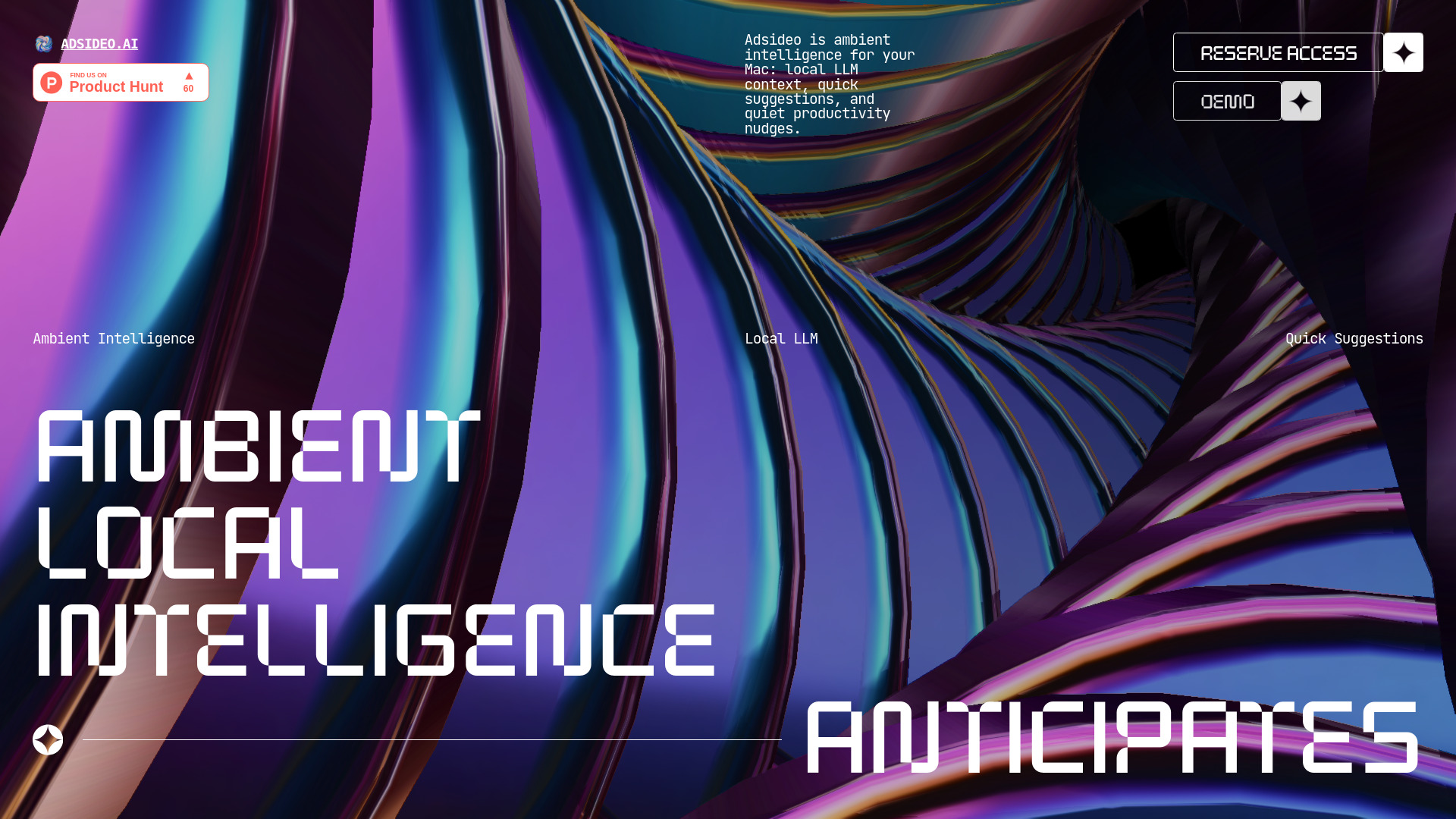
Adsideō is an ambient intelligence layer for Mac that runs locally on your device. It uses a local LLM to understand your current work context and surfaces quick, relevant suggestions—like follow-ups, fixes, files, or next actions—at the right moment, helping you stay in flow without switching context.
How to use adsideō
- Install the app on your Mac (Apple silicon M1–M5).
- Work normally—Adsideō runs quietly in the background, capturing local context from your screen, meetings, files, and apps.
- Receive suggestions as compact actions that appear when they can save you time.
- Approve or ignore each suggestion with a single click to keep moving.
Features of adsideō
- Ambient awareness – Notices useful signals across screens, meetings, files, and apps without interrupting your flow.
- Local LLM reasoning – Small local models understand current context and match it to what helped before.
- Quick suggestions – Surfaces follow-ups, fixes, files, or next actions at the moment they can save time.
- Privacy-first – Local by default with clear controls; no mystery training pipeline.
- Minimal interface – Suggestions appear without pulling you away from your work.
Use Cases of adsideō
- Follow-ups – After a meeting or email, Adsideō suggests the next action or reply.
- Fixes – When you encounter an error or inconsistency, it offers a quick correction.
- File retrieval – It surfaces the file or document you need based on current context.
- Context switching – When moving between tasks, it reminds you of relevant information or pending items.
Pricing
- 14-day free trial – Start with no commitment.
- $15/month after the trial ends.
- Early users help shape the private beta before public release.
FAQ
Is my data private? Yes. Adsideō is local-first by default with clear controls. Your work context stays on your Mac and is not used for training external models.
What Macs are supported? Apple silicon only: M1, M2, M3, M4, and M5 chips.
How do I get early access? Sign up with your email on the website to reserve early access. The first 200 users receive a download link immediately; others are added to a beta list and receive links in batches.