LogoTopAIHubs
icon of AI Cad Drawing Generator

AI Cad Drawing Generator

AI-powered CAD generator that converts sketches, photos, and text prompts into precise technical drawings in seconds.

Introduction

What is AI Cad Drawing Generator

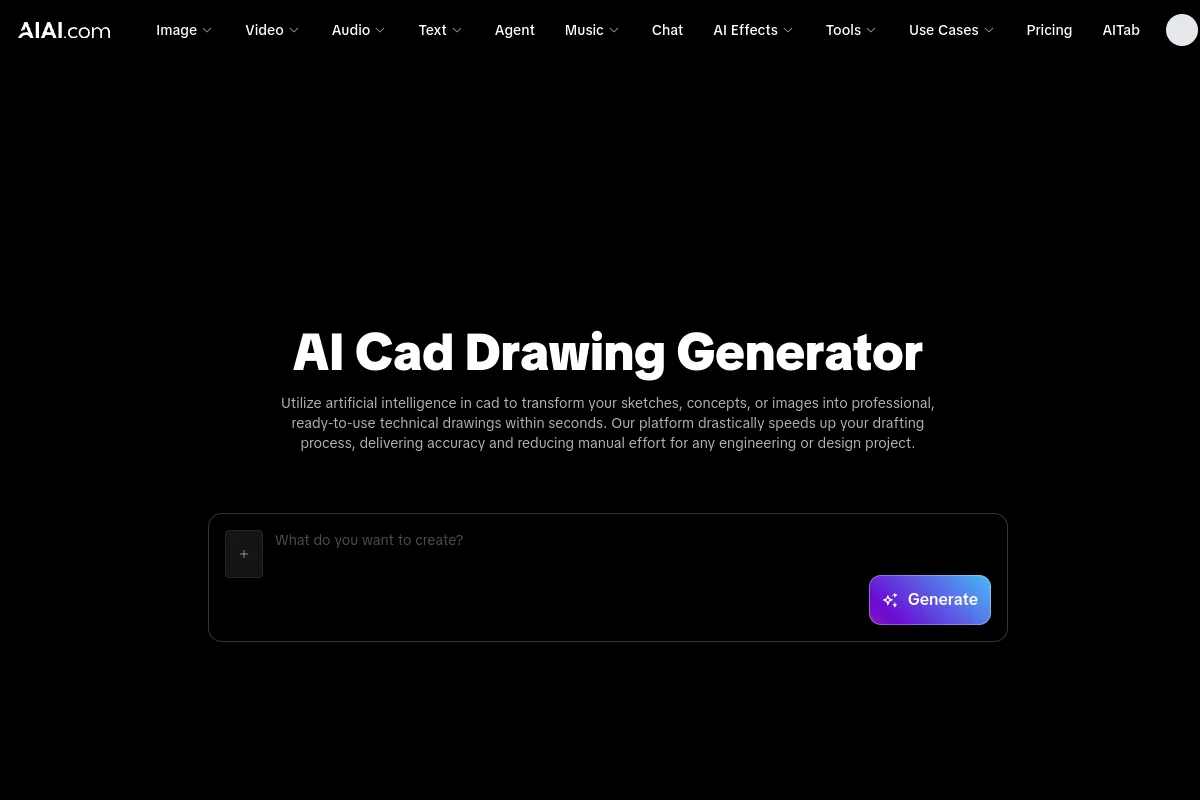
AI Cad Drawing Generator is a tool that utilizes artificial intelligence to convert sketches, photos, and text prompts into precise technical drawings in seconds. It aims to streamline the drafting process for engineers and designers, reducing manual effort and increasing accuracy.
How to use AI Cad Drawing Generator
  1. Upload Your Design Input or Enter a Prompt: You can upload an image, a sketch, or provide a detailed text description of the technical drawing you need.
  2. Define Parameters and CAD Style: Select output specifications such as scale, dimensions, and the required CAD standard (e.g., mechanical, architectural).
  3. Generate and Export Your CAD images: Click 'Generate' and let the AI create the precise technical drawings. Download your work in minutes.
Features of AI Cad Drawing Generator
  • Converts sketches, photos, and text prompts into technical drawings.
  • Generates drawings in seconds.
  • Offers high precision and adherence to engineering standards.
  • Reduces drafting time significantly.
  • Minimizes human error.
  • Provides cost savings by lowering overhead.
  • Supports various input formats including images (JPEG, PNG), PDF, and text prompts.
  • Offers a free tier for users to test basic functions.
  • Ensures all designs and uploads are kept private and secure.
  • User-friendly interface suitable for beginners.
Use Cases of AI Cad Drawing Generator
  • Creating technical drawings from hand-drawn sketches.
  • Converting photos of prototypes into usable CAD formats.
  • Generating designs based on text descriptions.
  • Rapid prototyping and concept development.
  • Idea visualization.
  • Automating parts of the design pipeline.
  • Creating various types of technical drawings, including architectural, mechanical, and structural.
FAQ
  • Is the AI Cad Drawing Generator free to use? Yes, a free tier is available for new users to test basic functions, allowing for a few technical drawings before subscribing to advanced features.
  • How accurate are the AI-generated technical drawings? The AI is trained on engineering blueprints to ensure high precision, meeting industry standards and typically accurate within specified tolerances for professional use.
  • Can the platform handle converting an image to CAD format? Yes, the platform handles high-resolution image-to-drawing conversion, accurately interpreting sketches, photos, or raster images to generate polished technical drawings.
  • What input formats are supported by the AI CAD automated system? Supported inputs include image formats (JPEG, PNG), PDF, and text prompts. The system can generate 2D drawings from various concepts.
  • How does artificial intelligence in CAD benefit my engineering workflow? AI in CAD streamlines repetitive tasks, automates dimensioning, and speeds up initial design phases, allowing engineers to focus more on problem-solving and innovation.

Newsletter

Join the Community

Subscribe to our newsletter for the latest news and updates