Newsletter
Join the Community
Subscribe to our newsletter for the latest news and updates

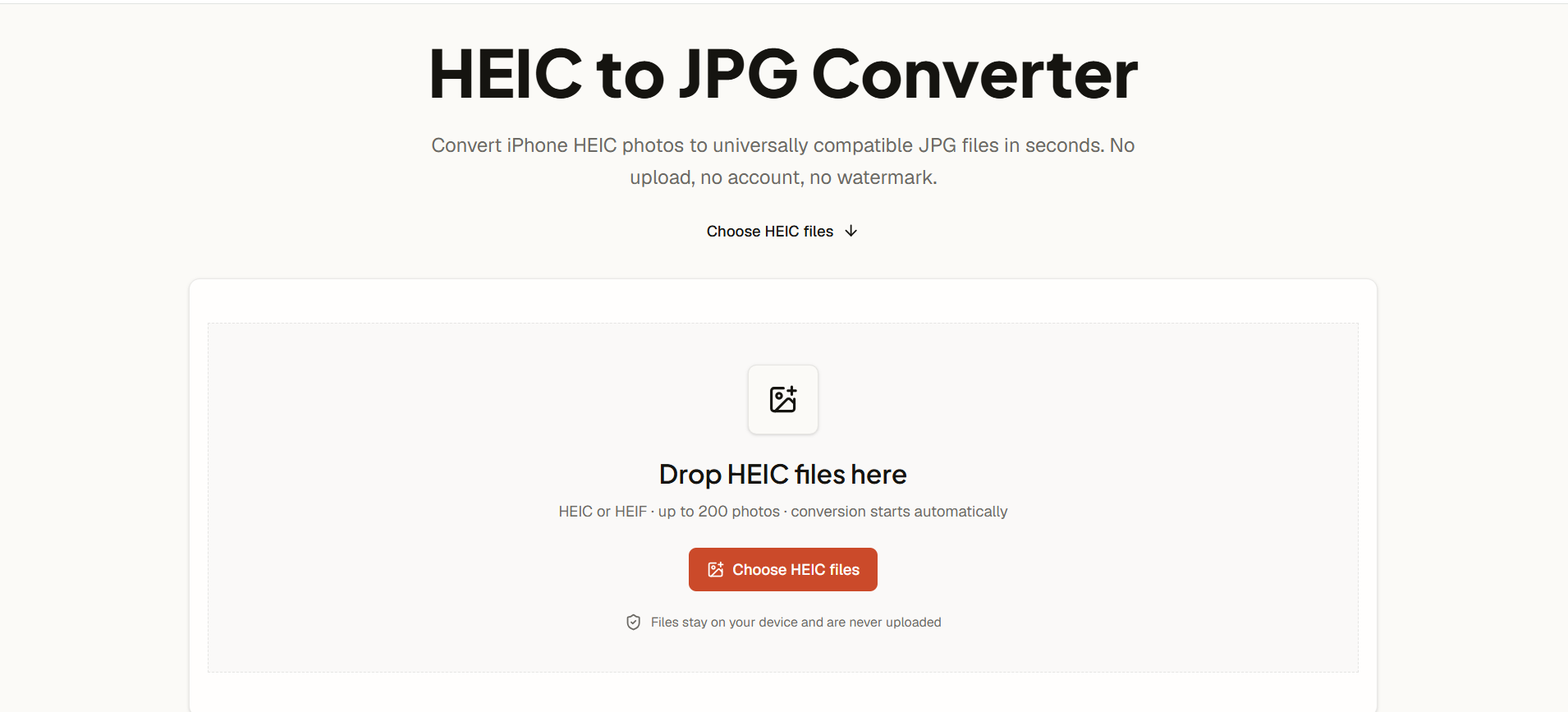
Private browser-based converter for HEIC and HEIF photos
AI HEIC to JPG Converter is a free, browser-based tool that converts HEIC and HEIF photos to universally compatible JPG files. It processes images locally on your device without uploading them to a server, ensuring privacy. The converter supports batch conversion of up to 200 photos at once and does not require an account or watermark.
AI HEIC to JPG Converter is free to use. There are no accounts, payments, or watermarks. You can convert up to 200 HEIC or HEIF photos per batch at no cost.
Is this HEIC to JPG converter free?
Yes. You can convert up to 200 HEIC or HEIF photos per batch without creating an account, paying, or adding a watermark.
Are my photos uploaded?
No. Decoding and JPG encoding happen locally in your browser. The files are not transferred to our server.
Can I convert HEIC to JPG on Windows, Mac, iPhone, or Android?
Yes. Use a current browser with WebAssembly support. The same local converter works across modern desktop and mobile platforms.
Does converting HEIC to JPG reduce quality?
Converting just changes the container so other software can read the photo — width, height, and orientation carry over unchanged. You can choose output quality: 80%, 92%, or 100%.
Can I convert multiple HEIC files at once?
Yes. You can add up to 200 HEIC photos, retry a single failure without restarting, and download one JPG or a ZIP once several are ready.
What is the difference between JPG and JPEG?
JPG and JPEG are the same format; the terms are used interchangeably.