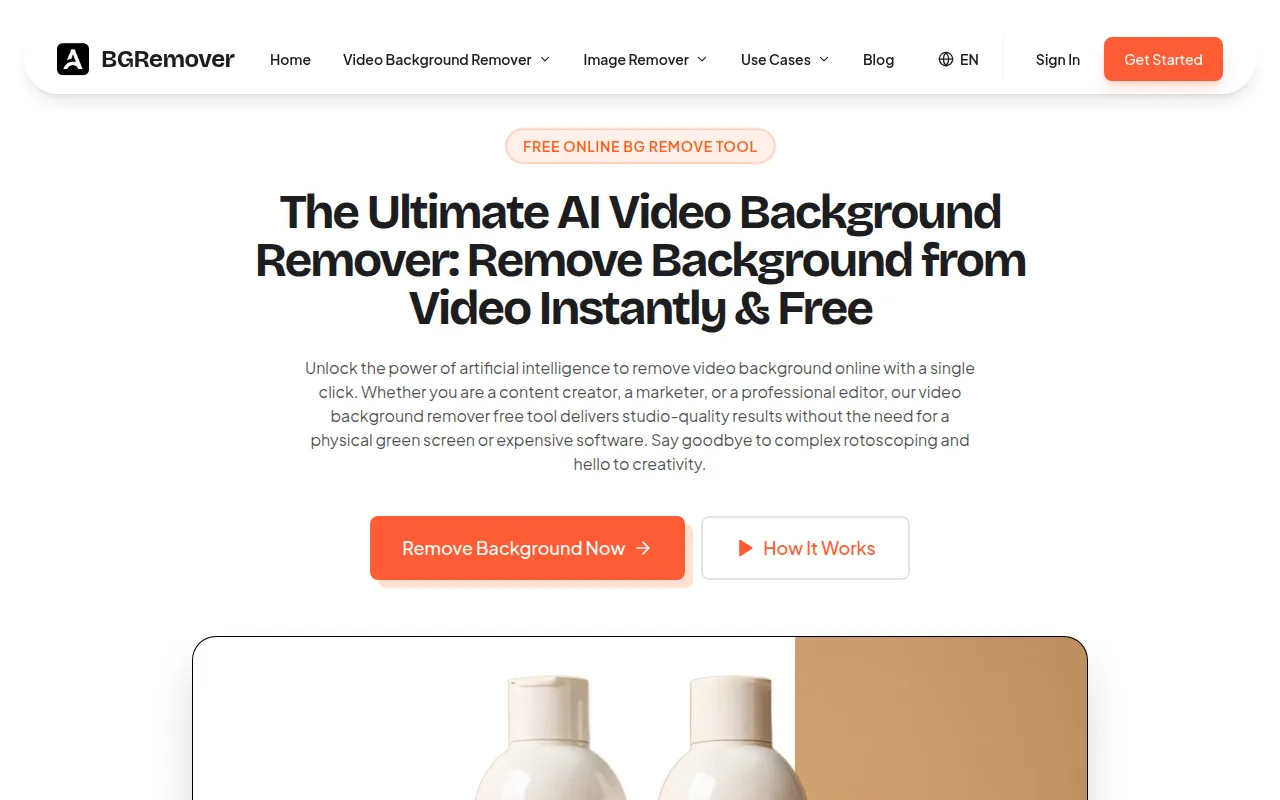
What is AI Video Background Remover
AI-powered online tool that instantly removes and replaces video backgrounds without a green screen, delivering high-quality transparent exports. It allows users to remove the background from video with a single click, offering studio-quality results without the need for a physical green screen or expensive software.
How to use AI Video Background Remover
- Upload Your Footage: Click the upload button or drag and drop your file into the online background remover. The platform supports various formats including MP4, AVI, and MOV.
- Automatic AI Processing: The AI engine analyzes the footage frame by frame, distinguishing the subject from the surroundings. The background removal process completes within moments.
- Edit and Export: After the background removal, you can keep the background transparent, add a solid color, or upload a custom image/video as the new background. Finally, download the high-quality video in your preferred resolution.
Features of AI Video Background Remover
- Unmatched AI Precision and Edge Detection: Accurately detects fine details like flying hair, semi-transparent fabrics, and rapid motion, ensuring a smooth, professional cutout.
- Limitless Background Replacement Options: Supports transparent backgrounds, solid colors, and custom image/video backdrops.
- High-Quality Export Formats: Maintains HD and 4K quality, with export options for MP4 and GIF.
- Lightning Fast Cloud Processing: All processing occurs on cloud servers, allowing use on various devices without lagging.
- No Green Screen Required: AI automatically identifies the subject and separates it from the environment.
Use Cases of AI Video Background Remover
- Social Media & Content Creation: Placing creators in memes, reaction videos, or news commentary settings; creating transparent GIFs.
- E-Commerce & Product Marketing: Showcasing products on clean backgrounds for professional listings.
- Professional Content & Corporate Communication: Cleaning up webcam footage for presentations, replacing distracting backgrounds with branded or professional settings.
- Personal Entertainment & Memes: Placing subjects in different scenes for fun or meme creation.
Pricing
Information on specific pricing plans, subscription tiers, or credit packages is available, including monthly, yearly, and weekly subscription options, as well as credit packages for purchase. A free trial is also mentioned.
FAQ
- Is this video background remover free to use? Yes, a free version is available with limitations on length and resolution, suitable for trying out the technology.
- How do I remove background from video without a green screen? The tool uses AI that automatically identifies the subject and separates it from the environment, no green screen is needed.
- Can I remove the background from long videos? Pro plans support longer files, while the free version is optimized for short clips.
- What video formats do you support? Major formats including MP4, MOV, WEBM, AVI, and MKV are supported.
- Is the removal quality high enough for professional use? Yes, the algorithm ensures smooth edges and handles detail well, making it suitable for professional use.
- Is my data safe when I remove background online? Videos are processed securely and deleted automatically after a few hours.
- Can I replace the background with my own image? Yes, after background removal, custom images or videos can be uploaded as the new background, or a solid color can be selected.