
Image to STL AI
AI 3D Model Generator
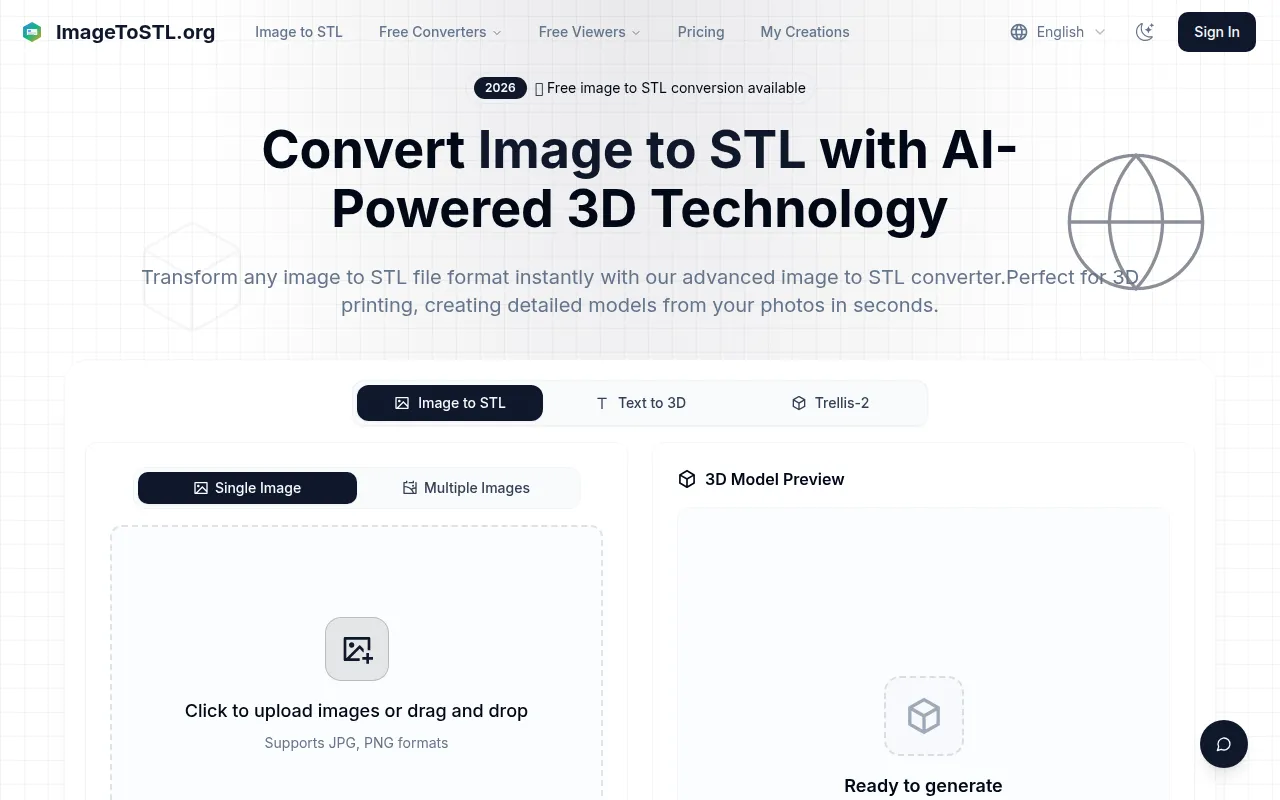
Turn JPG or PNG images into previewable STL and GLB models for 3D printing, with batch uploads and adjustable settings.
Check pricingVisit site

Text to 3D
AI tool for converting images into textured 3D models
Explore other tools in related categories.
AI 3D Model Generator
Turn JPG or PNG images into previewable STL and GLB models for 3D printing, with batch uploads and adjustable settings.

Text to 3D
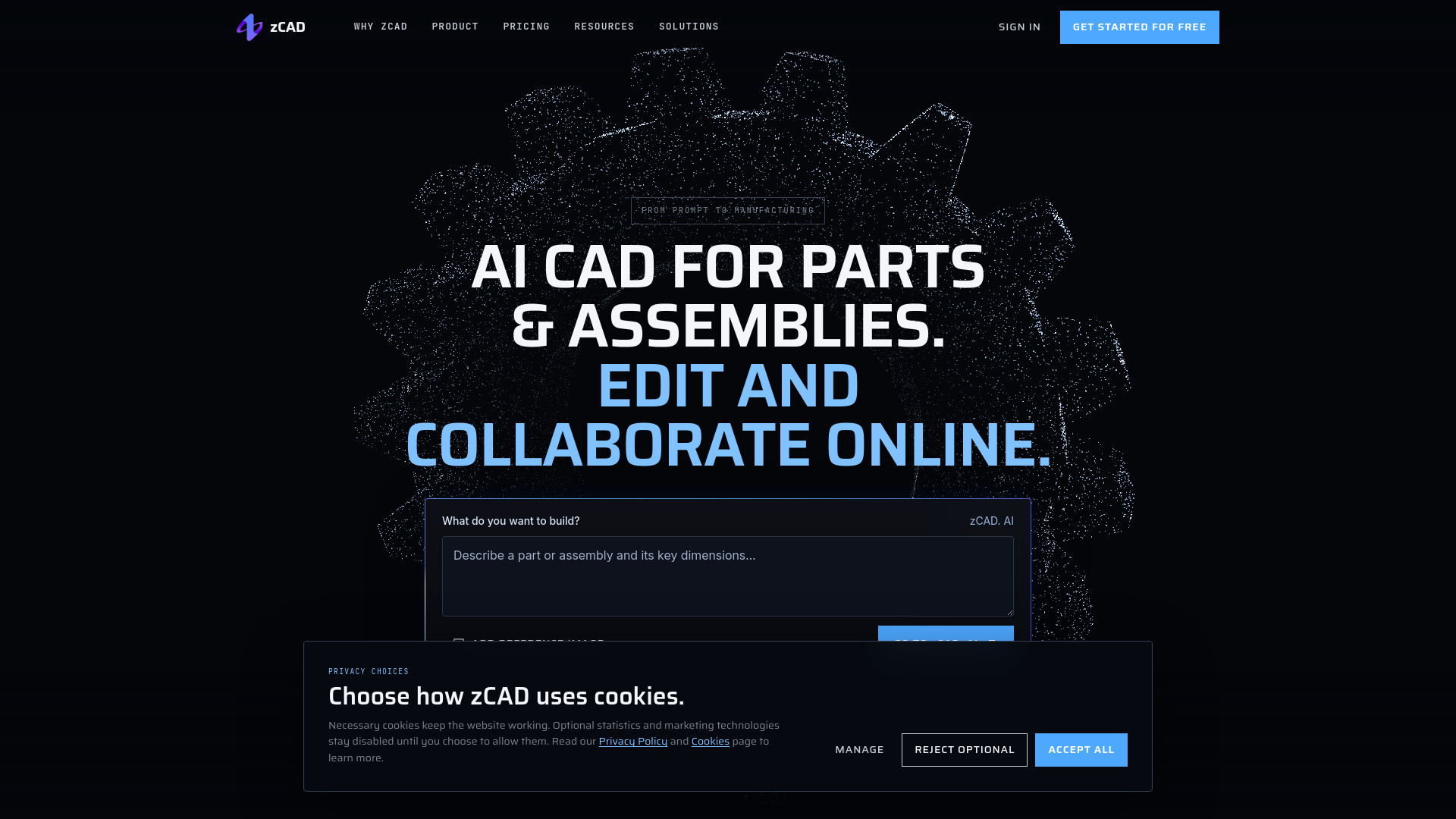
AI CAD for 3D design, parametric modeling and online collaboration.
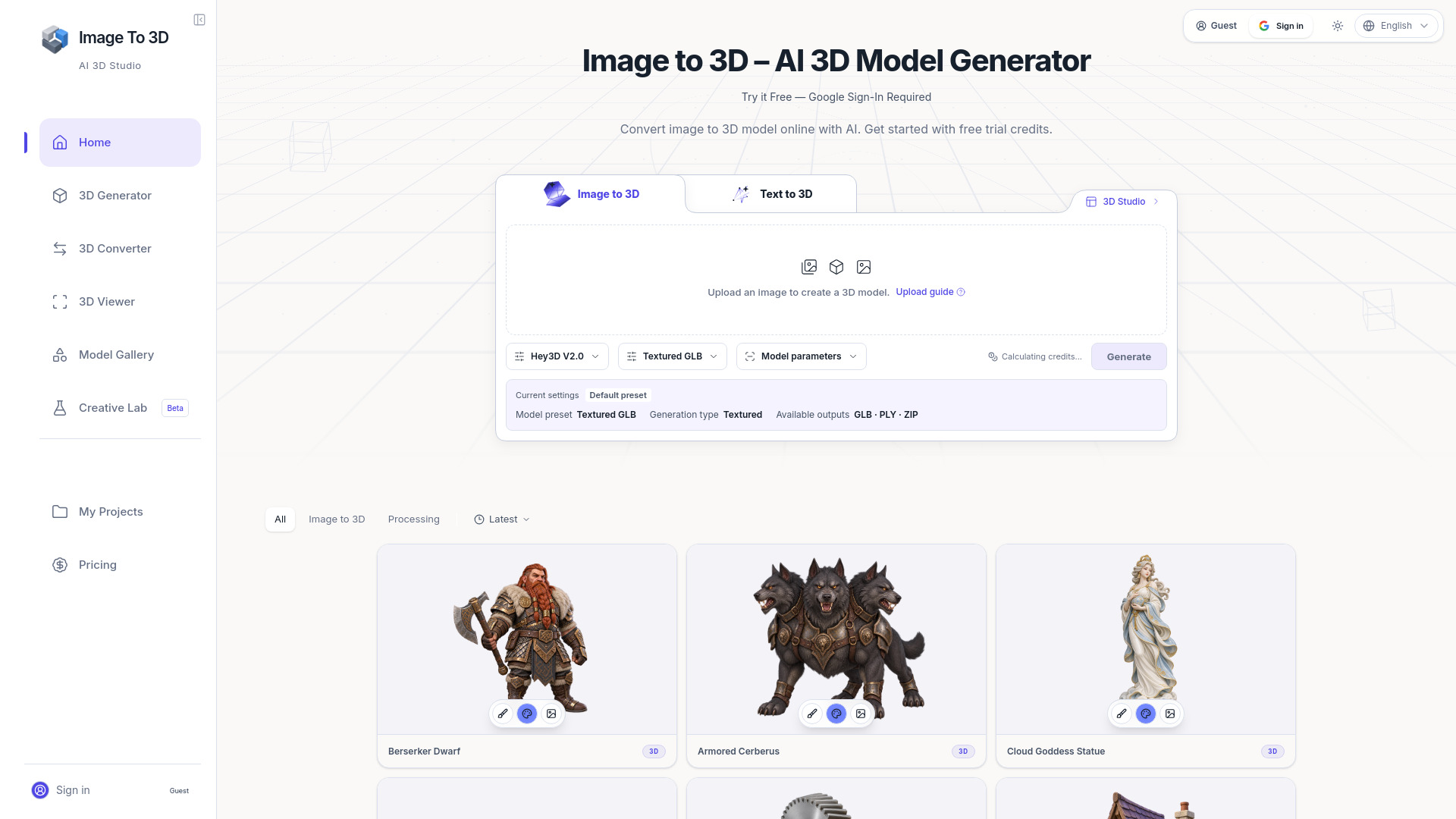
AI 3D Model Generator
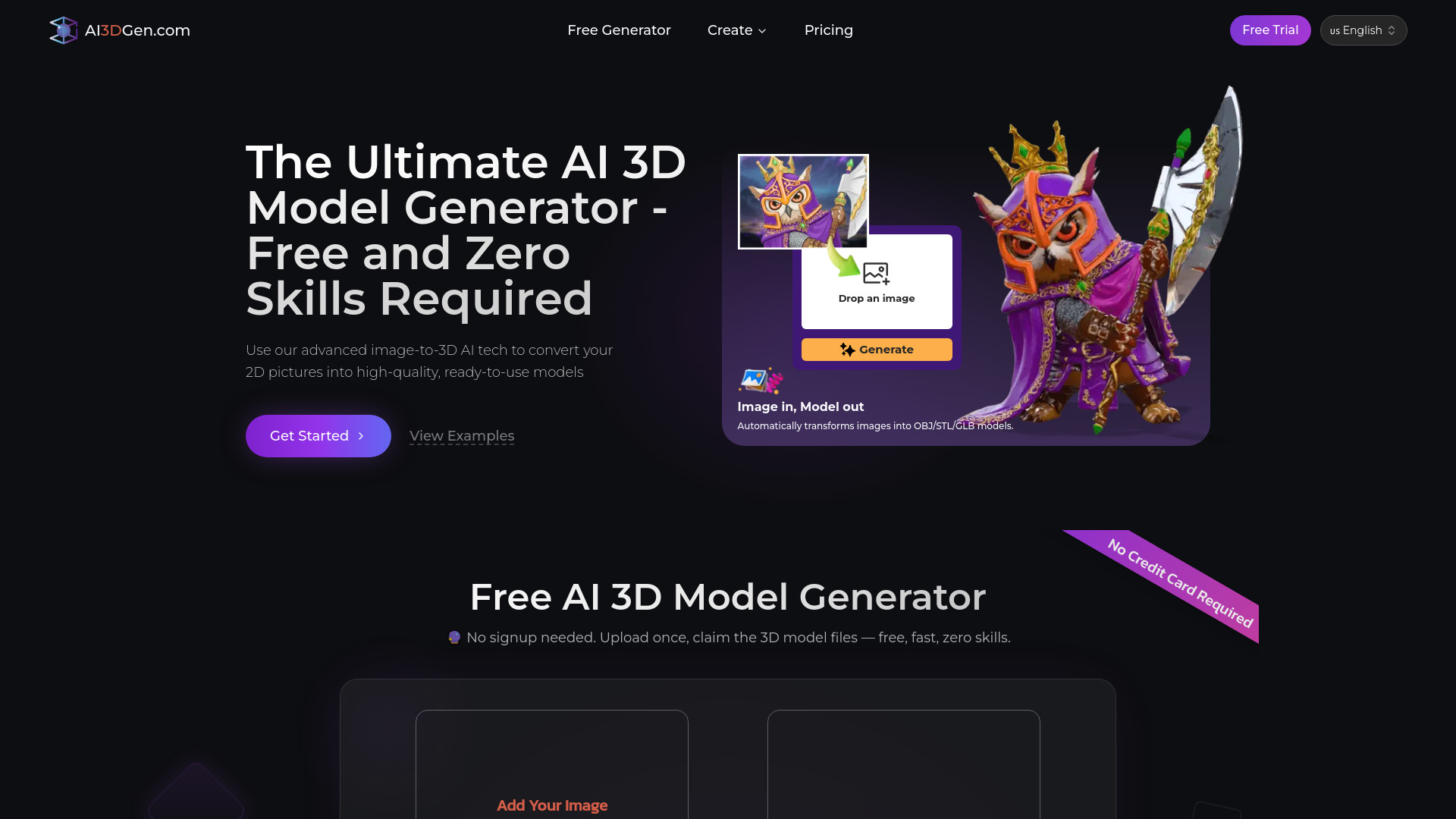
Generate, inspect, and export 3D models from images using AI.
AI3DGen is an AI-powered tool that converts 2D images into high-quality, textured 3D models. It uses advanced image-to-3D AI technology to automatically generate 3D assets from simple inputs like photos or drawings, without requiring any specialized skills. The tool is free to use, with no signup required, and supports multiple export formats including OBJ, STL, and GLB.
AI3DGen offers a free plan that uses the Lite AI model with queueing. For advanced features such as priority processing, higher detail, and full commercial rights, users can upgrade to a paid plan. The Pro plan includes Ultra Meshing, Priority Processing, and Commercial License. Pricing details are available on the pricing page.
Q: Is AI3DGen free to use? A: Yes, there is a free plan that uses the Lite AI model with queueing. No signup or credit card is required.
Q: What image formats are supported? A: JPG, PNG, and WebP are supported.
Q: How long does it take to generate a 3D model? A: Generation typically takes about 60 seconds, though free plan users may experience queueing.
Q: What export formats are available? A: Models can be exported as .GLB, .OBJ, or .STL files.
Q: Can I use the generated models commercially? A: Commercial rights are included with the Pro plan. The free plan may have restrictions.
Q: What is the maximum face count? A: You can choose from 5K, 10K, 20K, 30K, or 40K faces.