

CreativeMode
AI Game Generator
Create and share Minecraft mods without coding
Check pricingVisit site

AI Map Generator
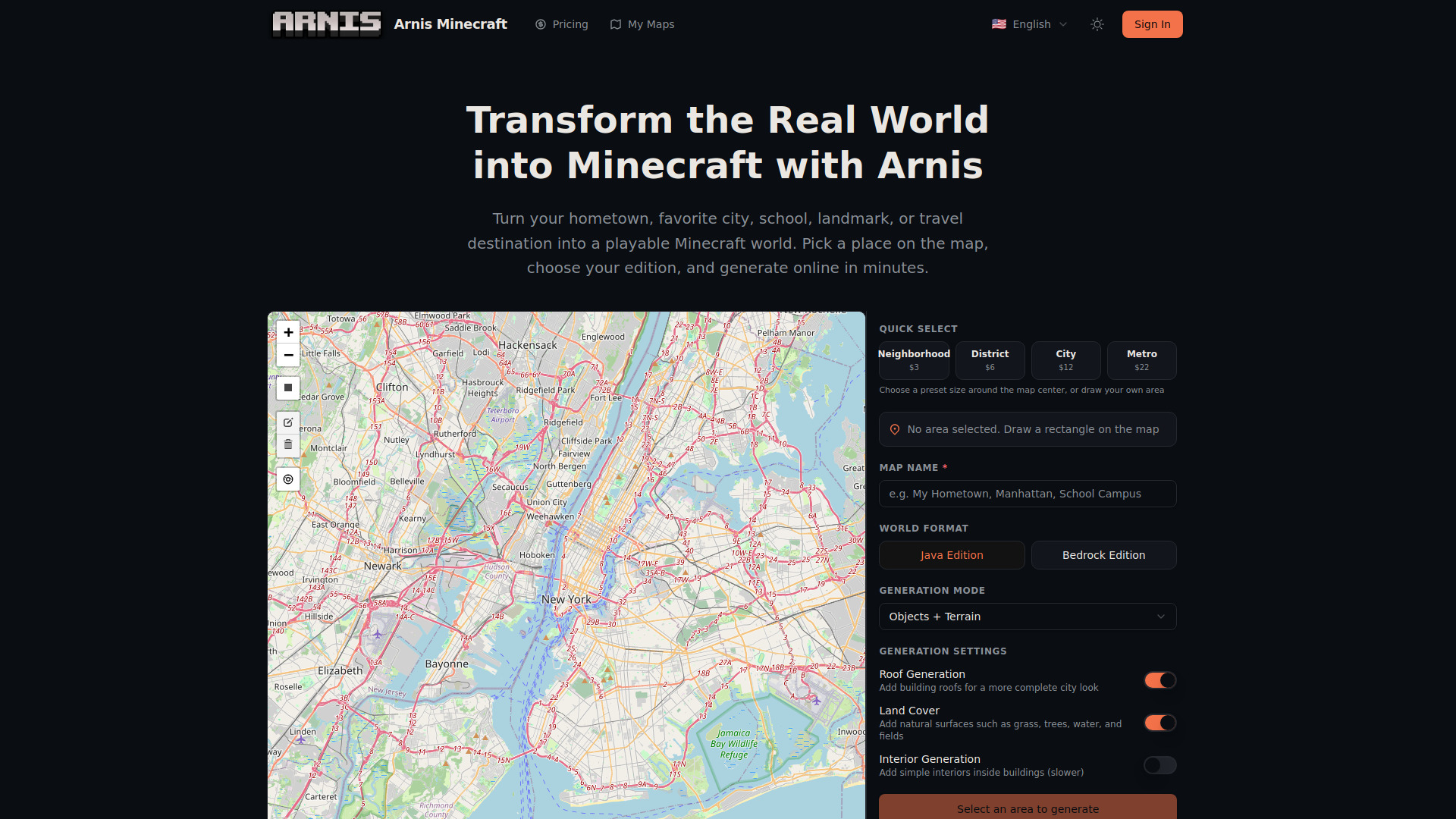
Generate playable Minecraft maps from real-world locations online.
Explore other tools in related categories.
AI Game Generator
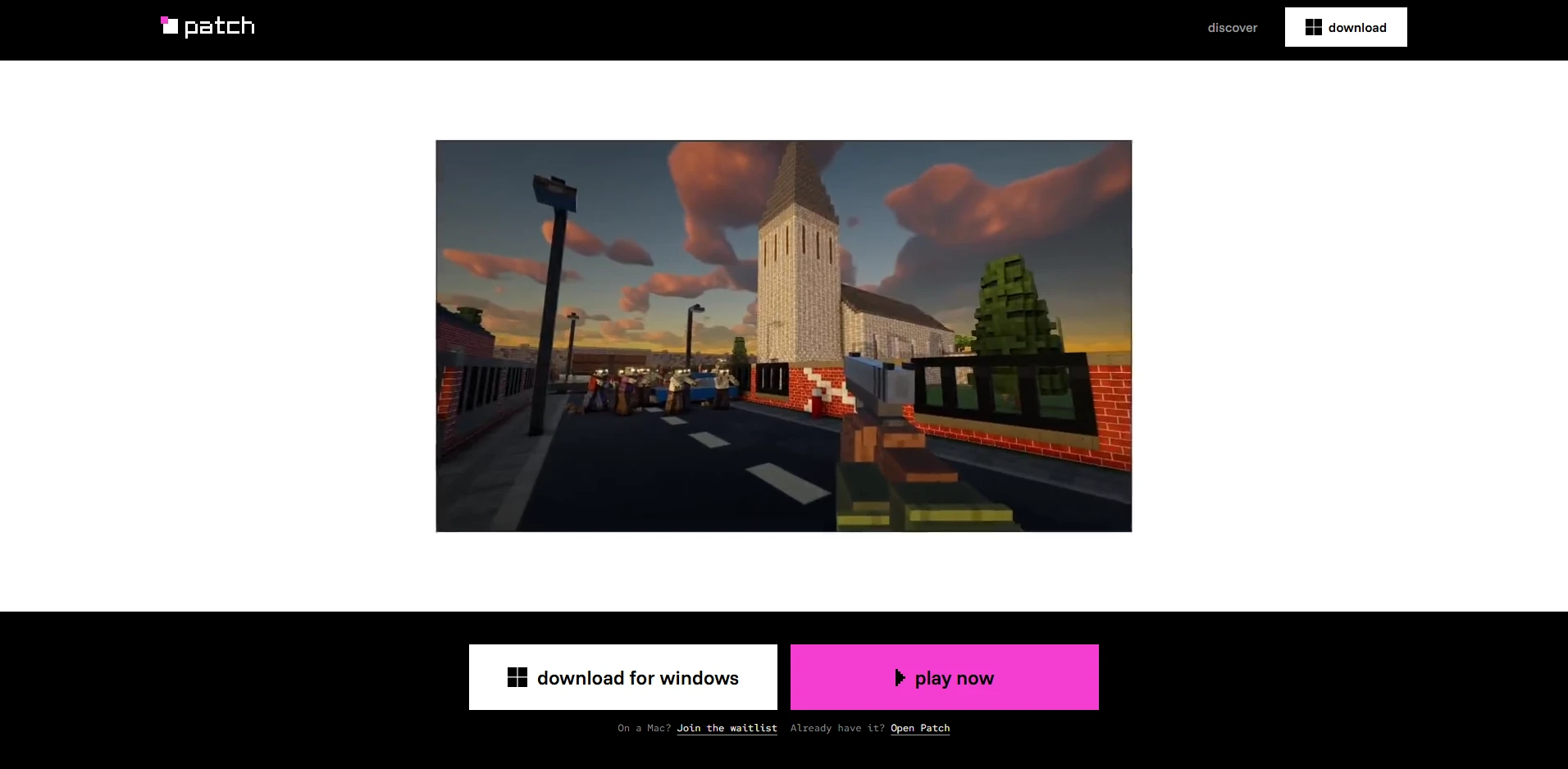
Create and share Minecraft mods without coding

AI Developer Tools
A platform to play, build, remix, and publish games and mods.

AI Developer Tools
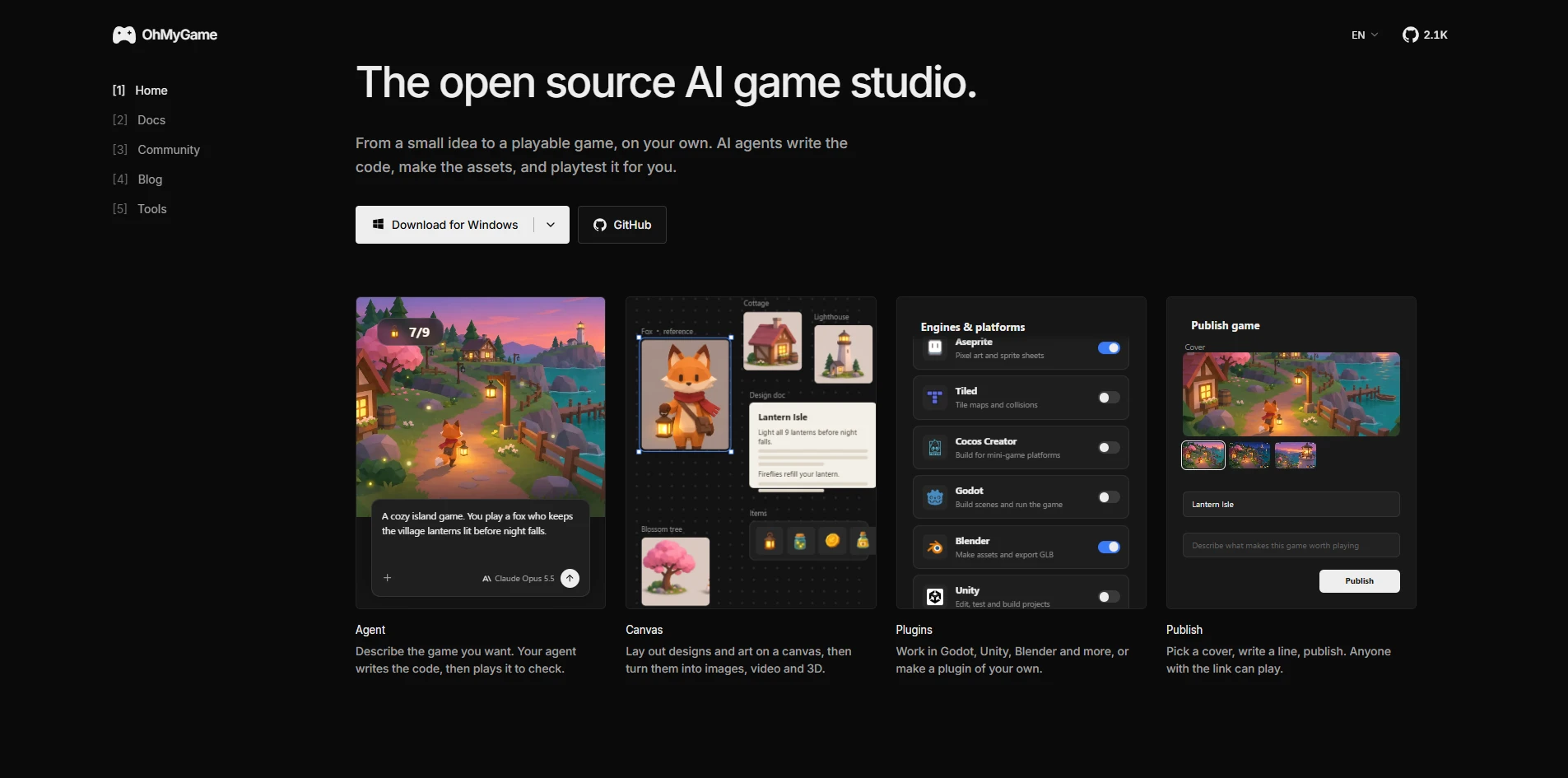
OhMyGame is an open-source AI game studio that turns your ideas into playable games, combining game design, asset generation, coding, testing, and publishing in one workspace.
Arnis is an online real-world Minecraft map generator. It helps everyday players create playable worlds from real locations without complicated setup. Search for a place, draw the area you want, and generate a Minecraft world shaped by OpenStreetMap details such as streets, buildings, parks, rivers, terrain, and familiar local landmarks.
Arnis offers preset sizes with fixed prices:
How accurate are the generated Minecraft worlds? Generated worlds closely reflect real geographic data from OpenStreetMap — building footprints, road layouts, parks, rivers, and terrain elevation all follow actual geography. Major cities and popular regions produce the most detailed results, while rural areas or less-mapped locations may look simpler. It is a Minecraft-style recreation, not a perfect copy.
Can I generate my hometown in Minecraft? Yes. Search for your hometown, center the map, select the area you want, choose your Minecraft edition, and generate.
What should I generate first? Start with a place you know well: your home neighborhood, school, downtown area, favorite landmark, or a famous city center. Smaller selections are easier to explore and usually give a better first experience.
How large of an area can I generate? You can generate anything from a small landmark area to a large city region. Quick Select presets make it easy to choose a size, and the generator will warn you if the selected area is too large.
How long does generation take? Small areas are usually ready faster, while dense city centers and large regions take longer. The exact time depends on the size of your selection and the level of detail in the area.
What data does Arnis use to create Minecraft maps? Arnis uses OpenStreetMap for roads, buildings, land use, water, and other visible map features, then combines that with terrain information to shape the world.
Where do I put the generated world in Minecraft? For Java Edition, use the generated world folder in your Minecraft saves folder (usually %APPDATA%.minecraft\saves on Windows). For Bedrock Edition, open or import the generated .mcworld file.
Can I use the world for a server or video? Yes. Generated worlds are useful as starting points for roleplay servers, creative builds, classroom activities, travel videos, challenge videos, and city exploration content.
Which Minecraft editions are supported? Arnis supports Java Edition and Bedrock Edition. Choose Java if you play on desktop Java Edition, or Bedrock if you play on Windows Bedrock, mobile, console, or Minecraft Education Edition.