
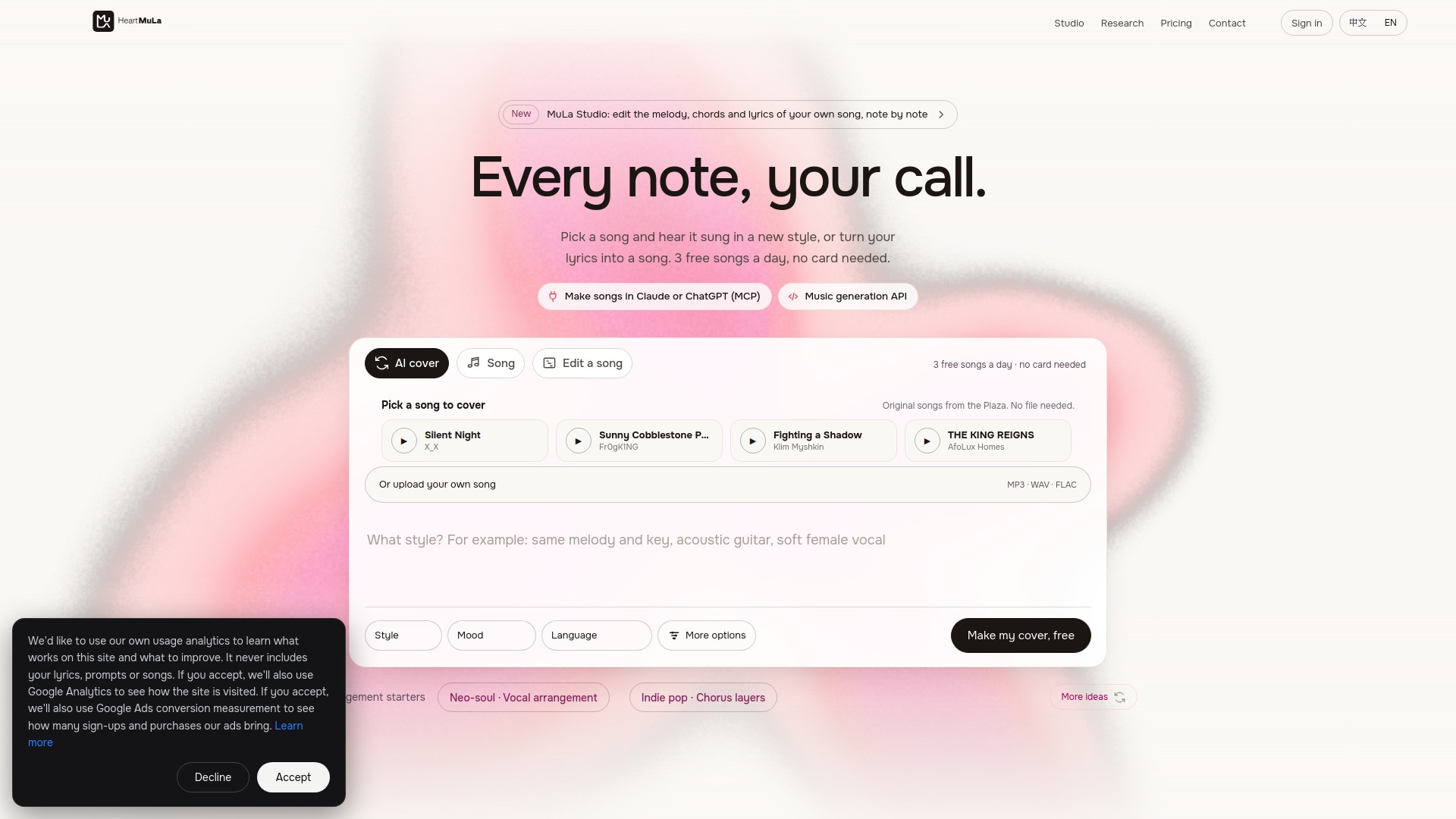

HeartMuLa
AI Singing Generator
HeartMuLa is an AI music studio from MuLa Labs: make full songs with vocals from lyrics or a prompt, cover your own tracks in a new style, and edit any line note by note.
Check pricingVisit site

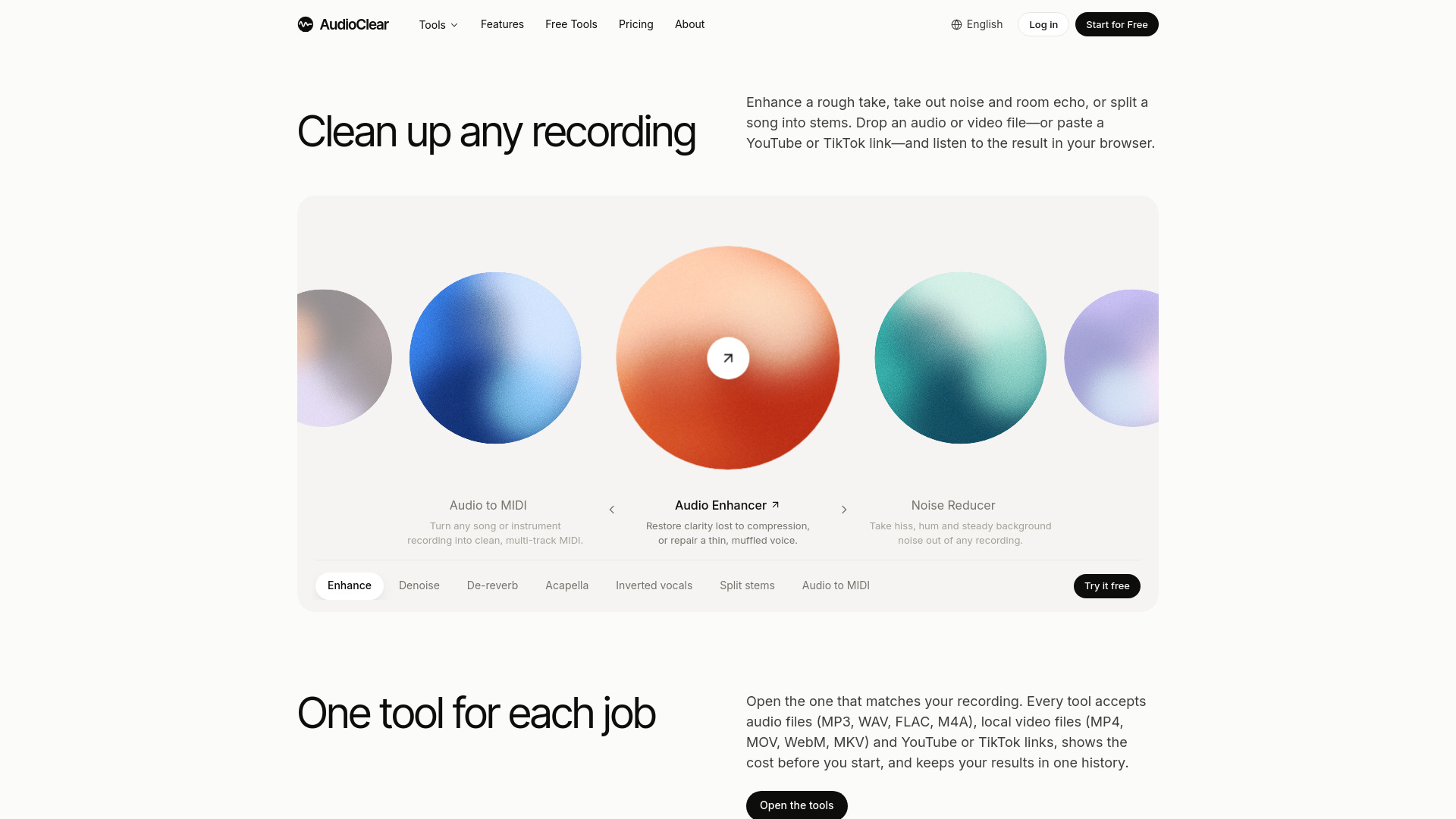
AI Stems Splitter
AI tools for cleaning, enhancing, and splitting audio
Explore other tools in related categories.
AI Singing Generator
HeartMuLa is an AI music studio from MuLa Labs: make full songs with vocals from lyrics or a prompt, cover your own tracks in a new style, and edit any line note by note.
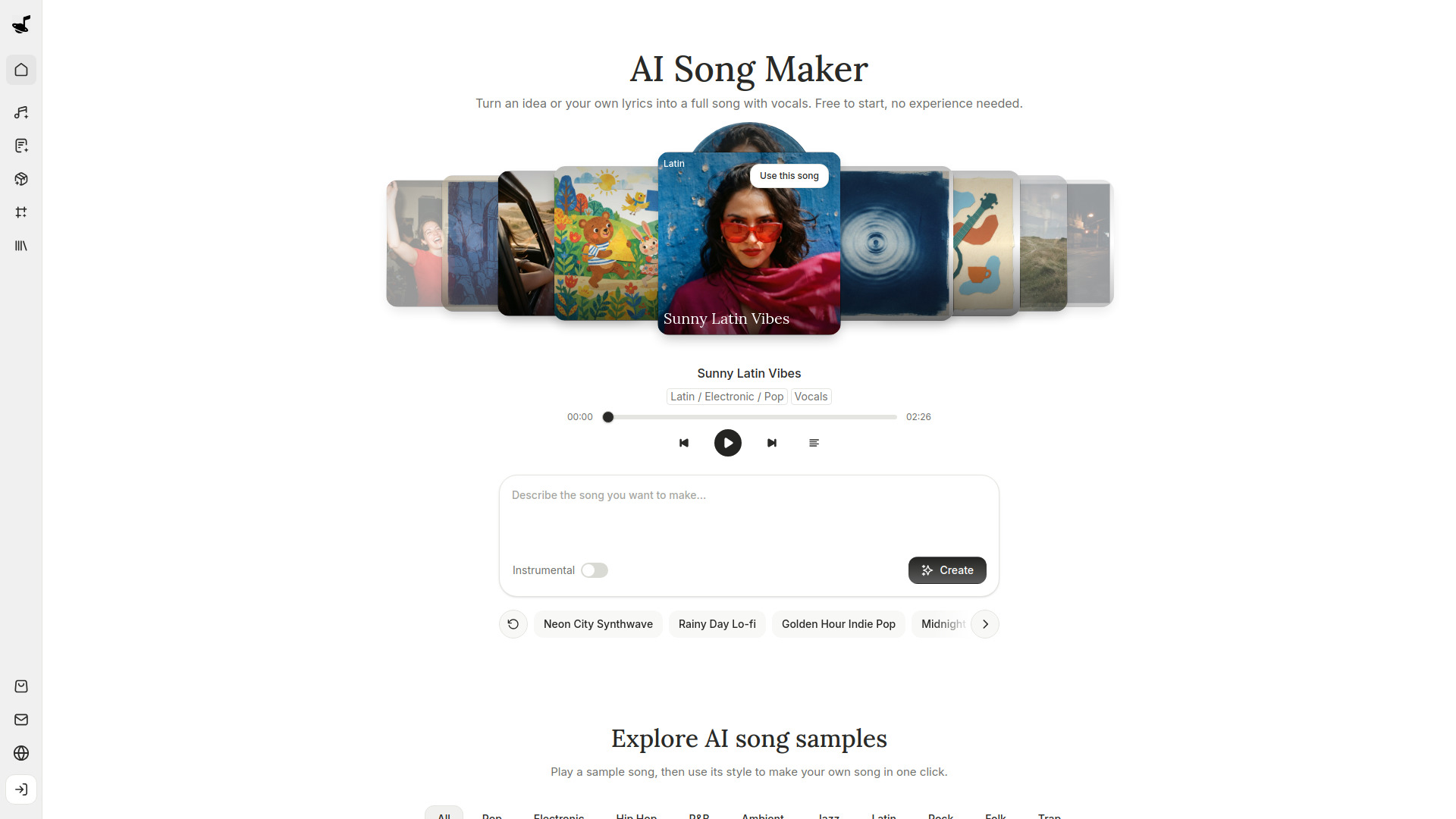

AI Music Generator
AI tool for generating, editing, and splitting songs
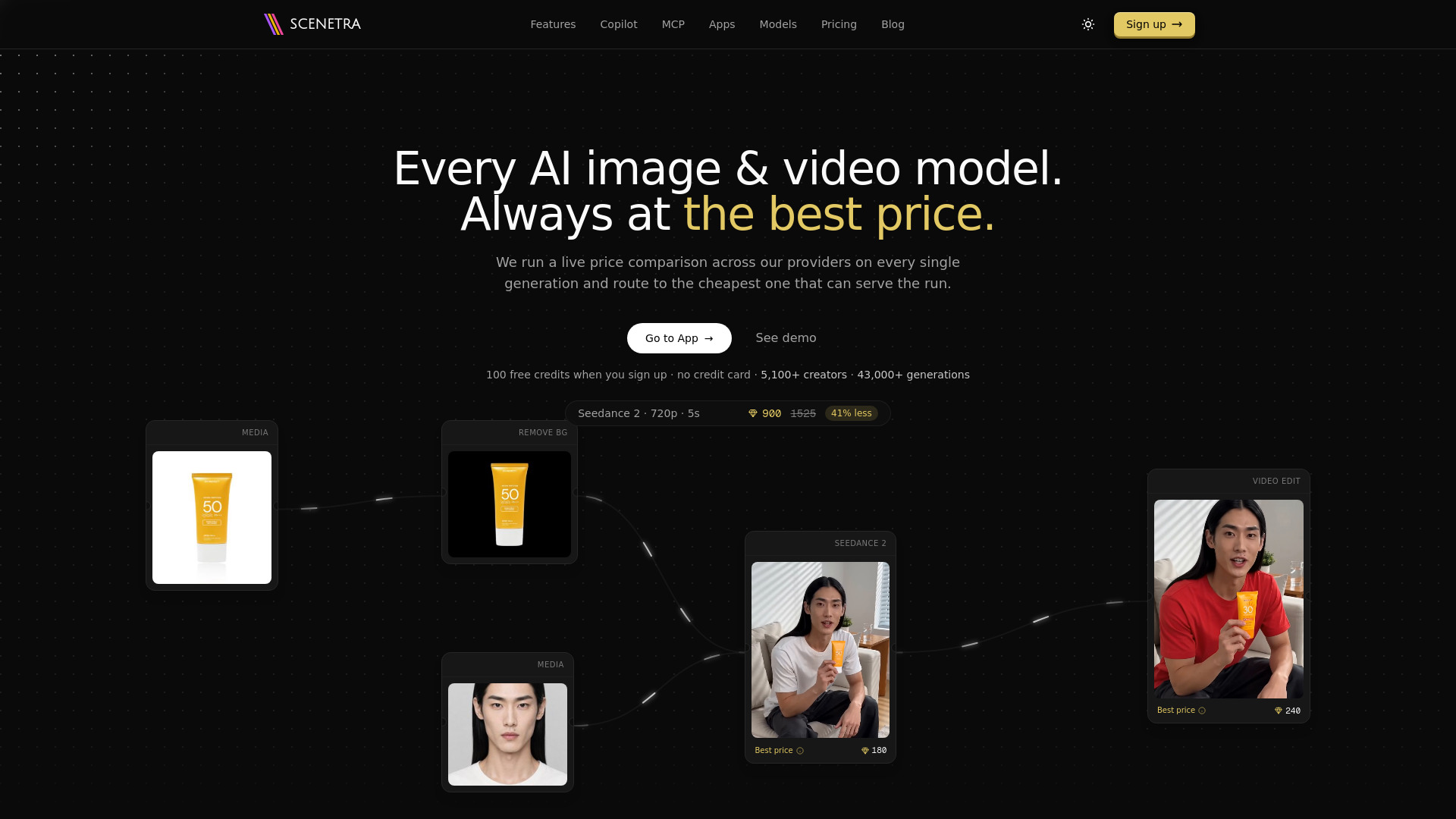

AI UGC Video Generator
AI image and video generation at the best price: 50+ models in one visual workspace, billed at provider cost with 0% markup.
AudioClear AI is a web-based tool that uses artificial intelligence to clean, enhance, and split audio recordings. It can remove noise and reverb, extract vocals, split songs into stems, and convert audio to MIDI. The tool accepts audio files (MP3, WAV, FLAC, M4A), local video files (MP4, MOV, WebM, MKV), and public YouTube or TikTok links. Results can be previewed in the browser and downloaded as MP3, WAV, or FLAC (paid plans only).
AudioClear AI uses a credit-based system: 10 credits per minute of audio, rounded up to the nearest minute (under 1 minute counts as 1 minute). New accounts receive free credits to try any tool and listen to results in the browser. Downloads require a paid plan. Paid plans offer additional output formats (WAV, FLAC) and are available with monthly or yearly billing. Current promotion: 20% off monthly and 50% off yearly for Black Friday.
What files or links can I use?
Upload audio files (MP3, WAV, FLAC, M4A), drop local video files (MP4, MOV, WebM, MKV—audio is extracted locally in your browser), or paste a public YouTube or TikTok link. Results come back as MP3, and paid plans can also choose WAV or FLAC.
Can I try it for free?
Yes. New accounts get free credits to run any tool and listen to the results in the browser. Downloads come with a paid plan.
How are credits counted?
10 credits per minute of audio, rounded up to the nearest minute (under 1 minute counts as 1 minute). The exact cost is shown before you start, and credits are returned if a job fails.
Which tool should I use for a noisy voice recording?
Start with the Noise Reducer for steady background noise. If the recording is also thin or muffled, try the Audio Enhancer.
Does it work on music?
The Stem Splitter is made for songs. The other tools work on any recording, but they are tuned for speech and vocals.