What is AutoHDR
AutoHDR is an AI-powered photo editing platform designed specifically for real estate photographers. It automates the enhancement of property images, delivering professional-quality results in minutes at a fraction of the cost of traditional editing services. The platform is trusted to edit 10% of US listings and offers a range of AI-driven tools to streamline the editing workflow.
How to use AutoHDR
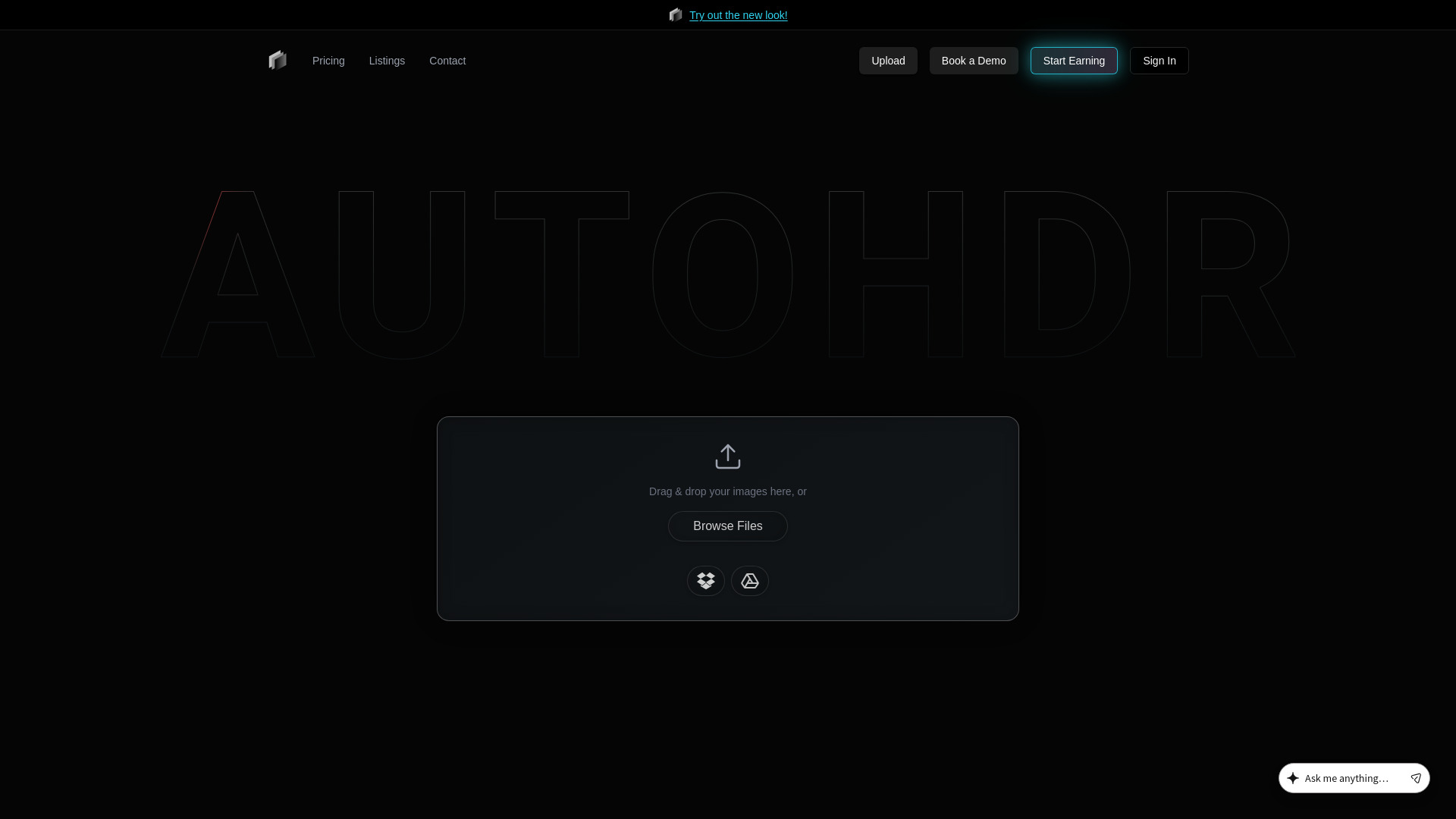
- Upload your images: Drag and drop your photos directly onto the platform, or browse files from your device. You can also import images from Dropbox or Google Drive.
- Choose your editing options: Select from various AI-powered features such as HDR editing, virtual twilight, grass greening, item removals, and more.
- Automate your workflow: Connect your preferred delivery software (e.g., Spiro, HDPhotoHub, Tonomo, Aryeo, Dropbox) to fully automate the editing and delivery process.
- Review and download: Once the AI processes your images, review the enhanced photos and download them for use in your listings.
Features of AutoHDR
- HDR Editing: The "Classic" model enhances images with natural or intense HDR effects.
- Real Twilights: Creates realistic twilight images that look more natural than human-edited ones.
- Fire in Fireplace: Adds realistic fire to fireplaces in photos.
- TV Screens: Inserts realistic TV screens into images.
- Removals: Mask and remove unwanted objects from photos.
- Sky Replacement: Replace dull skies with more appealing ones.
- Grass Greening: Transform dead or missing grass into a perfect lawn.
- Virtual Staging: Furnish empty rooms with virtual furniture.
- AI Re-edit: Use prompts like "Open the pool" to make specific changes.
- Paint Color Accuracy: Repaint walls to exact HEX codes.
- Lot Lines & Pins: Draw lot lines and add pins to property images.
- Blur: Blur sensitive information like license plates.
- Generative Fill: Fill in missing areas or extend images.
- Sliders & Bulk Edits: Apply adjustments to multiple images at once.
Use Cases of AutoHDR
- Real Estate Photographers: Enhance property photos to make them more attractive to potential buyers.
- Real Estate Agents: Quickly edit listing photos to showcase properties in the best light.
- Property Management Companies: Automate the editing of large volumes of property images.
- Virtual Staging Services: Use AI to virtually stage empty properties.
- Marketing Teams: Create eye-catching visuals for property marketing campaigns.
Pricing
AutoHDR offers a cost-effective solution, with pricing described as "half the cost of an editor." The platform provides a free trial with up to a month of free credits for new users. Specific pricing tiers are available on the Pricing page.
FAQ
Q: What file formats are supported? A: AutoHDR supports a wide range of formats including RAW (ARW, CR3, CR2, NEF, DNG, etc.) and common formats like JPG, PNG, TIFF, and HEIC.
Q: Can I automate my editing workflow? A: Yes, AutoHDR integrates with popular delivery software such as Spiro, HDPhotoHub, Tonomo, Aryeo, and Dropbox to fully automate the editing and delivery process.
Q: How long does it take to edit photos? A: The AI processes photos in minutes, allowing you to edit a full photoshoot quickly.
Q: Is there a free trial? A: Yes, new users can get up to a month of free credits to try the service.