
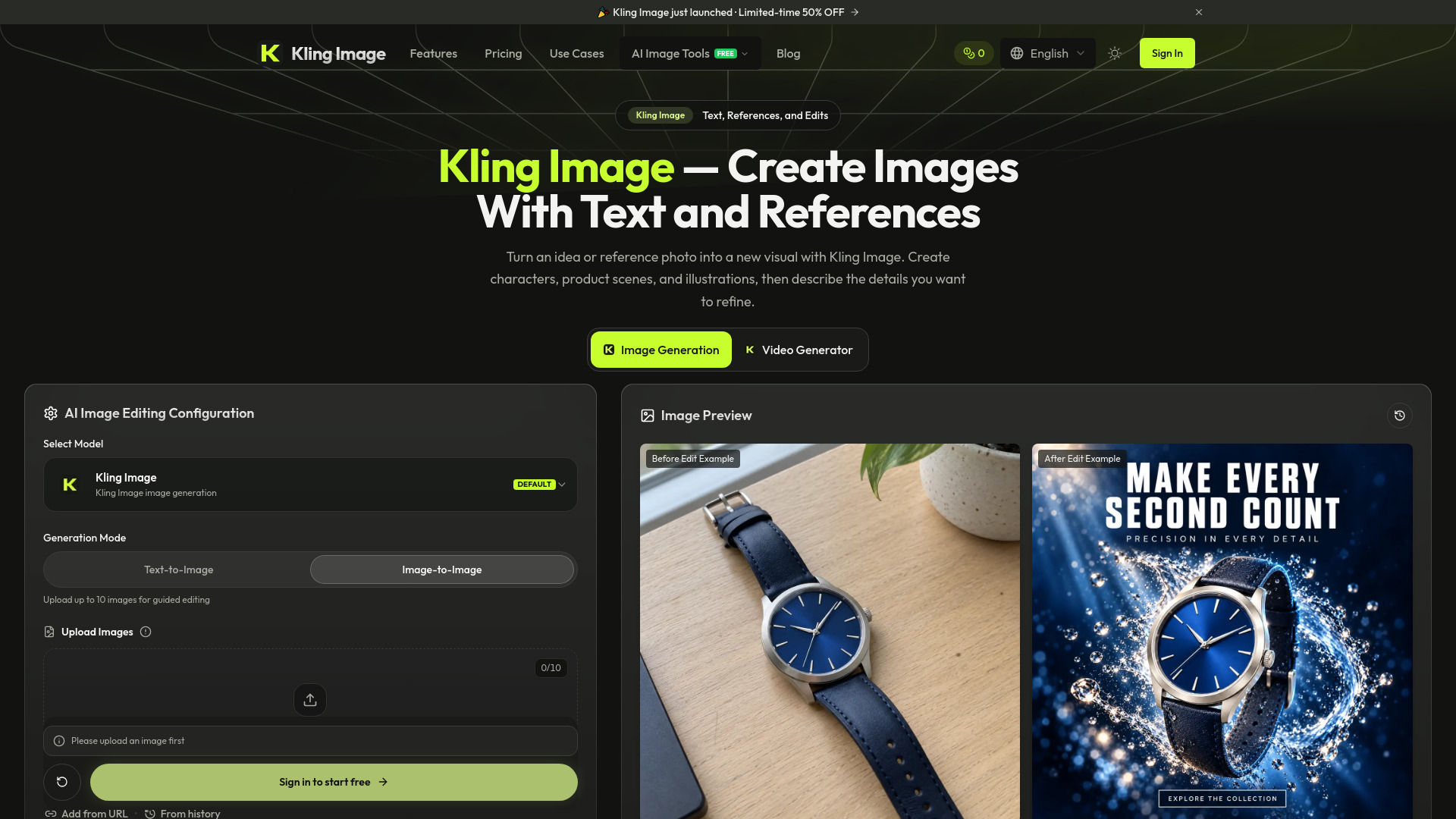

Kling Image
AI Photo Editor
AI image generator and editor using text prompts and reference photos
Check pricingVisit site

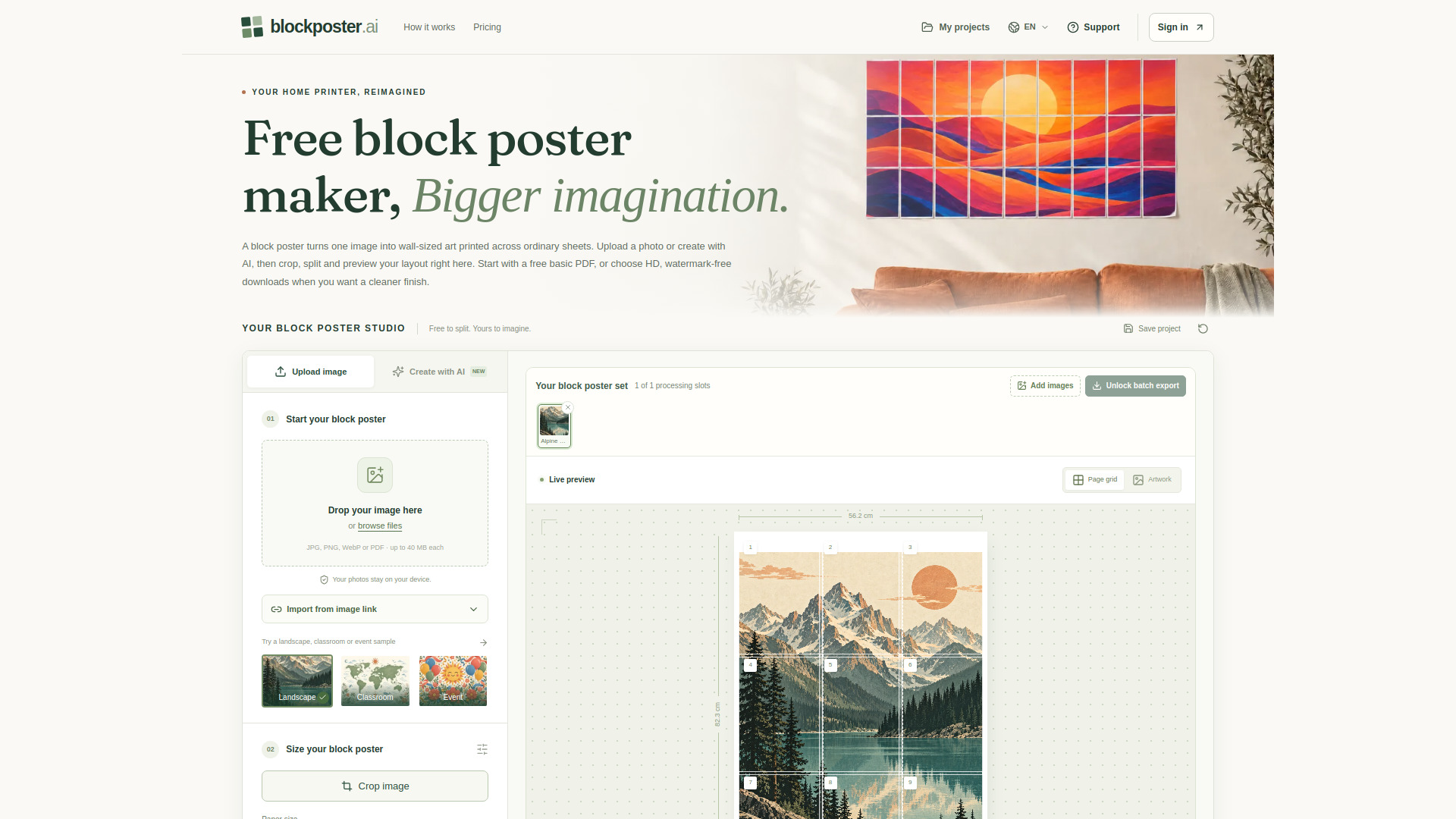
AI Splitter
Create, preview, and print tiled posters from photos or AI art.
Explore other tools in related categories.
AI Photo Editor
AI image generator and editor using text prompts and reference photos
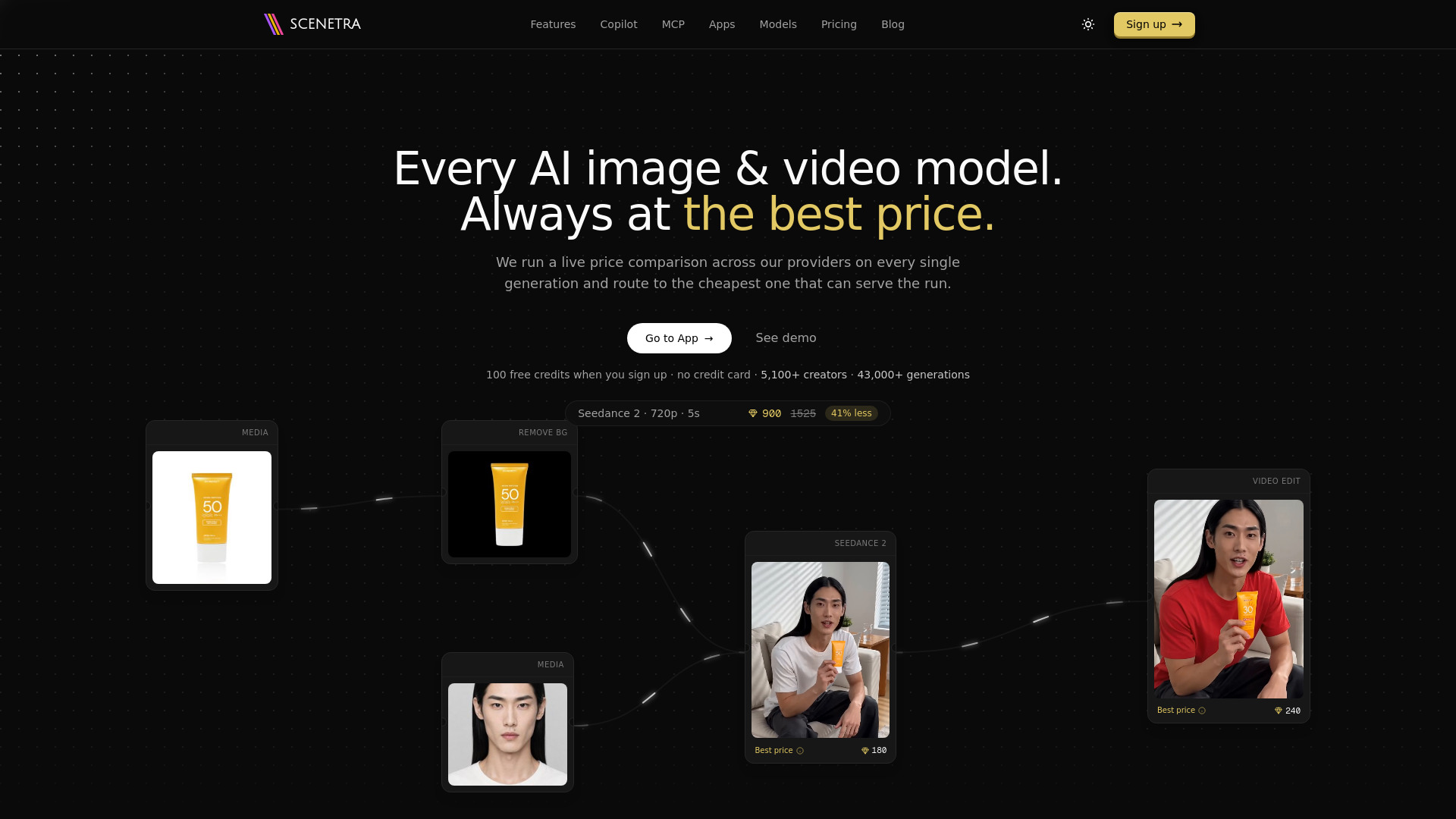

AI UGC Video Generator
AI image and video generation at the best price: 50+ models in one visual workspace, billed at provider cost with 0% markup.
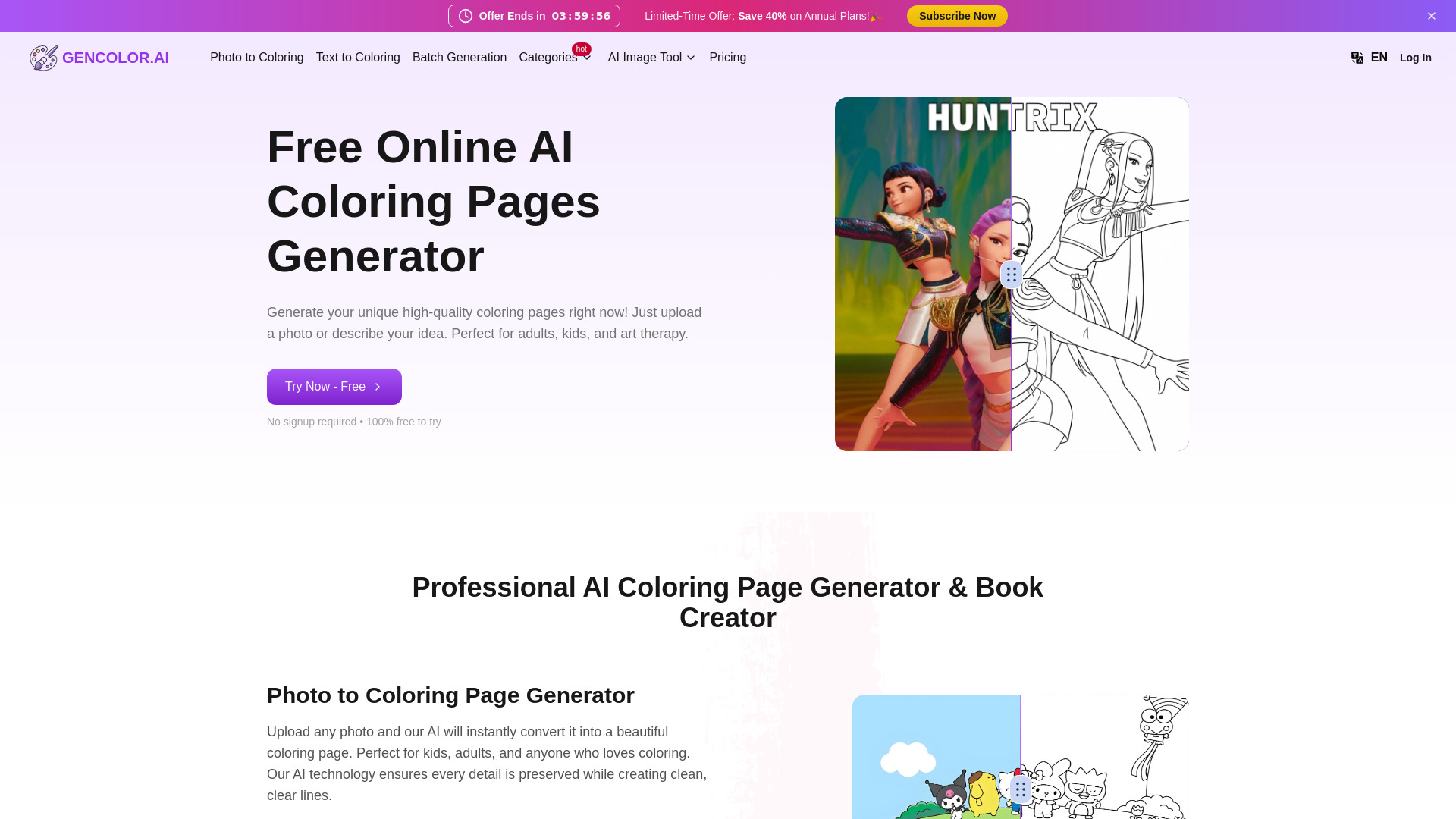

AI Coloring Book Generator
AI tool for creating printable coloring pages from photos and text
BlockPoster.ai is a free web-based tool that turns a single image into a large, wall-sized poster by splitting it across multiple printable sheets. It supports photos (JPG, PNG, WebP) and AI-generated art, and produces a tiled PDF that can be printed on a standard home printer and assembled into a block poster. The tool emphasizes local, private processing of ordinary uploads and offers both free and paid export options.
What is a block poster?
A block poster is one enlarged image split across multiple printable sheets, then assembled into a single large picture. BlockPoster.ai creates a tiled PDF from your photo or AI artwork; you choose paper and dimensions, and the workspace calculates pages and shows the layout.
Can I make a block poster for free?
Yes. Upload, crop, split, and preview without paying, then download a free single-image PDF without signing in. Free exports are capped at 150 DPI with a small watermark. HD, watermark-free PDFs require a subscription or one-time unlock. Free supports up to 5 sheets across; paid HD supports up to 10.
Does splitting use AI credits?
No. Splitting, resizing, cropping, and PDF export use 0 AI credits. Only a successful Create with AI image uses 2 credits. Failed attempts release reserved credits.
Are my photos uploaded?
Ordinary JPG, PNG, WebP uploads and PDF pages are processed locally in your browser. Create with AI sends prompts and selected reference images online for generation and safety checks. Avoid sensitive personal information.
Which printer can print a block poster?
Any printer that accepts your selected paper size. Choose Actual size or 100%, not Fit to page, and print one page per sheet. The PDF is already tiled; no second tiling pass is needed.
How do I assemble a block poster?
Follow page numbers left to right and top to bottom. Trim where guides indicate, align repeated image detail in the overlap, and tape the backs together. A 10 mm overlap is a useful starting setting.
Why does my block poster look pixelated?
Enlarging a small source spreads pixels over a larger area; a 300 DPI export cannot create missing detail. Check the effective DPI in the preview, use a higher-resolution source, or reduce finished dimensions.
Can I download my block poster again?
Yes. Free basic PDFs can be downloaded repeatedly. Subscriptions provide unlimited HD downloads. A one-time HD unlock belongs to its source image, so re-exporting the same image at a different size does not spend another unlock.