What is BloxCanvas
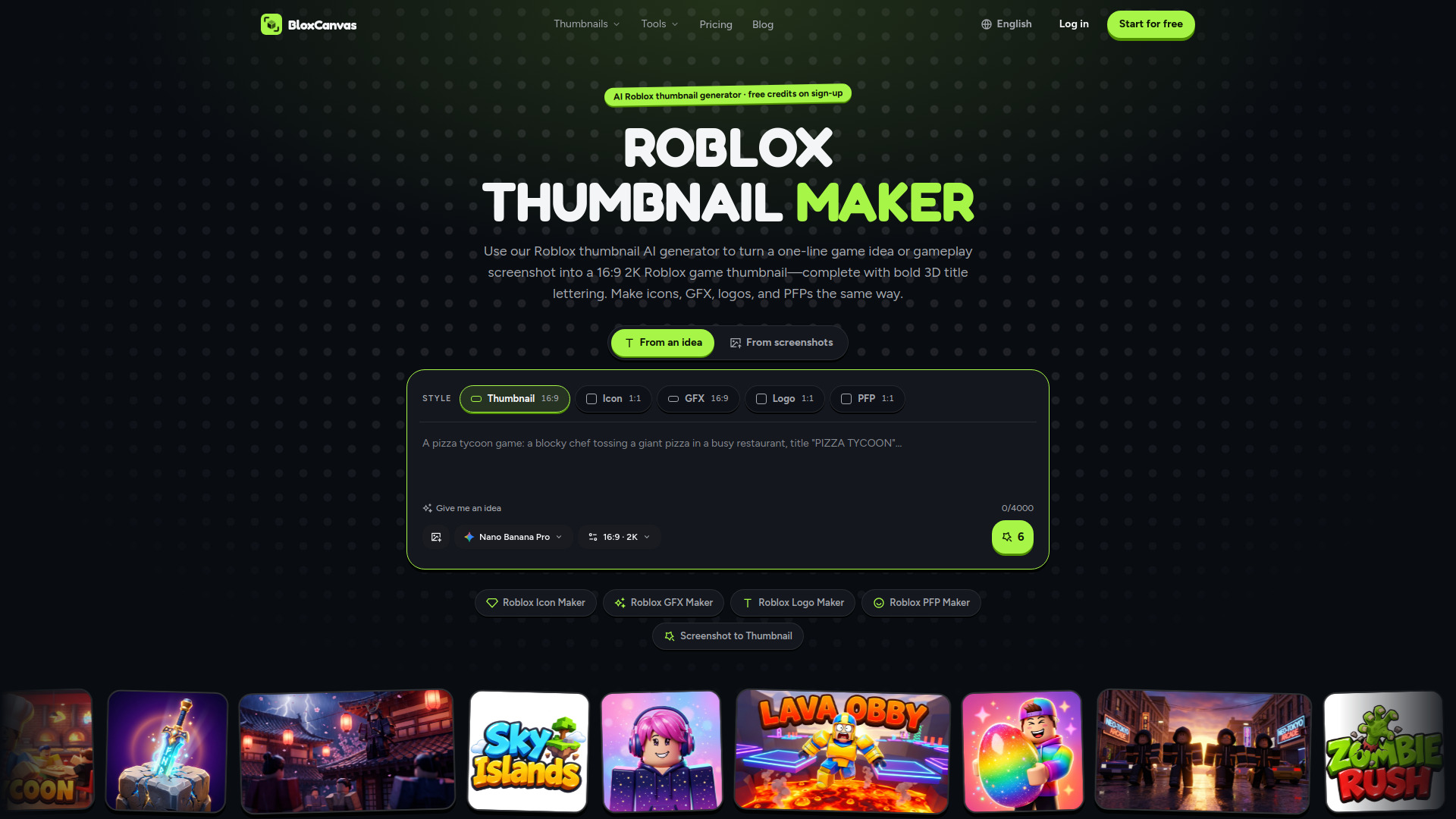
BloxCanvas is an AI-powered Roblox thumbnail maker and generator that turns a one-line game idea or gameplay screenshot into a 16:9 2K Roblox game thumbnail, complete with bold 3D title lettering. It also creates icons, GFX, logos, and profile pictures (PFPs) using the same AI-driven process. The tool is designed for Roblox developers who need high-quality visuals without using Blender or Photoshop.
How to use BloxCanvas
- Choose a style: Select from Thumbnail (16:9), Icon (1:1), GFX (16:9), Logo (1:1), or PFP (1:1).
- Describe your game: Type a one-line prompt that includes the genre, main avatar action, and setting. For example: "A pizza tycoon game: a blocky chef tossing a giant pizza in a busy restaurant, title 'PIZZA TYCOON'." You can also click "Give me an idea" for inspiration.
- Optional: Upload screenshots: Switch to "From screenshots" mode to upload gameplay images and instruct the AI to transform them into a thumbnail.
- Select model and resolution: Choose from available AI models (BloxCanvas 1, Nano Banana Pro, GPT Image 2, Seedream 5.5) and pick a resolution (1K, 2K, or 4K).
- Generate: Click the generate button (costs credits). The AI creates the image based on your prompt.
- Download and use: Download the generated image and upload it to your Roblox game via the Creator Dashboard.
Features of BloxCanvas
- Multiple output types: Thumbnails (16:9), Icons (1:1), GFX (16:9), Logos (1:1), and PFPs (1:1).
- AI models: BloxCanvas 1 (default, cheapest), Nano Banana Pro (Gemini 3 Pro Image), GPT Image 2, and Seedream 5.5.
- Prompt-based generation: Create images from a text description or from uploaded screenshots.
- Title lettering: Automatically adds bold 3D cartoon lettering for your game title when you put the title in quotes.
- High resolution: Generates images up to 4K (thumbnails at 2K by default).
- Credit system: New accounts get 9 free credits (enough for 3 BloxCanvas 1 images); daily check-ins earn 3 more credits.
- Watermark removal: Images have a small watermark until you purchase any credit pack, which removes it from all images, including previous ones.
- Failed image refund: Credits are automatically refunded if an image fails to generate.
- Privacy: Uploaded screenshots are deleted after 30 days; generated images are private to your account.
Use Cases of BloxCanvas
- Game thumbnails: Create eye-catching 16:9 thumbnails for Roblox games across genres like tycoon, obby, simulator, horror, tower defense, racing, anime fighting, and town roleplay.
- Game icons: Design square icons that remain recognizable at small sizes.
- GFX renders: Produce cinematic renders of blocky avatars for promotional materials.
- Logos: Generate 3D title lettering for game names.
- Profile pictures: Create custom PFPs from avatar descriptions.
- Screenshot enhancement: Turn existing gameplay screenshots into polished thumbnails.
Pricing
BloxCanvas uses a credit-based system:
- Free credits: New accounts receive 9 credits (enough for 3 BloxCanvas 1 images). Daily check-ins grant 3 additional free credits (1 BloxCanvas 1 image).
- Credit packs: One-time purchase of 300 credits for $9.99.
- Cost per image: Varies by model and resolution. For example, a Nano Banana Pro thumbnail at 2K costs 6 credits (about $0.20 in the smallest pack). BloxCanvas 1 is cheaper. The exact cost is shown before generation.
- Watermark: Images have a small watermark until your first purchase; buying any pack removes it from all images, including past ones.
- Refunds: Failed images are not charged.
FAQ
What is an AI Roblox thumbnail maker and generator?
It's a tool that creates the 16:9 image shown for your game on Roblox. BloxCanvas lets you describe your game or upload a screenshot, pick a style, and generate a thumbnail, icon, GFX, logo, or PFP in the browser without Blender or Photoshop.
How do I make a Roblox thumbnail with AI?
Type a one-line description of your game (genre, main avatar action, setting) and include the title in quotes if you want it drawn. Keep the Thumbnail style, press Generate, and download the 16:9 2K image. Alternatively, upload gameplay screenshots to redraw.
Is the Roblox thumbnail maker free?
You can start free with 9 credits (3 BloxCanvas 1 images). Daily check-ins give 3 more free credits. After that, credits are purchased in packs (300 credits for $9.99). Failed images cost nothing. A watermark is present until your first purchase.
How much does a Roblox thumbnail cost?
A Nano Banana Pro thumbnail at 2K costs 6 credits (about $0.20 in the smallest pack). Prices range from 5 credits (Nano Banana Pro, 1K) to 8 credits (Nano Banana Pro, 4K). BloxCanvas 1 is cheaper. The exact cost is shown before generation.
What size is a Roblox thumbnail?
Roblox requires a 16:9 image, ideally 1920×1080 pixels, in .jpg, .gif, .png, .tga, or .bmp format. BloxCanvas generates thumbnails at 16:9 2K, which you can scale to 1920×1080 before uploading. Keep home page uploads under 3 MB and avoid placing the title at the bottom edge where the player count may cover it.
Can I turn a gameplay screenshot into a thumbnail?
Yes. Switch to "From screenshots," upload one or more shots, and describe what to do (e.g., zoom in on players and add a lava glow). The model uses your map, characters, and colors as a base.
Can it put my game's title on the thumbnail?
Yes. Put the exact title in quotes (e.g., "PIZZA TYCOON") and it will be drawn as bold 3D cartoon lettering. Short titles of one to three words work best. Nano Banana Pro and GPT Image 2 have the best spelling accuracy.
What Roblox game genres work with this thumbnail AI?
Tycoon, obby, simulator, horror, tower defense, racing, anime fighting, and town roleplay all work well. Name the genre, main avatar action, and mood in one sentence for a focused scene.
Which AI models does it use?
Four models: BloxCanvas 1 (default, cheapest), Google's Nano Banana Pro (Gemini 3 Pro Image), OpenAI's GPT Image 2, and ByteDance's Seedream 5.5. All work from text or screenshots.
How do I upload a thumbnail to my Roblox game?
In the Creator Dashboard, open your game, go to Configurations > Places, select a place, and click Thumbnails. The Home Page tab allows 2 to 5 thumbnails for personalization, and the Experience Detail Page tab holds up to 10 images or videos.
Can I use the images on my game?
Yes, the images you create are yours to use, including on your game's page and in promotions, as long as your prompt and uploads don't copy someone else's characters, logos, or art and the result follows Roblox's Community Rules.
Is this an official Roblox tool?
No. BloxCanvas is an independent tool and is not affiliated with, endorsed by, or sponsored by Roblox Corporation. You upload images to Roblox yourself, and Roblox moderates every thumbnail and icon.
What happens to my screenshots?
They are used only to generate your image and are deleted 30 days later. Finished images remain in your history until you delete them, and no one else can see them.
What happens if an image fails?
Your credits are automatically refunded. Requests rejected by the provider (e.g., for content) are not charged.