What is Brigade
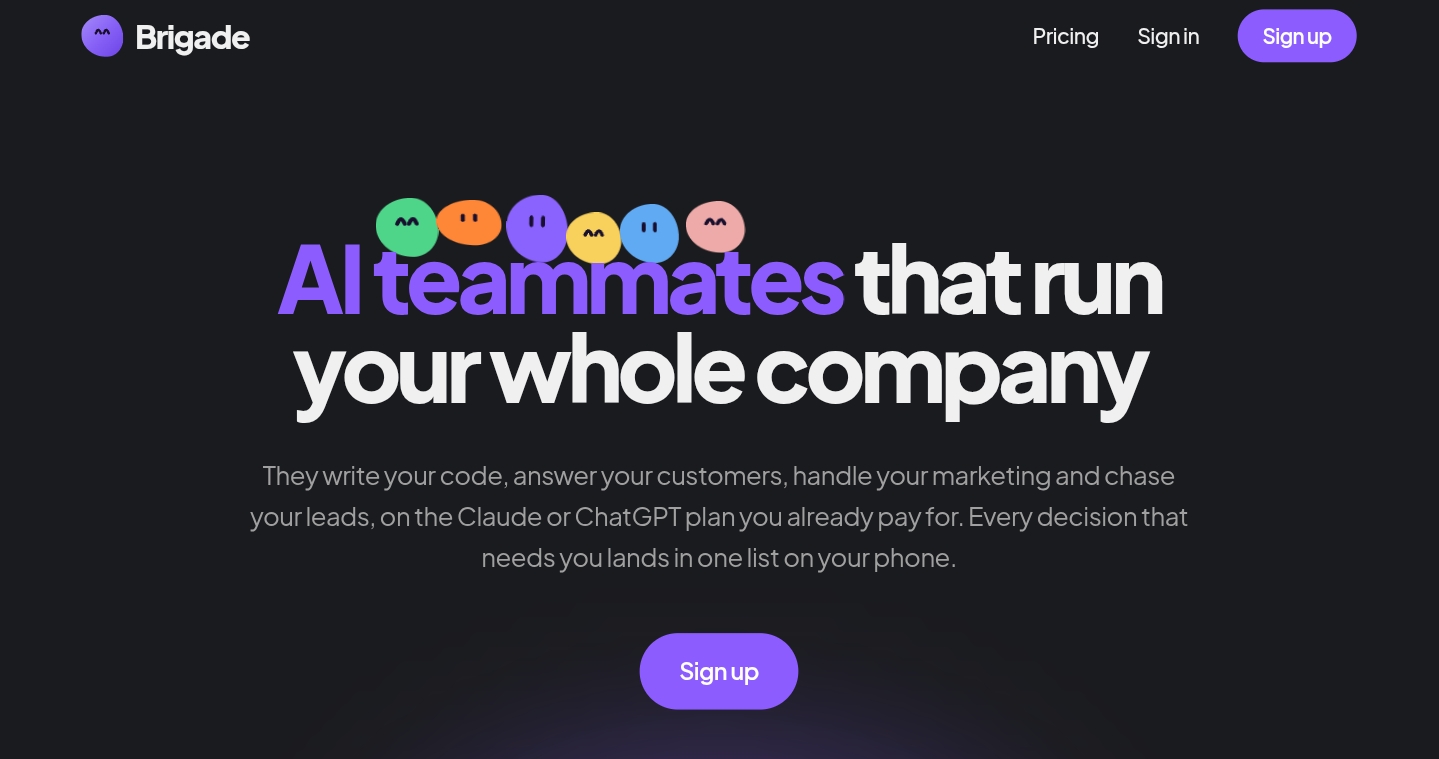
Brigade is an open-source platform that provides AI teammates to automate business tasks across connected apps. These AI teammates can write code, answer customer support emails, handle marketing tasks, and follow up on leads. They run on the Claude or ChatGPT plan you already pay for, and Brigade never bills you for AI usage. The product is free to run on your own computer, with an optional cloud plan for $99 per month per workspace that gives teammates their own cloud computer.
How to use Brigade
- Sign up for a Brigade account.
- Connect your AI accounts: Link one or more Claude (via Claude Code) or ChatGPT (via Codex) accounts. You can stack multiple accounts; if one hits its limit, the teammate automatically switches to the next account mid-task.
- Set up teammates: Create AI teammates for different roles (e.g., support, coding, marketing, sales). Assign each a job by describing it in a message, as you would to a new hire.
- Connect apps: Integrate apps like Gmail, GitHub, Google Drive, PostHog, Stripe, Notion, and others. For each teammate, specify which apps they can access and whether access is read-only or read-write.
- Configure approvals: Decide what actions each teammate can take autonomously and what requires your approval. Requests appear in a "Needs you" list.
- Teach tasks (optional): For tasks that involve a website or app, take over a teammate's cloud computer and demonstrate the task once. The teammate records the steps as a skill and can perform it independently after approval.
- Monitor and manage: Review each teammate's activity in their thread, where every step is logged. Use the vault to store passwords securely; Brigade types logins for teammates without exposing passwords.
Features of Brigade
- Multiple AI teammates: Each teammate has a specific role, with its own apps, memory, and rules.
- Bring your own AI subscription: Use your existing Claude or ChatGPT plan; stack multiple accounts for uninterrupted work.
- Model selection per teammate: Choose different models (e.g., Opus, Sonnet, GPT) for each teammate based on their role.
- App integrations: Connect Gmail, GitHub, Google Drive, PostHog, Stripe, Notion, Linear, and more.
- Teach a task: Demonstrate a task once on a cloud computer; the teammate learns it as a skill.
- Memory and skills: Teammates remember team decisions and store repeatable task steps.
- Autonomous triggers: Teammates can start work on events (e.g., failed payment, new issue, email) or on schedules.
- Approval workflows: Set which actions require your approval; requests appear in a single "Needs you" list.
- Vault for passwords: Securely store credentials; Brigade handles logins without exposing passwords to teammates.
- Access control: Assign app access per teammate with read-only or read-write permissions.
- Audit logs: Every step a teammate takes is logged in its thread.
- Open source: The entire product is available on GitHub under the MIT license.
- Cloud option: For $99/month per workspace, teammates get their own cloud computer that runs even when yours is off.
- Email addresses for teammates: With Cloud, each teammate can have its own email address.
- Team collaboration: Invite team members to your workspace to share threads, tasks, and files.
Use Cases of Brigade
- Support inbox: Sort support emails and draft answers from your documentation; ask before sending.
- Bug fixes: Describe a bug; the teammate fixes it, shows a live preview, and waits for approval.
- Release notes: Automatically generate customer-friendly release notes from shipped changes.
- Lead follow-ups: Draft follow-up emails for leads who have gone quiet, based on past conversations.
- Weekly numbers: Compile revenue, refunds, and signups into a weekly report delivered to your inbox.
- Competitor watch: Monitor competitors' websites and pricing for changes, with links.
- Invoice reminders: Send polite reminders for overdue invoices.
- Failed payments: Reach out to customers with failed payments before they churn.
- Spreadsheet upkeep: Update spreadsheets from Stripe and your database regularly.
- Mac chores: Automate tasks in Keynote, Finder, and other Mac apps.
- Product questions: Answer questions like "Why did signups drop on Tuesday?" using analytics.
- Meeting prep: Generate one-page briefs for upcoming meetings from email and files.
- Help center updates: Keep help pages current when the product changes.
- Search traffic analysis: Flag pages losing Google traffic and explain why.
- Customer research: Summarize what people say about you on Reddit and in reviews.
Pricing
- Free: Run Brigade on your own computer at no cost. You bring your own Claude or ChatGPT plan; Brigade does not charge for AI usage.
- Cloud: $99 per month per workspace. Provides each teammate with a dedicated cloud computer that continues working even when your computer is off. Includes additional features like email addresses for teammates.
FAQ
Do I need to know how to code?
No. You describe a job in a message, like you would to a new hire. For tasks in a website or app, you can demonstrate once on a teammate's cloud computer.
What does Brigade cost?
Brigade is free when run on your own computer. Cloud is $99 per month per workspace. You also need your own Claude or ChatGPT plan; Brigade never bills for AI usage.
Which AI plans work?
Claude plans through Claude Code and ChatGPT plans through Codex. Max or Pro plans offer the most capacity. You can pick a model per teammate and stack multiple accounts; if one hits its limit, the teammate switches to the next account mid-task.
How do I stay in control?
For each teammate, you define what it can do autonomously and what requires your approval (in "Needs you"). You also control which apps it can access and set daily caps on threads, computer hours, and writes to each app. Every step is logged in the teammate's thread.
Why several teammates rather than one agent?
A single agent with all tools and no owner becomes unfocused. Each teammate has one job, with its own apps, memory, and rules, so you can see who did what and fix issues easily.
Where do my passwords go?
Passwords are stored in your workspace's vault. When a teammate signs in to a website, Brigade types the login for it; the teammate never sees the password, and it never appears in a thread.
Is my data used to train AI models?
Not by Brigade. The work runs on the AI plan you bring, so your data goes only to the provider you chose, under the terms of your plan.
Can a teammate have its own email address?
Yes, with Cloud. Enable the Email App and each teammate gets its own address. It sends from that address, and replies come back to the teammate that started the conversation, not to your inbox.
Can my team see the work?
Yes. Invite them to your workspace; threads, tasks, and files are shared, so nothing is confined to one person's chat history.
Is it open source?
Yes. The whole product is on GitHub under the MIT license, so you can read every line and run it yourself.
What if I cancel?
Cancel from Settings anytime. Cloud stops at the end of the paid month. Your workspace remains, and teammates can continue working for free on your own computer.