
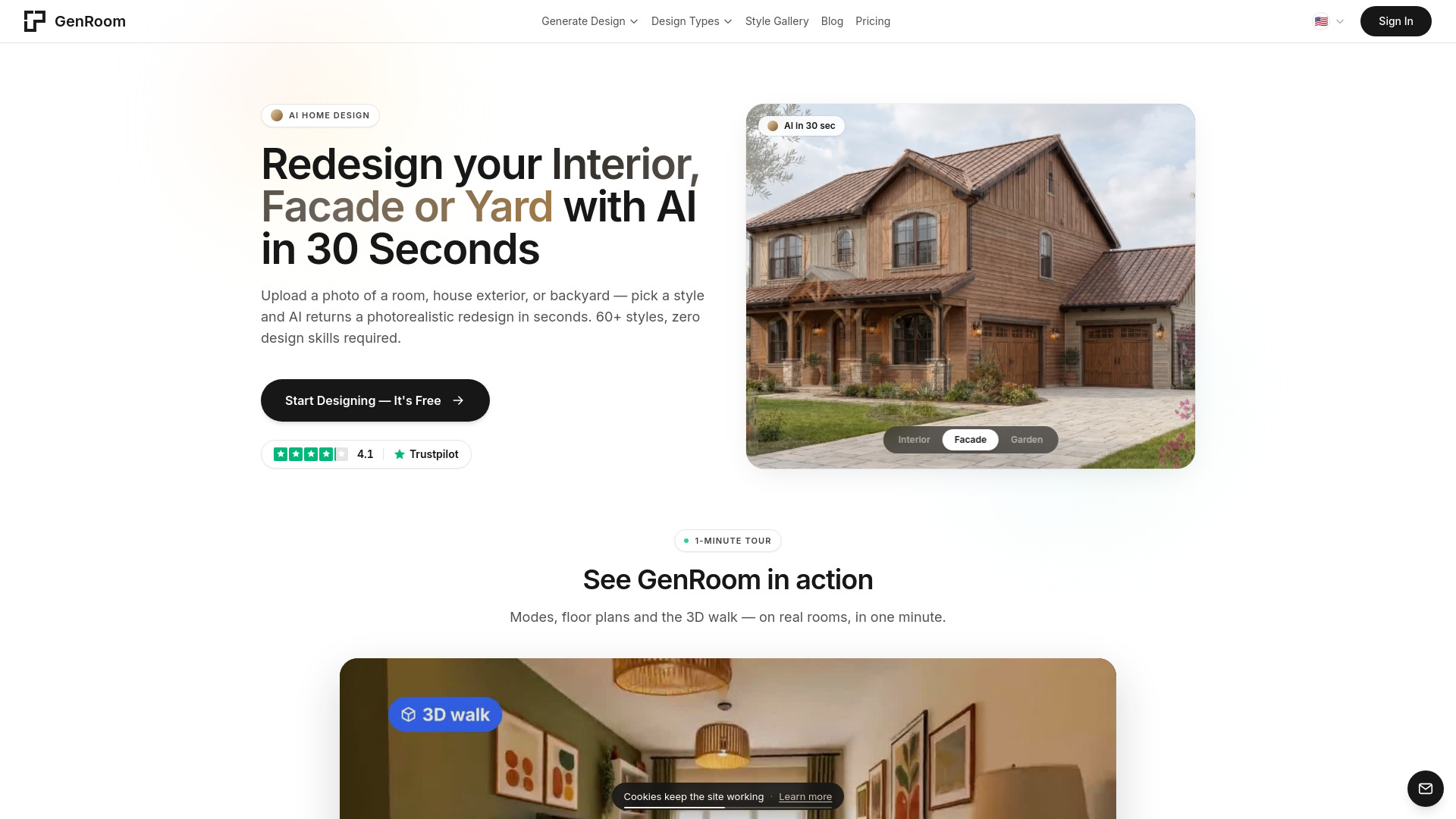

GenRoom
AI Real Estate
AI tool for redesigning rooms, exteriors, and yards from photos.
Check pricingVisit site

AI Room Planner
Browser-based CAD with AI floor-plan drafting and free file conversion
Explore other tools in related categories.
AI Real Estate
AI tool for redesigning rooms, exteriors, and yards from photos.

AI Design Assistant
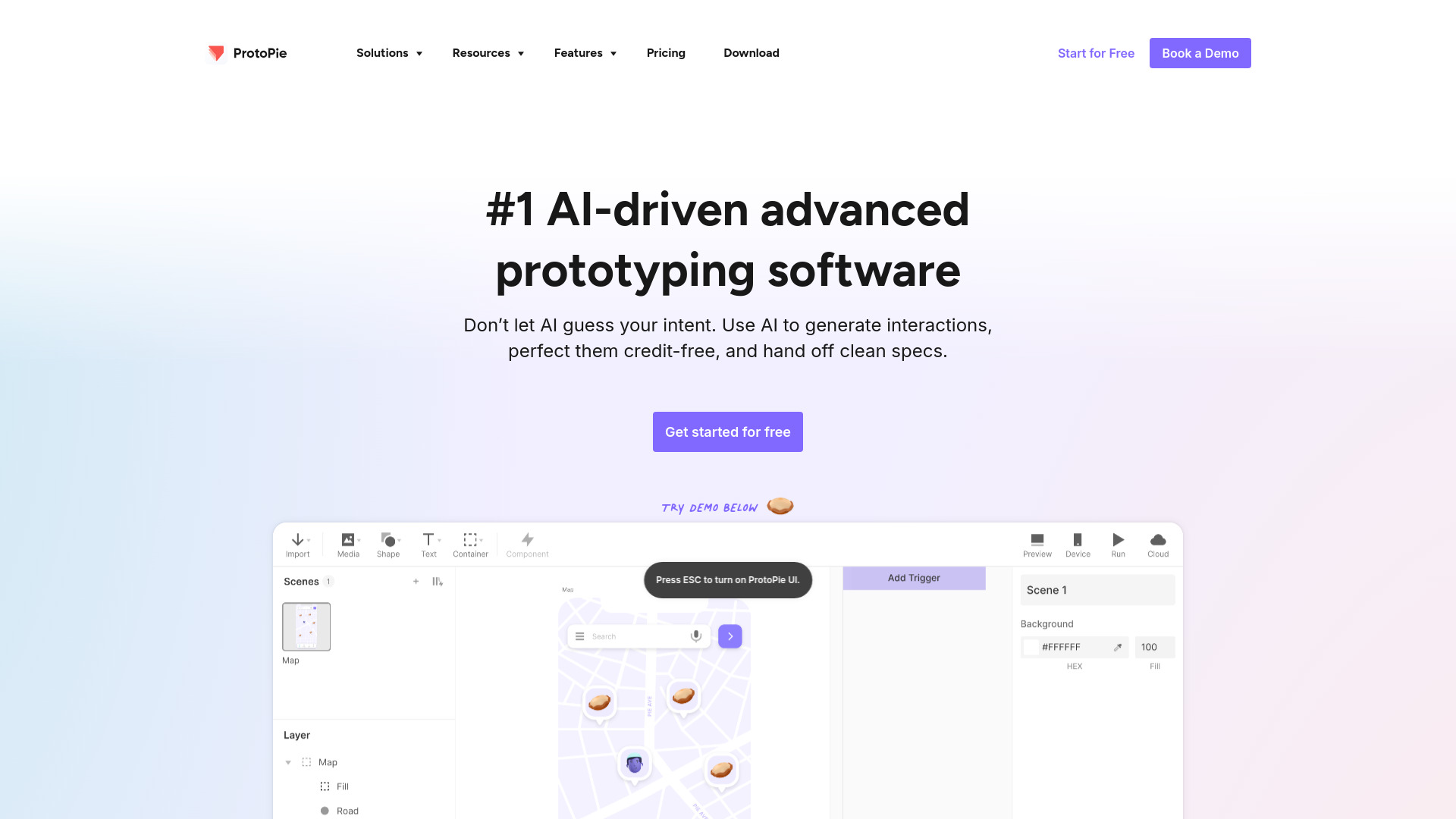
AI-driven platform for creating and sharing high-fidelity interactive prototypes

AI Design Assistant
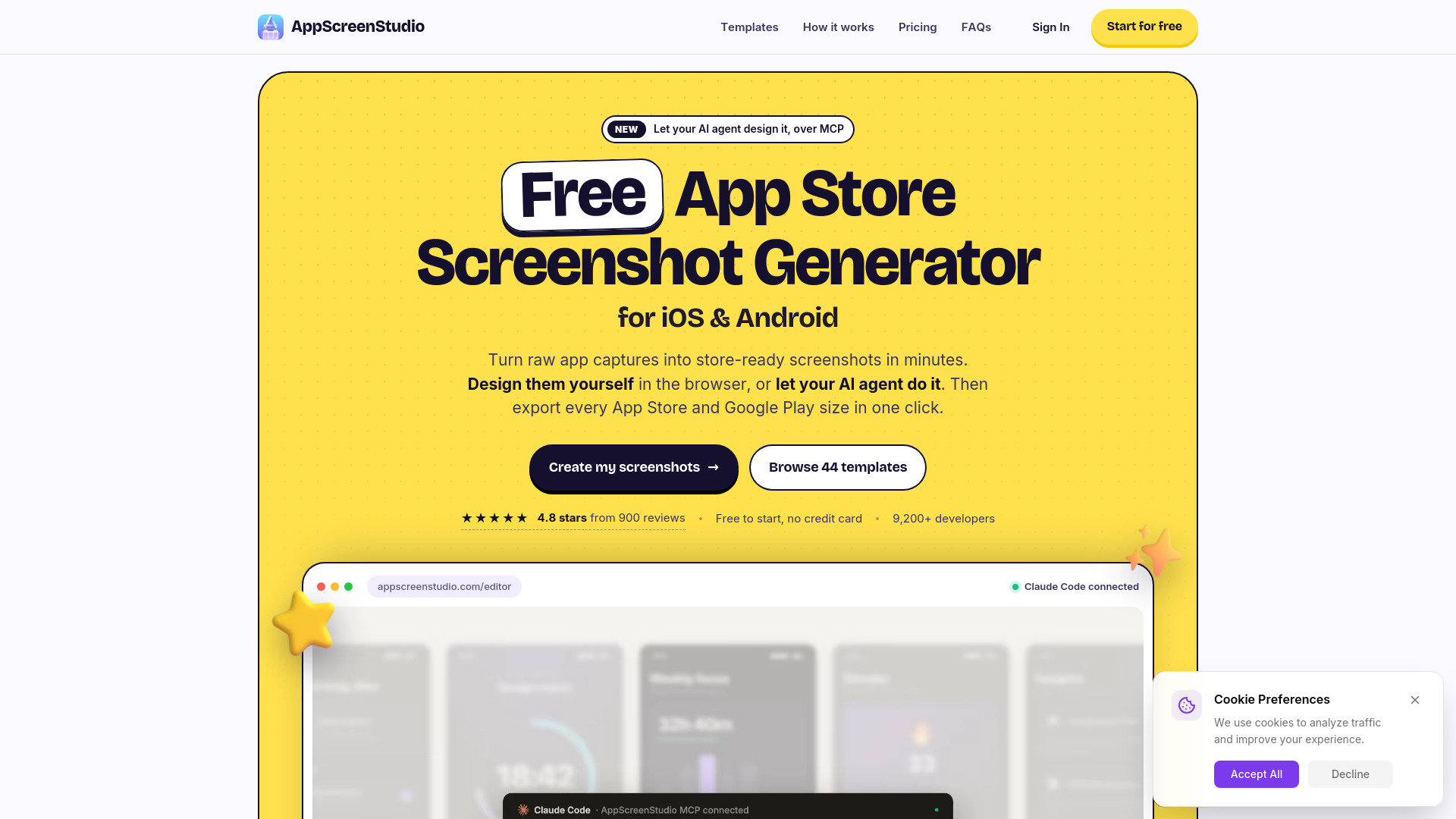
Create and export app store screenshots for iOS and Android.
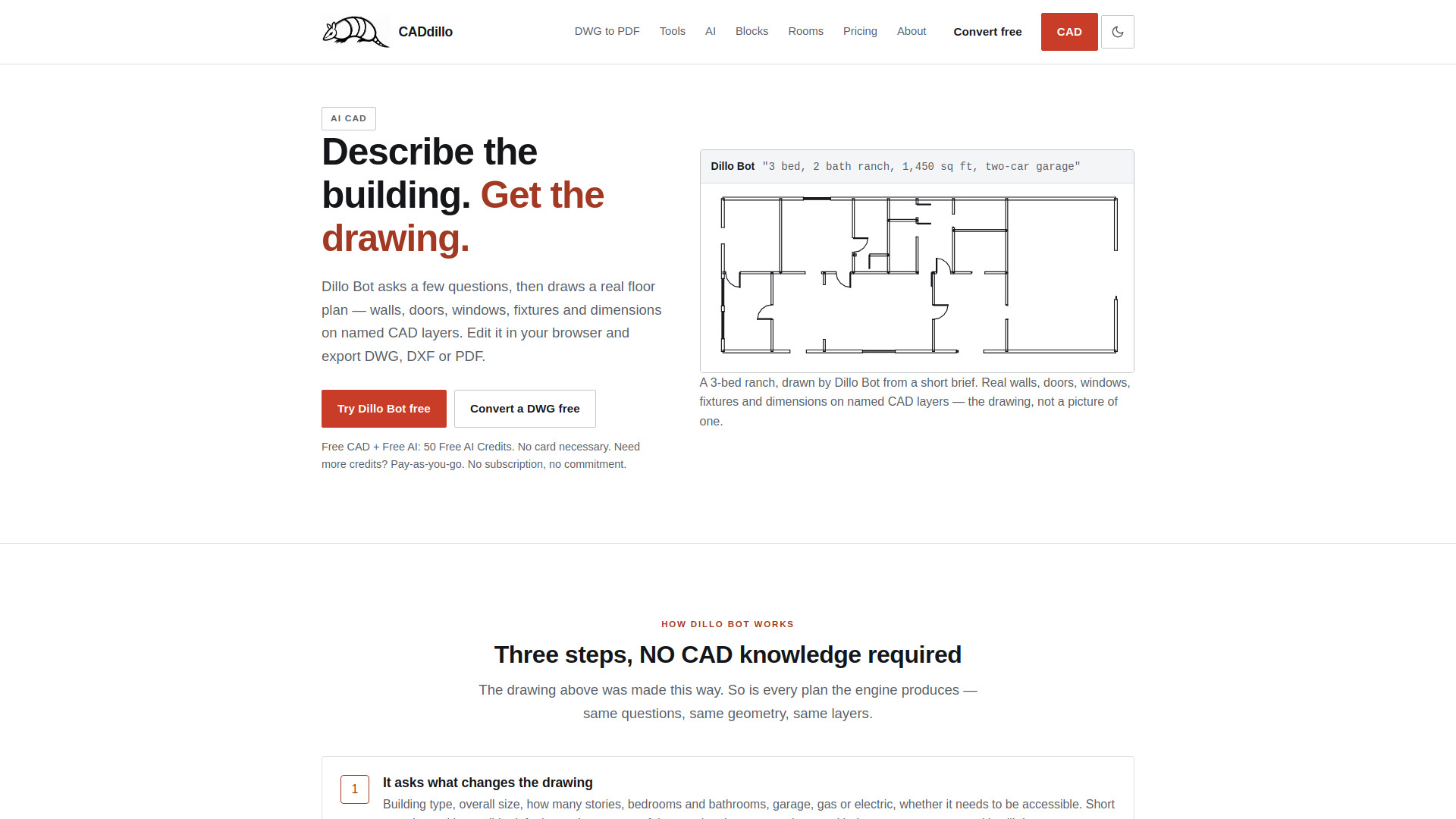
CADdillo is a browser-based CAD application that combines AI-powered floor plan drafting with free file conversion. It allows users to describe a building in plain English and have Dillo Bot generate a real floor plan with walls, doors, windows, fixtures, and dimensions on named CAD layers. The resulting drawing is editable and can be exported as DWG, DXF, or PDF. CADdillo also includes a free DWG converter and a library of 458 professional CAD blocks.
For file conversion, simply drop a DWG file (r11 through r2018) into CADdillo to convert it to DXF, which opens natively in your browser. You can then export back to DXF or DWG.
CADdillo offers a free tier and pay-as-you-go credit packs:
Credits never expire while your account is open. Only AI work consumes credits: one AI drawing costs 20 credits, a chat answer 5 credits, MEP 100 credits per system (300 for all four), and a redraft 10 credits. Opening, viewing, converting, drawing, and editing by hand are free.
Is CADdillo free?
Yes. The CAD editor, viewer, and converter are free, and every account starts with 50 free AI credits. No card necessary. Additional credits are pay-as-you-go from $10 for 100 credits.
Do I need a card?
No. Signing up needs only an email address: no card and no password.
Is there a subscription?
No. CADdillo is pay-as-you-go with one-time credit packs. Nothing renews.
What costs credits?
Only AI work. One AI drawing costs 20 credits, a chat answer 5, MEP 100 per system (300 for all four), and a redraft 10. A request that draws nothing is billed as a chat answer. Opening, viewing, converting, drawing, and editing by hand never cost a credit.
Do credits expire?
No. Purchased credits and the 50 free signup credits never expire while your account is open.
What do I get free?
The CAD editor, viewer, and converter are free, and you get 50 AI credits, enough for your first two AI drawings. All you need is an email.
Do you have plans for firms and teams?
Yes. Architecture firms and design teams get custom plans: high-volume credits at volume rates, team accounts, API access, and priority support. Contact through the contact form (choose Business / teams).
Can AI draw a floor plan?
Dillo Bot does. You answer a short intake and it draws a plan with double-line walls, doors with swings, windows, fixtures, room labels with areas, and dimension strings. The result is real CAD geometry on named layers.
Is the output real CAD, or just an image?
Real CAD. Every wall is a line, every door and fixture is a block, every label is text, and all of it sits on named layers. You can move a wall, trim a line, re-dimension it, and export DXF, PDF, or DWG that opens in AutoCAD, BricsCAD, LibreCAD, or DraftSight.
What can Dillo Bot not do?
It is a 2D drafting agent. 3D modelling and photoreal rendering are in development. Structural design and code compliance stay with your engineer.
Can I open a DWG file without AutoCAD?
Yes. Drop a DWG (r11 through r2018) into CADdillo and it converts to DXF, which opens natively in your browser — no AutoCAD, no install, no account.
Is the DWG converter really free?
Yes, and it needs no account. DWG to PDF, DXF, PNG, or SVG, in your browser, in about fifteen seconds. No watermark and no page limit.
Do my files get uploaded?
DXF files never leave your machine. DWG is converted server-side and the uploaded file is deleted immediately after conversion. AI drafting sends your brief to the engine to generate geometry; there is no public gallery and your drawing is not published.
Is there a free AutoCAD alternative in the browser?
CADdillo is one. The CAD editor, viewer, and converter are free, with all 458 professional blocks and 50 free AI credits, running entirely in your browser on any operating system. More AI credits are pay-as-you-go from $10, with no subscription, versus roughly $500/yr for AutoCAD LT.
Does it work on a phone?
Yes — real drafting, not a read-only viewer. A floating tool button opens the tool sheet, panels slide up as bottom sheets, and a feet-and-inches keypad lets you type exact dimensions like 12'6". Open app.caddillo.com in Safari or Chrome; there is nothing to install. Native iOS and Android apps are on the roadmap.