
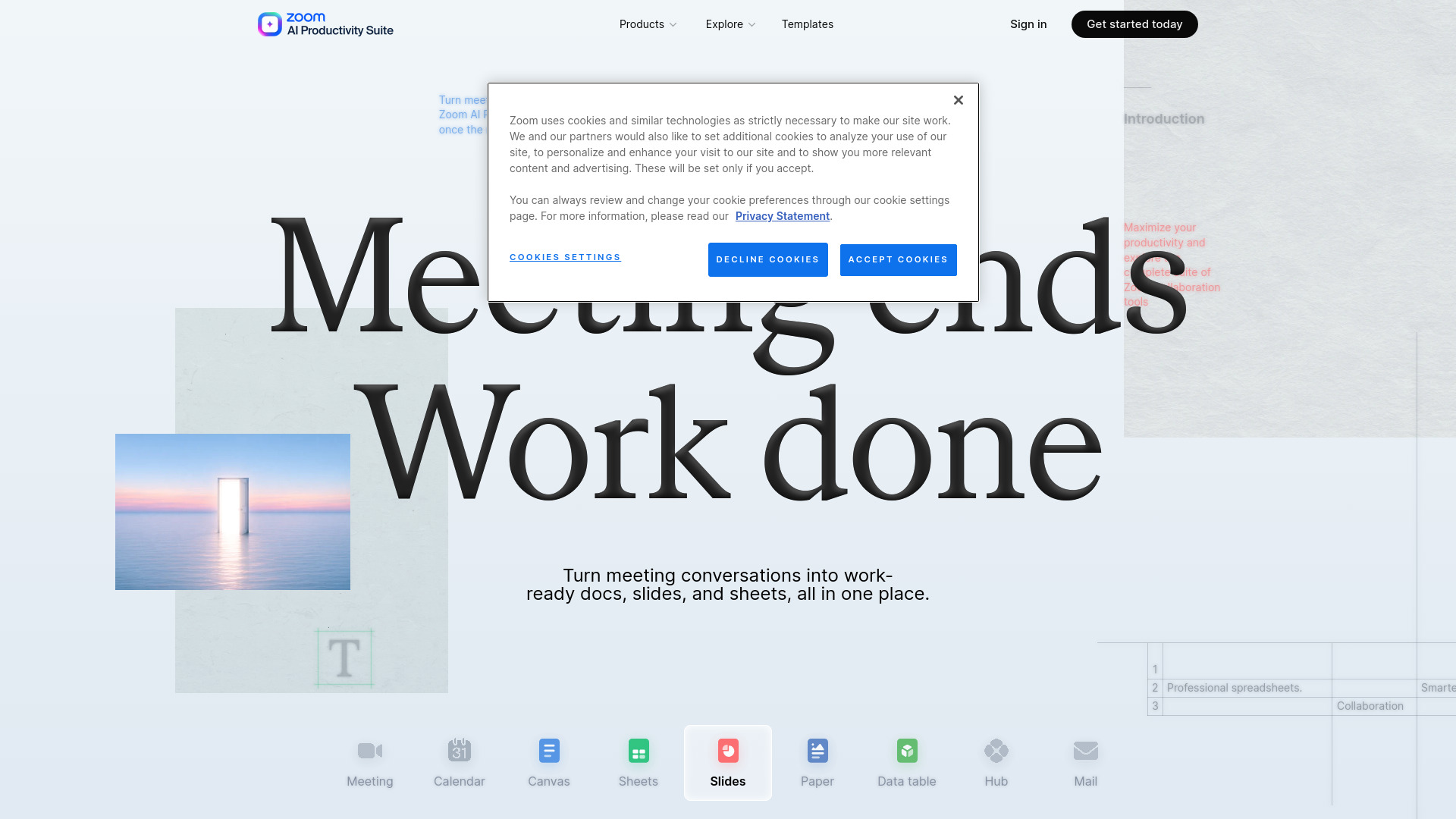

Zoom AI Productivity Suite
AI Presentation Generator
AI tools that turn conversations into documents, presentations, and spreadsheets.
Check pricingVisit site

AI Productivity Tools
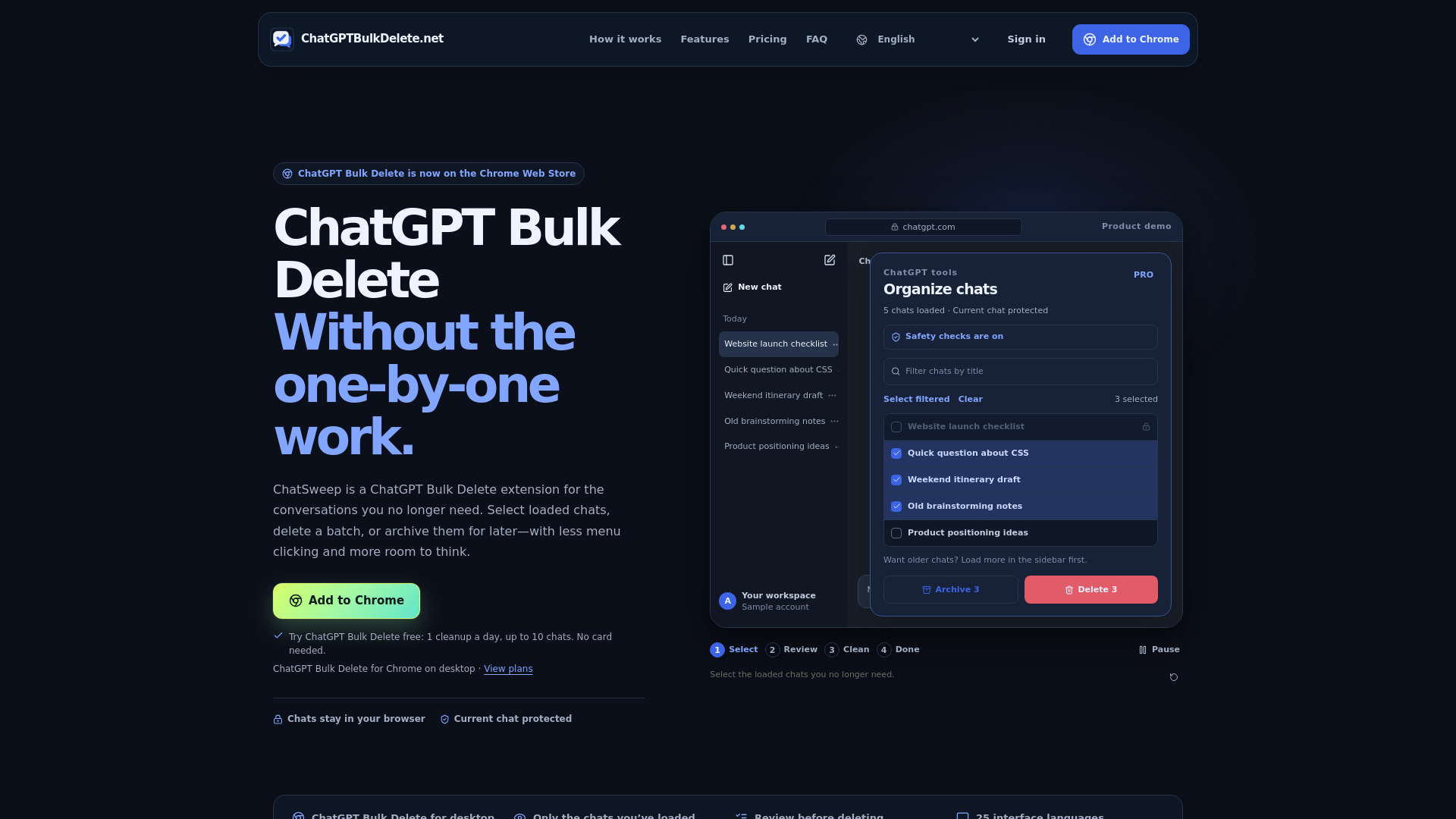
Chrome extension for carefully deleting or archiving ChatGPT chats in batches.
Explore other tools in related categories.
AI Presentation Generator
AI tools that turn conversations into documents, presentations, and spreadsheets.
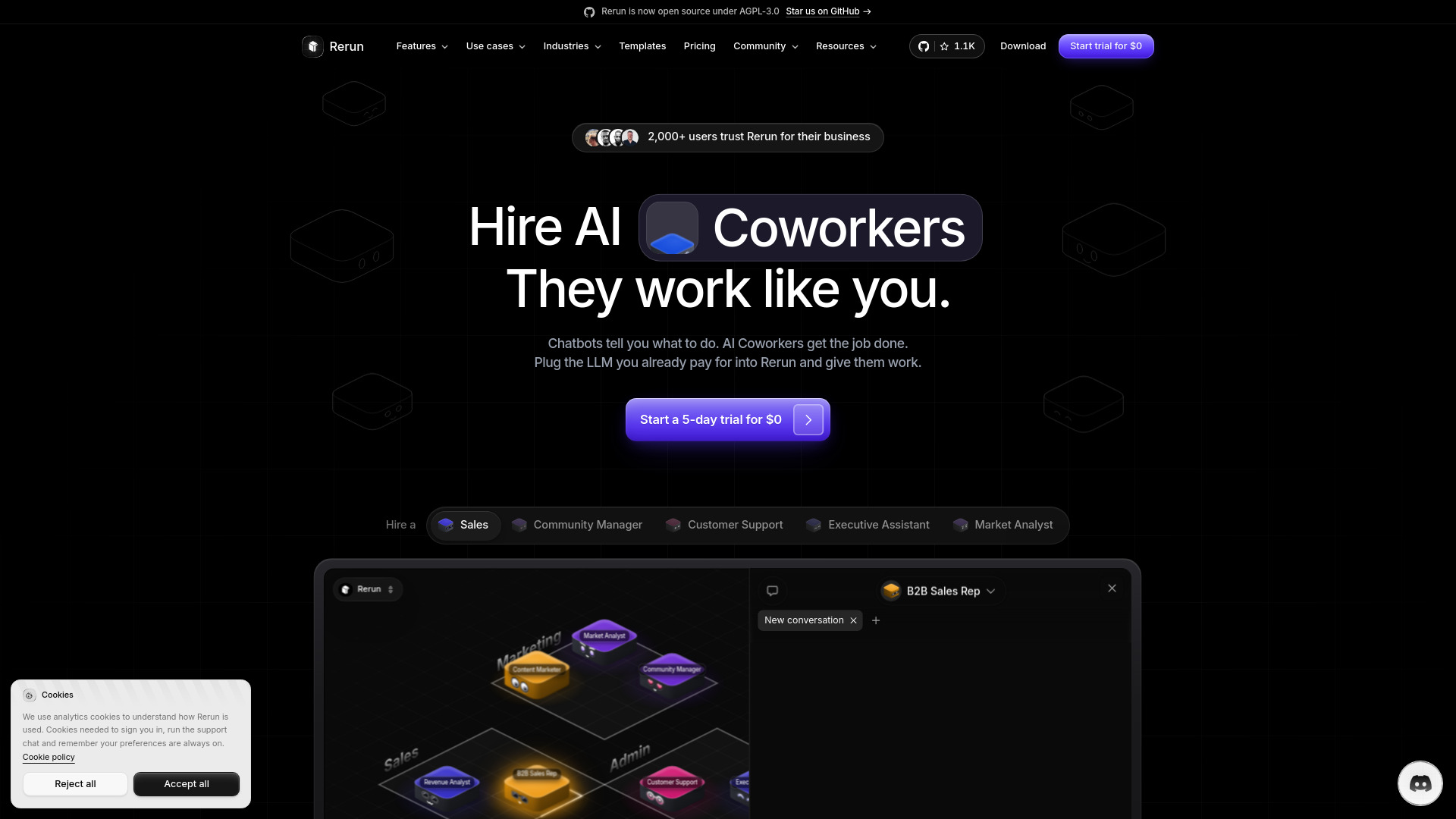

AI Marketing
AI coworkers automate recurring business tasks across apps and teams
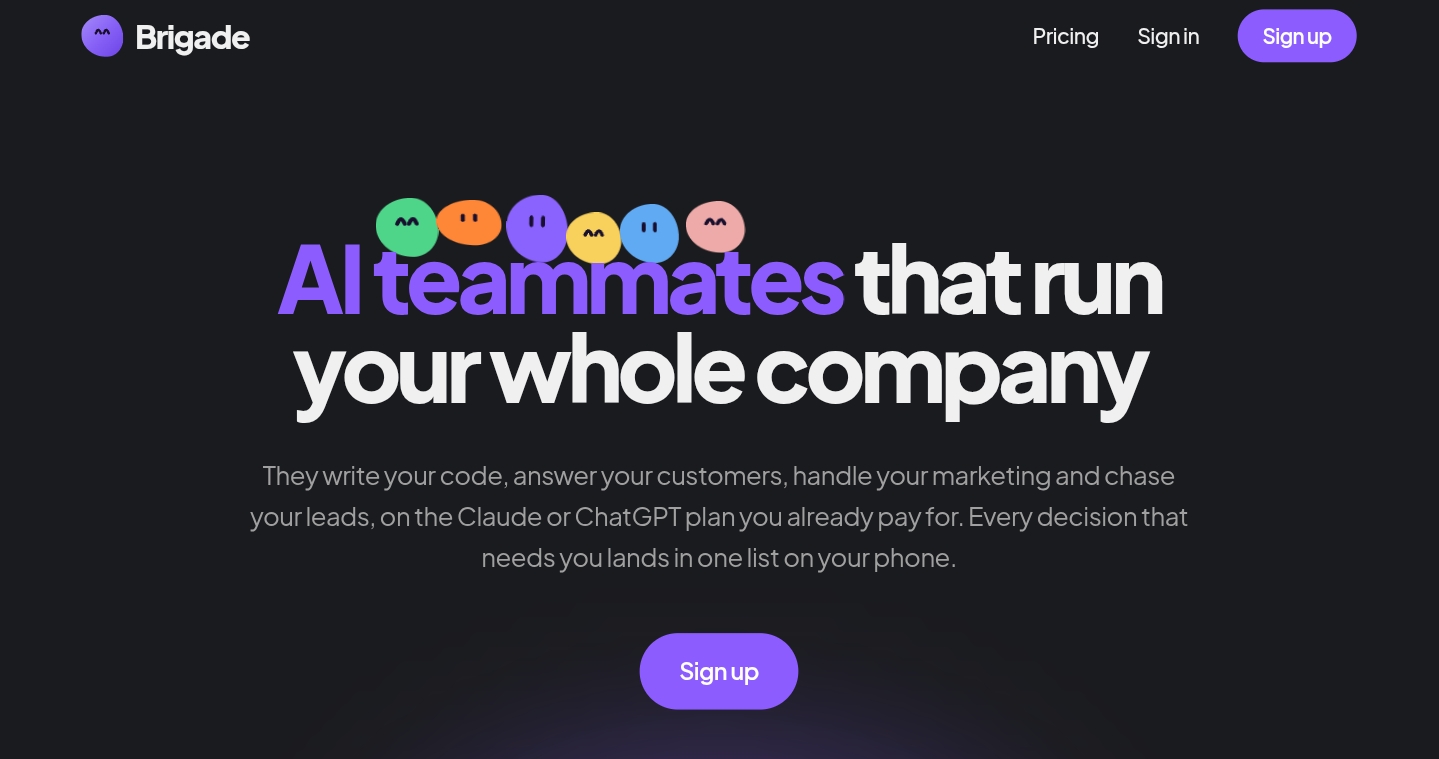

AI Assistant
Open-source AI teammates automate business tasks across your connected apps.
ChatGPT Bulk Delete (also known as ChatSweep) is a Chrome extension for deleting or archiving multiple ChatGPT conversations in batches. It adds checkboxes to the ChatGPT sidebar so you can select loaded chats, review the batch, and then delete or archive them from a single panel. The extension is designed to be deliberate and safe: it protects the currently open conversation, requires confirmation before deletion, and stops if page controls cannot be verified. It is an independent tool and is not affiliated with or endorsed by OpenAI.
Purchases are tied to your verified account; sign in from the extension with the same Google account or email to sync paid access. Card details are handled by Stripe.
Which chats can I select?
Only chats already loaded in ChatGPT’s sidebar. To include older chats, scroll the sidebar to load more history, then refresh the extension’s selector. It does not automatically fetch your entire history.
Can it delete the conversation I’m using?
The open conversation is excluded from selection. If you switch into a selected chat while a cleanup is running, the extension pauses to protect it.
What’s the difference between delete and archive?
Delete removes conversations and usually cannot be undone. Archive removes them from the sidebar while keeping their contents. Bulk archive is available with Pro and Lifetime.
Does it read or upload my conversations?
It reads loaded sidebar titles to show your selection, but does not read message contents or upload chat titles. Only your account, billing status, activation and entitlement checks go to the server.
What happens if ChatGPT changes its website?
The extension checks the controls it needs before acting. If those controls or the result can’t be verified, it stops instead of guessing or retrying uncertain deletions. A later ChatGPT update may still require an extension update.
How do I activate a paid plan or cancel?
Purchase on the website, then sign in from the extension with the same Google account or verified email. Your paid plan syncs automatically—no activation code. You can manage or revoke connected browsers on your account page.