Newsletter
Join the Community
Subscribe to our newsletter for the latest news and updates

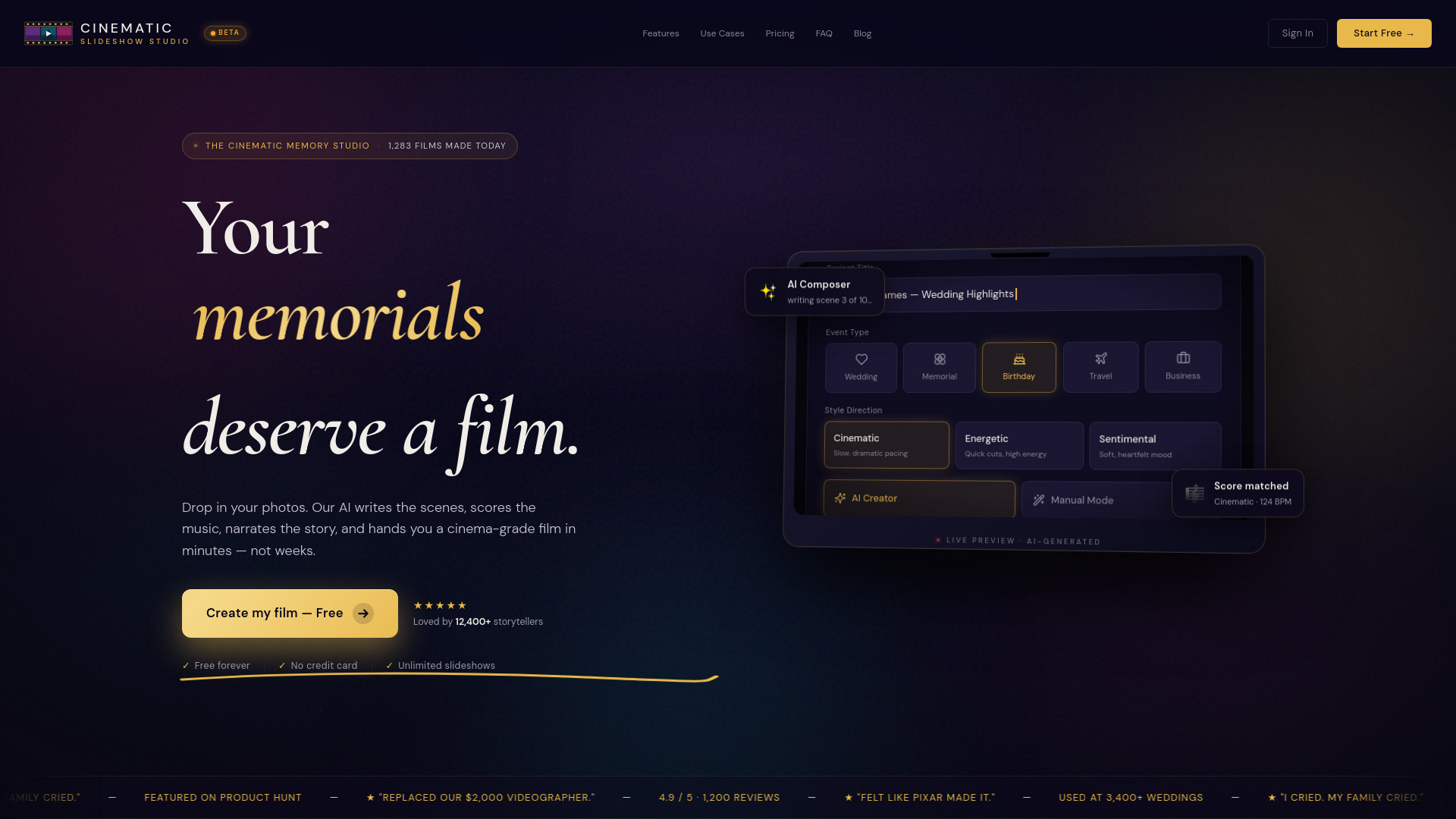
Turn your photos, video clips, and music into cinematic slideshows for weddings, memorials, birthdays, and life’s biggest moments. Start free in your browser.
Cinematic Slideshow Studio is a free AI-powered slideshow maker that runs entirely in your web browser. It turns your photos, video clips, and music into cinematic slideshows for weddings, memorials, birthdays, and other life moments. The tool uses AI to analyze your script, compose scenes, add music with automatic audio ducking, generate voice narration, and export videos up to 4K resolution.
Is Cinematic Slideshow Studio really free?
Yes. The Free plan includes the full editor, unlimited projects, 1 GB of storage, 720p export, and up to 3 exports per month — no credit card required. Upgrade to Pro ($14/month) for 4K, no watermark, 10 GB storage, and unlimited exports.
Do I need to download anything to make a slideshow?
No. The studio runs entirely in your web browser. There is nothing to install. It works on Chrome, Safari, Firefox, and Edge.
Can I make a slideshow with music?
Yes. Drop in any music track and the editor automatically ducks the music volume under your voice narration, then swells it back up between dialogue. Modulo looping keeps the beat seamless.
Does the AI really write the slideshow for me?
Yes. Paste your script, vows, eulogy, or story. Our AI detects topic and tone, picks emotional beats from your photos, and assembles a complete cinematic slideshow with transitions, timing, and effects. Lock anything you love and regenerate the rest.
Can I export my slideshow in 4K?
4K export is available on the Pro plan. The Free plan exports in 720p with a watermark; Pro removes the watermark and unlocks 1080p and 4K.
How long can my slideshow be?
There is no length cap on either plan. Make a 30-second highlight or a 30-minute memorial — whatever your story needs.
What photo and video formats can I upload?
We support JPG, PNG, WebP, and HEIC photos, plus MP4 and MOV video clips. Drop them in and the AI handles the rest.
Does it work on mobile?
The landing page works great on mobile. For editing slideshows we recommend a screen 10 inches or larger — desktop or tablet gives you the best canvas.