What is Clarpex
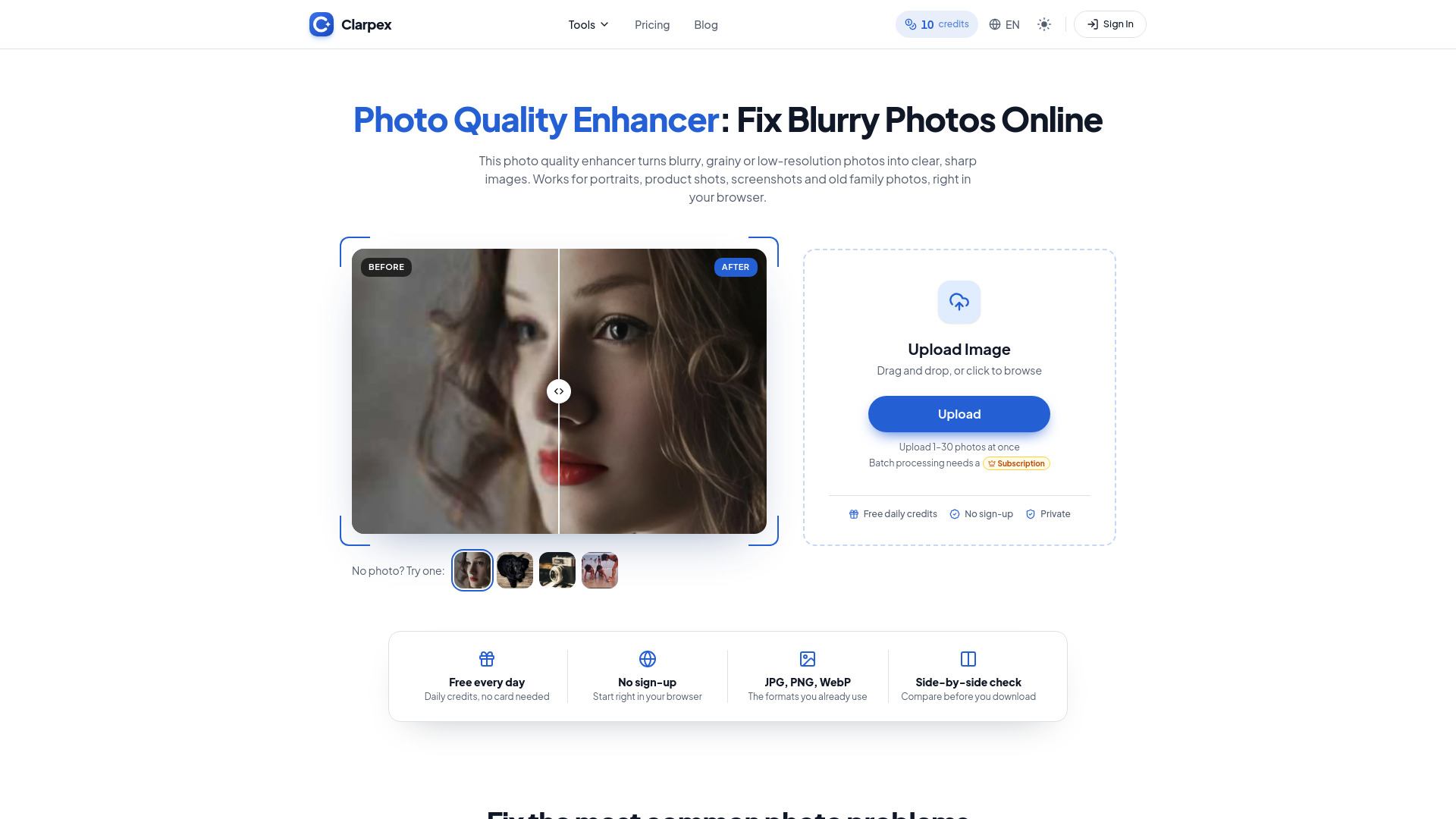
Clarpex is an AI-powered photo quality enhancer that fixes blurry, grainy, or low-resolution photos online. It turns blurry, grainy, or low-resolution photos into clear, sharp images. The tool works for portraits, product shots, screenshots, and old family photos directly in your browser.
How to use Clarpex
- Upload a JPG, PNG, or WebP image (up to 20 MB and 40 megapixels) by dragging and dropping or clicking to browse. You can also try a sample photo.
- Choose between Standard or Pro enhancement. The credit cost is shown before you start.
- The AI rebuilds blur, noise, and missing pixels.
- Compare the result with the original using a slider, then download the enhanced photo.
Features of Clarpex
- Fixes blur, noise, low resolution, pixelation, and fading in one pass.
- Enhances and upscales photos simultaneously.
- Supports JPG, PNG, and WebP formats up to 20 MB and 40 megapixels.
- Provides a side-by-side before/after comparison slider.
- Offers batch processing (requires a subscription).
- Includes free daily credits (10 per day) with no sign-up required.
- Standard enhancement costs 2 credits per run; Pro costs 10 credits.
- Keeps photos private: used only for enhancement, not for training; deleted after 24 hours without an account, or kept in History for 72 hours when signed in.
Use Cases of Clarpex
- Portraits and profile pictures: sharpen faces for LinkedIn, dating apps, and ID-style headshots.
- Product photos: clean up supplier images and phone shots for online stores.
- Family archives: bring scanned prints from old albums back to life.
- Travel and social posts: rescue shots taken in bad light before posting.
- Old and faded photos: remove scratches, cracks, and stains from faded prints and scanned family photos.
- Blurry photos: recover edges and detail lost to camera shake or missed focus.
- Low-resolution pictures: add missing pixels so images hold up on large screens and prints.
- Pixelated images: smooth out blocky product shots and screenshots.
- Grain and haze: clean up low-light grain and washed-out contrast without a plastic look.
Pricing
Clarpex offers free daily credits: everyone gets 10 free credits per day, no account needed. Standard enhancement costs 2 credits per run. Pro enhancement costs 10 credits and uses purchased credits. Free credits refresh daily and do not carry over. Paid plans range from $0 to $479 (aggregate offer).
FAQ
Is Clarpex a free photo enhancer?
Yes. Everyone gets 10 free credits a day, no account needed, and Standard costs 2 credits a run. Free credits refresh every day and do not carry over. Pro (10 credits) uses purchased credits. Your balance is always shown at the top of the page.
Do I need to sign up?
No. You can enhance photos right away. Sign in only if you want your results saved in History or to buy more credits.
Which file types and sizes are supported?
JPG, PNG and WebP images up to 20 MB and 40 megapixels each. Larger photos are scaled down automatically before enhancing, so you never have to resize them yourself.
Will the enhanced photo look fake?
The models rebuild detail to match the rest of the image, so most results look natural. Very small faces can change slightly, which is why you can compare with the slider before you download.
What is the difference between enhancing and upscaling?
Enhancing fixes how a photo looks: blur, noise and compression. Upscaling makes it bigger. Clarpex does both, so a small blurry photo comes out larger and sharper.
What does an image clarity enhancer actually do?
It rebuilds fine detail that blur, noise and compression wiped out, then cleans up the edges. A sharpening filter in a photo editor only adds contrast to edges that are already there, so it can't bring detail back and often leaves halos.
Can it fix any blurry photo?
Not every one. Heavy motion blur, or a subject that covers only a few pixels, cannot be fully recovered. Mild blur, low resolution and noise usually improve a lot.
What happens to my uploaded photos?
Your photos are used only to create your result, never to train AI. Without an account they're deleted after 24 hours. Signed in, they're kept in History for 72 hours, or until you delete them if you turn on "Keep my tasks". Details are in our Privacy Policy.