What is Cogvideo
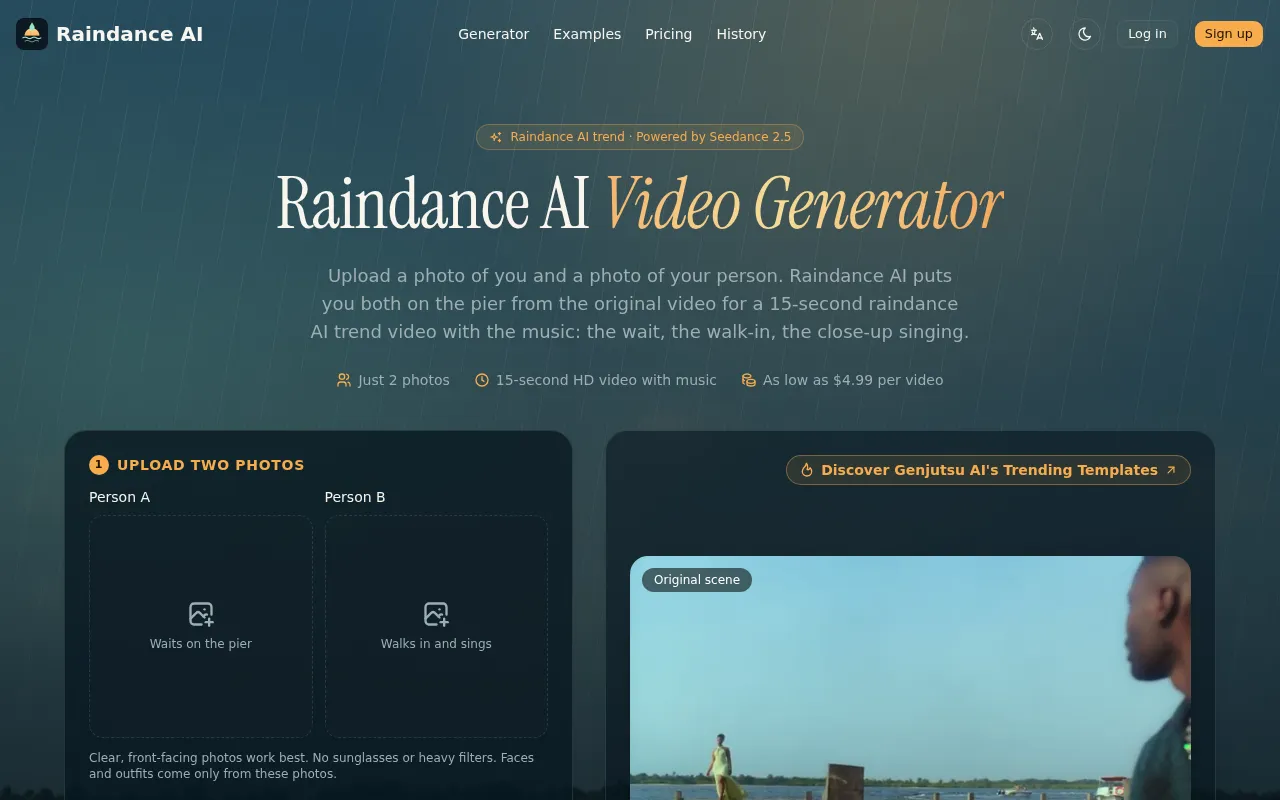
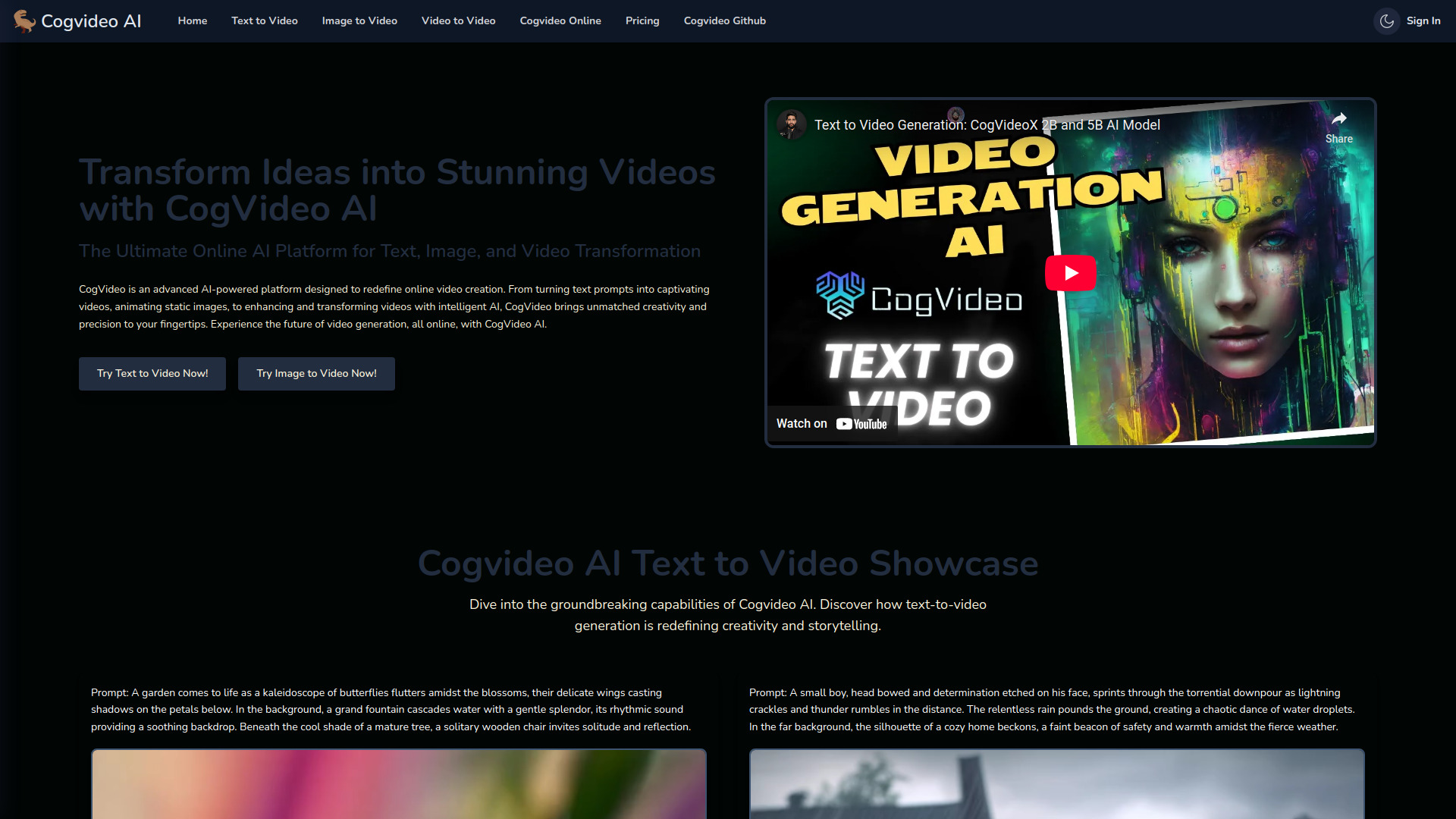
Cogvideo is an AI-driven platform designed for generating videos. It offers capabilities for Text-to-Video, Image-to-Video, and Video-to-Video generation.
How to use Cogvideo
To create a video with Cogvideo AI, simply enter a detailed text prompt or upload an image or video. The AI then processes your input and generates a video that matches the description or visual cues provided.
Features of Cogvideo
- Generate Videos from Text Prompts: Transform text prompts into dynamic videos.
- Create Videos from Images: Turn any static image into a captivating 6-second video.
- Enhance Videos from Existing Footage: Modify existing videos by adjusting scenes, enhancing visual styles, or adding new content.
- Easy Integration with ComfyUI: Seamlessly integrates with ComfyUI for a visual node-based workflow.
Use Cases of Cogvideo
- Transforming imagination into visual masterpieces from text prompts.
- Bringing static images to life with motion and depth.
- Modifying existing videos by adjusting scenes or enhancing visual styles.
- Creating promotional videos quickly without extensive filming or editing.
FAQ
- What is CogVideo AI? CogVideo AI is a state-of-the-art tool for generating videos from text, images, and videos. It empowers users to transform text prompts into dynamic videos, enhance existing videos, or create entirely new content based on uploaded images or videos.
- How do I create a video with CogVideo AI? To create a video with CogVideo AI, simply enter a detailed text prompt or upload an image or video. The AI then processes your input and generates a video that matches the description or visual cues provided.
- Can I use my own images to generate videos? Yes, CogVideo AI allows you to upload your own images, which can then be used to generate videos. This feature is perfect for creating animated content based on static images.
- What is the difference between Text to Video, Image to Video, and Video to Video? Text to Video generates videos based on text prompts, Image to Video creates videos from static images, and Video to Video allows you to modify or enhance existing videos with new elements, effects, or transformations.
- Is CogVideo AI easy to use for beginners? Yes, CogVideo AI is designed with simplicity in mind. The intuitive interface allows beginners to easily generate videos without needing any prior experience. Just enter your input and let the AI handle the rest.
- What file formats can I use with CogVideo AI? CogVideo AI supports a variety of file formats for both input and output, including common image formats (JPEG, PNG) and video formats (MP4, MOV, AVI).
- Can I edit videos after they are generated? Yes, CogVideo AI provides options to modify and refine videos after generation. You can adjust various parameters or even reprocess them for further improvements.
- What type of hardware do I need to run CogVideo AI? CogVideo AI is optimized to run on most modern computers with a stable internet connection. For optimal performance, a machine with a multi-core processor, at least 8GB of RAM, and a dedicated GPU is recommended.
- Does CogVideo AI offer any integrations with other tools? Yes, CogVideo AI integrates seamlessly with ComfyUI, allowing you to create, edit, and enhance videos using a visual node-based interface, simplifying complex video generation workflows.
- How accurate is the video generation? CogVideo AI is highly accurate and can generate videos with high fidelity based on the text prompts, images, or videos you provide. However, the results may vary depending on the complexity and clarity of the input.