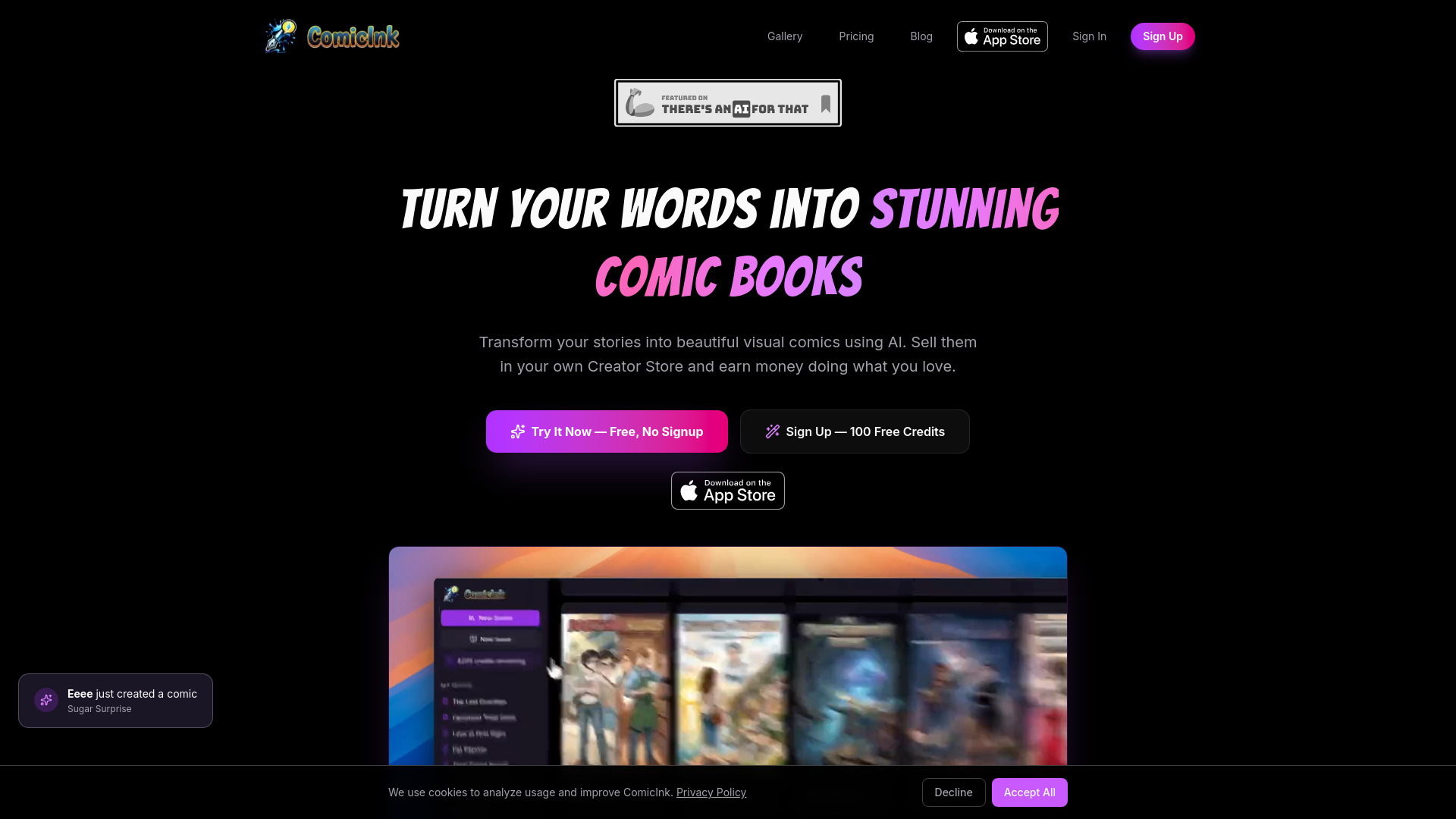
What is ComicInk
ComicInk is an AI-powered comic book creation platform that allows users to transform their stories into visual comics. It enables the creation of comics with consistent characters and supports multiple art styles and languages.
How to use ComicInk
- Write Your Story: Describe your comic concept, characters, and plot.
- Create Characters: Design unique characters with AI-generated visuals.
- Generate Pages: AI transforms your script into stunning panels.
- Export & Share: Download your comic or share it with the world.
Features of ComicInk
- Character Consistency: AI maintains character appearance across panels.
- Script to Page: Transforms written stories into comic pages with dynamic layouts.
- Infinite Styles: Supports numerous art styles, with the ability to create unique visual aesthetics.
- Story Arcs: AI-powered continuity planning for multi-issue storylines.
- Creator Store: Allows users to set up a branded store to sell comics.
- Collaboration: Users can invite collaborators to work on comics together.
- AI Story Writing: Can generate full story arcs, scenes, and dialogue from prompts.
- Free Fixes: Offers up to 2 free fixes for AI-generated images with errors.
- Multiple Languages: Supports over 20 languages for comic creation.
- Mobile App: Available on the App Store for iPhone and iPad.
Use Cases of ComicInk
- Writers can bring their stories to life visually without needing drawing skills.
- Creators can sell their comics directly to readers through their own storefront.
- Users can build a fanbase by publishing comics in a public gallery.
- Educators can utilize the platform for creative projects.
FAQ
- What is ComicInk? ComicInk is an AI-powered comic book creation platform where users write story ideas, and the AI generates artwork, characters, pages, and covers. No drawing skills are needed.
- How do credits work? Credits are used to generate AI images. New accounts receive 100 free credits. A finished comic page or cover costs 50 credits. Credits do not expire.
- Will my characters look consistent? ComicInk uses character definitions and reference images to maintain consistency, though some variation is possible due to the nature of AI image generation.
- What if the AI generates an image with errors? Every page gets up to 2 free fixes. Users can describe the needed changes, and the AI will regenerate the page. Additional regenerations use credits.
- What art styles are available? ComicInk supports 12 art styles including American Comics, Manga, Manhwa, European BD, Cartoon, Realistic, Noir, Watercolor, Digital Art, Vintage/Retro, Chibi, and Pixel Art.
- Can I sell my comics? Yes, creators can set up a Creator Store, price, and sell issues, earning 70% of each sale. Comics can also be published for free in the public gallery.
- Can I collaborate with others? Yes, users can invite collaborators by email to work on comics together.
- What languages are supported? ComicInk supports over 20 languages, including English, Spanish, French, German, Japanese, Korean, Chinese, Hindi, and Arabic.
- Is there a mobile app? Yes, ComicInk is available on the App Store for iPhone and iPad.
- Can the AI write my story too? Yes, ComicInk can generate story arcs, scenes, and dialogue from a simple prompt.
- Is ComicInk a free AI comic book maker? Yes, new accounts receive 100 free credits, and users can create comics without a credit card. Comics can be published for free or sold.
- How do I make AI comic books? Write a story idea, define characters, choose an art style, and ComicInk generates pages and panels. Users can refine pages with text edits.
- Can I generate a free AI comic book? Yes, the Quick Comic flow allows generating a 4-page comic without signup. Signing up provides 100 free credits for full-length comics.
- How do I get in touch with ComicInk? Users can contact ComicInk via email at superhero@comicink.ai.