What is Convly AI Image-to-Prompt
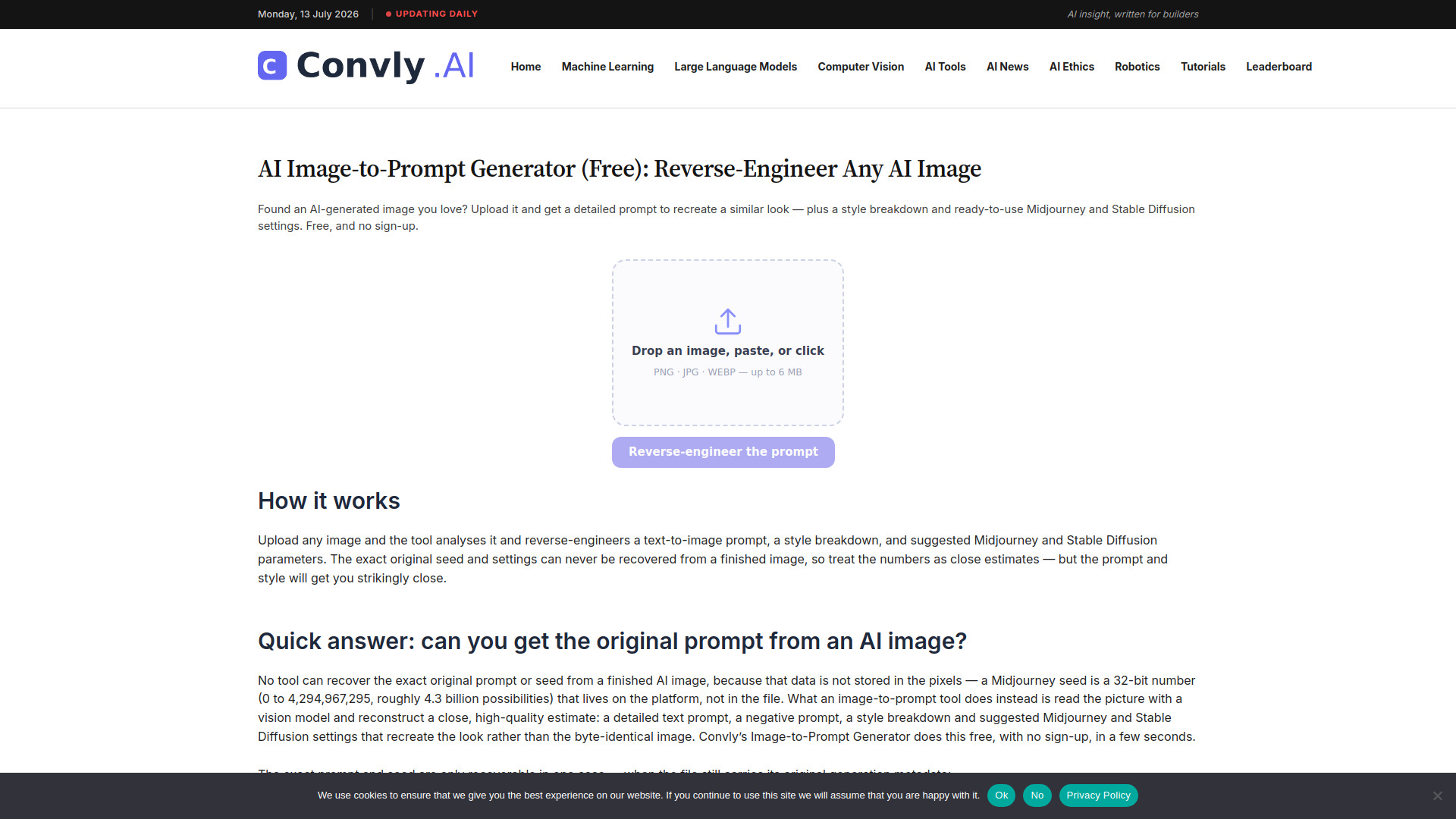
Convly AI Image-to-Prompt is a free online tool that reverse-engineers any AI-generated image. Upload an image and receive a detailed text prompt, a style breakdown, and Midjourney/Stable Diffusion settings to recreate the look.
How to use Convly AI Image-to-Prompt
- Visit the Convly AI Image-to-Prompt page.
- Upload your image using the provided interface.
- The tool analyzes the image and generates a detailed prompt, style breakdown, and platform-specific settings.
- Copy the generated prompt and settings to use in Midjourney, Stable Diffusion, or other AI image generators.
Features of Convly AI Image-to-Prompt
- Free to use: No cost for generating prompts.
- Detailed prompt generation: Produces a comprehensive text description of the image.
- Style breakdown: Identifies artistic style, color palette, lighting, and composition.
- Platform-specific settings: Provides parameters for Midjourney and Stable Diffusion.
- Easy upload: Simple drag-and-drop or file selection interface.
Use Cases of Convly AI Image-to-Prompt
- Reverse-engineering AI art: Understand how a particular AI image was created.
- Learning prompt engineering: Study effective prompts by analyzing existing images.
- Recreating styles: Get the exact settings to reproduce a desired aesthetic.
- Inspiration: Generate new ideas by deconstructing images into prompts.
FAQ
Is Convly AI Image-to-Prompt free? Yes, it is completely free to use.
What image formats are supported? The tool supports common image formats like JPEG and PNG.
Can I use the generated prompts in any AI image generator? The prompts are optimized for Midjourney and Stable Diffusion but can be adapted for other generators.
Is there a limit on the number of images I can upload? The webpage does not specify any limits; it is free to use.