

Workato
AI Workflow
Enterprise platform for app integration, workflow automation, and governed AI orchestration.
Check pricingVisit site

AI Photo Editor
AI bulk image editing for cropping, resizing, and background removal.

Explore other tools in related categories.
AI Workflow
Enterprise platform for app integration, workflow automation, and governed AI orchestration.
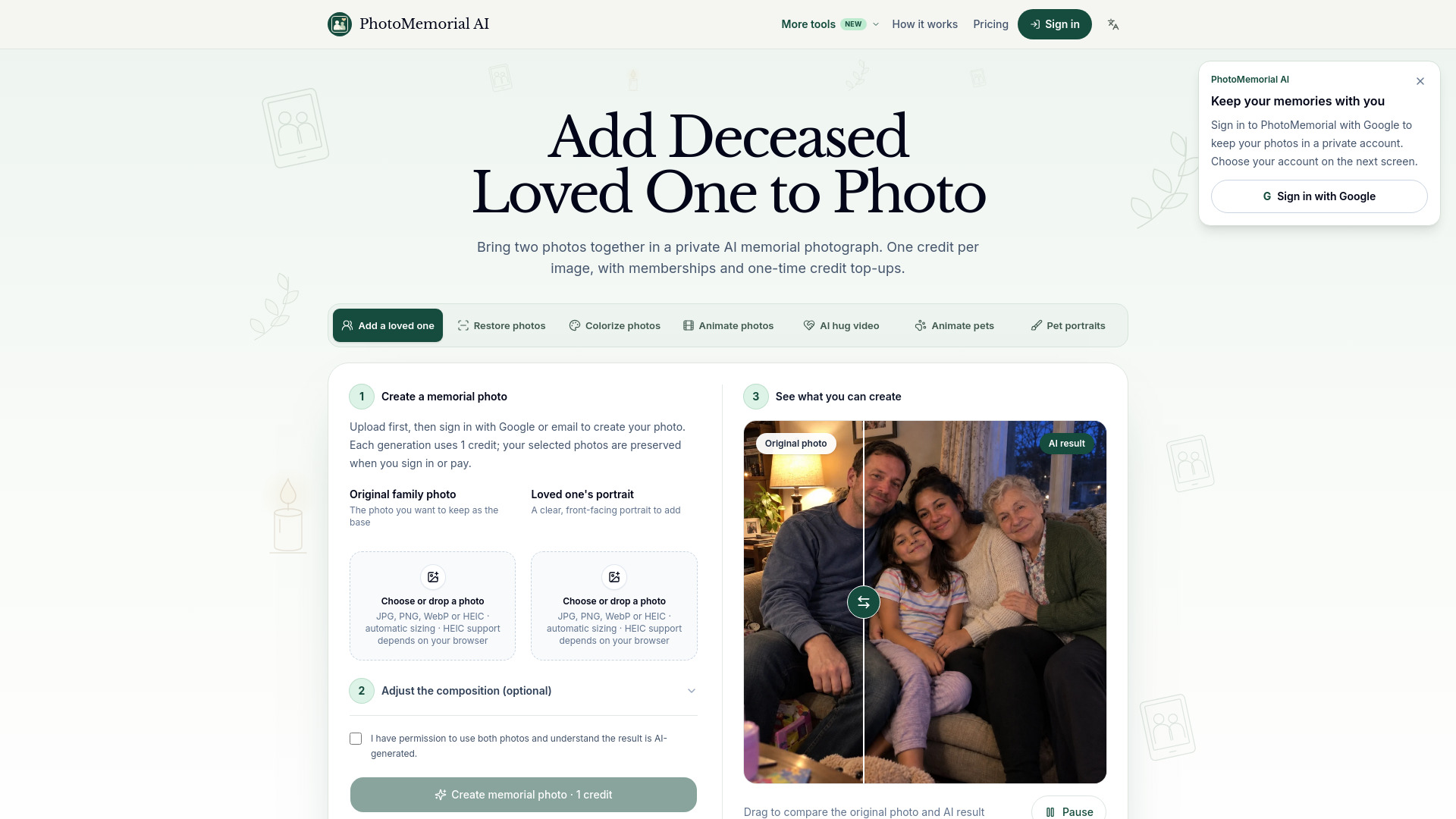

AI Image Combiner
Animate a deceased loved one's photo from one portrait, or turn two separate photos into an imagined hug. PhotoMemorial AI also creates memorial family photos. All generations require sign-in and paid credits. Videos are silent, run about five seconds, and require Family or Legacy on current plans.
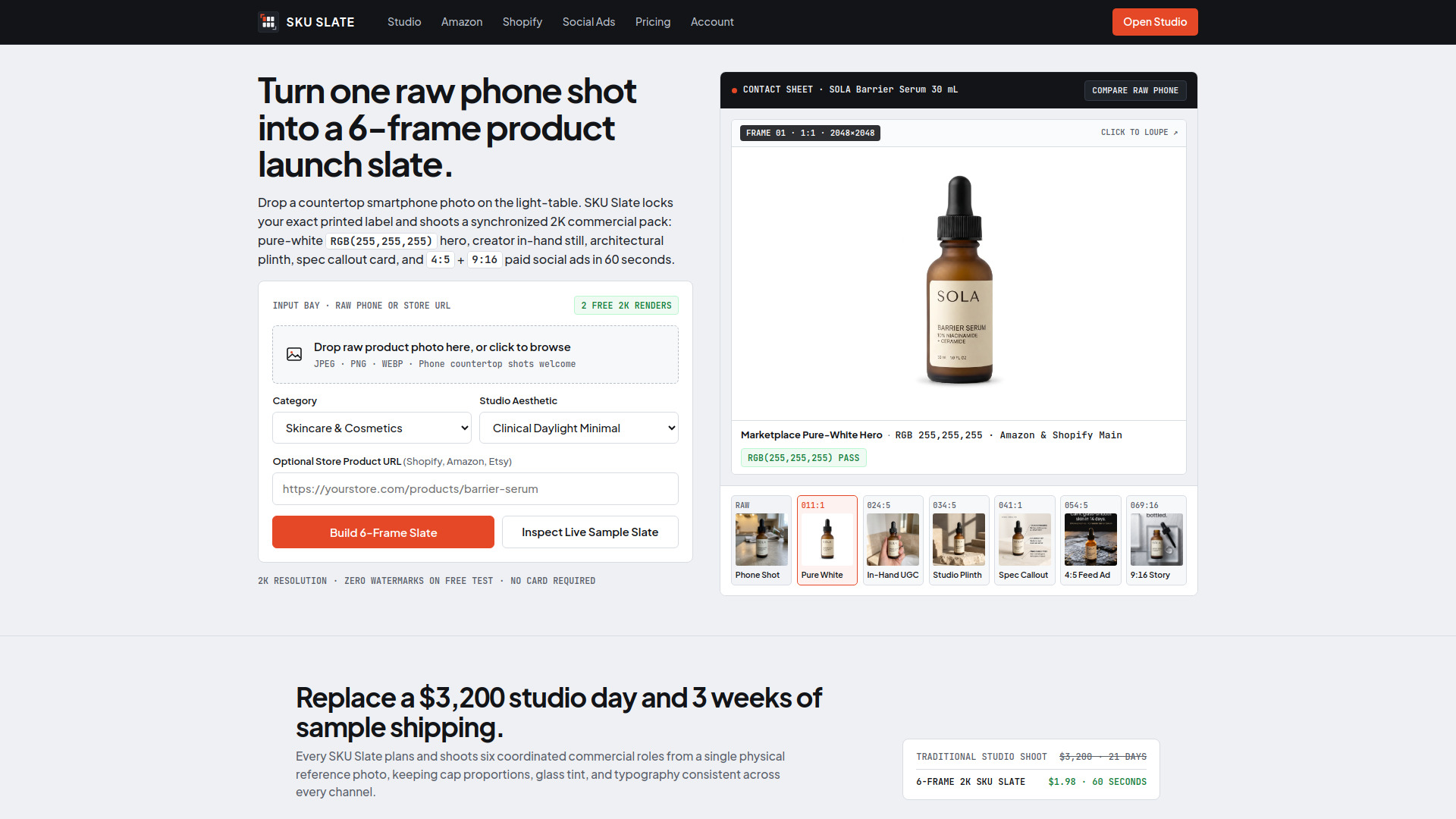

AI Ad Creative
Turns one product photo into six coordinated 2K commercial images.
Crop.photo is an AI-powered bulk image editing platform that enables users to crop, resize, retouch, and remove backgrounds from thousands of images in seconds. It supports products, faces, on-model shots, and lifestyle images, offering automated workflows for e-commerce, fashion, and personal use.
Crop.photo offers a free trial. Detailed pricing plans are available on the pricing page at crop.photo/pricing.
Q: What types of images can I edit with Crop.photo? A: You can edit product photos, fashion images, lifestyle shots, faces, and any other image type. The AI handles bulk cropping, resizing, background removal, and retouching.
Q: Can I integrate Crop.photo with my existing workflow? A: Yes, Crop.photo provides an API for automation and a dedicated Shopify app for seamless integration with your e-commerce store.
Q: Is there a free trial? A: Yes, you can sign up for a free trial at app.crop.photo.
Q: How many images can I process at once? A: The platform is designed for bulk processing, handling thousands of images in one go.