
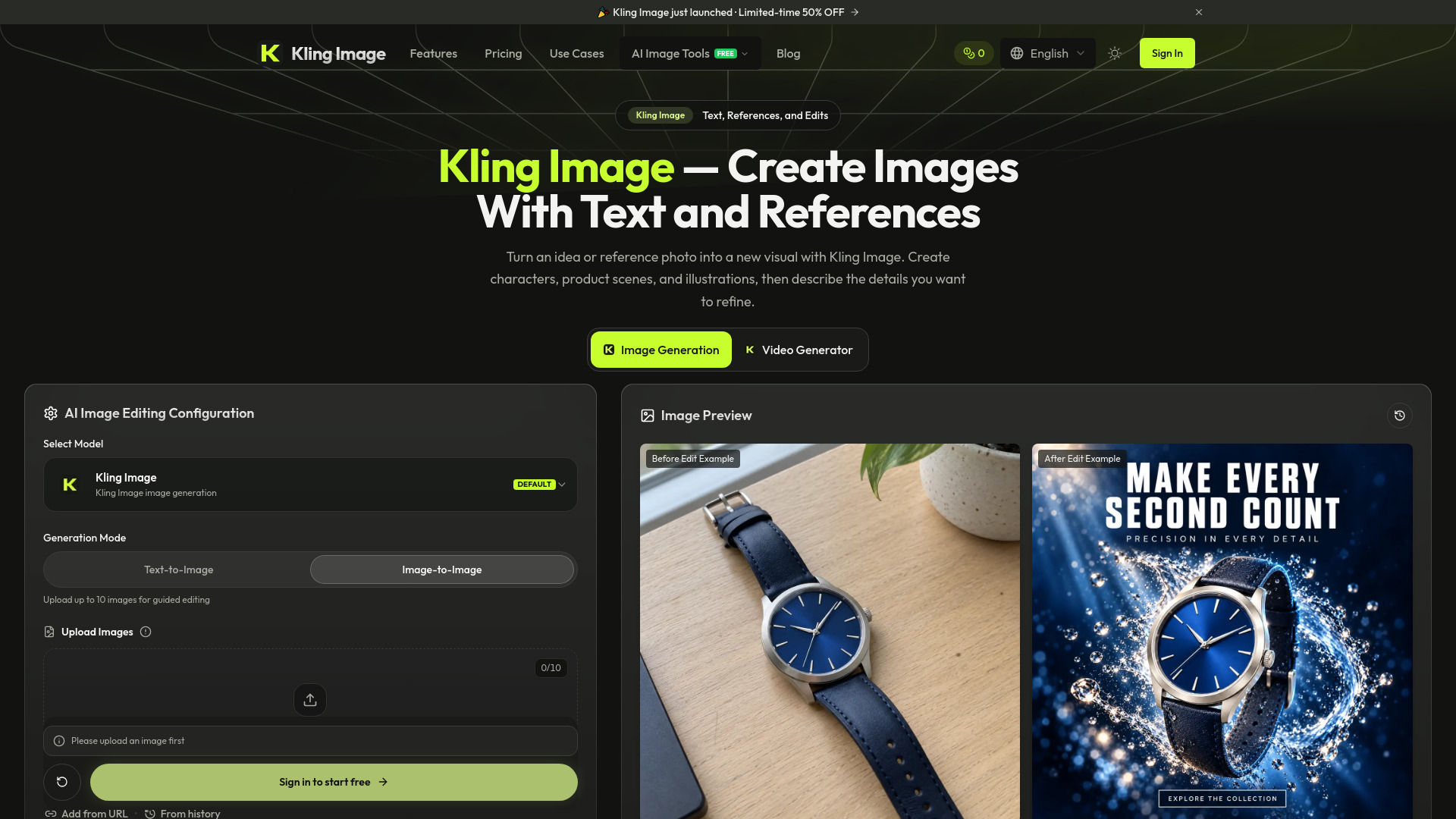

Kling Image
AI Photo Editor
AI image generator and editor using text prompts and reference photos
Check pricingVisit site

AI Photo Editor
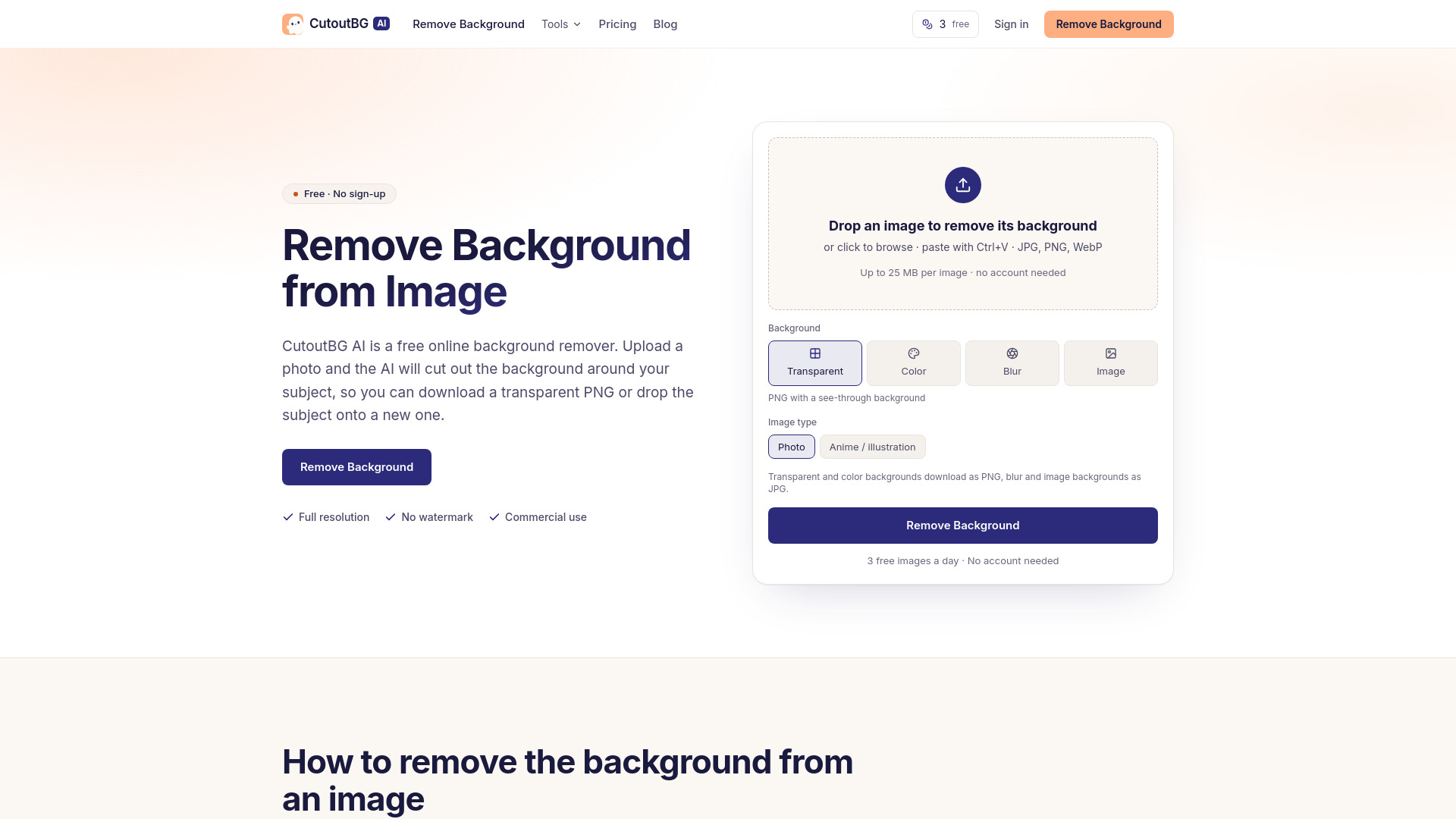
Remove the background from any image online. Download a transparent PNG or put your subject on white, a colour, a blur or another photo. Free, no watermark.
Explore other tools in related categories.
AI Photo Editor
AI image generator and editor using text prompts and reference photos

AI Photo Editor
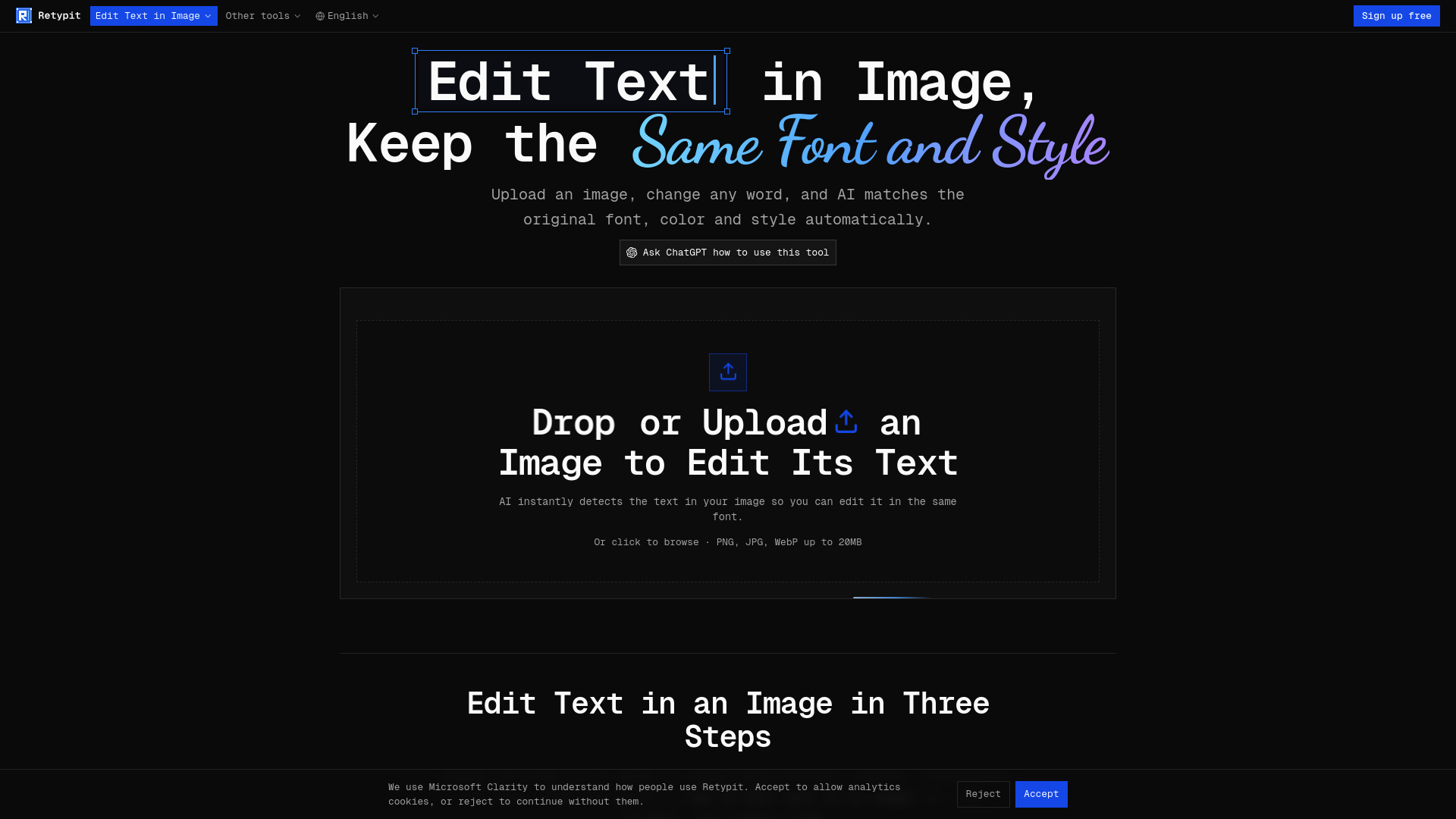
AI image text editor that preserves the original lettering style


AI Photo Editor
AI tool for generating and editing images with prompts
CutoutBG AI is a free online background remover that uses AI to automatically cut out the subject from any image. It allows you to download a transparent PNG or place the subject on a white background, a solid color, a blurred version of the original background, or another image of your choice. The tool works directly in your browser, requires no installation, and produces full-resolution results without watermarks.
CutoutBG AI offers both free and paid options:
All paid options include plan benefits while tokens last: 50 MB uploads, 5 images at a time, and 180-day history.
How to remove background from image Upload the image and download the result once the AI has cleared everything around the subject. No installation or editing knowledge is needed. For drawings, switch the image type to Anime / illustration before starting.
What is the free AI tool to remove background? CutoutBG AI is free for 3 images a day without an account and 10 a day when you sign in. Free results come at full resolution with no watermark, and you may use them commercially. Other free options have different limits: Pixlr caps images at 4096 × 4096 pixels, Photoroom's free plan exports at up to 2000 × 2000 pixels, and Clipdrop allows 20 background removals per 24 hours.
How do I remove the background from a PNG? Upload the PNG and download the cutout. If the PNG already has transparent areas, they stay transparent. A PNG with a flat white background will also work, and you will get back a cutout with that white removed.
How to remove white background from image Upload the image and pick the Transparent output. The white area disappears and the subject keeps its own light tones. This is useful for logos or signatures.
Can I use the results commercially? Yes. Cutouts you make are yours to use, including in shops, ads, and client work, on the free allowance as well as on a paid plan. Some tools restrict this: remove.bg's free tier and Photoroom's free accounts are for personal use only.
Do you keep my images? Results stay in your history so you can download them again: 7 days on the free allowance, 180 days on a plan or token pack. You can delete any image from history yourself, and deletion removes both the original and the cutout.