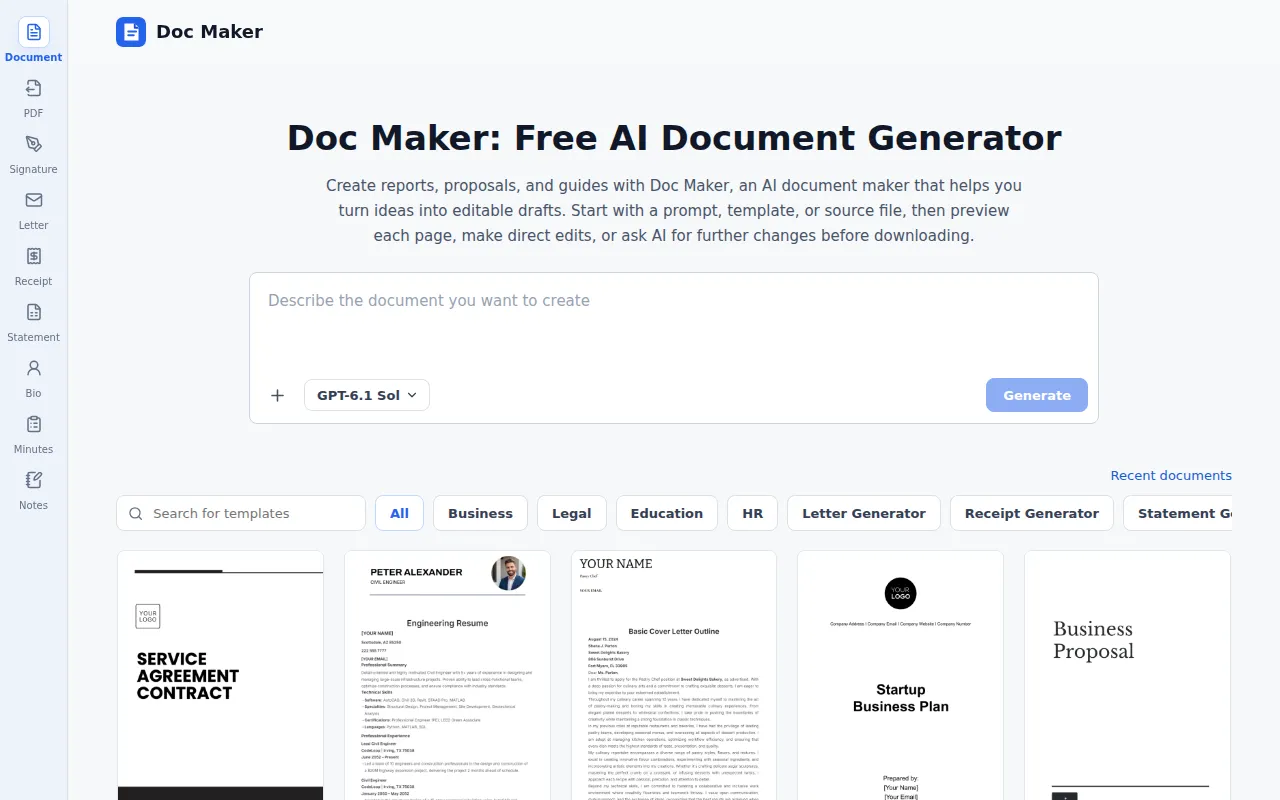
What is Doc Maker - AI Document Generator
Doc Maker is an AI-powered document generator that allows users to draft reports, proposals, and guides from prompts, templates, or files. It provides an online editor for refining documents, with the ability to request AI revisions before downloading in various formats.
How to use Doc Maker - AI Document Generator
- Describe what you need: Provide a prompt detailing the document's purpose, audience, and content. Alternatively, choose a template or upload reference files (PDF, DOCX, TXT, CSV, XLSX).
- Generate and preview your draft: The AI document generator creates a draft, which can be reviewed page by page in the online editor. Users can note changes or areas for improvement.
- Edit and download: Refine the document by making direct text edits or requesting AI revisions. Once satisfied, download the document in available formats like DOCX or PDF.
Features of Doc Maker - AI Document Generator
- Draft documents from prompts, templates, or uploaded files.
- Online editor for previewing and direct text editing.
- AI revisions to refine content (shorten, expand, reorganize).
- Support for uploading PDF, DOCX, TXT, CSV, and XLSX files.
- Preview documents page by page.
- Download documents in DOCX and PDF formats (availability may vary).
- Free to use without an account, with usage limits.
Use Cases of Doc Maker - AI Document Generator
- Creating reports, proposals, briefs, business plans, SOPs, guides, research drafts, and handbooks.
- Generating initial drafts for work or school assignments.
- Refining existing documents with AI assistance.
Pricing
Doc Maker offers a free tier that allows users to start without an account. The free plan includes a limit of 20 requests per 24-hour period for document generation and AI revisions. Direct edits do not count towards this limit.
FAQ
Is Doc Maker free to use? Yes. You can start with the free AI document generator without an account. The AI document maker lets you generate documents or request AI revisions up to 20 times in total per 24-hour period. Direct edits don't count toward this limit.
What kinds of documents can I create? You can use the AI document maker for reports, proposals, briefs, business plans, SOPs, guides, research drafts, and handbooks. Describe the purpose, audience, and sections you need, or choose a template to get started.
Which files can I upload? You can upload PDF, DOCX, TXT, CSV, and XLSX files as source material for a new draft. Uploads provide content and context; the generated document may use a different layout.
Can I preview my document before downloading it? Yes. Doc Maker displays your draft as A4 pages, so you can review headings, tables, spacing, and page breaks before downloading. Make any changes you need directly in the workspace.
How do I revise a draft with AI? After the AI document generator creates a draft, ask the AI writing assistant to shorten a section, add detail, or reorganize the content. AI revisions create new versions while earlier versions remain in the same workspace.
Which formats can I download? Download options in Doc Maker depend on the document and its template. You may be able to download DOCX, PDF, or both. Open the Download menu to see which formats are available.
Can I edit a generated document online with Doc Maker? Yes. You can edit text directly in the workspace and adjust text size, color, and alignment. Your changes appear in the document preview.
Will my uploads or drafts be published? Doc Maker does not publish uploads or generated drafts as public pages. If you use it without an account, access to your workspace is linked to your browser. See the Privacy Policy for information about storage and retention.
Can I use generated documents for work or school? You can use generated documents as working drafts for reports, briefs, guides, and assignments. Before sharing or submitting them, check the facts, source permissions, citations, and any AI-use or originality rules that apply.
Should I have legal, financial, or other sensitive documents reviewed? Yes. Legal, financial, medical, academic, and compliance-related drafts need review by someone with the relevant expertise. Check the wording, evidence, and conclusions before relying on the document.