
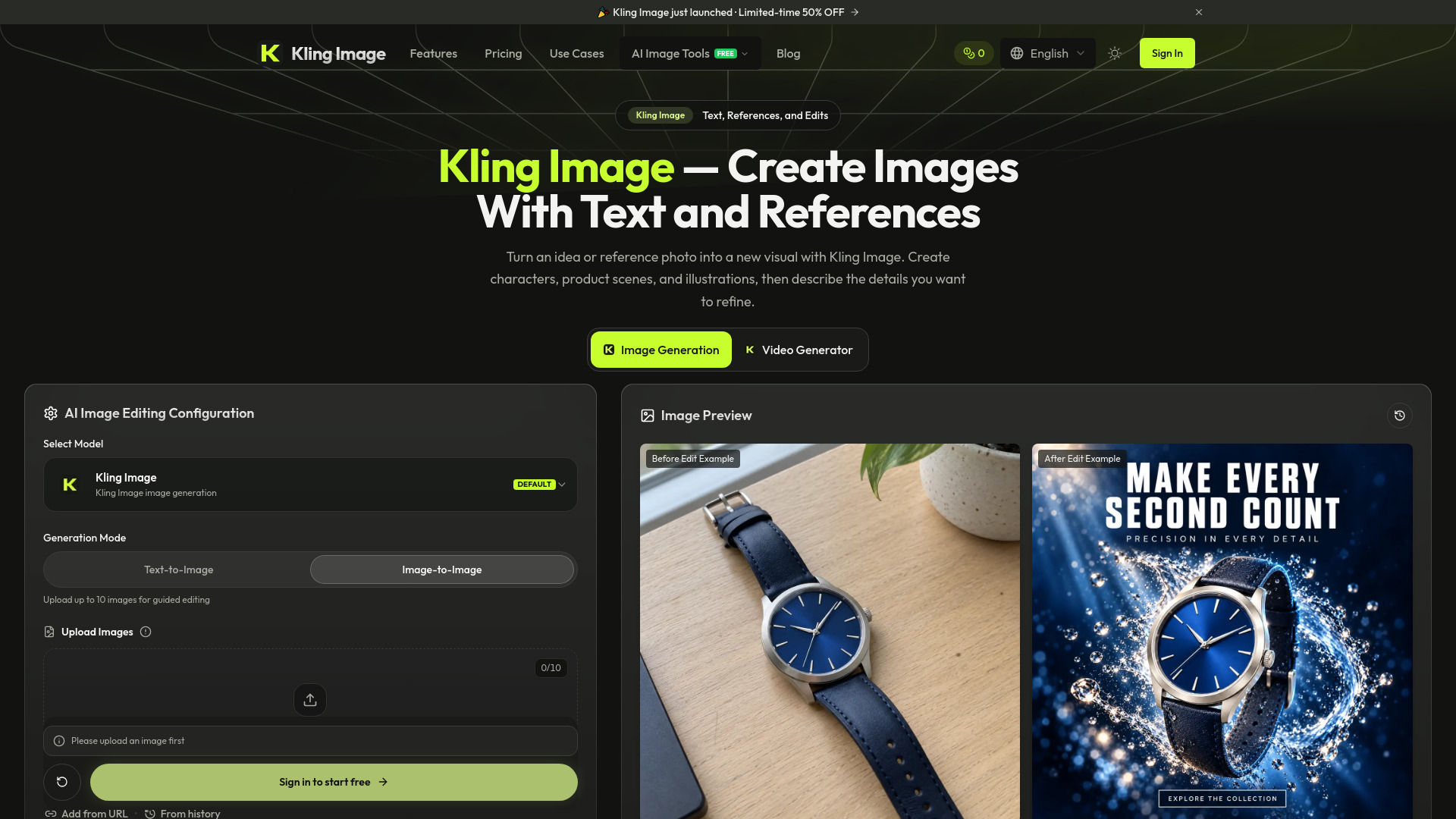

Kling Image
AI Photo Editor
AI image generator and editor using text prompts and reference photos
Check pricingVisit site

AI Photo Editor
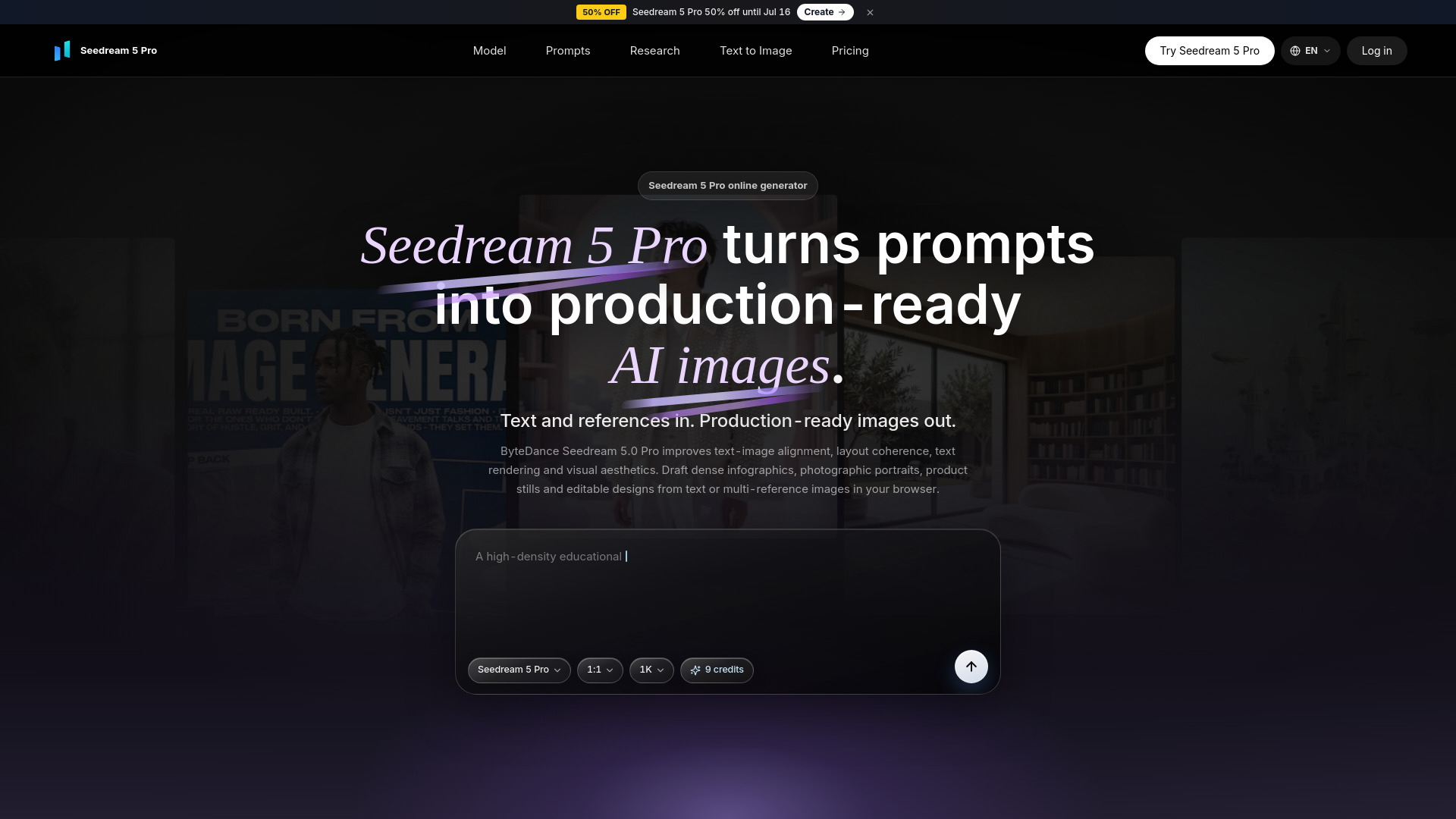
Online AI image generator for infographics, portraits, and text-rich designs.
Explore other tools in related categories.
AI Photo Editor
AI image generator and editor using text prompts and reference photos

AI UGC Video Generator
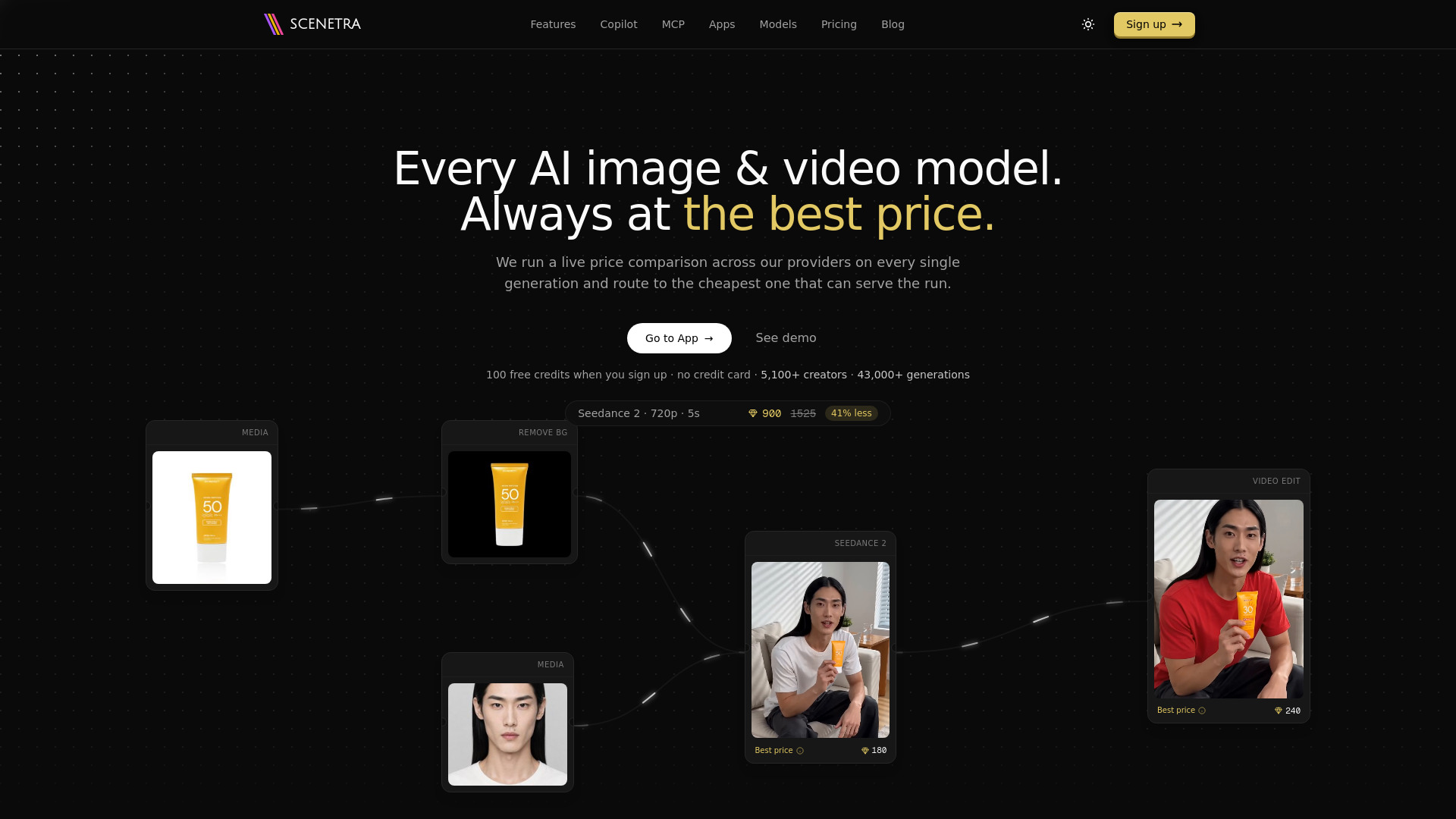
AI image and video generation at the best price: 50+ models in one visual workspace, billed at provider cost with 0% markup.
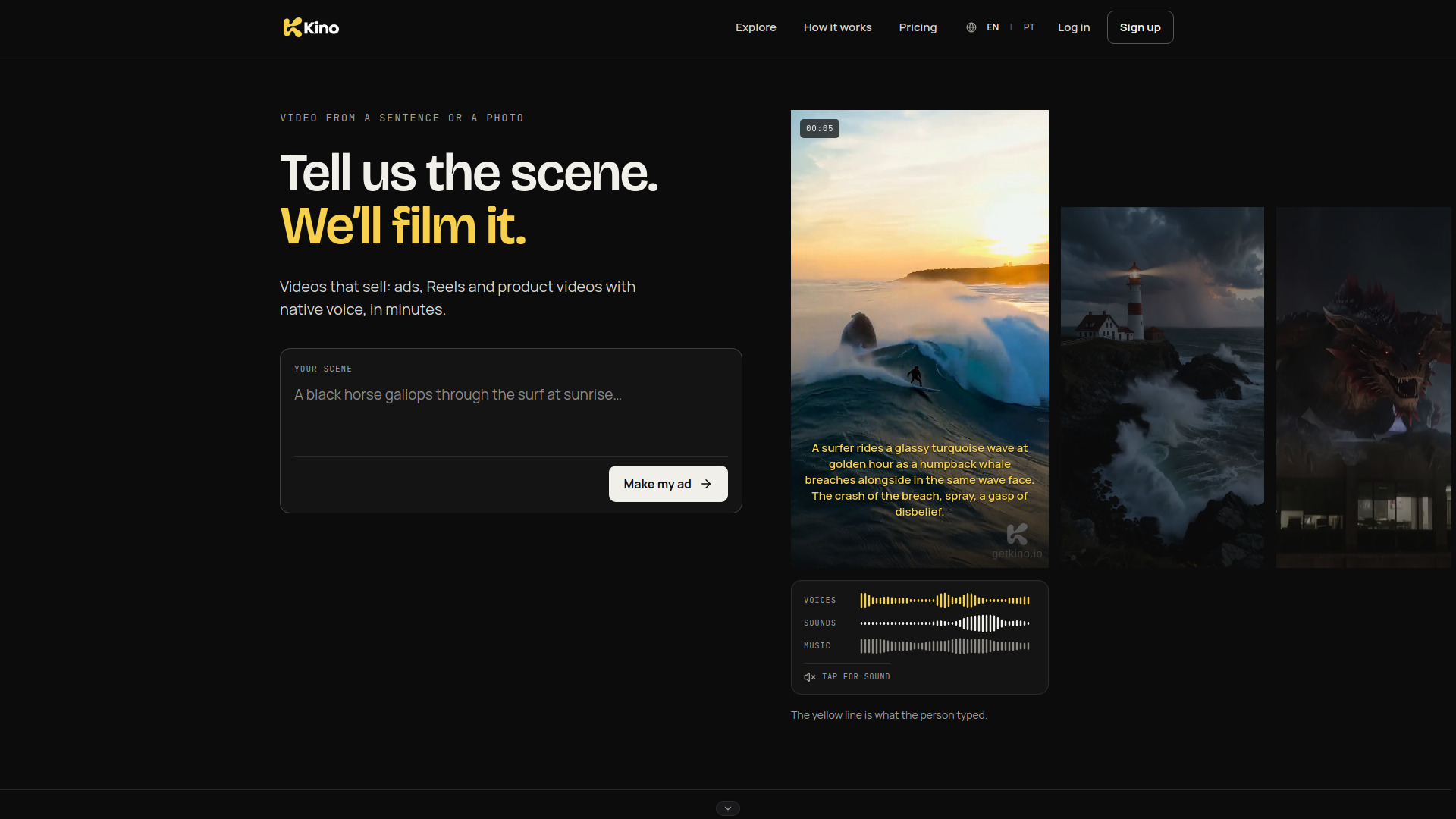

Image to Video
AI video generator for brands and creators: text or photo to video with voices, sound and music in one render.
Dream 5 Pro (Seedream 5 Pro) is ByteDance's flagship multimodal image generation and editing model. It focuses on high-density information visualization, interactive precision editing, multi-layer separation, stronger text rendering, and more photographic visual quality. The online generator at dream5.pro allows users to create production-ready images from text prompts or multi-reference images directly in the browser without any GPU setup.
The workspace offers 1K and 2K generation tiers. Each generation costs credits (e.g., 9 credits per image). Specific pricing plans are available on the pricing page.
What is Seedream 5 Pro? Seedream 5 Pro (Seedream 5.0 Pro) is ByteDance's multimodal image generation and editing model. It focuses on high-density information visualization, interactive precision editing, multi-layer separation, stronger text rendering, and more photographic visual quality.
How is Seedream 5 Pro different from Seedream 5 Lite? Seedream 5 Lite emphasizes unified multimodal reasoning and efficient generation. Seedream 5 Pro targets more professional production: denser layouts, finer editing control, multi-reference workflows, and higher visual quality for design-ready outputs.
Can I generate images from text? Yes. Open the Seedream 5 Pro generator, write a prompt, choose ratio and resolution, then generate an AI image draft in the browser.
Does it support reference images and editing? Yes. The workspace supports text prompts and optional reference images so you can guide subjects, style, materials, and region-level edits more precisely.
What should a good Seedream 5 Pro prompt include? Describe the subject, composition, lighting, materials, text/labels, style, and aspect ratio. For infographics, specify hierarchy, sections, and label density. Specific prompts usually produce more controllable drafts.
What resolutions does Seedream 5 Pro support here? This workspace offers 1K and 2K generation tiers with multiple aspect ratios for social, product, presentation, and print-oriented drafts.