Newsletter
Join the Community
Subscribe to our newsletter for the latest news and updates

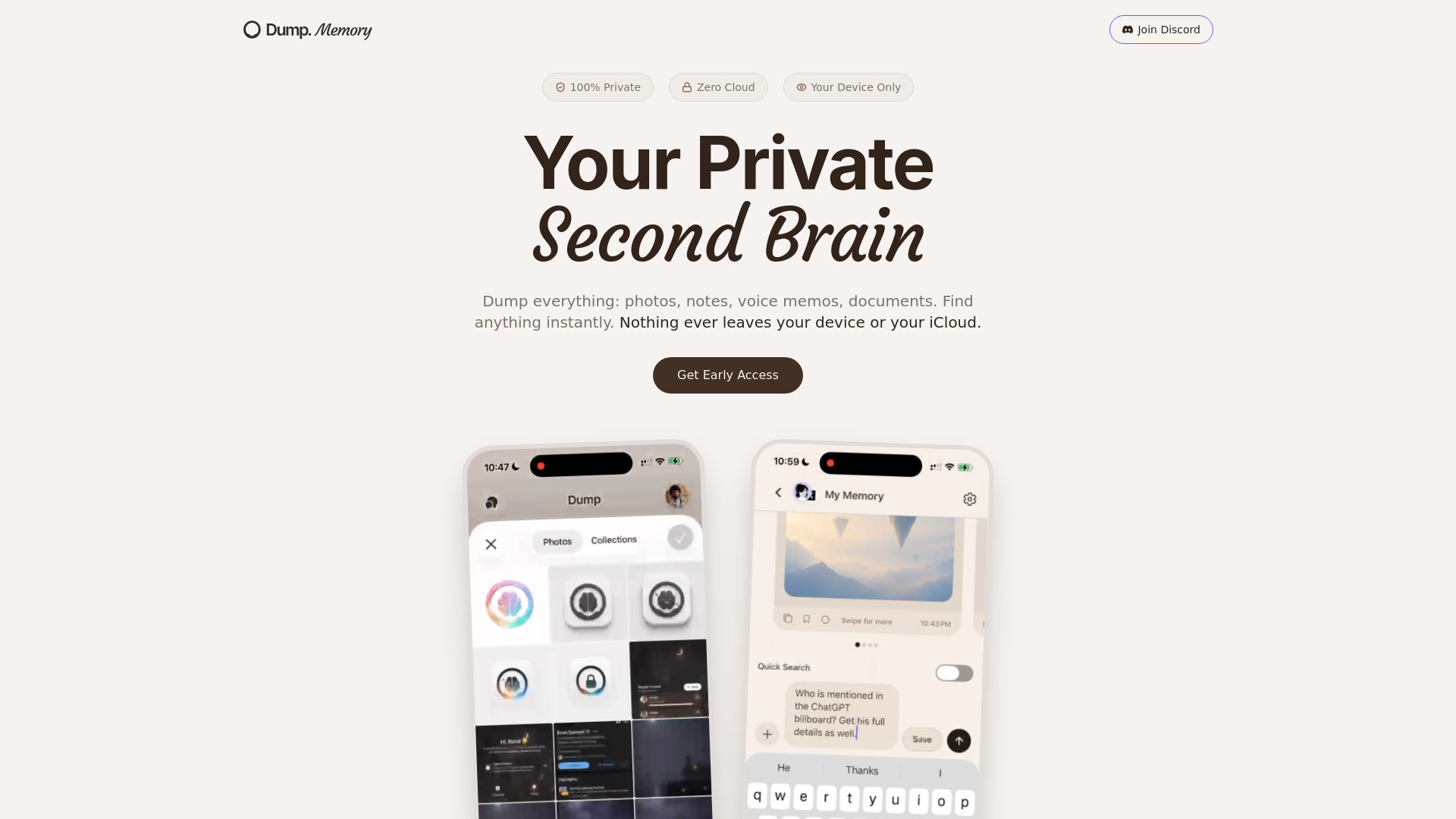
A privacy-first offline second brain app using on-device semantic search.
Dump Memory is a privacy-first second brain app that stores photos, notes, voice memos, and documents 100% on your device and iCloud. It uses on-device AI for semantic search, requires no accounts or sign-ups, and has zero servers or tracking.
Is Dump really 100% private? Yes. Dump stores all your data exclusively on your device and your own iCloud. We have zero servers, no accounts, and no way to access your information.
Does Dump upload my data to any cloud servers? No. Dump never uploads your data to external servers. Syncing happens only through your personal iCloud account, which Apple encrypts end-to-end.
What types of content can I store in Dump? You can store photos, screenshots, documents, handwritten notes, voice recordings, and more. Dump supports universal capture for virtually any file type.
How does search work in Dump without cloud AI? Dump uses on-device AI intelligence to understand the meaning and context of your files. Search runs entirely on your device, so nothing is sent to external servers for processing.
Do I need to create an account to use Dump? No. Dump requires no sign-ups, no email, and no password. Just download from the App Store and start using it immediately.