What is EditWithAva
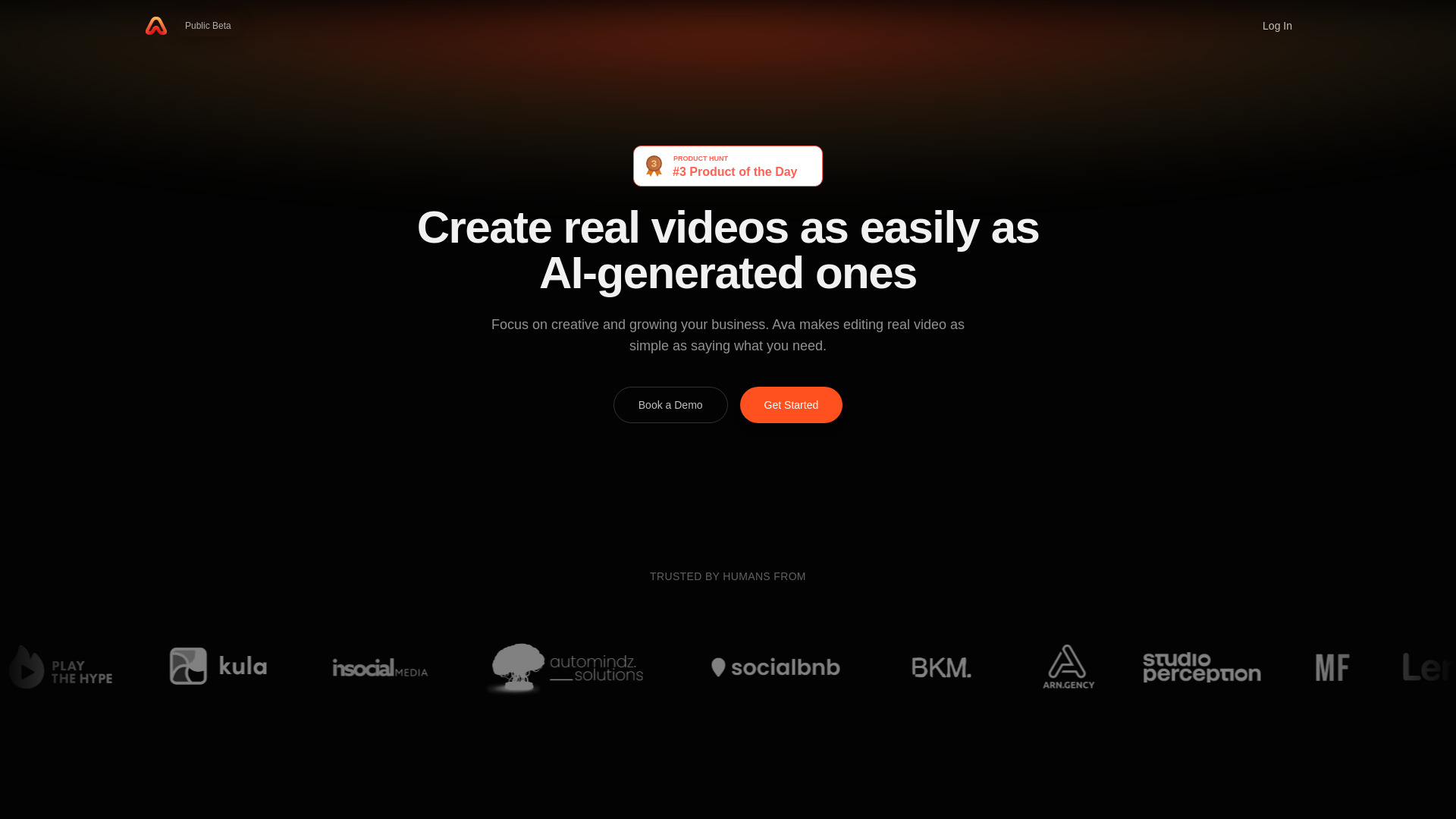
Ava is an AI-powered video creation platform designed for everyone. It transforms raw footage into polished, engaging videos using a text-prompt-based AI assistant. The platform aims to make video editing accessible without requiring prior technical experience.
How to use EditWithAva
- Link your video files from Google Drive.
- Describe what you want in a single text prompt.
- Ava analyzes your footage, co-creates scripts, selects clips, and edits the video.
- Refine the results through a co-creation process.
- Publish directly or export to professional NLE software.
Features of EditWithAva
- AI-powered video editing
- Automatic script generation
- Footage analysis and understanding
- Co-creation with AI assistant
- One-prompt video creation
- Export to professional NLE software (Premiere Pro, Final Cut Pro, DaVinci Resolve)
- Supports common video formats
- Processes multiple video files
Use Cases of EditWithAva
- Day-in-the-life vlogs
- Travel montages
- Promotional videos for businesses
- Wedding recaps
- AI-narrated documentaries
- Social media content
FAQ
What is Ava and how does AI video editing work?
Ava is an AI-powered video editing platform that transforms your raw footage into captivating videos. Simply link your video files from Google Drive, describe what you want in a single prompt, and Ava analyzes your footage to create scripts, select the best clips, and edit everything together. It's video editing made accessible for everyone—no technical experience required.
Do I need video editing experience to use Ava?
No video editing experience is required. Ava is designed for everyone, from complete beginners to professional content creators. You simply describe what kind of video you want to create, and Ava handles the technical editing work. You can then co-create and refine the results to match your vision perfectly.
What types of videos can I create with Ava?
Ava can help you create a wide variety of videos including day-in-the-life vlogs, travel montages, promotional videos for businesses, wedding recaps, AI-narrated documentaries, social media content, and more. Whether you're a content creator, small business owner, or just someone with footage to share, Ava adapts to your creative needs.
How is Ava different from other AI video editors?
Unlike traditional video editors or basic AI tools, Ava co-creates with you. It doesn't just apply templates—it actually watches and understands your footage, then helps you brainstorm, script, and edit your video according to your specific needs. You maintain creative control while Ava handles the heavy lifting of video production.
Can I export my videos to professional editing software?
Yes! Once Ava creates your video, you can publish it directly or export it to your preferred NLE (Non-Linear Editor) like Premiere Pro, Final Cut Pro, or DaVinci Resolve for additional refinement. This gives you the best of both worlds—fast AI-powered editing with the option for professional polish.
What video formats and sources does Ava support?
Ava works with videos stored in Google Drive, making it easy to link your footage from any device. The platform supports common video formats and can process multiple video files at once, analyzing all your footage to find the best moments for your final video.
How long does it take to create a video with Ava?
Creating a video with Ava is significantly faster than traditional editing. What might take hours in a conventional editor can be accomplished in minutes with Ava. Simply provide your footage, describe your vision, and Ava generates an initial edit that you can then refine through the co-creation process.
Is Ava suitable for professional content creators?
Ava is designed for everyone, from casual users to professional content creators and businesses. Professional creators appreciate how Ava accelerates their workflow, handles repetitive editing tasks, and provides a creative springboard for their projects while maintaining the ability to export to professional NLE software for final touches.