What is Ezier AI
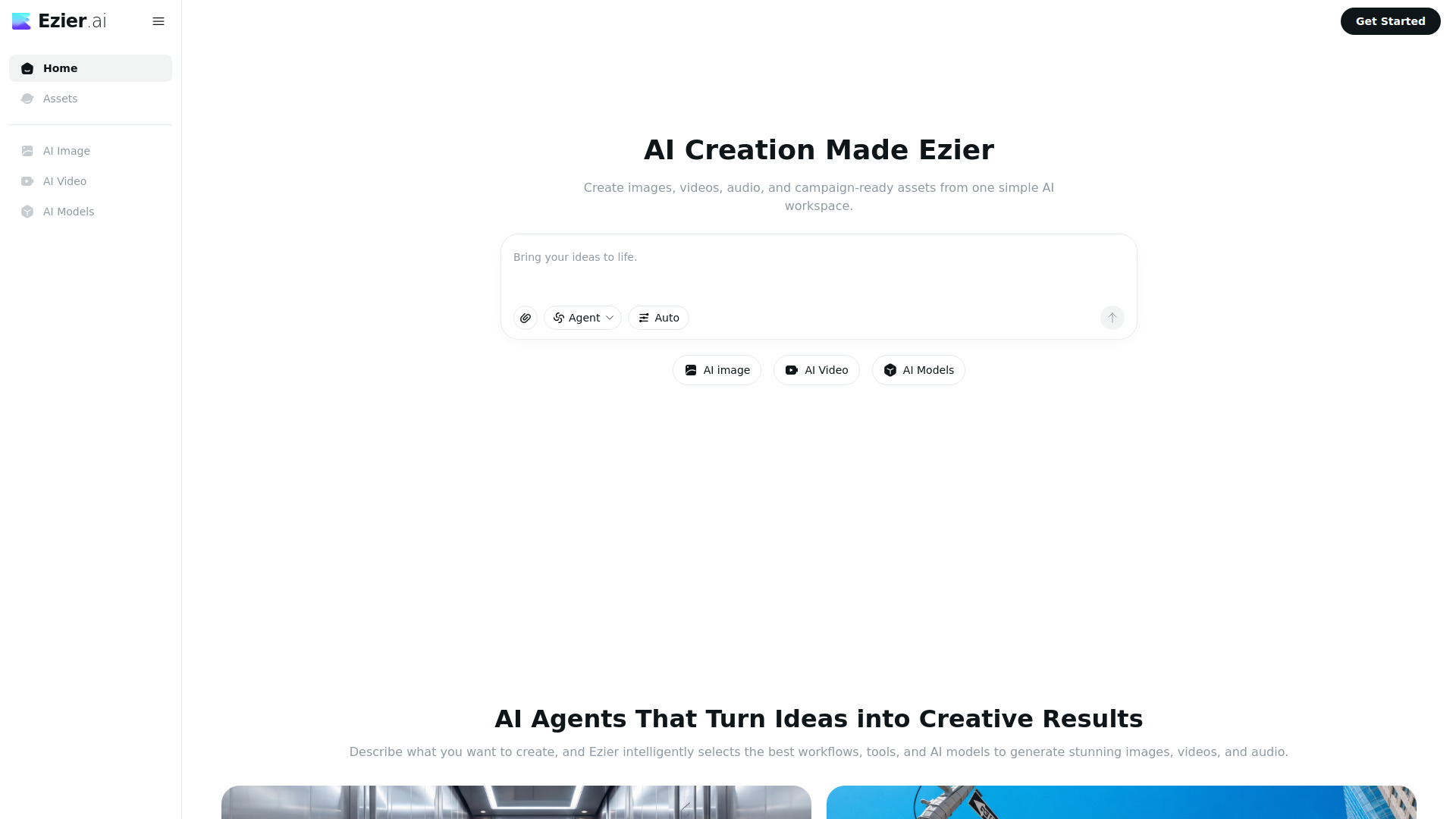
Ezier AI is an all-in-one AI workspace for generating and editing images, videos, and audio. It provides a unified platform where users can create and manipulate multimedia content using artificial intelligence.
How to use Ezier AI
- Sign up or log in to the Ezier AI platform.
- Choose a media type (image, video, or audio) from the dashboard.
- Enter a prompt or upload existing media to start generating or editing.
- Customize settings such as style, resolution, or duration.
- Preview and download the generated content.
Features of Ezier AI
- Image Generation & Editing: Create and modify images with AI.
- Video Generation & Editing: Produce and edit videos using text prompts.
- Audio Generation & Editing: Generate and refine audio content.
- All-in-One Workspace: Access all media tools from a single interface.
- User-Friendly Interface: Intuitive design for easy navigation.
Use Cases of Ezier AI
- Content Creation: Generate images, videos, and audio for social media, blogs, or marketing.
- Design Prototyping: Quickly create visual assets for design projects.
- Audio Production: Produce voiceovers, sound effects, or music.
- Video Editing: Edit existing videos or create new ones from scratch.