Newsletter
Join the Community
Subscribe to our newsletter for the latest news and updates

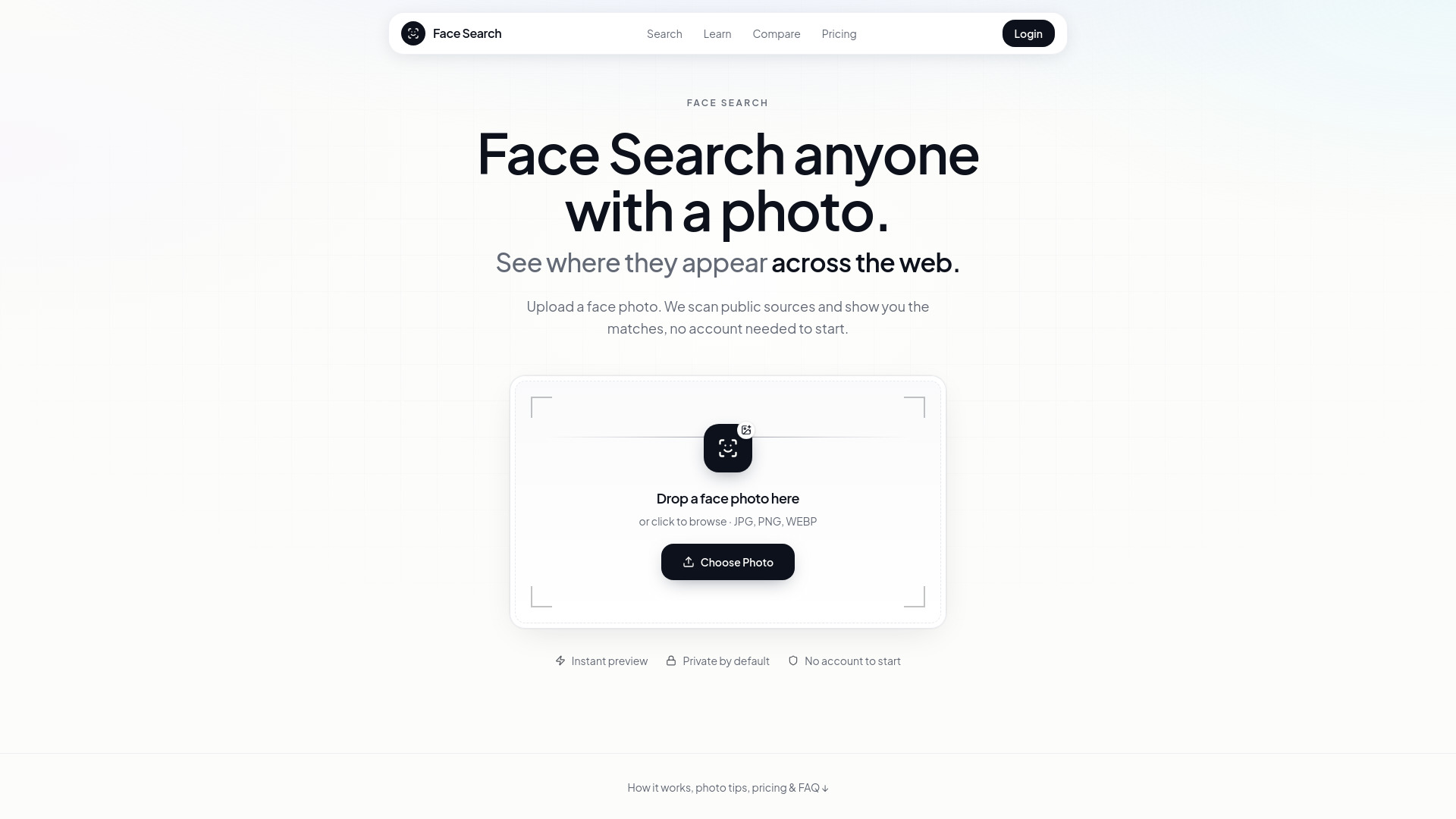
Reverse face search for finding public online appearances
Face Search is a reverse face search tool that lets you upload a photo of a face and find publicly available web pages where a visually similar face appears. Unlike reverse image search tools like Google Images or Lens, which match the same or similar image files, Face Search matches facial geometry, so it can find the same person in different outfits, backgrounds, or years.
Face Search sells one-time credit packs:
Credits never expire. There is a 30-day money-back policy on unused value as described on the refund page.
What is Face Search? Face Search is a reverse face search tool. You upload a photo of a face and it returns publicly available web pages where a visually similar face appears - even when the photo is different from the one you uploaded.
How is this different from Google Images or Google Lens? Google Images and Lens are reverse image search tools: they find the same or visually similar image file. Face Search matches facial geometry, so it can find the same person in a different outfit, background, or year.
Do I need a subscription? No. Face Search sells one-time credit packs - Essential $7 for 2 searches, Plus $11 for 7, Ultra $29 for 20. Credits never expire.
What powers the search results? Paid searches run through the FaceCheck.id face-search index. Face Search provides the upload experience, one-time credit billing, result presentation, and guidance on how to interpret matches responsibly.
Will I always get matches? No. If someone has little public photo presence, the source photo is poor quality, or the face is AI-generated, you may get weak or zero matches. That is a normal outcome - not a guarantee that the person is “safe” or “fake.”
Can a match score prove someone’s identity? No. Scores measure visual similarity, not legal identity. Always open the source page, look for corroborating context, and never confront or accuse someone based on a percentage alone.
Is it okay to search someone else’s photo? Laws and norms vary. Prefer legitimate purposes: dating safety, self-audits, image-theft response, or careful reconnection. Do not use Face Search for stalking, harassment, or doxxing. See our ethics and legal guides.
What photo works best? A clear, well-lit, front-facing photo of one person, with eyes visible and minimal filters. Crop group shots. Avoid tiny avatars, heavy compression, sunglasses, and beauty apps that reshape the face.