What is Facecam
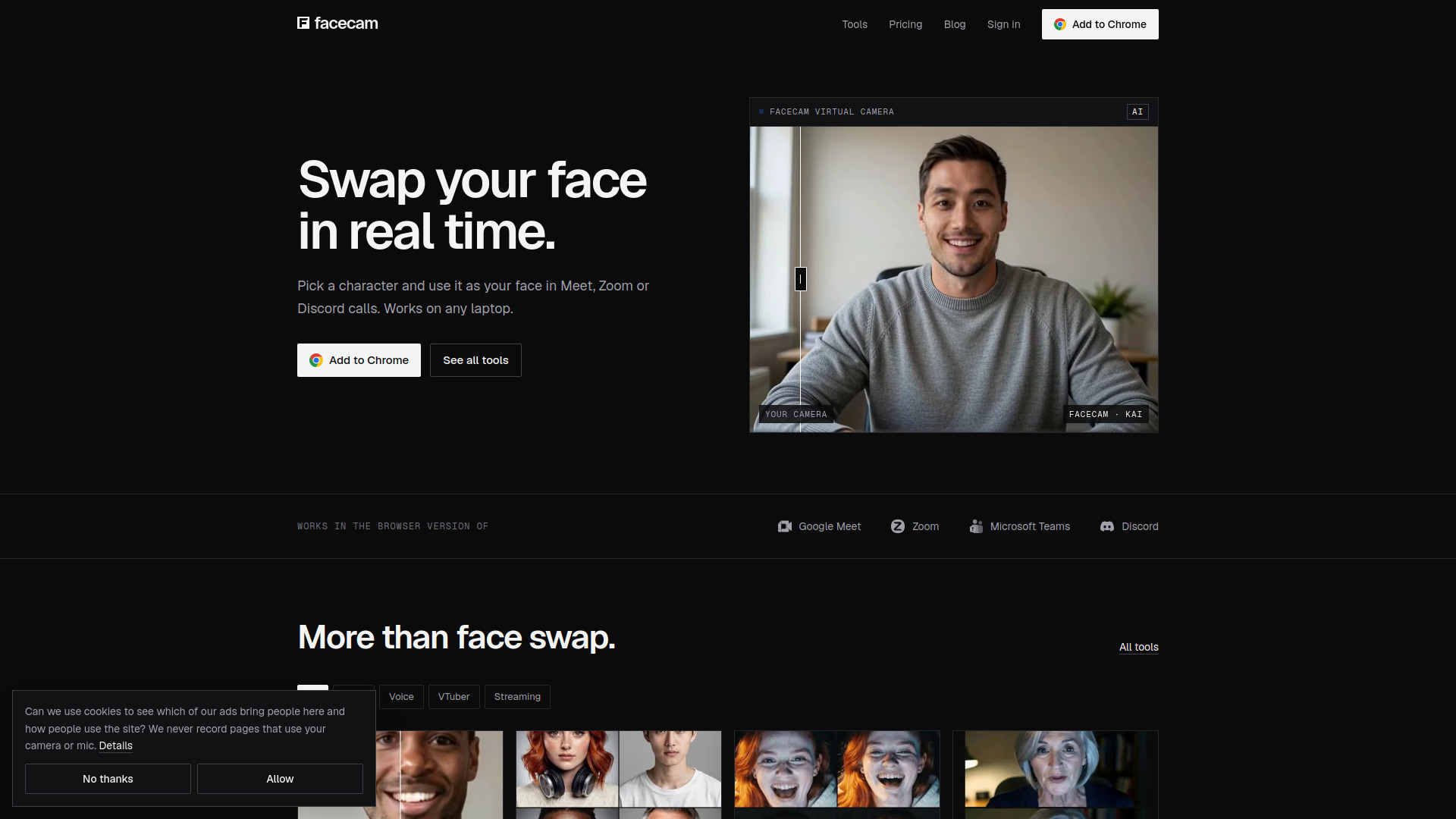
Facecam is a browser-based tool that swaps your face for a fictional character in real-time on video calls and streams. It works with Google Meet, Zoom, Microsoft Teams, and Discord, and also includes voice changers and VTuber tools. The extension is available for Chrome.
How to use Facecam
- Add the Facecam extension to Chrome.
- For live face swap, join a call on Google Meet, Zoom, Microsoft Teams, or Discord.
- Use the Facecam extension to select a character or upload a face to swap with.
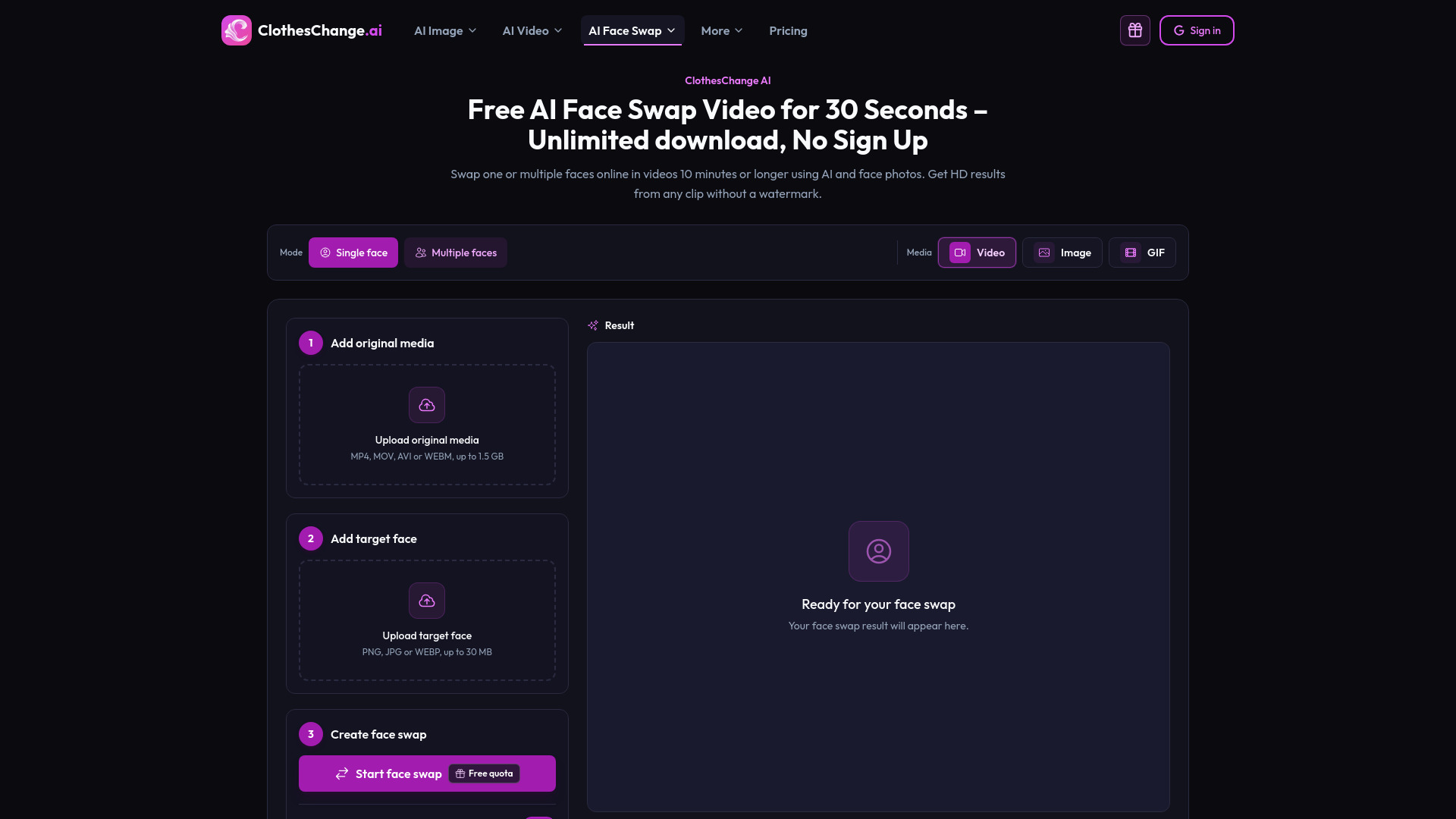
- For photo face swap, go to the Photo Face Swap tool, upload a photo, and swap faces without signing up.
- For voice changing, use the Real-Time Voice Changer or other voice tools during calls or recordings.
Features of Facecam
- Live Face Swap: Swap your face in real-time on video calls and streams.
- Photo Face Swap: Swap faces in photos (3 free per day, no sign-up).
- Video Face Swap: Swap faces in videos.
- GIF Face Swap: Swap faces in GIFs.
- Character Generator: Generate fictional characters from text descriptions.
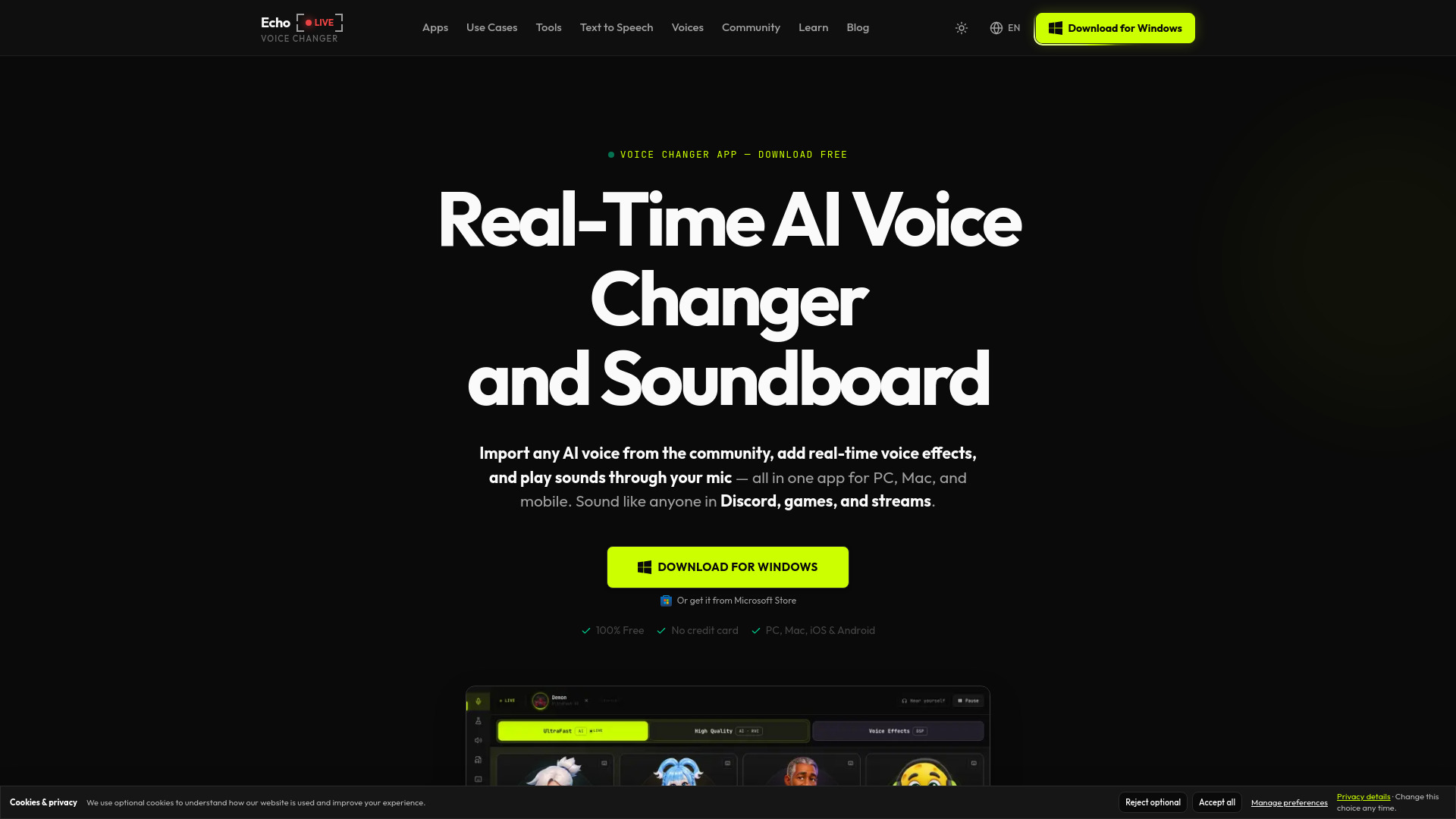
- Real-Time Voice Changer: Change your voice live during calls.
- AI Voice Changer: Modify your voice to sound like different characters.
- Voice Clone: Create a copy of your voice.
- Character Voice Generator: Generate voices for characters.
- VTuber Tools: Includes VTuber Maker, PNGTuber Maker, AI VTuber, and AI Avatar Maker.
- Virtual Camera: Use Facecam as a virtual camera in various applications.
- Works with: Google Meet, Zoom, Microsoft Teams, Discord, OBS, and more.
Use Cases of Facecam
- Become a fictional character during video calls on Google Meet, Zoom, Microsoft Teams, or Discord.
- Swap faces in photos, videos, or GIFs for fun or creative projects.
- Change your voice in real-time during calls or recordings to sound like different characters.
- Create and use VTuber avatars for streaming or online meetings.
- Use as a virtual camera in OBS for live streaming with face swap or avatar.
Pricing
- Photo face swap: 3 free per day, no sign-up.
- Facecam Premium: $20.00 per month.
- Facecam Pro: $50.00 per month.
FAQ
What platforms does Facecam work with?
Facecam works with Google Meet, Zoom, Microsoft Teams, Discord, and OBS. It also works on Mac, Windows, and Chromebook.
Do I need to sign up to use Facecam?
No sign-up is required for the free photo face swap (3 per day). For other features, you may need to install the Chrome extension and possibly sign in.
Can I use Facecam for free?
Yes, there is a free tier for photo face swap with 3 swaps per day. Paid plans start at $20 per month.
What tools are included in Facecam?
Facecam includes live face swap, photo/video/GIF face swap, voice changers, voice cloning, character generation, VTuber and PNGTuber makers, and virtual camera functionality.