
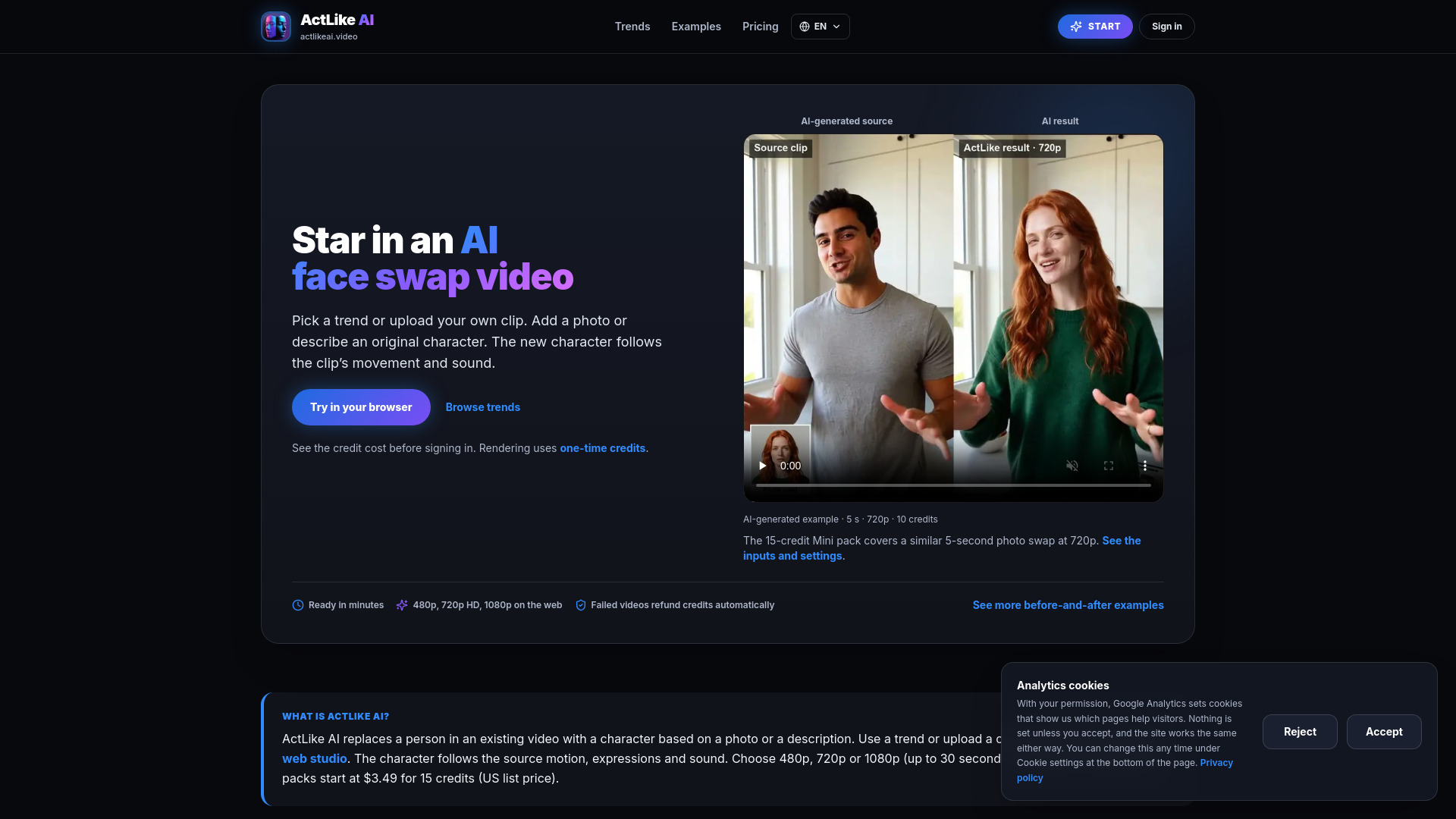

ActLike AI
Video to Video
AI face swap and character videos from one photo. Put yourself in a video trend or replace a character in your own clip while keeping the original motion and expressions.
Check pricingVisit site

AI Face Swap Generator
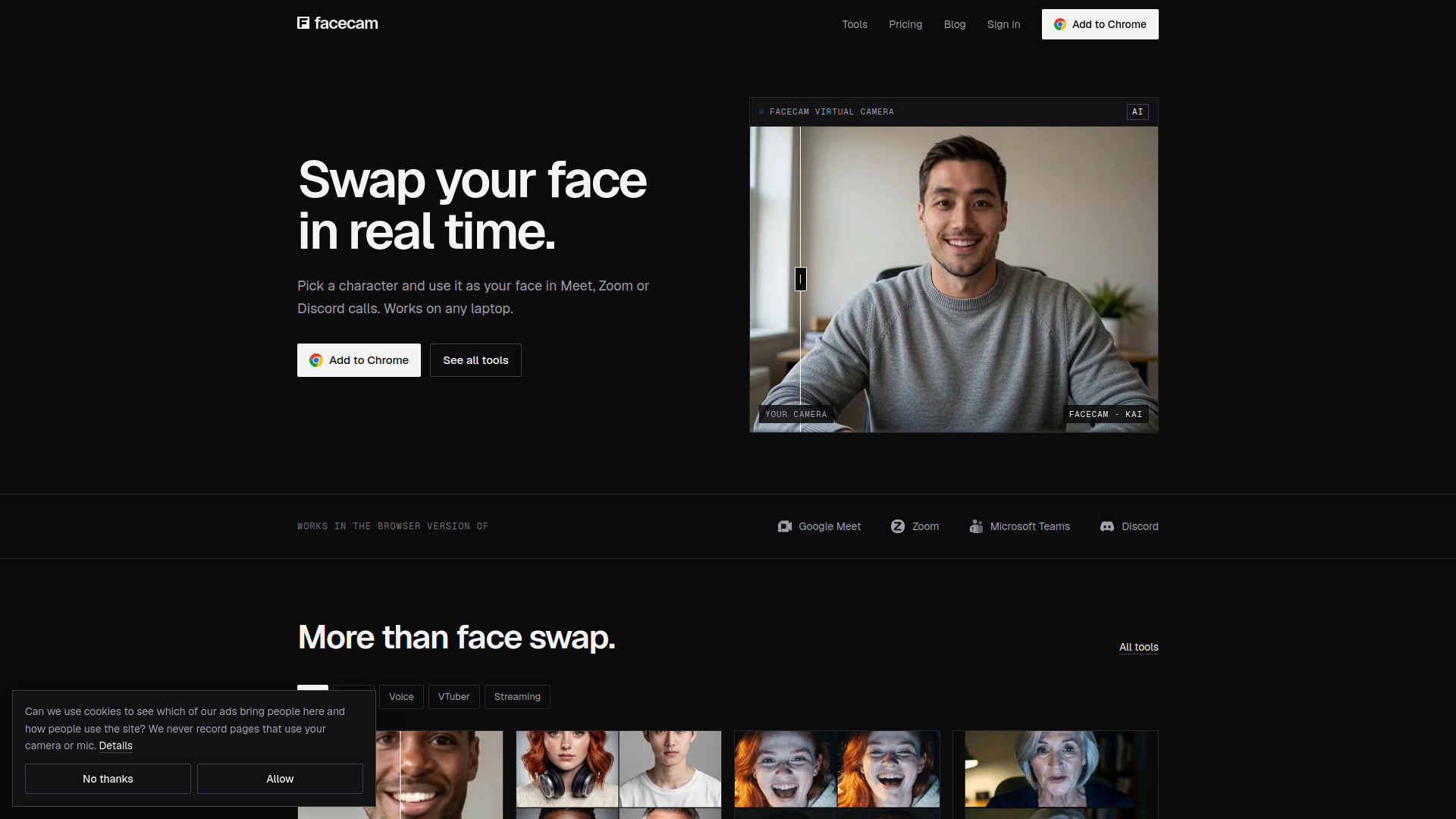
Facecam swaps your face for a fictional character, live, on Google Meet, Zoom, Teams or Discord in Chrome. It also has voice changers and VTuber tools in your browser.
Explore other tools in related categories.
Video to Video
AI face swap and character videos from one photo. Put yourself in a video trend or replace a character in your own clip while keeping the original motion and expressions.
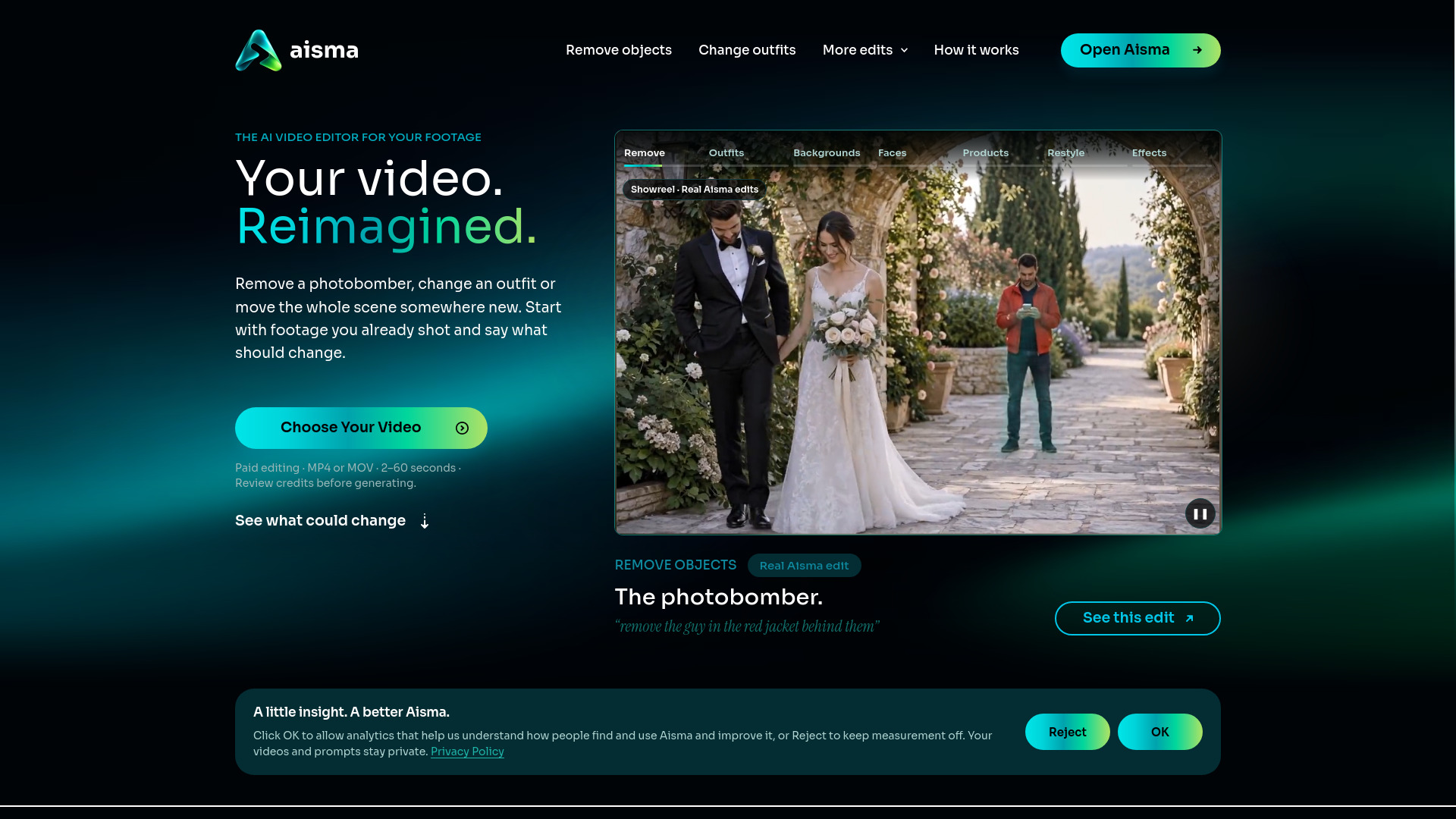

AI Video Editor
Edit the video you already shot by describing the change in plain words.

AI Reel Generator
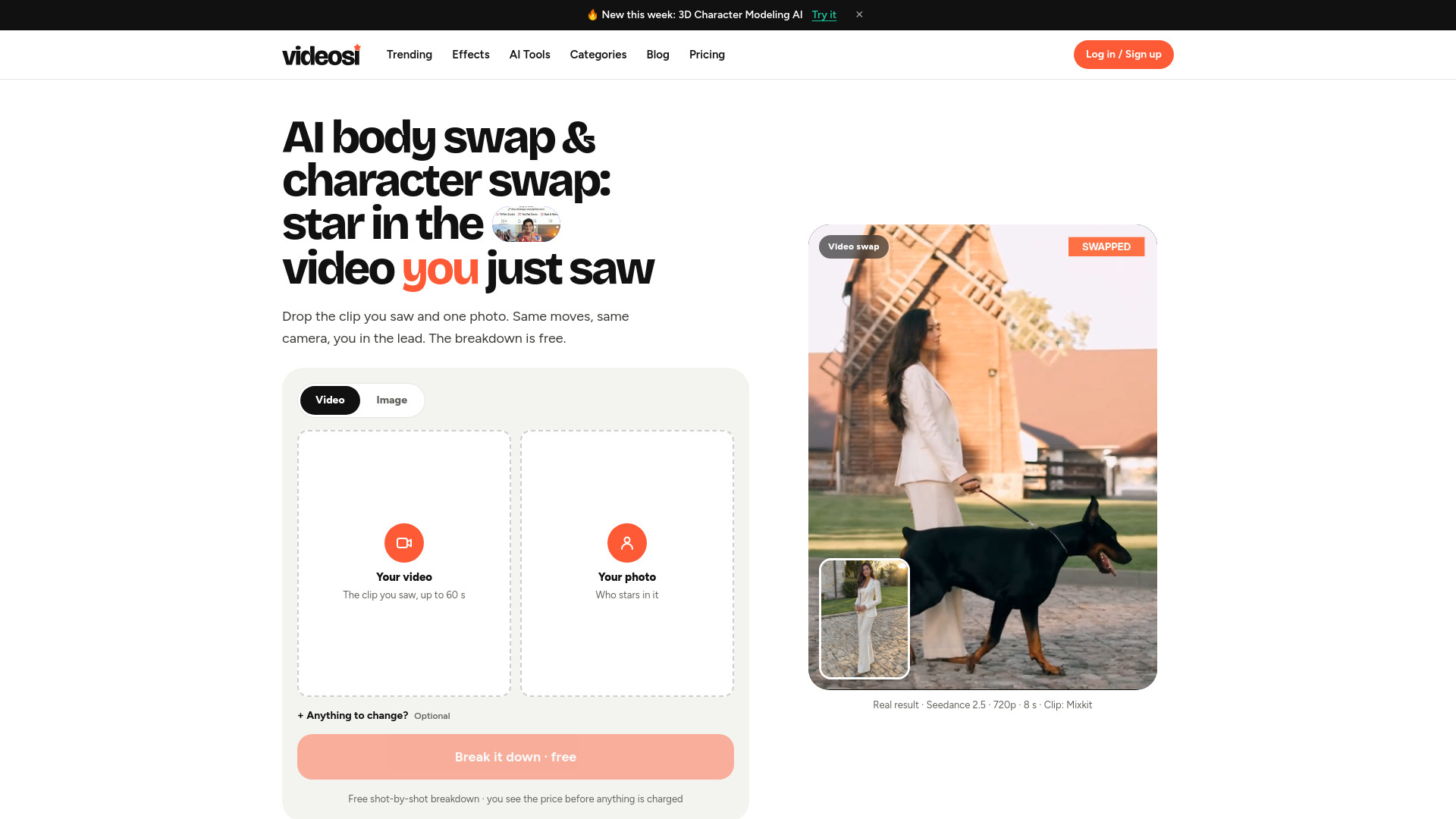
videosi is an AI body swap and character swap video maker: upload a TikTok, Reels or Shorts clip and one photo, and it puts you in the lead with the original moves, camera and scene.
Facecam is a browser-based tool that swaps your face for a fictional character in real-time on video calls and streams. It works with Google Meet, Zoom, Microsoft Teams, and Discord, and also includes voice changers and VTuber tools. The extension is available for Chrome.
What platforms does Facecam work with? Facecam works with Google Meet, Zoom, Microsoft Teams, Discord, and OBS. It also works on Mac, Windows, and Chromebook.
Do I need to sign up to use Facecam? No sign-up is required for the free photo face swap (3 per day). For other features, you may need to install the Chrome extension and possibly sign in.
Can I use Facecam for free? Yes, there is a free tier for photo face swap with 3 swaps per day. Paid plans start at $20 per month.
What tools are included in Facecam? Facecam includes live face swap, photo/video/GIF face swap, voice changers, voice cloning, character generation, VTuber and PNGTuber makers, and virtual camera functionality.