What is Fansly Downloader
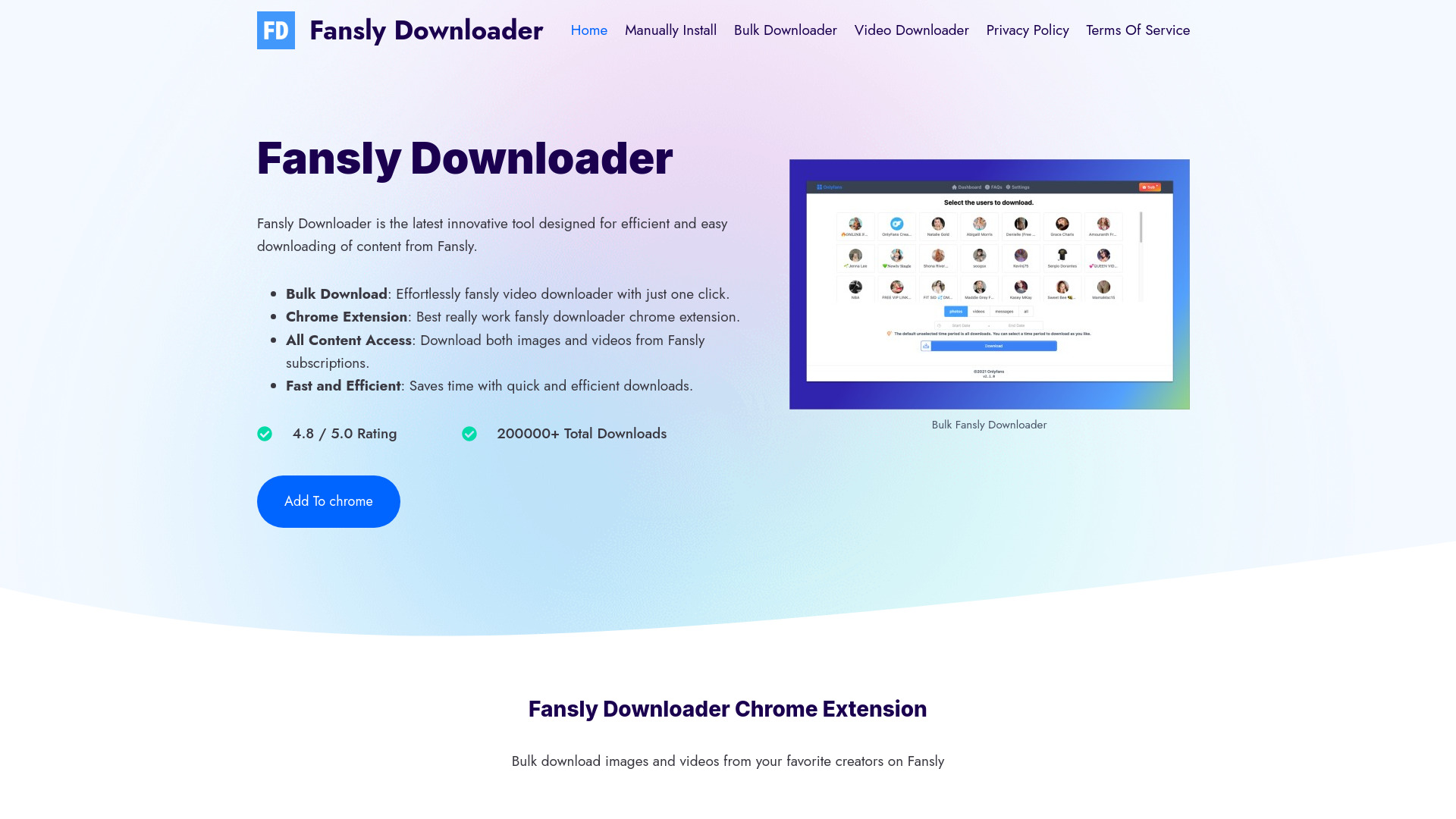
Fansly Downloader is a Chrome extension designed for efficient and easy downloading of content from Fansly. It allows users to download both images and videos from Fansly subscriptions with a simple, one-click feature.
How to use Fansly Downloader
- Install the Chrome Extension.
- Open fansly.com and log in to your account.
- Click on the application icon in the upper right corner.
- Select the creator avatar you want to export.
- Click the “Download Media” button.
Features of Fansly Downloader
- Bulk Download: Effortlessly download Fansly videos and images with just one click.
- Chrome Extension: A functional Chrome extension for downloading Fansly content.
- All Content Access: Download both images and videos from Fansly subscriptions.
- Fast and Efficient: Saves time with quick and efficient downloads.
- Ease of Use: Intuitive, one-click download feature.
- Free Trial: Experience the full capabilities through a free trial.
- Data Privacy: Ensures a high level of data security for a safe downloading experience.
Use Cases of Fansly Downloader
- Downloading images and videos from Fansly subscriptions.
- Saving content from favorite creators on Fansly.
FAQ
Is there a way to download fansly content?
Yes, you can use specialized downloader tools or extensions, such as Fansly Downloader, which integrates with browsers like Chrome for easy and efficient downloading of images and videos from Fansly.
What is the best fansly video downloader?
The best Fansly video downloader is subjective, but many users prefer Fansly Downloader for its ease of use, one-click download functionality, and secure, fast downloading capabilities. It's highly rated for its user-friendly interface and efficient downloading process.