

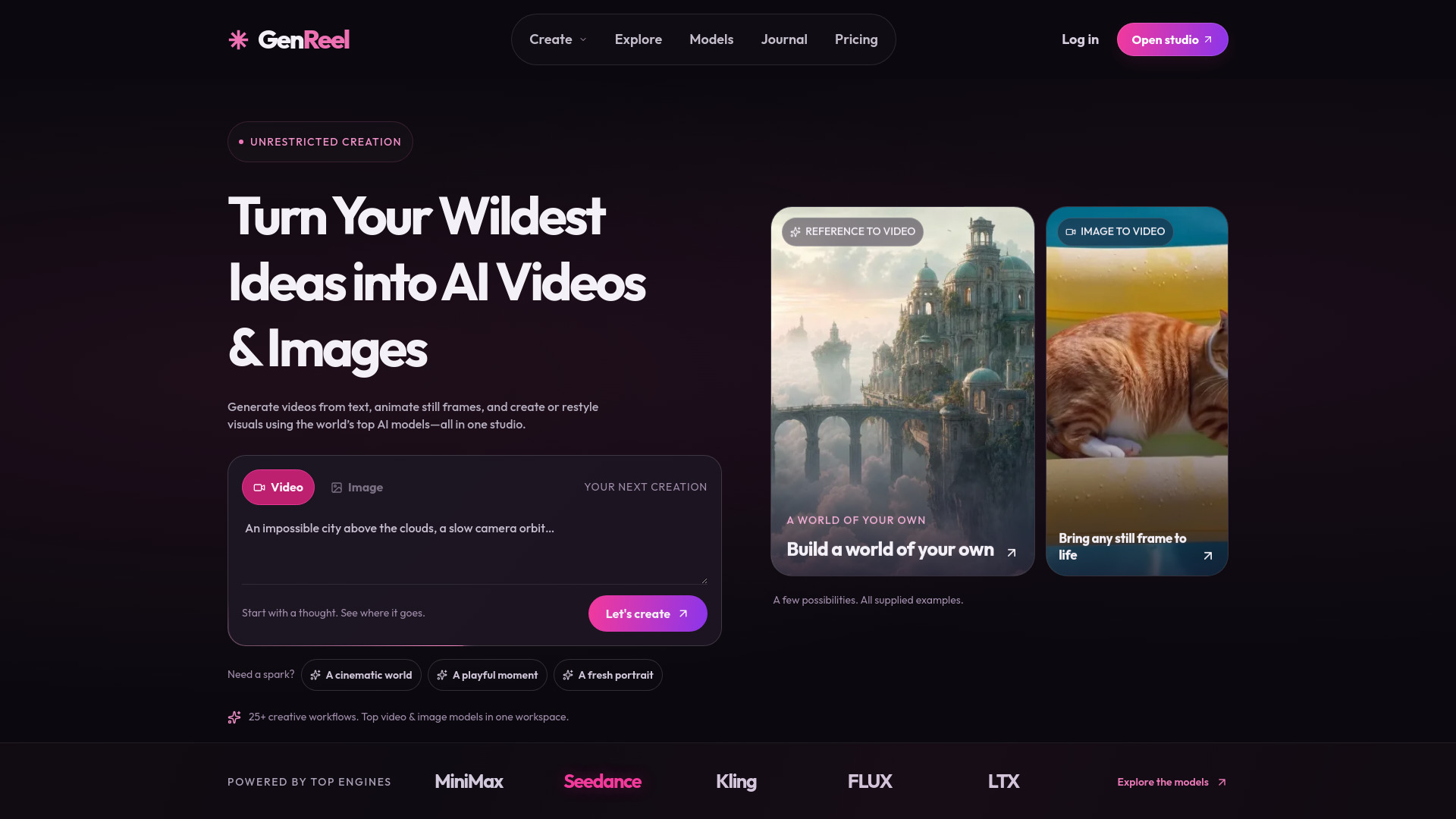

GenReel.io
AI Lip Sync Generator
An all-in-one AI creative studio for video, image, audio, music, and character creation—built with greater creative freedom.
Check pricingVisit site
Explore other tools in related categories.
AI Lip Sync Generator
An all-in-one AI creative studio for video, image, audio, music, and character creation—built with greater creative freedom.
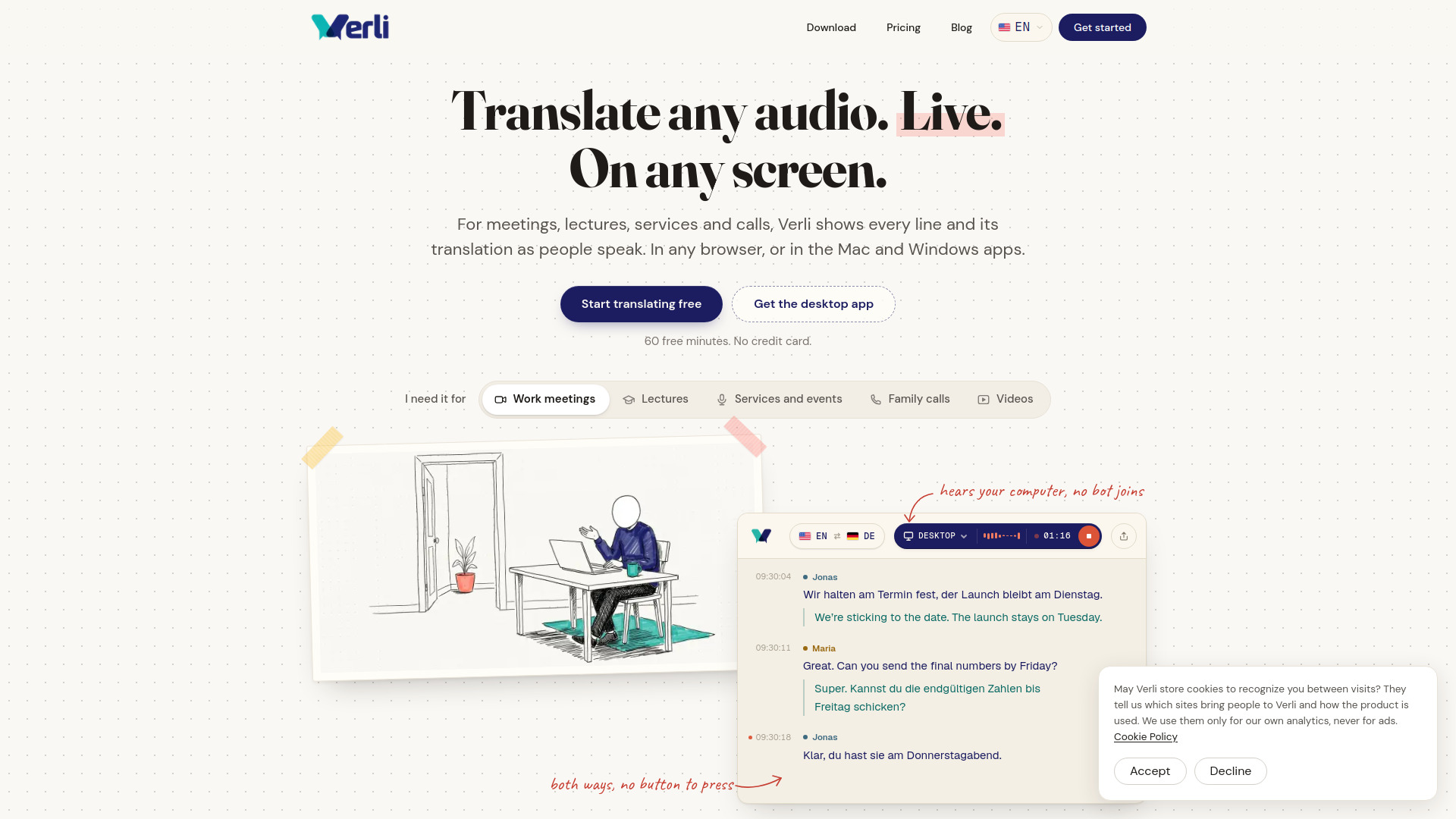

AI Translate
Live transcription and two-way translation for meetings, calls, and videos.

AI UGC Video Generator
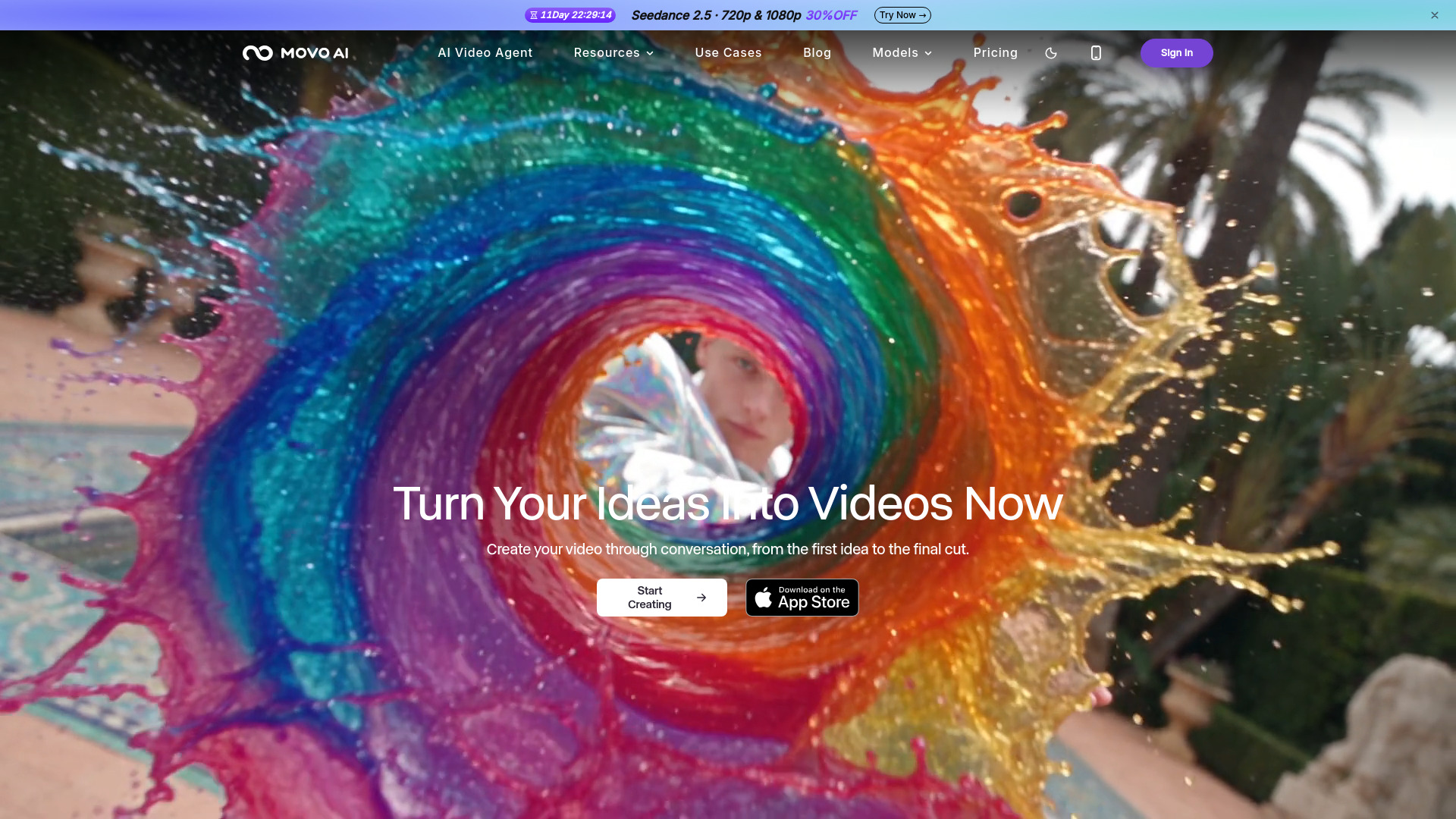
MOVO AI builds an AI video agent for creators, brands, and lean content teams who need more than one-off clips. MOVO AI helps users turn ideas, scripts, references, and uploaded assets into complete long-form videos through conversation. Instead of managing prompts, canvases, and isolated shots, creators can let MOVO AI understand the direction, plan the story, structure scenes, generate shots, review outputs, and bring the final video together. Project memory helps keep characters, products, visual style, and creative context connected, making it easier to create stories, campaigns, and series over time. MOVO AI's team combines expertise in artificial intelligence, video generation, and creative technology, with a mission to make professional-quality visual storytelling more accessible.
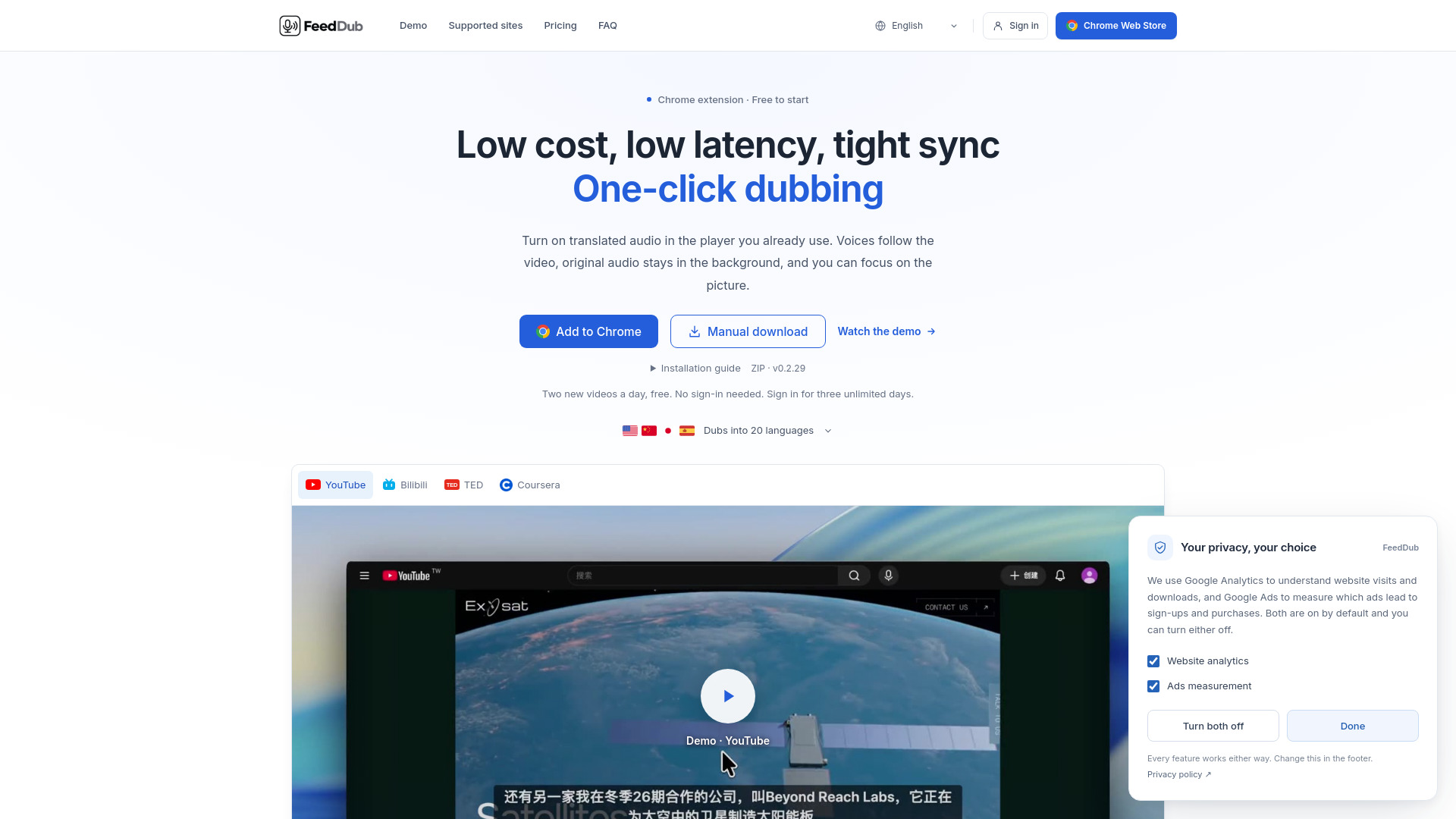
FeedDub is a Chrome extension that dubs videos into 20 languages. It works on YouTube, Netflix, Bilibili, TED, and Coursera. When activated, the original audio drops and a dubbed track plays in sync with the video. Rewatching costs no wait at all.
How is this different from a bilingual subtitle extension? Subtitles keep your eyes pinned to the screen, which wears you down on anything long. A dub speaks the words instead, with the original left audible underneath, so you can follow a video the way you follow a podcast and give your eyes back to the picture.
Why not real-time interpretation? An interpreter is always a few seconds behind, and every viewing starts that wait over again. FeedDub prepares what is coming and then speaks it on the original timing, so the voice tracks the picture — and the second time you open a video there is nothing to wait for.
What happens when I scrub? Dubbing resynchronizes at the new position. If that part is not ready, playback may pause while it is prepared. Switching videos stops the previous dub; click the microphone to start the new one.
Do I need an account? What does it cost? Not to get started: two new videos a day are free without an account, and rewatching is never limited. Sign in with Google for three days unlimited; to keep it unlimited, $2 a month, or a single month for $2 with no renewal.
Does it read my browsing history? FeedDub does not request Chrome's browsing-history permission. It works with five supported video platforms and the service and media hosts they need. It detects the local player and captions; hovering over the microphone may prepare dubbing before you click. Video identifiers are used for quotas and, when enabled, diagnostics. See the privacy policy for details.
What if the video is already in my language? It works out the spoken language first, and if that already matches your dubbing language it says so and stops instead of dubbing you back into the same language.