What is Filter Remover
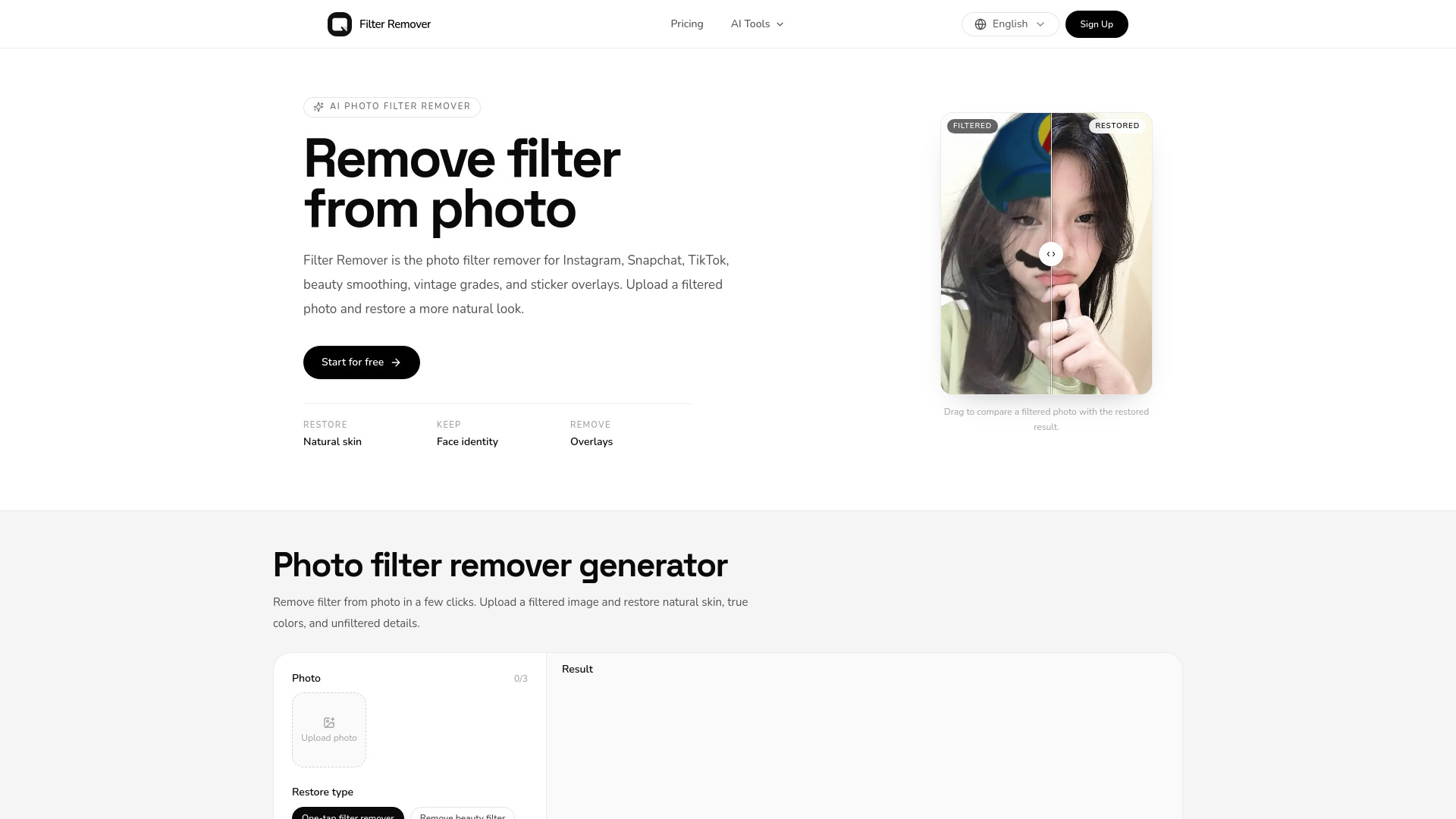
Filter Remover is an AI-powered online tool that removes filters from photos, restoring natural skin, true colors, and unfiltered details. It can reverse color grades, beauty smoothing, black-and-white or sepia looks, and simple sticker overlays.
How to use Filter Remover
- Upload the filtered photo (JPG, PNG, or WebP).
- Choose a restore type: one-tap filter remover, remove beauty filter, colorize B&W/sepia, remove stickers, or custom prompt.
- Select aspect ratio, quality, and resolution.
- Click "Remove filter" to process.
- Preview the before/after slider and download the restored photo.
Features of Filter Remover
- One-tap filter remover: Reverses color overlays, beauty smoothing, and stylized grades.
- Beauty and skin restore: Brings back pores, texture, and natural imperfections.
- Colorize B&W and sepia: Restores realistic color to monochrome photos.
- Sticker and overlay cleanup: Removes emojis, hats, text, and watermarks.
- Identity-preserving edits: Keeps face identity, pose, and background.
- Private by default: Uploads are processed to restore the photo.
Use Cases of Filter Remover
- Remove Instagram, Snapchat, or TikTok filters.
- Undo beauty filters and restore natural skin texture.
- Colorize black-and-white or sepia photos.
- Remove vintage color grades and restore natural colors.
- Erase stickers, emojis, and text overlays.
- Remove cinematic color grades.
Pricing
Filter Remover offers a free tier and paid plans. Credits are used per restore: 1K restore uses 3 credits, 2K uses 5. Paid plans include Basic, Pro, and Max, with yearly billing saving up to 25%. Prices start at $14.90/month for Basic (yearly), $39.90/month for Pro, and $79.90/month for Max. All paid plans include 2K & Medium image access, private generations, and email support.
FAQ
What is a filter remover? A filter remover is an AI photo tool that takes a filtered image and restores a more natural version.
How do I remove filter from photo? Upload the filtered photo, pick a preset, and download the result.
Does this photo filter remover cost credits? A default 1K restore uses 3 credits. 2K uses 5. Failed jobs are refunded when possible.
Can it remove Instagram, Snapchat, or TikTok filters? Yes for common color grades, beauty smoothing, and simple AR overlays. Heavy face reshaping may need a second pass.
How long does filter removal take? Most photos return in under a minute. High-resolution restores take longer.
Can I use restored photos commercially? Paid-plan outputs follow the published plan terms. You still need rights to the original photo.
Are uploaded photos private? Uploads are used to run the filter remover. Review the privacy policy for retention details.