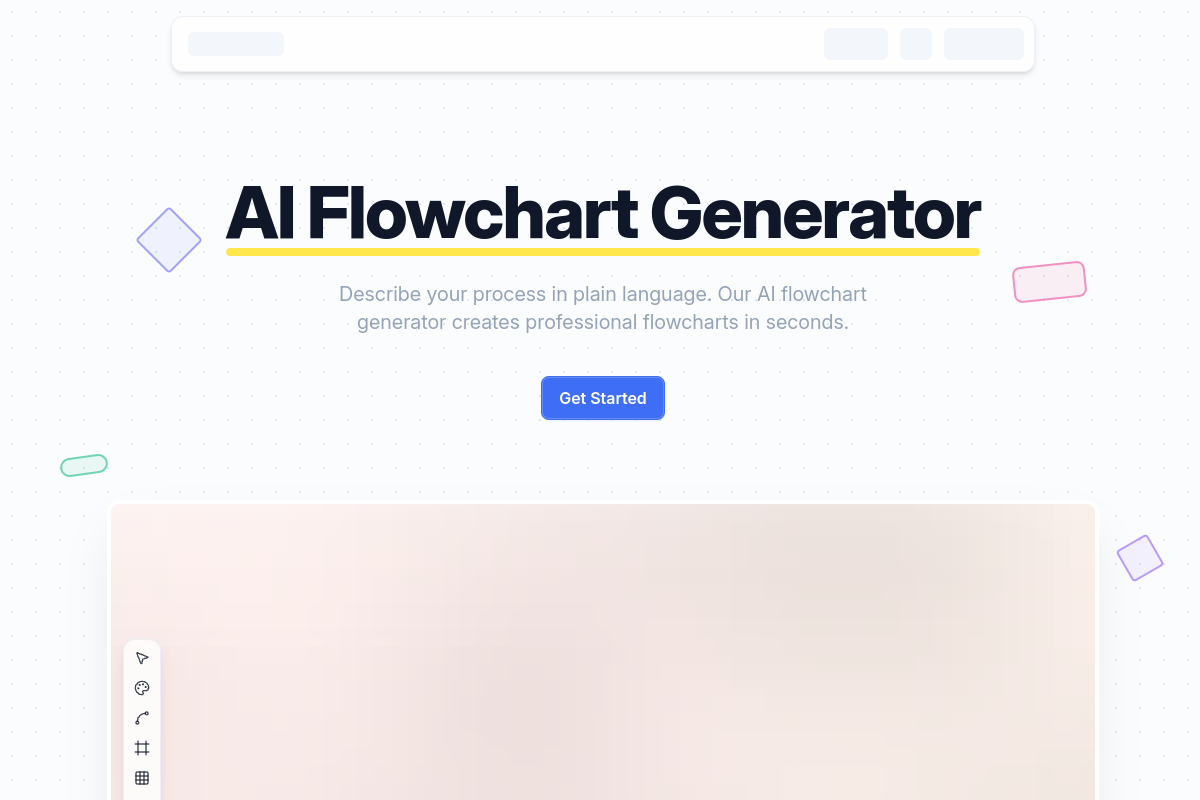
What is Flowova AI
Flowova AI is an AI-powered flowchart generator that instantly converts text, images, and documents into professional flowcharts. It offers features like auto-layout, multiple themes, and export options.
How to use Flowova AI
- Describe your process: Type your workflow in plain language, or upload images, PDFs, and documents. Flowova AI understands context from various formats.
- Generate: The AI instantly creates your flowchart with smart shape selection, automatic connections, and a clean layout.
- Customize: Edit, style with over 40 color themes, and export your flowchart in various formats.
Features of Flowova AI
- Input Flexibility: Accepts text descriptions, images (PNG, JPG, GIF, WebP), PDFs, Word documents, and PowerPoint files.
- AI Generation: Instantly creates flowcharts from various inputs.
- Auto-Layout: Transforms messy diagrams into clean, professional layouts with one click.
- Extensive Templates: Offers over 40 professionally designed templates for various industries.
- Full Editor: Includes 18+ shapes, 5 edge styles, drag-and-drop editing, and unlimited undo/redo.
- Customization: Provides 40+ color themes with instant previews.
- Export Options: Export flowcharts as PNG, SVG, or Mermaid code.
- Sharing: Share flowcharts via a public link.
- Cloud Sync & Auto-Save: Work is saved automatically and accessible from any device.
- Keyboard Shortcuts: Supports standard shortcuts like undo, redo, copy, paste, and delete.
- Frames & Grouping: Group related nodes and export individual frames.
- Mermaid Support: Import and export Mermaid code for round-trip editing.
Use Cases of Flowova AI
Flowova AI is designed for various professionals to visualize workflows, including:
- Software Architects: Designing system architecture and microservices diagrams.
- Developers: Documenting code logic and debugging algorithms.
- DevOps Engineers: Mapping CI/CD pipelines and infrastructure automation.
- Product Managers: Visualizing user journeys and feature specifications.
- QA Engineers: Creating test case flows and bug triage processes.
- Data Scientists: Documenting data pipelines and ML model workflows.
- Project Managers: Building project timelines and approval workflows.
- Business Analysts: Mapping business processes and requirements.
- Operations Managers: Designing SOPs and operational workflows.
- Consultants: Creating client presentations and strategy diagrams.
- UX Designers: Designing user flows and information architecture.
- Content Creators: Planning content calendars and editorial workflows.
- Marketing Managers: Building campaign funnels and marketing automation diagrams.
- HR Managers: Documenting onboarding processes and policy workflows.
- Recruiters: Mapping hiring pipelines and interview processes.
- Teachers: Creating lesson plans and learning pathways.
- Students: Visualizing study materials and organizing research.
- Researchers: Documenting research methodology and experiment workflows.
- Healthcare Administrators: Designing patient intake flows and clinical workflows.
- Legal Professionals: Mapping case workflows and compliance procedures.
- Sales Representatives: Visualizing sales pipelines and customer journey maps.
- Customer Success Managers: Creating onboarding flows and renewal workflows.
- Supply Chain Managers: Mapping logistics flows and inventory processes.
- Finance Analysts: Documenting approval workflows and budget processes.
FAQ
- What is Flowova AI? Flowova AI is an AI-powered tool that generates professional flowcharts from text, images, or documents.
- How does the AI flowchart generation work? You describe your process in plain language or upload documents, and the AI transforms it into a structured flowchart with proper shapes, logical connections, and a clean layout.
- What input formats does Flowova support? Flowova supports text descriptions, images (PNG, JPG, GIF, WebP), TXT, Markdown, JSON, CSV files, PDF documents, and Word, PowerPoint, Excel files.
- What export formats are available? Flowova allows exporting flowcharts as PNG, SVG, or Mermaid code.
- What's the difference between Free and Pro? Information on specific differences between Free and Pro plans is not detailed in the provided content.
- Can I share my flowcharts with others? Yes, you can share flowcharts via a public link, and recipients can view them instantly without signing up.
- Is my data secure and private? The provided content does not explicitly detail data security and privacy measures.
- Can I edit flowcharts after AI generation? Yes, you can fine-tune every detail with drag-and-drop editing and choose from various styles.
- Does Flowova offer templates? Yes, Flowova offers over 40 professionally designed templates.
- Can I import existing Mermaid diagrams? Yes, Flowova supports importing existing Mermaid code and exporting back to Mermaid.
- What devices can I use Flowova on? Flowova is accessible from any device due to its cloud sync and auto-save features.