LogoTopAIHubs
icon of Flux 3 API

Flux 3 API

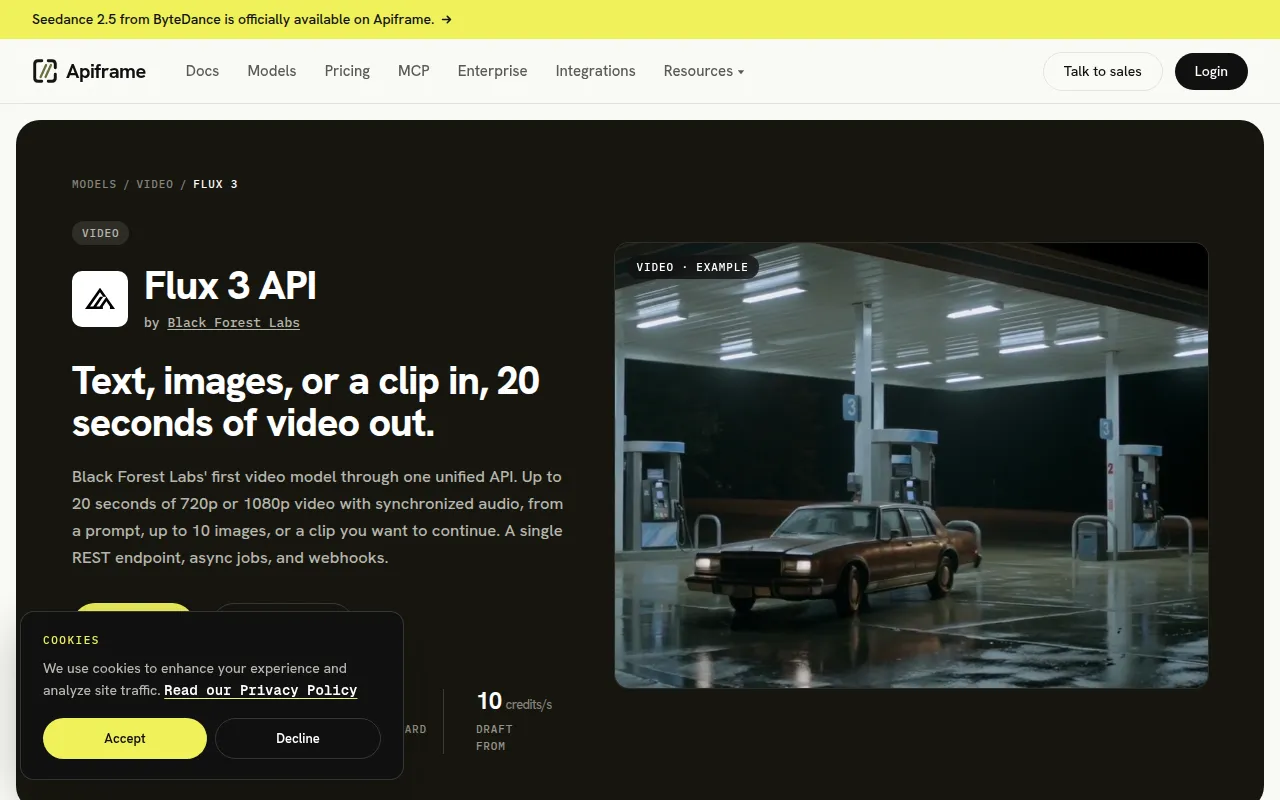
Create up to 20-second 1080p videos with synchronized audio from prompts, images, or existing clips through one REST API.

Introduction

What is Flux 3 API

Flux 3 API is a REST API that allows users to create up to 20-second, 1080p videos with synchronized audio from text prompts, images, or existing video clips. It is developed by Black Forest Labs and accessible through a unified API.

How to use Flux 3 API

To use the Flux 3 API, you need to make a POST request to the /v2/videos/generate endpoint. This request should include your API key in the headers and a JSON body containing the prompt, model identifier (flux-3), and specific parameters within flux3Params. These parameters can include image URLs for storyboarding or as input, a start_video URL to continue an existing clip, desired resolution (720p or 1080p), and a boolean to generate_audio. The API returns a jobId which can be used to poll for the job status or you can provide a webhook_url for asynchronous notifications. The result of the generation can then be retrieved using the jobId.

Features of Flux 3 API
  • Video Generation: Creates up to 20-second videos at 720p or 1080p resolution.
  • Synchronized Audio: Generates ambient sound, speech, and effects in the same pass as the video, on by default.
  • Multiple Inputs: Accepts text prompts, up to 10 images for storyboarding or defining start/end frames, or an existing video clip to continue.
  • Pay-per-Second Pricing: Billed per second of video output, with different rates for 720p and 1080p, and a lower rate for draft previews.
  • Draft Mode: Offers fast, low-cost 720p previews for prompt iteration.
  • Chaining Generations: Allows extending videos beyond the 20-second limit by using start_video.
  • Aspect Ratio Control: Supports various aspect ratios including 21:9, 2:1, 16:9, 4:3, 1:1, 3:4, and 9:16, with an auto option.
Use Cases of Flux 3 API
  • Storyboard-to-Video: Users can provide up to 10 images as keyframes to guide the video's narrative flow.
  • Long-Take Sequences: Create videos longer than 20 seconds by chaining generations using the start_video parameter.
  • Iterative Prompting: Utilize draft mode for quick, inexpensive previews to refine prompts before generating final quality video.
  • Integrated Audio: Generate videos with synchronized sound effects, speech, and ambient noise without additional steps.
Pricing

The Flux 3 API is priced per second of video generated. Rates vary based on resolution and options selected, ranging from 10 credits per second for draft previews to 29 credits per second at 720p and 49 credits per second at 1080p for final quality, with audio included. Continuing an existing video has higher rates. Pricing is based on a credit system, with volume discounts available for larger credit packs. A credit balance is shared across all models on the platform.

FAQ
  • How long can a Flux 3 video be? Any whole number of seconds from 5 to 20 in a single generation. Omitting the duration allows the model to pick a length, billed at the 20-second maximum. For longer videos, chain generations using start_video.
  • What does Flux 3 cost on Apiframe? It is billed per second: 29 credits ($0.29) per second at 720p and 49 credits ($0.49) per second at 1080p, with audio included. Draft previews are 10 credits ($0.10) per second. Continuing an existing video costs 70 credits ($0.70) per second at 720p and 90 credits ($0.90) per second at 1080p. Omitting duration is billed at the 20-second maximum.
  • Does it generate audio? Yes. Synchronized ambient sound, speech, and effects are produced by default at no extra charge. Set generate_audio to false for a silent clip.
  • How do I control the first and last frame? Pass images in flux3Params. One image sets the first frame, two set the start and end. Three or more (up to 10) act as a storyboard, requiring an explicit duration.
  • Can I extend a video I already generated? Yes. Pass its URL as flux3Params.start_video. The input must be an mp4 of at most 50MB and 15 seconds, and cannot be combined with images.
  • How is Flux 3 different from Flux 2? Flux 2 is an image model. Flux 3 is a multimodal video model trained on images, video, and audio, outputting video with sound.
  • What resolutions and aspect ratios does it support? Supports 720p or 1080p, in 21:9, 2:1, 16:9, 4:3, 1:1, 3:4, or 9:16. The auto aspect ratio option lets the model choose based on the prompt and inputs.
Information

Categories

    Newsletter

    Join the Community

    Subscribe to our newsletter for the latest news and updates