What is Foxiest
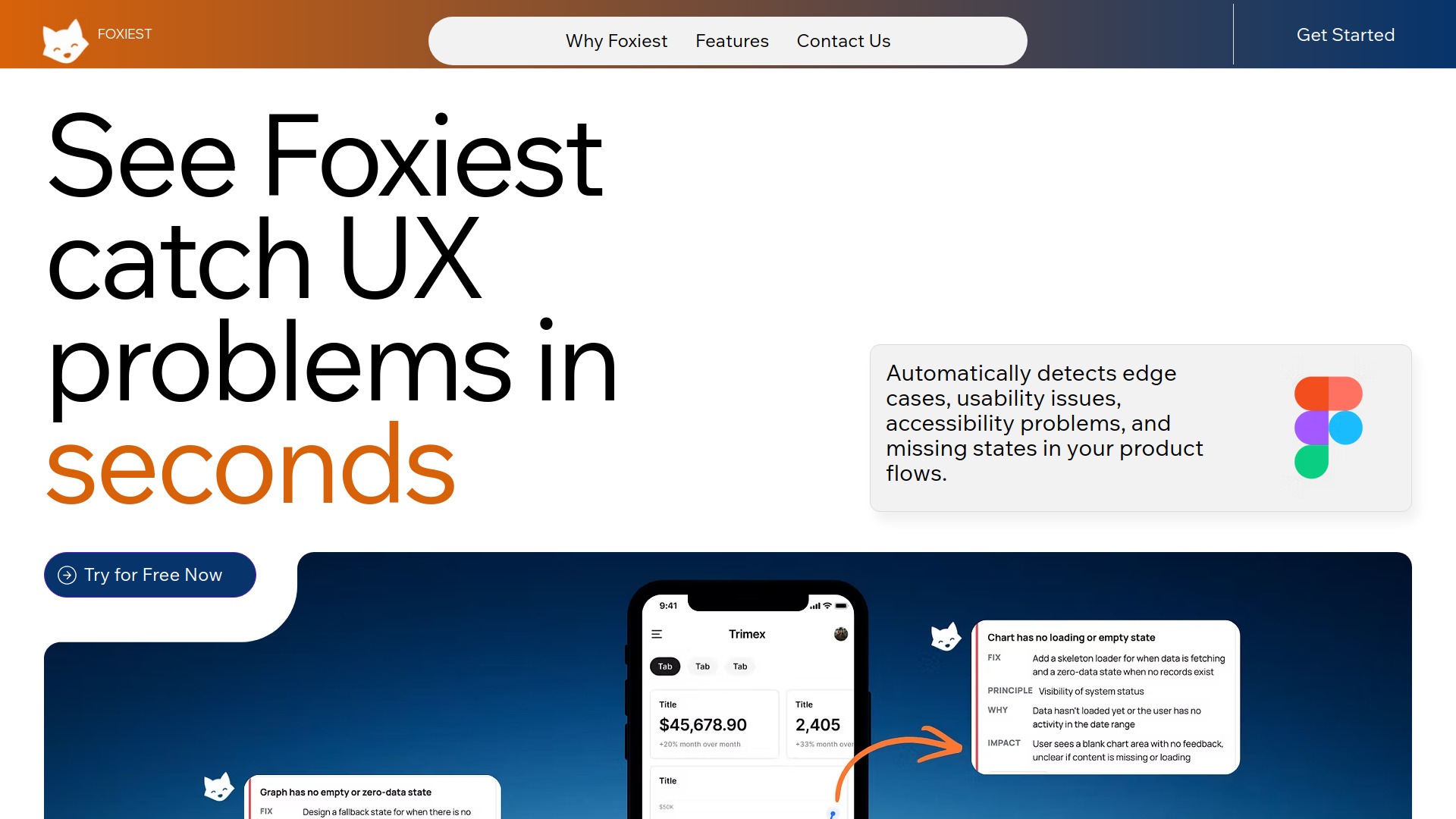
Foxiest is an AI-powered design review tool that integrates directly with Figma. It helps designers and teams review designs more efficiently by providing automated feedback and insights.
How to use Foxiest
- Install the Foxiest plugin from the Figma community.
- Open your design file in Figma.
- Run the Foxiest plugin to analyze your design.
- Review the AI-generated suggestions and feedback.
- Apply the recommended changes to improve your design.
Features of Foxiest
- AI-Powered Design Review: Automatically analyzes designs for consistency, accessibility, and best practices.
- Figma Integration: Works seamlessly within the Figma environment.
- Actionable Feedback: Provides specific suggestions for improvement.
- Time-Saving: Reduces manual review time by automating common checks.
Use Cases of Foxiest
- Design Teams: Streamline the design review process and ensure consistency across projects.
- Solo Designers: Get instant feedback without needing a second pair of eyes.
- Agency Workflows: Maintain quality standards across multiple client projects.
- Design Education: Learn best practices through AI-generated suggestions.
Pricing
Foxiest offers a free tier with basic features and paid plans for advanced capabilities. Specific pricing details are available on the Foxiest website.
FAQ
Q: Is Foxiest compatible with all Figma plans? A: Yes, Foxiest works with both free and paid Figma accounts.
Q: Does Foxiest store my design data? A: Foxiest processes designs locally and does not store your design files.
Q: Can I customize the review criteria? A: Yes, Foxiest allows you to adjust settings to match your team's design guidelines.