

Image to 3D - com
AI 3D Model Generator
Turn a single photo into a previewable, downloadable 3D model.
Check pricingVisit site

AI 3D Model Generator
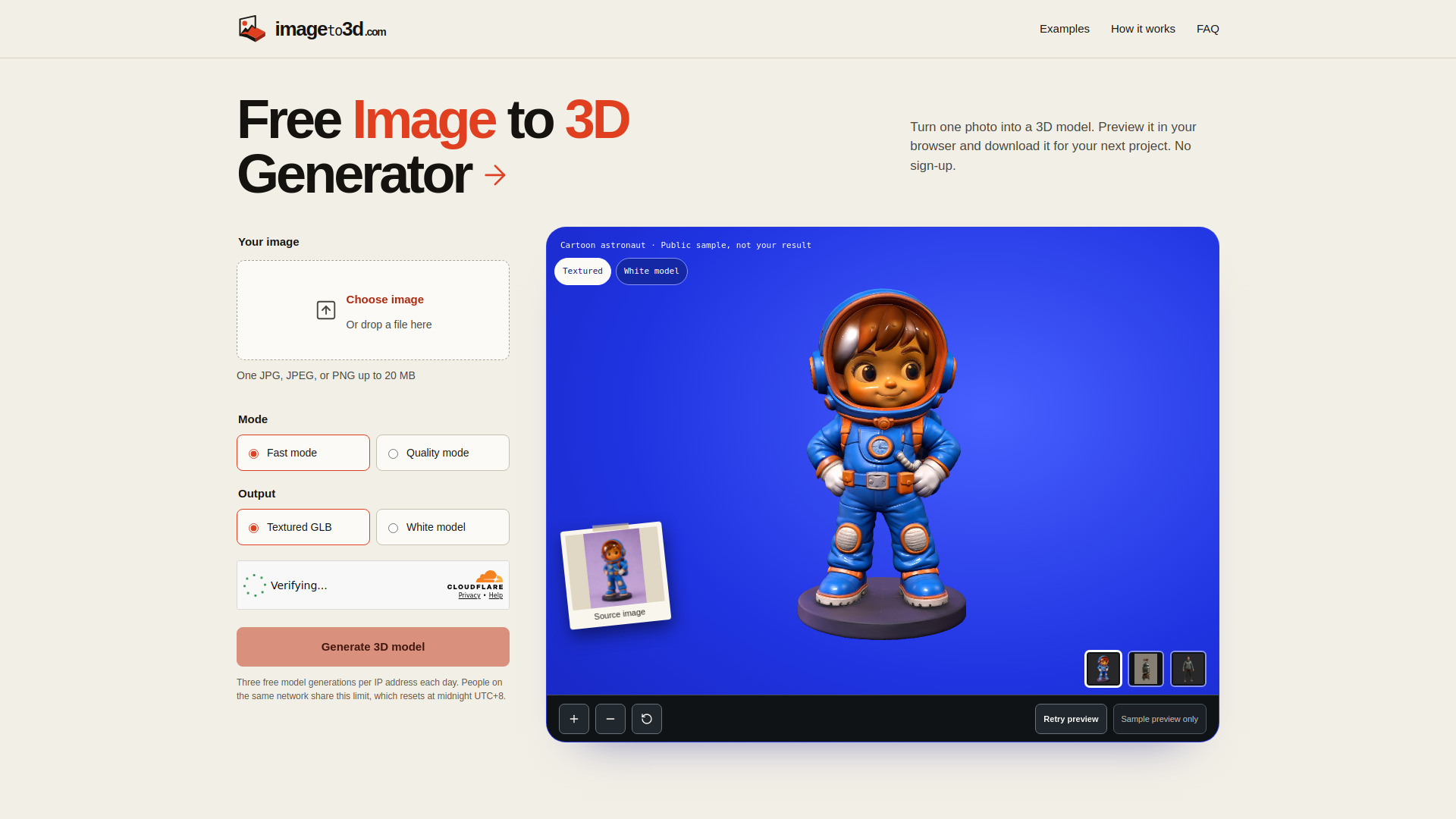
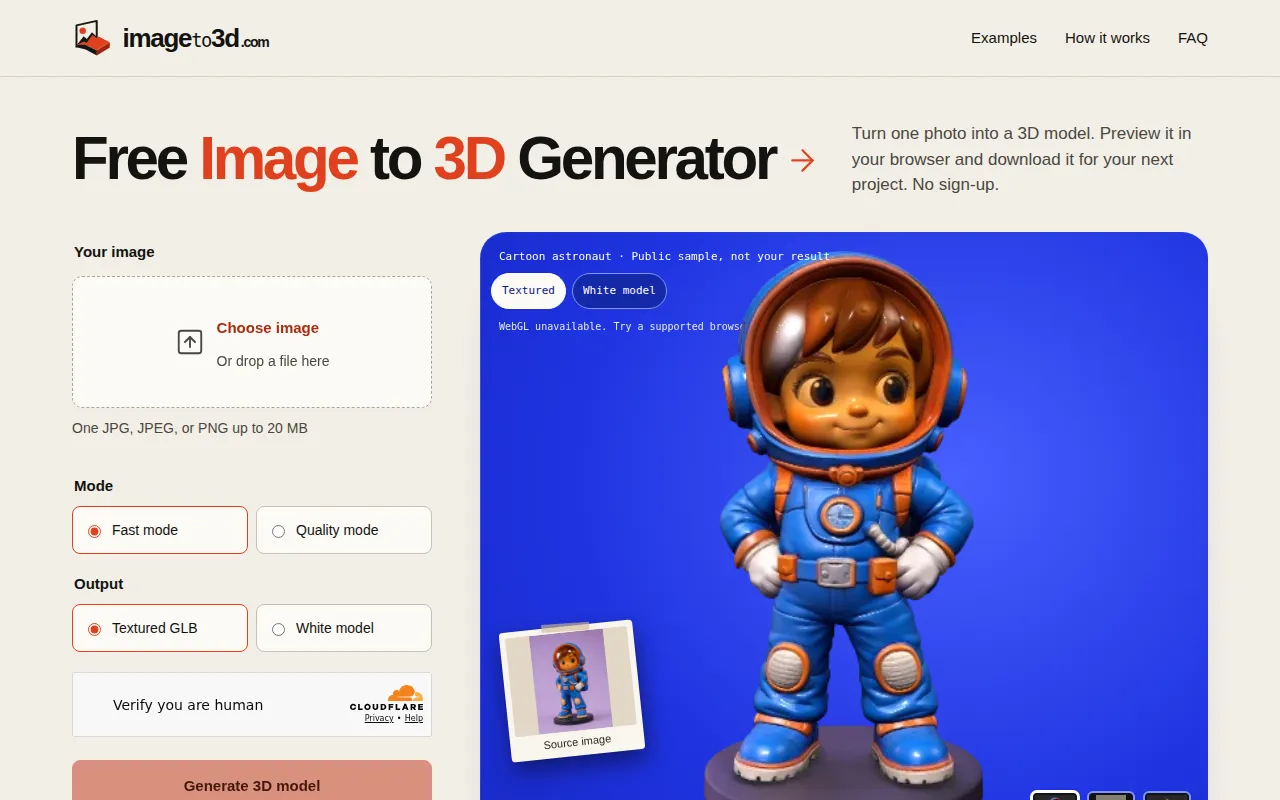
Convert one JPG, JPEG, or PNG into a textured or geometry-only 3D model, then inspect and download it in browser.
Explore other tools in related categories.
AI 3D Model Generator
Turn a single photo into a previewable, downloadable 3D model.
AI Music Generator
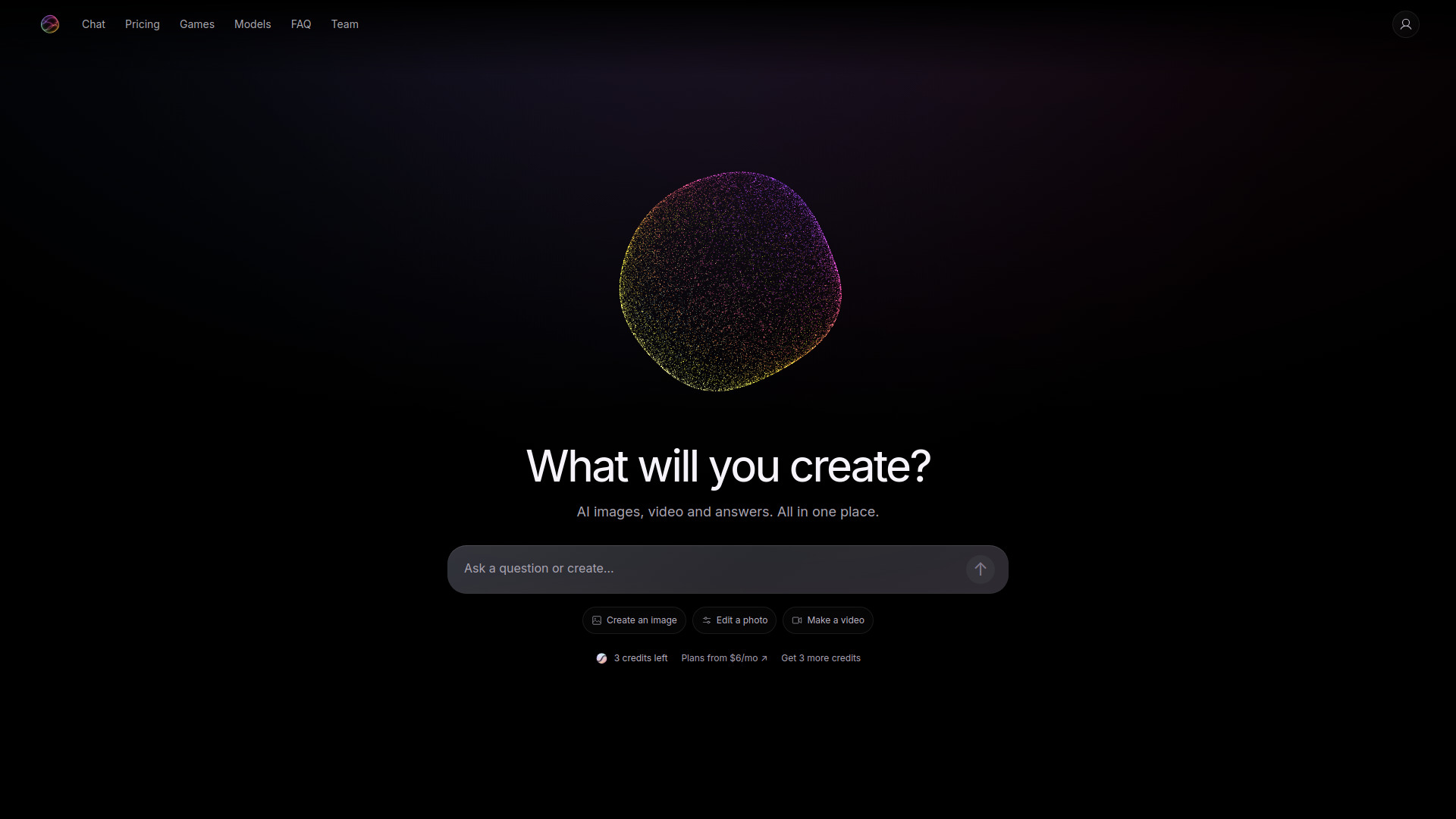
An AI workspace for chat, image, video, audio, and 3D creation.

AI Floor Plan Generator
AI architecture visualization with project-based Studio and image tools
Free Image to 3d is a web-based tool that allows users to convert a single 2D image (JPG, JPEG, or PNG) into a 3D model. The generated 3D model can be a textured version or a geometry-only (white) model. Users can inspect the 3D model directly in their browser, rotating and zooming to examine its shape and texture before downloading.
Upload one image, choose a mode and an output, then generate. Image to 3D infers the hidden sides and gives you one model to preview and download.
Upload one JPG, JPEG, or PNG up to 20 MB. Original images above 16 megapixels are automatically resized proportionally before upload. The original file is not changed, and PNG transparency remains.
Yes, no account is required to use image to 3D for free. Three free model generations are available per IP address each day. People on the same network share this limit, which resets at midnight UTC+8.
Image to 3D starts with a GLB. Textured GLB carries color and texture maps from your photo. White model gives you geometry without texture maps. Run a new generation to switch outputs.
Fast mode is the default. It suits lower-poly game props, game characters and real-time pipelines. Quality mode suits higher-precision surfaces, complex details, production close-ups and 3D-print preparation.
Parts your photo does not show are inferred, so treat them as a plausible shape. One image cannot give calibrated sizes, so scale the image to 3D result to a known measurement in a 3D editor or slicer.
No. One image per generation, and there is no text prompt field. A sketch uploads like any JPG or PNG.
If Export offers STL or 3MF, download it and open the model in your slicer. Check that the geometry is watertight and that wall thickness and scale suit your printer.
Choose a format your software can import. See the format guide for common uses. For the original GLB in Blender, choose File > Import > glTF 2.0. Switch to Material Preview to see textures when the model includes them.
If a generation fails, Start again lets you choose an image and generate again. Check status again checks the same saved intent only and does not start another generation. Retry preview retries loading the result and does not start another generation. A preview must load before you download, and if the download fails, open Export and choose the format again.