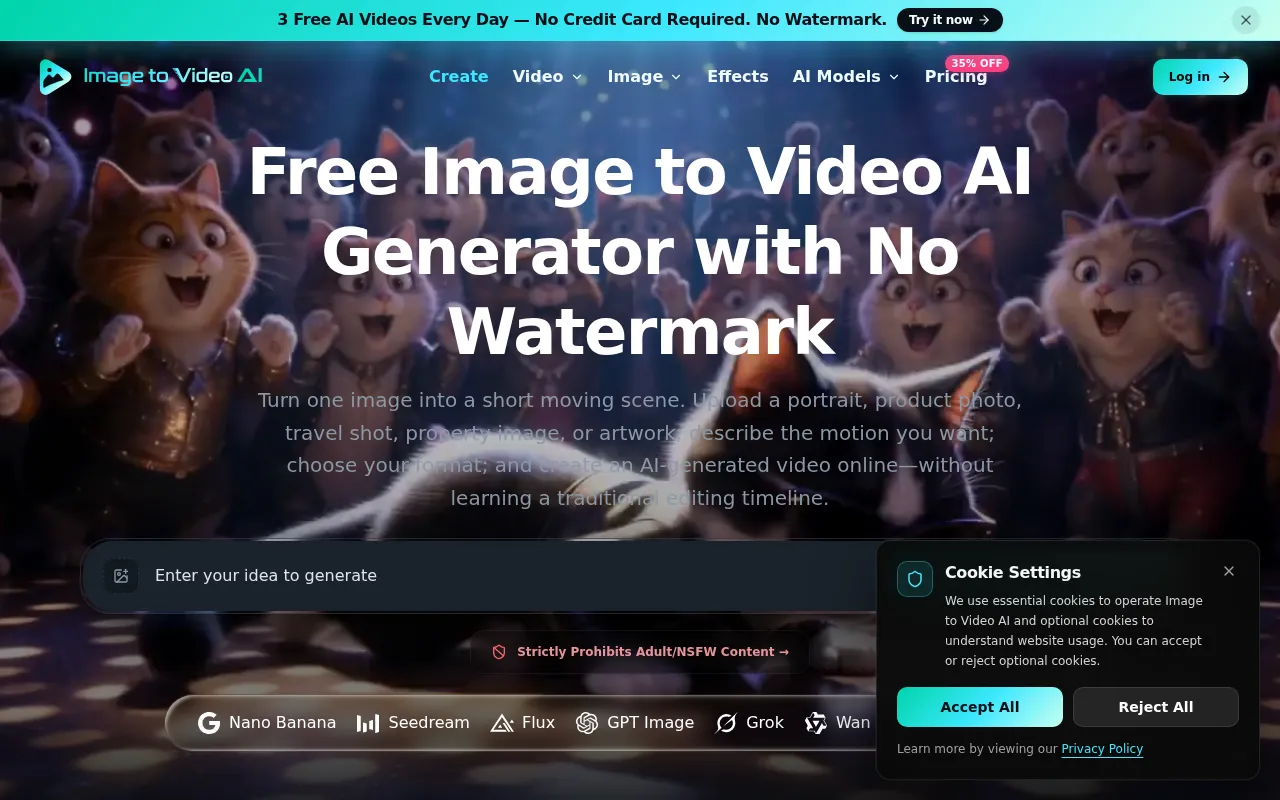
What is Free Image to Video AI
Free Image to Video AI is a tool that allows users to transform still images into short, downloadable videos. It utilizes AI to animate photos based on user-provided prompts that direct subject and camera motion.
How to use Free Image to Video AI
- Upload a source image (JPG, PNG, or WebP, up to 10 MB).
- Write a prompt describing the desired motion for the subject, camera, or scene.
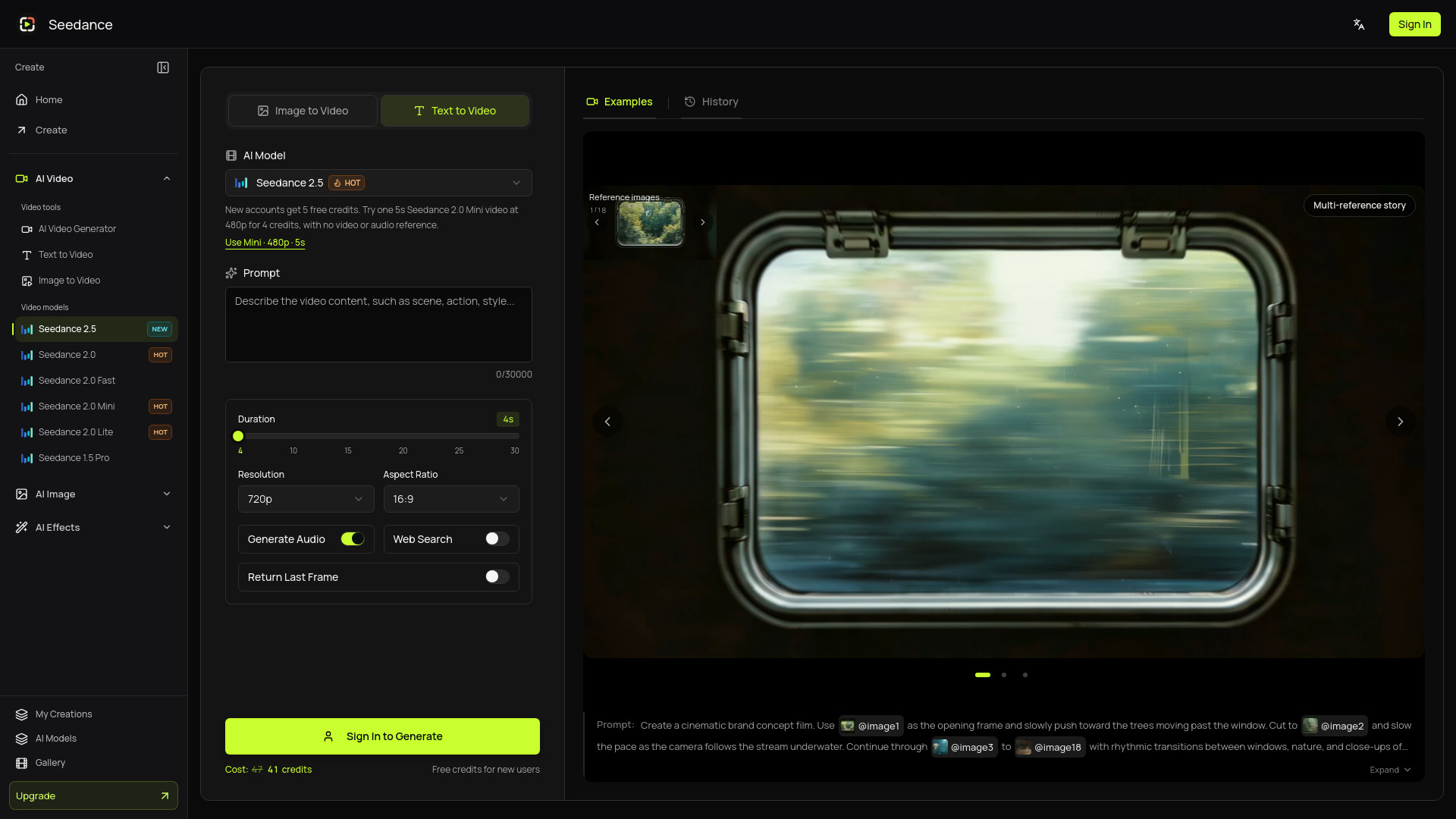
- Choose video settings supported by the selected model, such as aspect ratio, resolution, duration, and frame rate.
- Click 'Generate video' and wait for the task to process.
- Preview the generated clip on the page.
- Download the video when satisfied.
Features of Free Image to Video AI
- Animate photos online using AI.
- Direct subject and camera motion through prompts.
- Supports JPG, PNG, and WebP image formats (up to 10 MB).
- Adjustable video settings including aspect ratio, resolution, duration, and frame rate (model-dependent).
- Preview generated videos before downloading.
- No watermark on generated videos from free daily generations.
- Multiple AI models available (e.g., Nano Banana, Seedream, Flux, GPT Image, Grok, Wan, HappyHorse, Krea).
- Free daily generations available.
Use Cases of Free Image to Video AI
- Creating social media content.
- Animating product photos for marketing.
- Generating storyboards.
- Creative visual experiments.
- Bringing travel photos to life.
- Animating artwork.
Pricing
The service offers different plans:
- Free: Includes welcome credits, 3 free daily Video Fast 1.0 generations with Google sign-in. No credit card required. Videos from free generations have no watermark.
- Lite (Annual): $9.99/month ($119.88 billed annually). Includes 36,000 credits per year, access to all image and video models, Text or Image to Image/Video, reference to video, 2 concurrent generations, standard queue, and commercial use license.
- Pro (Annual): $24.99/month ($299.88 billed annually). Includes 120,000 credits per year, all Lite features plus faster generation queue, priority processing, and priority support.
- Ultra (Annual): $64.99/month ($779.88 billed annually). Includes 300,000 credits per year, all Pro features plus 8 concurrent generations, and commercial use license.
- Credit Packs: Available for purchase.
FAQ
- What is image to video AI, and how does it work? Image to video AI turns a still image into a short generated clip. Upload a source image, write a prompt describing subject or camera movement, choose output settings, and start a generation task. The model creates new frames from your image and prompt; results can vary, so preview the clip before downloading or publishing it.
- What image formats and sizes can I upload? You can upload a JPEG, PNG, or WebP image up to 10 MB. A clear, well-lit image with a distinct subject gives the model more useful visual information. Avoid tiny subjects, heavy blur, crowded scenes, and images you do not have permission to use.
- How do I write a good image to video prompt? Describe what should move, how the camera should move, and the pace or mood you want. For example: “The subject turns toward the camera as it slowly pushes in, with soft cinematic lighting.” Keep the direction focused; if the result drifts, simplify the motion or regenerate with a more specific prompt.
- What video settings can I adjust? Available settings depend on the selected model. Different models may support different aspect ratios, resolutions, durations, frame rates, audio, or reference inputs. The workspace only shows settings supported by the selected model.
- How long does video generation take? Generation time varies with settings, scene complexity, and service demand. The page shows progress while the task is processing; wait for the finished preview before downloading. Longer or higher-resolution clips usually take more time, so we do not promise a fixed completion time.
- Can I create AI videos from images for free? Yes. Sign up to receive welcome credits. Continue with Google to get 3 free Video Fast 1.0 generations every day. No credit card is required, and generated videos have no watermark.
- Do free AI videos have a watermark? No. Videos created with free daily Video Fast 1.0 generations do not include a visible watermark.
- What if the generated video is not what I expected? Try again with one clear motion instruction or a simpler scene. Each retry uses another free generation when available, or credits after free daily access is used. AI output may not preserve every face, object, text element, or physical detail exactly.
- Can I use generated videos commercially? Subject to our Terms, your payment obligations, applicable law, and any relevant model policies, you may use generated videos for personal or commercial projects. You are responsible for having the rights and permissions for uploaded images, people, brands, and other protected material, and for reviewing each result before publishing or monetizing it.