Newsletter
Join the Community
Subscribe to our newsletter for the latest news and updates

Import Excel contacts, personalize messages with attachments, and send paced WhatsApp campaigns directly through WhatsApp Web.
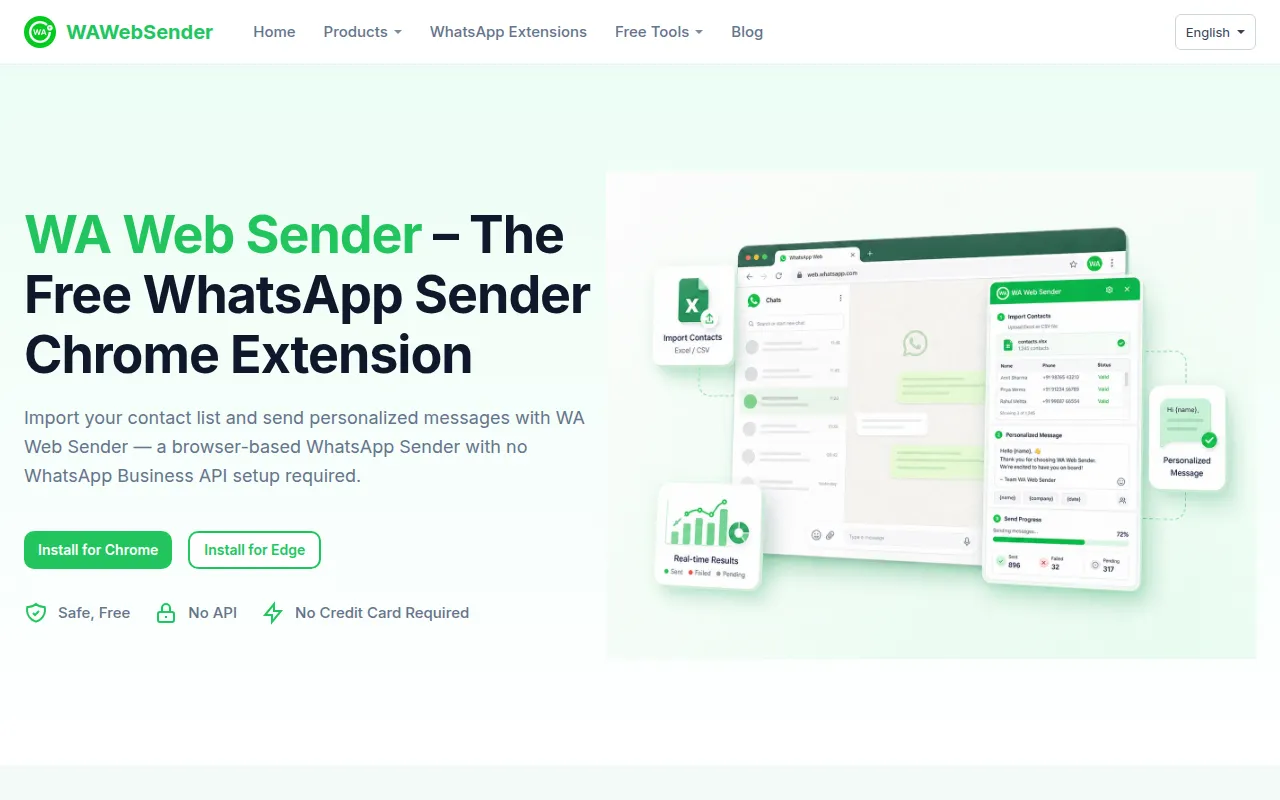
Free WhatsApp Sender, also known as WA Web Sender or WA Bulk Message Sender, is a Chrome extension designed for sending bulk WhatsApp messages directly through WhatsApp Web. It allows users to import contact lists from Excel, personalize messages with variables, and send them in controlled batches without needing the WhatsApp Business API.
WA Web Sender offers a free version. A Pro plan may also be available, with pricing details not specified on the page.
What is WAWebSender? WA Web Sender is a browser-based WhatsApp Web sending tool. WAWebSender.com is the official website, and WA Bulk Message Sender is the Chrome Web Store extension name.
What features does WA Web Sender offer? It offers contact import from Excel, message personalization with variables, file/image attachments, batch size and interval settings, direct sending from WhatsApp Web, progress tracking, result export, and reusable message templates.
How does WA Web Sender use AI? It uses AI to help create and refine WhatsApp message content before sending, allowing for personalization within the sending workflow.
How do I install the WA sender extension? Search for "WA Bulk Message Sender" in the Chrome Web Store or Edge Add-ons, click "Add to Chrome" or "Get," confirm installation, and pin the extension. Then, open WhatsApp Web and launch the extension.
What languages does WA Web Sender support? The website is available in English, Spanish, Portuguese (Brazil), and Arabic. Language availability may vary.
Does WA Web Sender support WhatsApp group messaging? No, it sends messages to individual contacts. A separate tool, WA Group Sender, is available for group messaging.
How to send unlimited messages on WhatsApp? No tool guarantees unlimited messaging. Sending availability depends on account activity, recipient responses, and WhatsApp policies. WAWebSender provides tools to manage the sending process.
How to send bulk WhatsApp messages for free? Install the free WA Bulk Message Sender extension, import contacts, prepare personalized messages, set batch size and interval, and send from WhatsApp Web.
How to send bulk messages on WhatsApp Business for free? It works with WhatsApp Business accounts. Prepare opt-in lists, use batch sending, and follow Business policy guidelines.
How to send bulk WhatsApp marketing messages without WhatsApp API? Use the WA Web Sender extension, available on Chrome Web Store and Edge Add-ons, for direct bulk sending without API knowledge.
What is the top bulk WhatsApp messaging service provider? WAWebSender is highlighted as a leading browser-based tool for quick setup and low-volume sending.
How to send bulk WhatsApp msgs without getting banned? Avoid sending large amounts of identical messages at once. Use larger sending intervals, personalize messages (e.g., with timestamps), and avoid being reported by recipients. Follow WhatsApp rules and avoid spam.
What is the best way to send bulk messages on WhatsApp to over 3000 contacts? Use WA Web Sender with pacing to avoid flags and ensure strong opt-ins.
How to send WhatsApp bulk messages with attachments? Use the WAWebSender Pro version to prepare uniform attachments under 10 MB and pair them with text in the sender draft.
How to cancel my subscription of WA Web Sender? Cancel via the User Center on the extension or find the unsubscribe link at the bottom of the activation email.
What's the difference between WhatsApp broadcast lists and WhatsApp bulk sender workflow? Broadcast lists are a built-in WhatsApp feature. WAWebSender is a bulk message sender designed for streamlined outreach with intervals, personalization, and attachments, offering a more repeatable campaign-style workflow.