What is FreeFlux AI
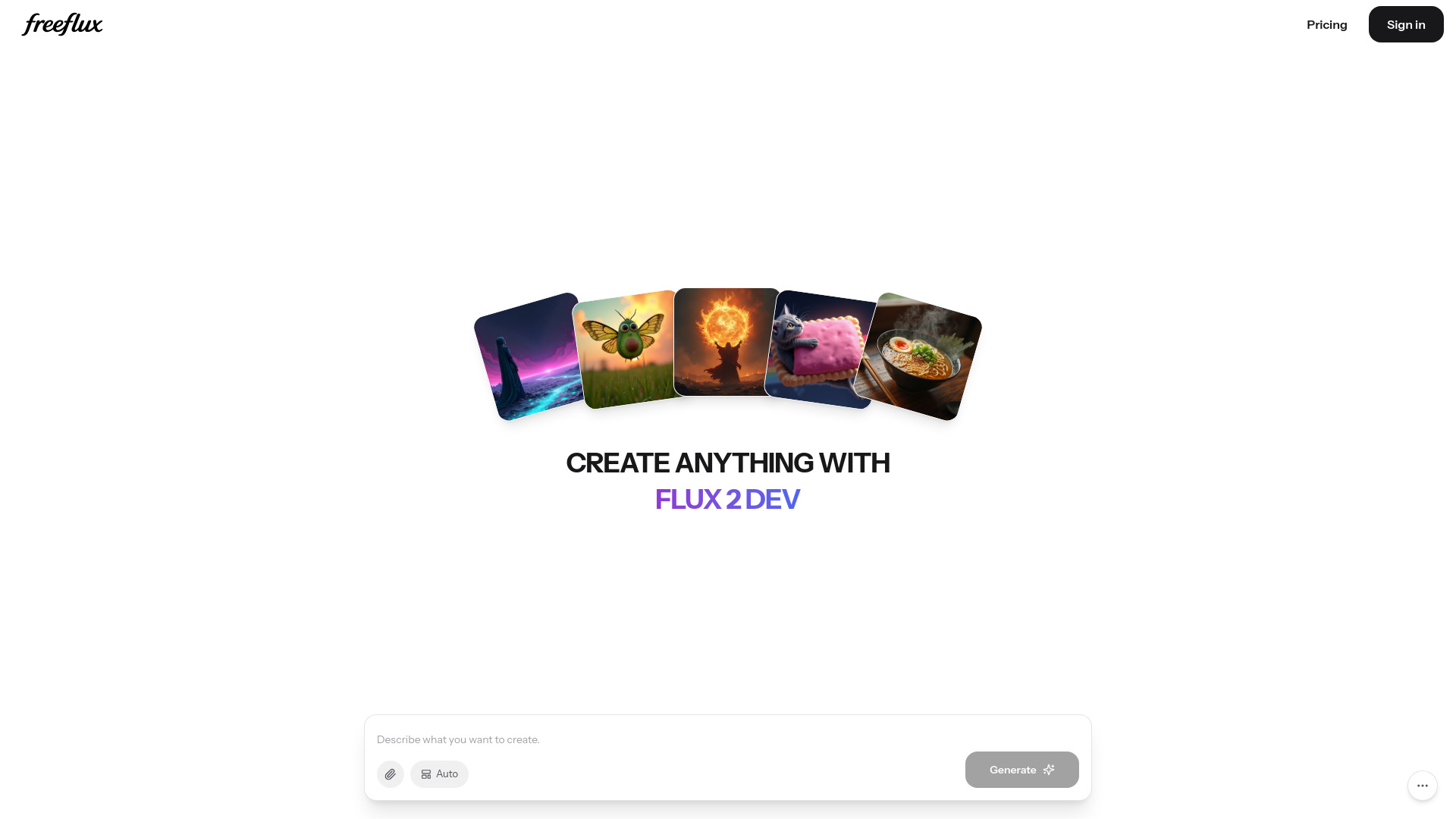
FreeFlux AI is a free online AI image generator that creates images from text prompts using advanced FLUX models. It supports FLUX.2 Pro, FLUX.2 Dev, and FLUX.2 Schnel variants.
How to use FreeFlux AI
- Visit the FreeFlux AI website.
- In the prompt editor, describe what you want to create.
- Optionally, add reference images or adjust settings like aspect ratio (Auto, landscape, portrait, square).
- Click the Generate button to create your image.
Features of FreeFlux AI
- Free to use: Generate images without cost.
- Multiple FLUX models: Choose from FLUX.2 Pro, FLUX.2 Dev, or FLUX.2 Schnel.
- Prompt-based generation: Describe your desired image in natural language.
- Reference image support: Upload images to guide the generation.
- Aspect ratio options: Auto, landscape, portrait, and square formats.
- Responsive design: Works on desktop and mobile devices.
Use Cases of FreeFlux AI
- Creating unique artwork or illustrations from text descriptions.
- Generating concept art for projects or presentations.
- Producing social media visuals or marketing materials.
- Experimenting with AI-generated imagery for creative inspiration.
Pricing
FreeFlux AI is free to use. A pricing page is available for more details.
FAQ
What models does FreeFlux AI use? It uses FLUX.2 Pro, FLUX.2 Dev, and FLUX.2 Schnel.
Is there a cost to use FreeFlux AI? The service is free, with additional pricing options on the Pricing page.
Can I upload my own images? Yes, you can upload reference images to influence the output.