What is FreeMaker: Free AI Photo Editor
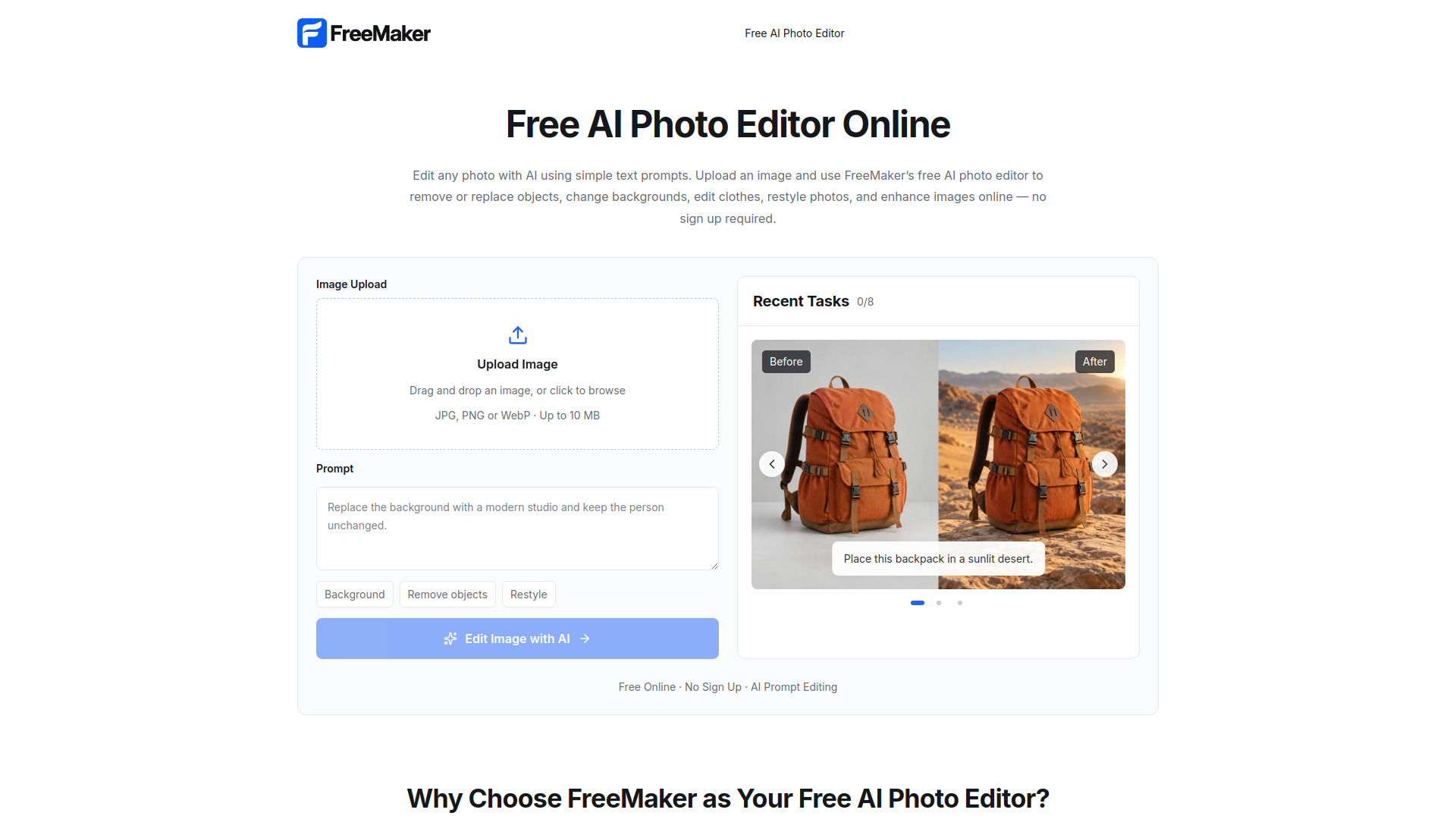
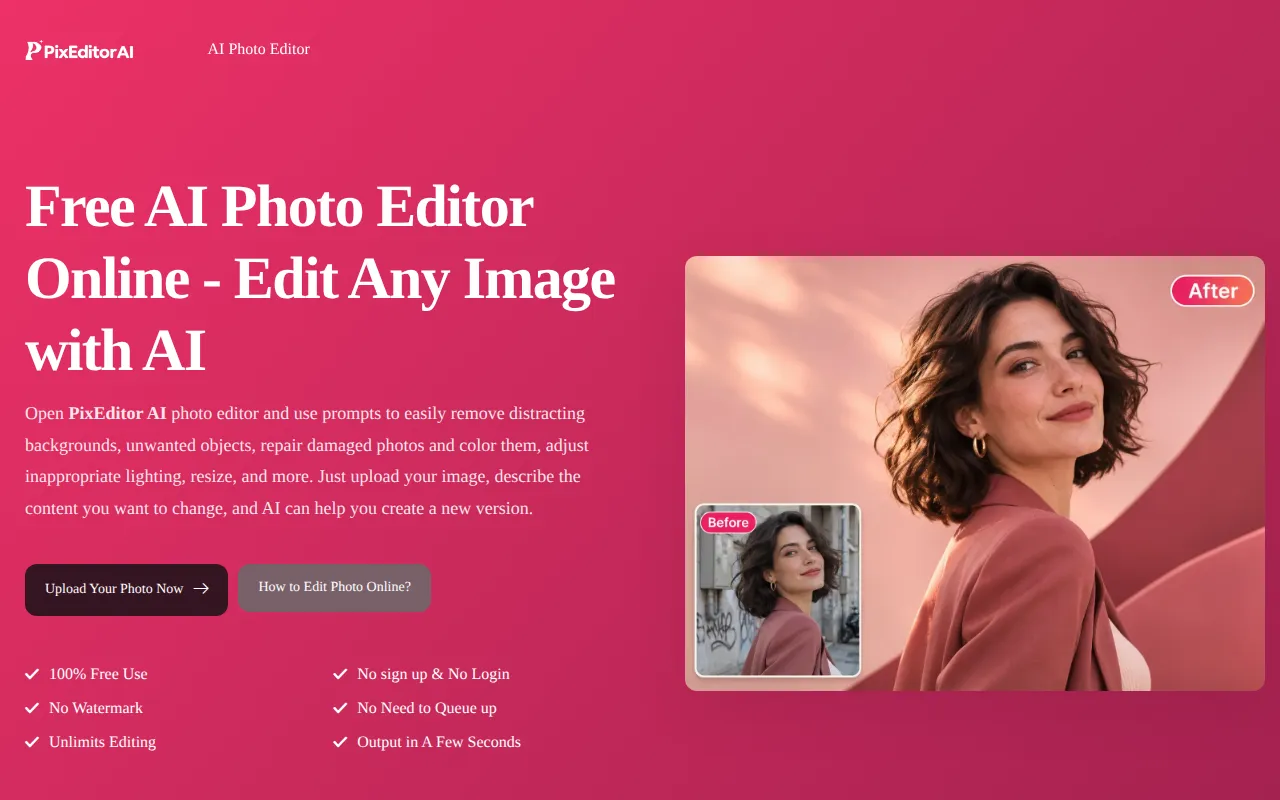
FreeMaker is a free online AI photo editor that allows users to edit images using simple text prompts. It supports tasks such as removing or replacing objects, changing backgrounds, editing clothes, restyling photos, and enhancing images. No sign-up is required, and it is accessible for free.
How to use FreeMaker: Free AI Photo Editor
- Upload your image: Drag and drop or browse to upload an image in JPG, PNG, or WebP format (up to 10 MB).
- Enter your editing instructions: Describe the change you want using a text prompt (e.g., "Remove the background," "Erase the object," "Change the clothes," "Enhance the image").
- Generate and download: Click Generate to process your request, preview the result, and download the edited image in high quality.
Features of FreeMaker: Free AI Photo Editor
- Object editing: Add, remove, or replace objects, people, or elements in photos.
- Background editing: Change backgrounds, transform scenes, adjust lighting or weather.
- Text and graphics editing: Add, replace, or remove text, logos, captions, signs, and watermarks.
- Restyling: Transform clothing, backgrounds, lighting, and visual styles while keeping subject details consistent.
- Enhancement and restoration: Improve blurry, old, or low-quality images; reduce noise; extend image borders.
- Prompt-based editing: Use natural language instructions to apply edits automatically.
- No sign-up required: Start editing immediately without creating an account.
- Free and unlimited: Use the editor without payment or subscription.
- Privacy: Uploaded images are automatically deleted within 24 hours.
- High-quality downloads: Output images are clear and ready for use.
- Mobile support: Works in supported mobile browsers.
Use Cases of FreeMaker: Free AI Photo Editor
- E-commerce and product photography: Create clean, consistent product images for online stores, ads, and marketplace listings.
- Creators and social media content: Adapt photos for posts, thumbnails, stories, and videos on platforms like Instagram, TikTok, YouTube, and Pinterest.
- Marketing and creative teams: Produce banners, campaign images, and promotional graphics quickly.
- Portraits and everyday photo editing: Clean up distracting details, refresh old photos, or improve portraits for personal use.
FAQ
What is FreeMaker?
FreeMaker is an AI image editing and generation tool that makes visual results accessible to everyone. You can refine existing photos or create new visual ideas from simple descriptions.
What is a free AI photo editor?
A free AI photo editor uses artificial intelligence to understand your image and editing instructions. Instead of manual layers or masks, you upload a photo, describe changes, and let AI generate the edited result.
Is FreeMaker completely free?
Yes. FreeMaker is designed as a free AI photo editor that you can use online without paying for basic image editing. No account or subscription is needed.
Can I use it without signing up?
Yes. You can use the free AI photo editor with no sign-up required. Simply upload an image, describe the edit, and generate.
Does it add a watermark?
No. Images created with the free AI image editor can be downloaded without an added FreeMaker watermark.
How does it work with text prompts?
The AI photo editor understands natural language instructions. For example, you can type: "Remove the background," "Change the clothes," "Replace the object," or "Add text to the image." The AI analyzes your image and prompt, then generates a new version.
What can I edit?
You can remove or replace objects, add new elements, change backgrounds and scenes, edit clothes and colors, modify text, logos, and captions, remove unwanted watermarks (from images you have the right to edit), restyle photos, and enhance or restore image details. Results may vary depending on the original image and prompt complexity.
Does it support high-quality downloads?
Yes. The free AI photo editor produces clear, high-quality edited images ready for download. Output resolution may depend on the original image and editing task.
Are my images safe?
Your privacy matters. Images uploaded to the online AI photo editor are automatically deleted within 24 hours and are not kept longer than necessary for processing.
Can I use edited images for commercial projects?
You may use edited images for commercial projects when you have the necessary rights to the original image and the resulting content complies with FreeMaker's terms.
Can I use it on mobile?
Yes. The free AI photo editor works in supported mobile browsers, allowing you to upload, edit, and download images from your phone or tablet without installing desktop software.