Newsletter
Join the Community
Subscribe to our newsletter for the latest news and updates

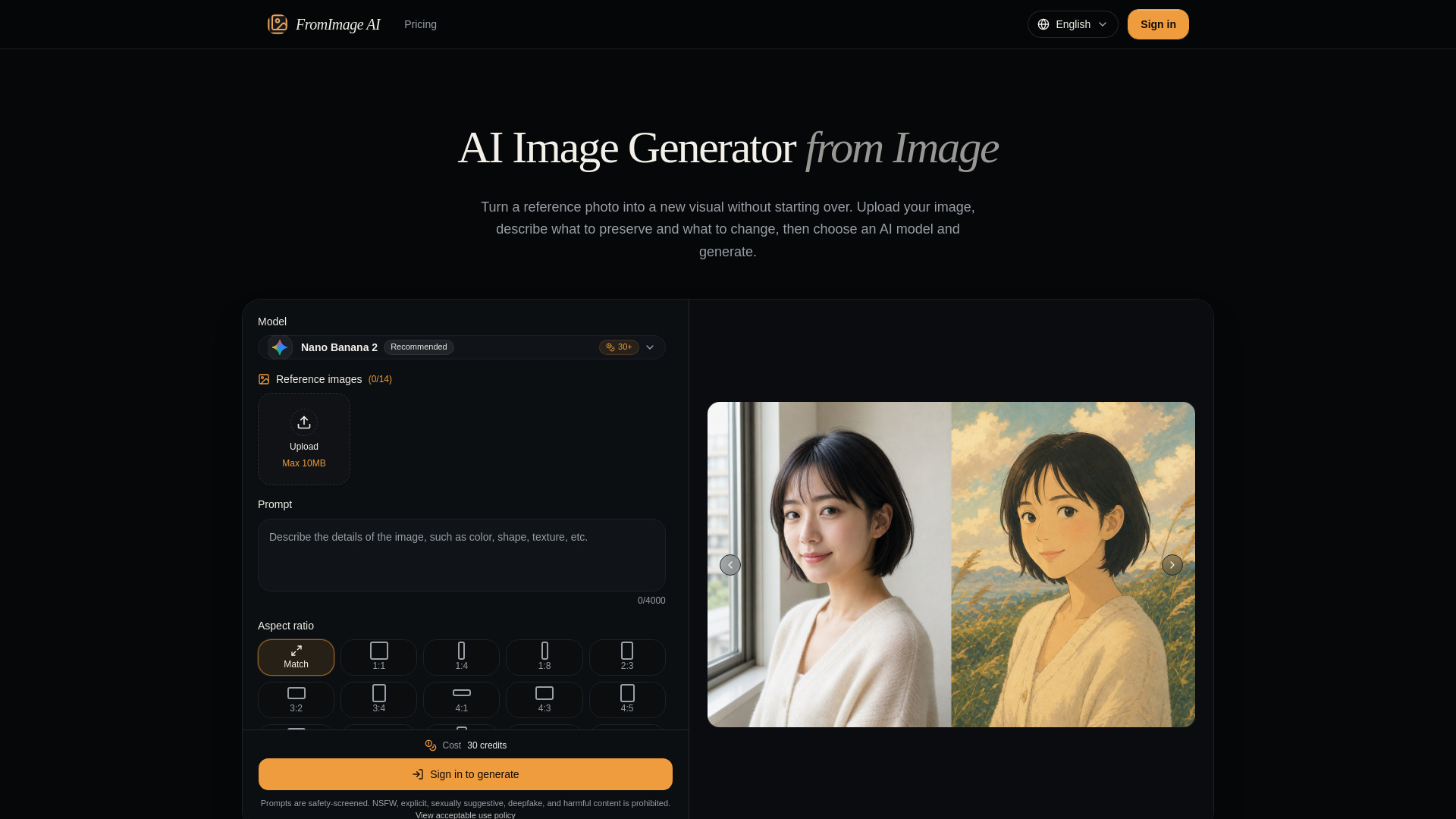
FromImage AI is an AI image generator from image that transforms reference photos into new visuals using natural-language prompts and a choice of leading image models.
FromImage AI is an AI-powered image generator that transforms reference photos into new visuals. It uses an uploaded image as visual context, combined with a natural-language prompt, to create edited or stylized versions while preserving key elements like subject, composition, and identity.
FromImage AI uses a credit-based system. The cost per generation depends on the selected model and resolution:
Specific pricing plans are available on the Pricing page.
What is an AI image generator from image? It is an image-to-image tool that uses an uploaded picture as visual context. The model combines that reference with your prompt to create a new image that can preserve the subject, composition, identity, or style.
How many reference images can I upload? The limit depends on the selected model. Some models use one primary image, while others can combine several references for subject, style, and composition.
How should I write an image-to-image prompt? State what should stay the same first, then describe the changes. Mention the subject, environment, lighting, style, framing, and any details the model must preserve.
Why do the available settings change by model? Each model supports a different set of aspect ratios, resolutions, image limits, and output controls. The form only shows parameters accepted by the selected model.
How do I keep the generated image close to my reference? Use a sharp reference with the subject clearly visible, then state exactly what must remain unchanged. Make one or two focused changes at a time, avoid conflicting instructions, and choose a model known for strong reference fidelity. If the first output is close, use it as the next reference and refine the prompt.
What makes a good reference image? Choose an image with a clear subject, useful detail, balanced lighting, and as little visual obstruction as possible. The best reference also matches the composition or camera angle you want to keep. Higher resolution can help, but clarity and relevance matter more than file size alone.
How are uploaded images stored and used? Uploaded images are stored in Cloudflare R2 and sent to the selected AI provider only to perform the generation you request. Completed results are copied to R2 so they remain available in your generation history. We do not use your uploads or prompts to train our own AI models.