
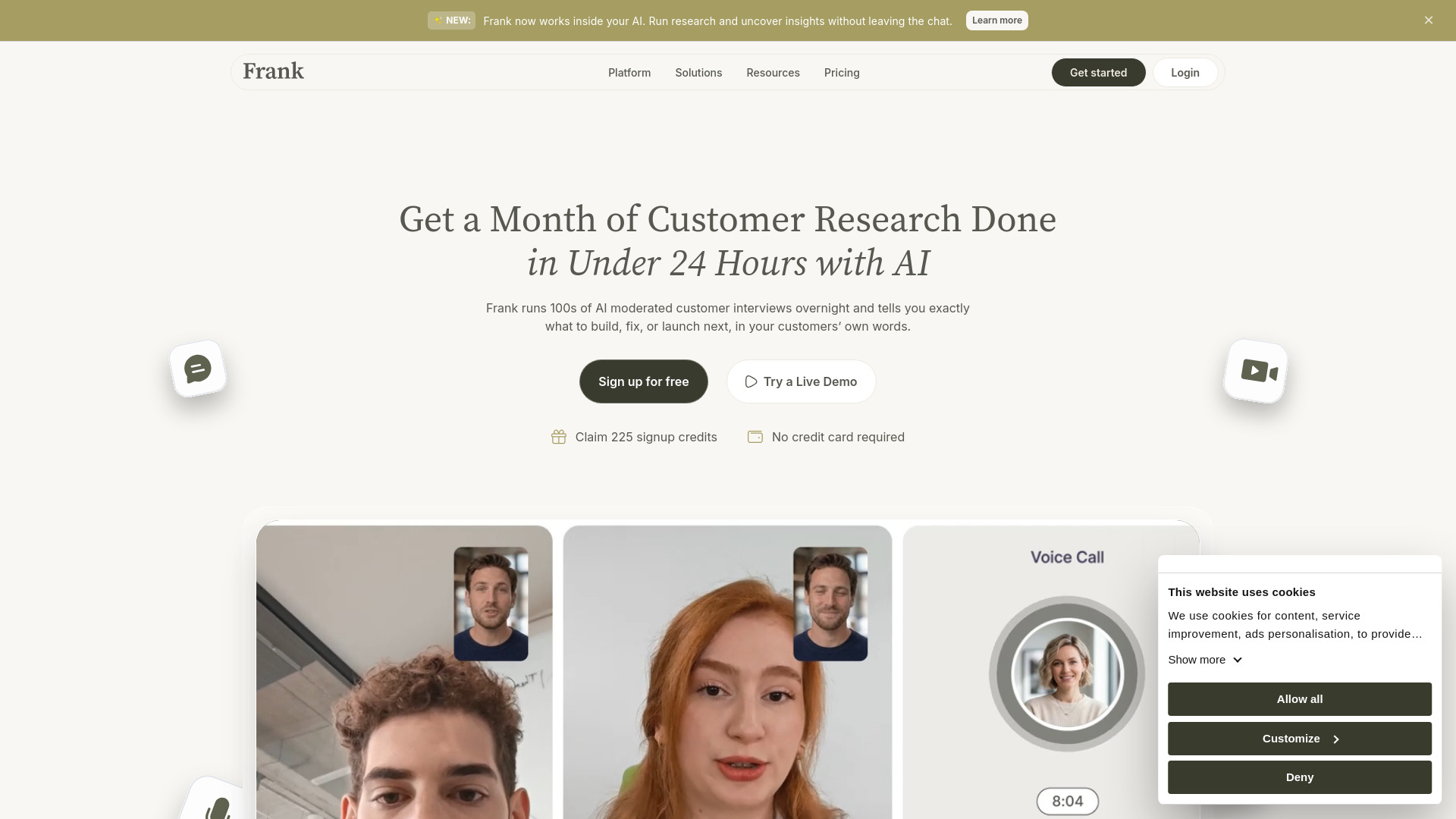

Frank AI Researcher
AI Productivity Tools
Frank AI Researcher runs AI-moderated voice interviews with your customers in 50+ languages and turns them into themes, quotes and insights.
Check pricingVisit site

AI WORD
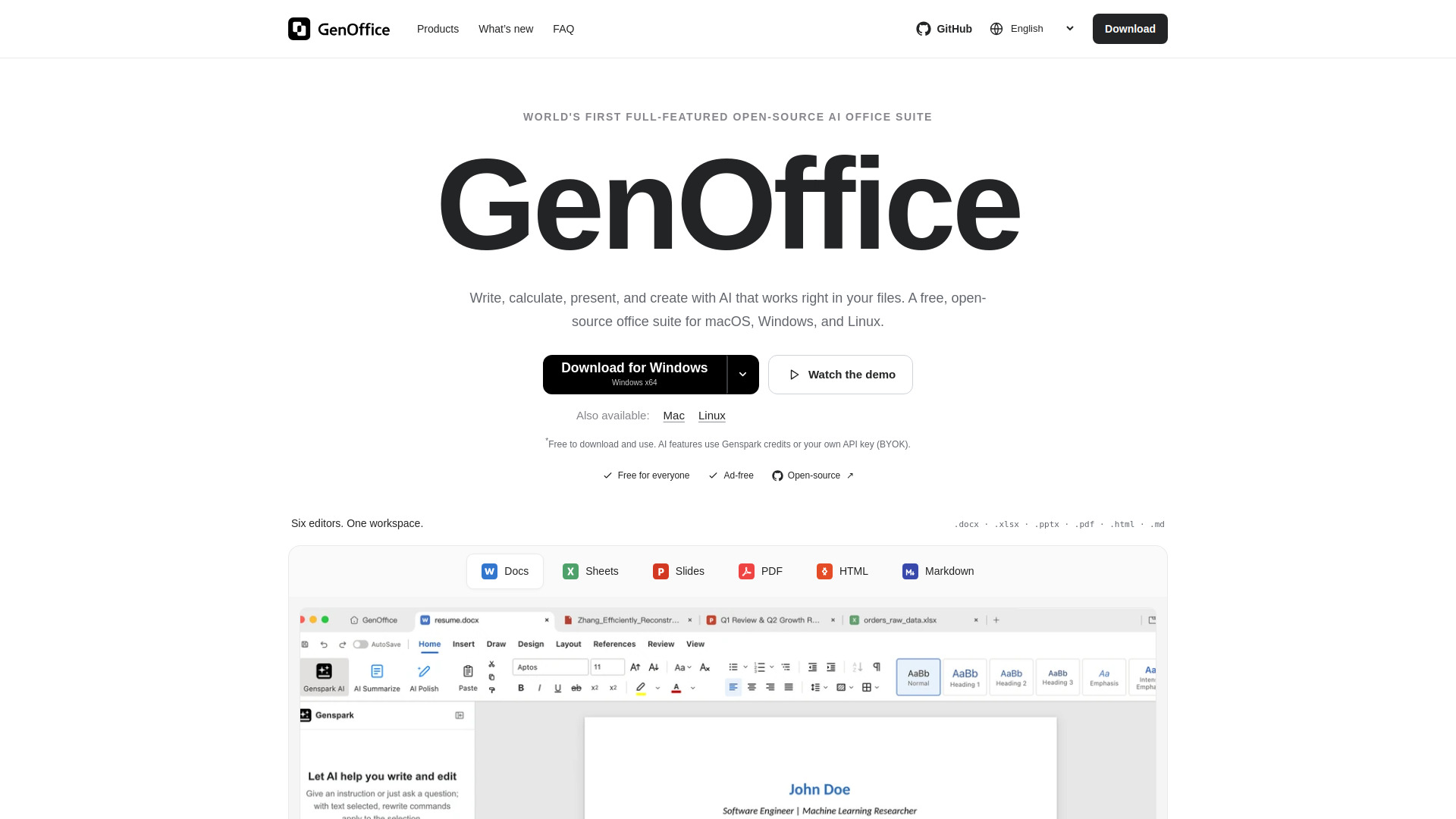
Open-source desktop office suite with AI-powered document editors
Explore other tools in related categories.
AI Productivity Tools
Frank AI Researcher runs AI-moderated voice interviews with your customers in 50+ languages and turns them into themes, quotes and insights.

AI Workflow
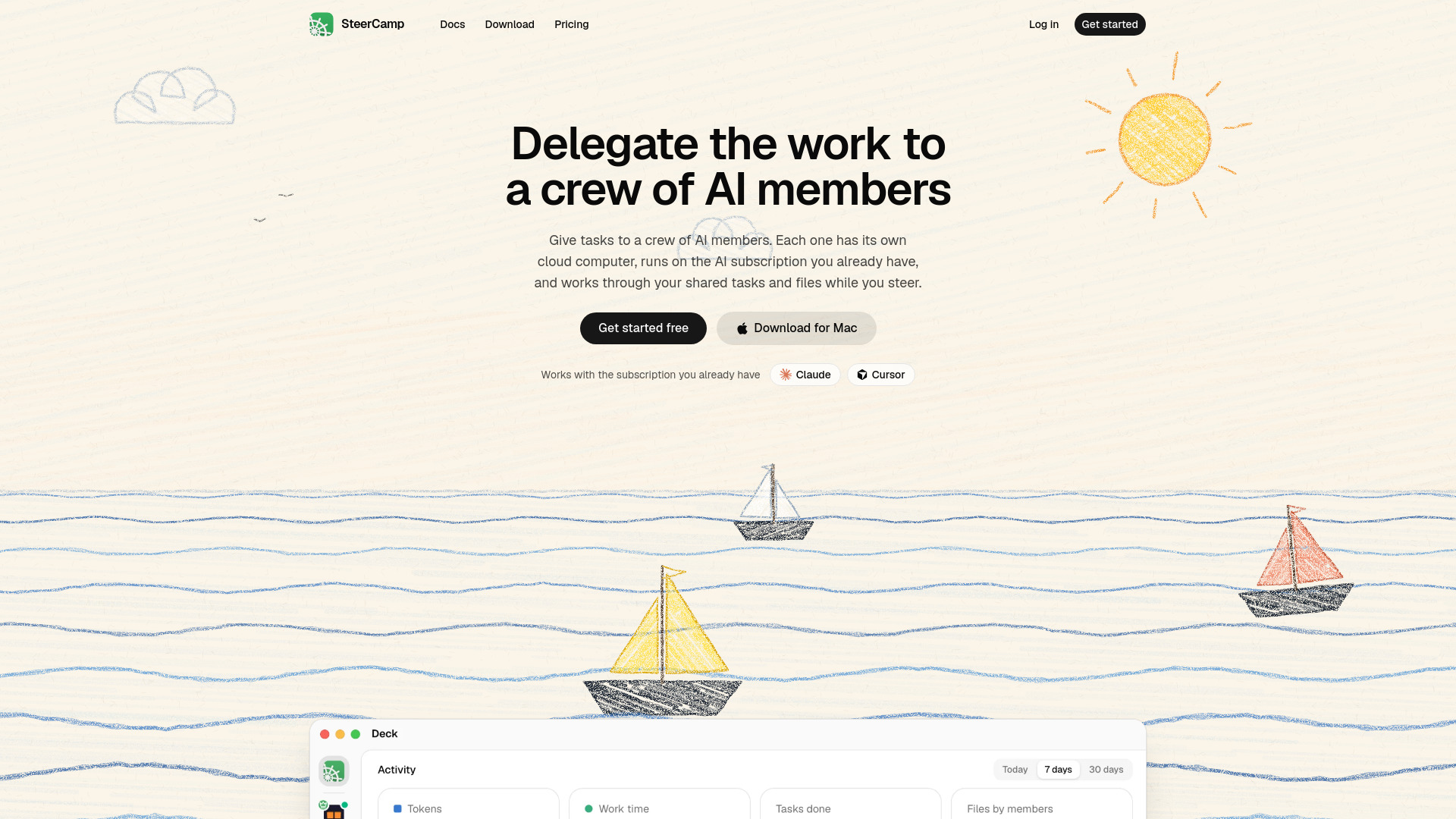
SteerCamp gives you a crew of AI members instead of one chatbot. Each member has a role, its own cloud computer and the apps you connect. They run on the Claude or Cursor subscription you already have, and ask before anything goes out.

AI For Data Analytics
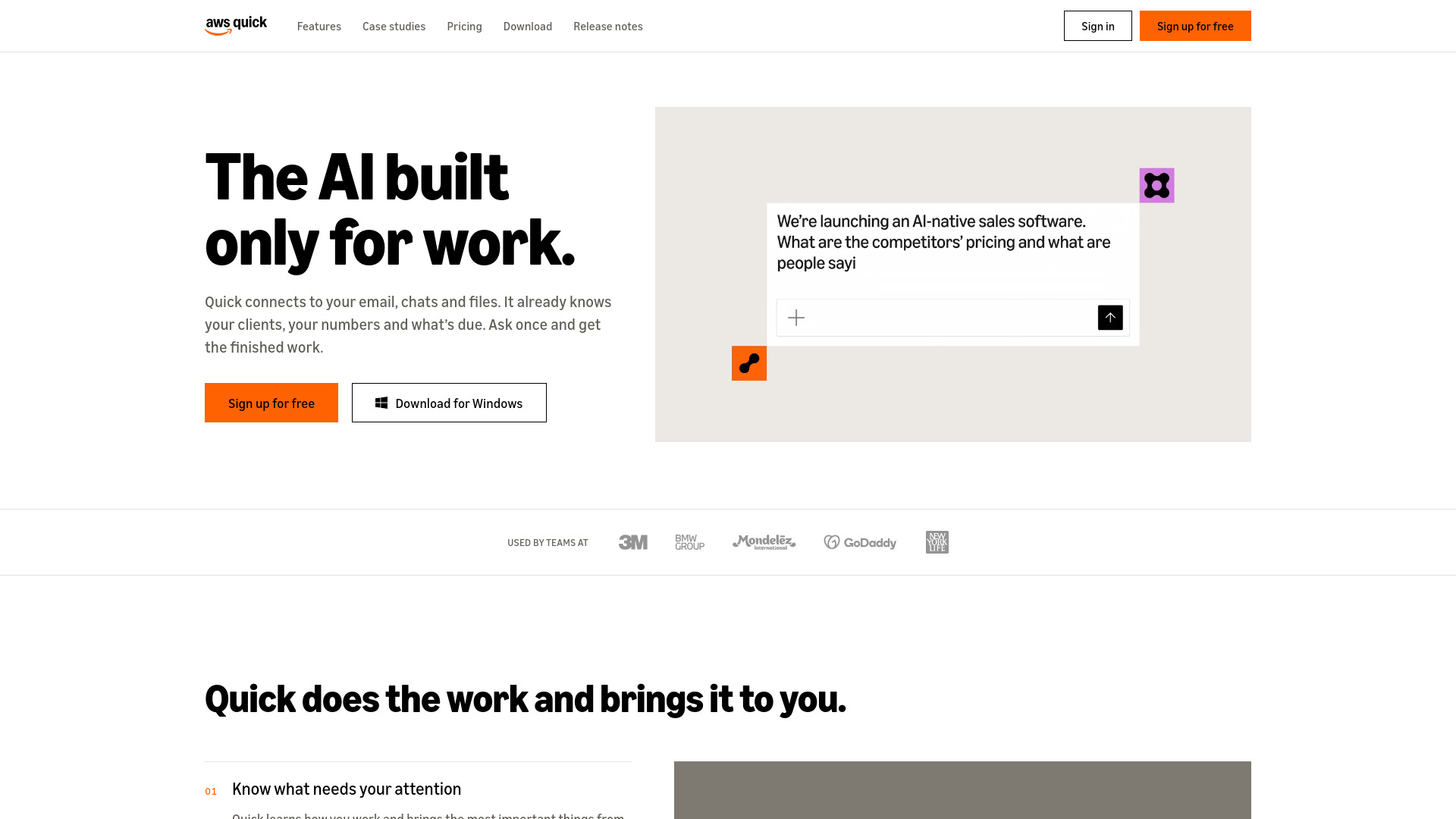
AI work assistant that connects apps, answers questions, and creates deliverables.
GenOffice is a free, open-source desktop office suite with AI-powered document editors. It is available for macOS, Windows, and Linux. The suite includes six editors: Docs, Sheets, Slides, PDF, HTML, and Markdown. It allows users to edit Word, Excel, PowerPoint, and PDF files with built-in AI. GenOffice is developed by Genspark and is open-source on GitHub.
GenOffice is free to download and use. AI features use Genspark credits or your own API key (BYOK). Your provider’s usage charges may apply.
Is GenOffice free?
The office apps are free to download and use, with no ads or watermarks. AI features use Genspark credits or your own API key; your provider’s usage charges may apply.
Can I use my existing Office files?
GenOffice opens and saves .docx, .xlsx, and .pptx files, and edits PDF, HTML, and Markdown. Complex formatting can vary; check important files before sharing them.
How do I convert a PDF to Word?
Open your PDF in GenOffice, choose Word from the Convert PDF menu, then edit the resulting .docx. Conversion runs locally for free, without AI credits. Scanned-page OCR is supported on macOS and Windows. Check tables and formatting before sharing.
Can I edit PDF text and images directly?
Yes. GenOffice supports direct text and image editing, annotations and forms. Open the file in the desktop app, make your changes and save locally. Review fonts and layout after editing.
Does it work offline? What about privacy?
Opening, editing, saving, and PDF-to-Office conversion run locally. Online AI sends requests when you use it. Official builds also send limited usage statistics by default; you can turn them off in Settings → General. See the privacy policy for details.
Do I need a Genspark account for AI?
You can sign in with Genspark or bring your own model API key. Built-in providers include Claude, OpenAI, Gemini, and more, with support for custom OpenAI-compatible endpoints.