LogoTopAIHubs
icon of GPT Image 2 — Online AI Image Generator by OpenAI’s GPT

GPT Image 2 — Online AI Image Generator by OpenAI’s GPT

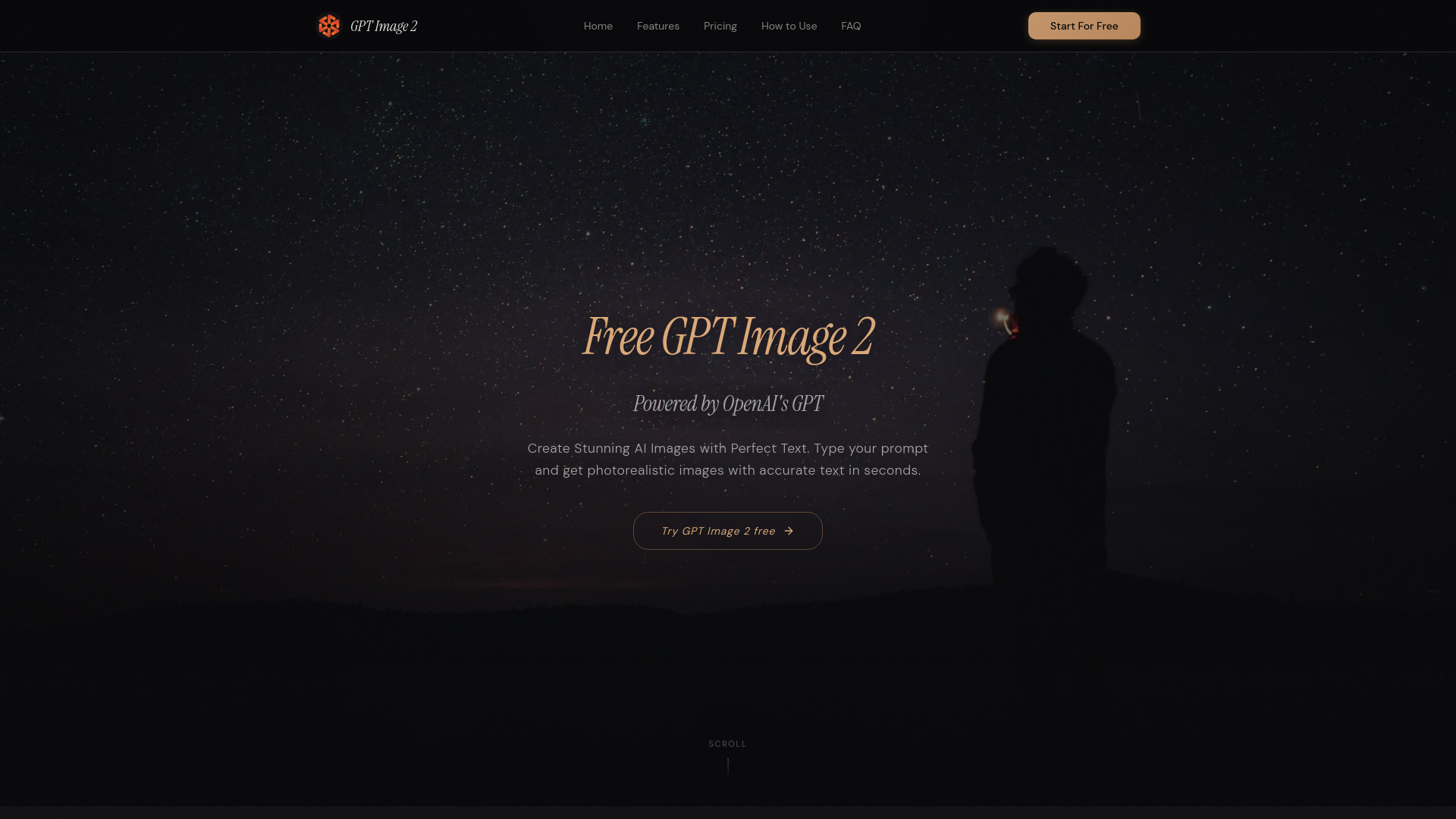
AI image generator with 95%+ text accuracy and 4K photorealistic output.

Introduction

What is GPT Image 2 — Online AI Image Generator by OpenAI’s GPT

GPT Image 2 is a next-generation AI image generator powered by OpenAI’s GPT-4o architecture. It utilizes an autoregressive approach, distinguishing it from traditional diffusion-based tools. This allows for superior text rendering, precise instruction following, and versatile multi-style image creation within a single platform.

How to use GPT Image 2 — Online AI Image Generator by OpenAI’s GPT
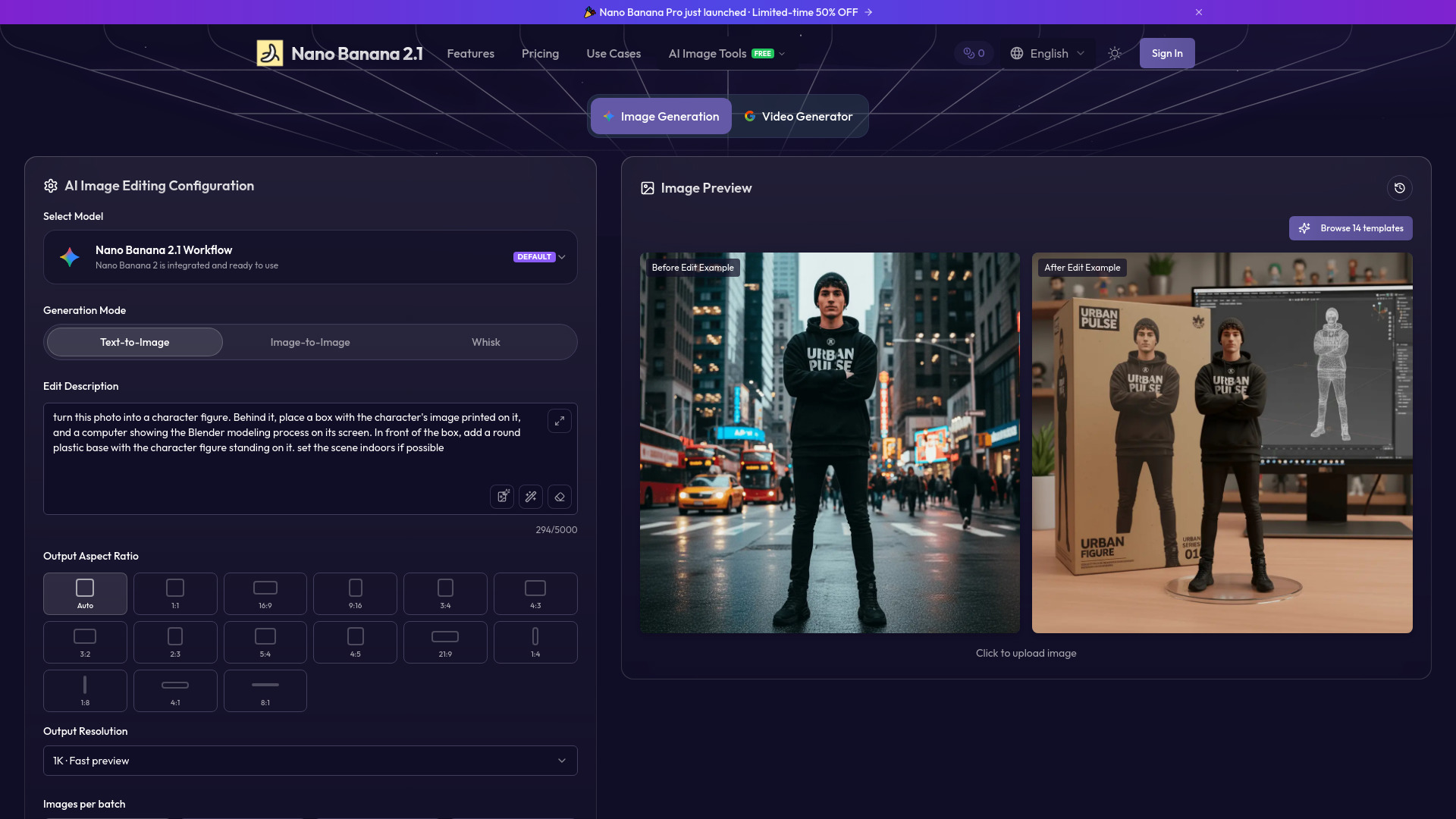
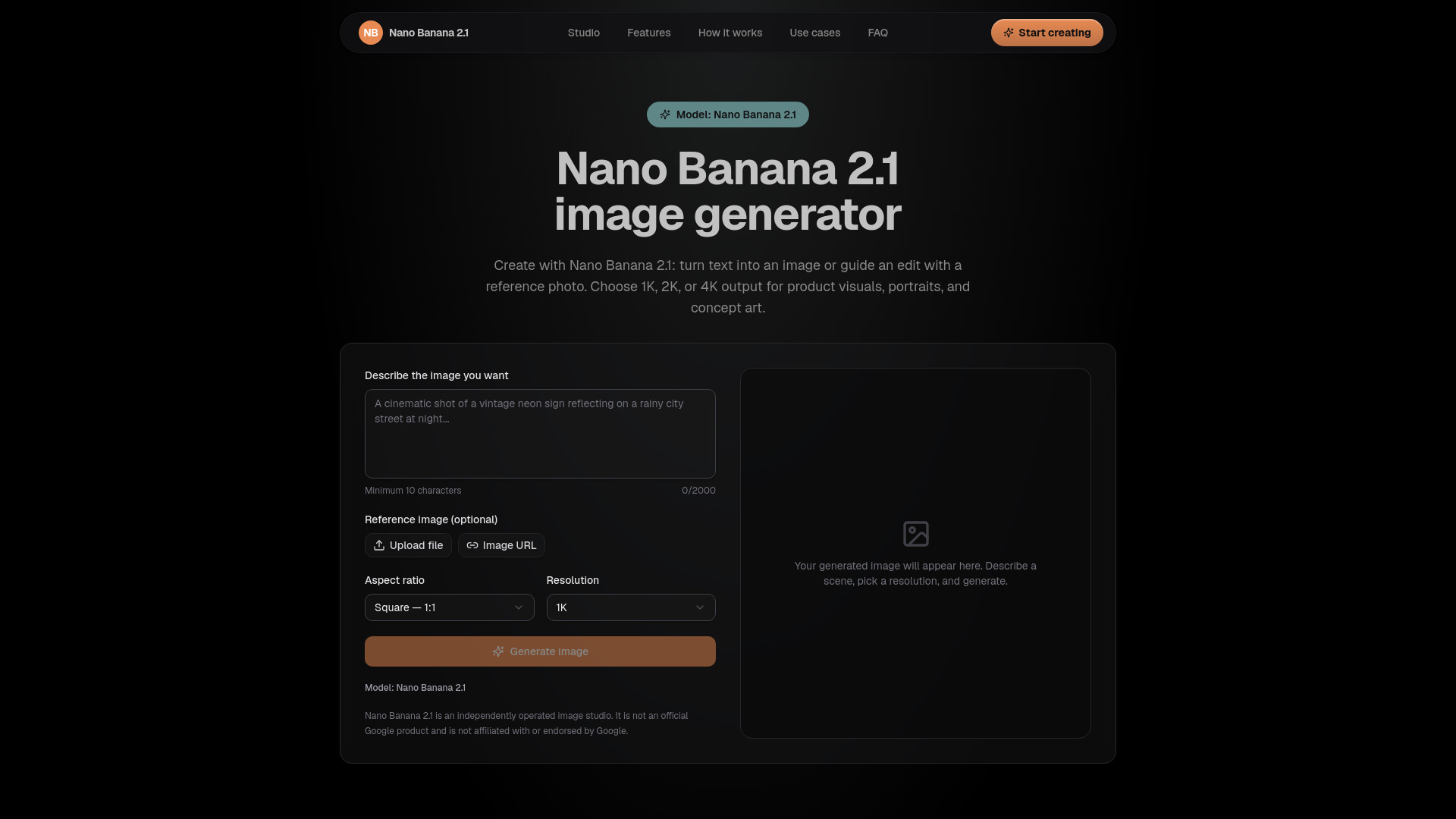
  1. Enter Your Prompt: Describe the desired image in natural language, specifying composition, style, colors, and any text required. GPT Image 2 understands complex prompts to generate high-quality visuals.
  2. Customize Your Settings: Choose the resolution (from standard 1024×1024 up to 4K ultra-high definition), select the output format (PNG, JPEG, or WebP), enable transparent backgrounds if needed, and pick a visual style.
  3. Generate & Download: Initiate the generation process and receive the AI-created image. Refine the result with follow-up natural language instructions for iterative improvements.
Features of GPT Image 2 — Online AI Image Generator by OpenAI’s GPT
  • Unmatched Text Rendering: Achieves 95%+ accuracy in rendering text within images, suitable for posters, infographics, and labels.
  • Photorealistic & Multi-Style Output: Generates images in various styles including photorealism, digital illustration, anime, oil painting, and flat design.
  • Smart Image Editing: Allows image editing using natural language instructions for inpainting, object removal, background changes, and element additions.
  • Transparent Background Support: Creates images with transparent PNG backgrounds, ideal for logos, product cutouts, and UI elements.
  • 4K Ultra-High Resolution: Outputs images up to 4096×4096 pixels, with presets for 1024×1024, 1536×1024, and 1024×1536.
Use Cases of GPT Image 2 — Online AI Image Generator by OpenAI’s GPT
  • Marketing & Social Media: Creating social media graphics, ad banners, and promotional posters with rendered headlines and calls to action.
  • E-commerce Product Photography: Generating catalog shots, lifestyle scenes, and packaging mockups.
  • Logo & Branding Design: Iterating on brand identity concepts, logo variations, and color palette explorations.
  • Educational & Presentation Content: Building infographics, teaching illustrations, and slide visuals with accurate data labels.
  • UI/UX Design Prototyping: Visualizing app screens, landing pages, and dashboard layouts.
Pricing

GPT Image 2 offers a free tier for generating images without sign-up or credit card, providing access to standard resolution and quality settings. Premium tiers unlock 4K output, priority processing, and higher daily generation limits. Pricing starts at $0.005 per image.
FAQ
  • What is GPT Image 2? It is a next-generation AI image generator powered by OpenAI’s GPT-4o architecture, using an autoregressive approach for superior text rendering and instruction following.
  • How to use GPT Image 2? Describe the image in a prompt, customize settings like resolution and format, then generate. Iterative refinement is supported through follow-up prompts.
  • What formats and resolutions does GPT Image 2 support? Supports PNG (with transparent backgrounds), JPEG, and WebP. Resolutions range from 1024×1024 up to 4096×4096 with upscaling.
  • Is GPT Image 2 free? Yes, a free tier is available without sign-up. Premium tiers offer advanced features.
  • Is my data safe with GPT Image 2? Yes, images and prompts are not stored on servers and are automatically deleted within 1 hour. Data is not used for model training or shared with third parties.
  • How does GPT Image 2 compare to DALL-E 3 and Midjourney? It surpasses DALL-E 3 in text rendering accuracy, maximum resolution, and editing capabilities. Compared to Midjourney, it offers superior text accuracy and built-in editing, while Midjourney excels in artistic aesthetic quality.
  • Can I use generated images commercially? Yes, all generated images can be used for commercial purposes, with full rights retained by the user.

Newsletter

Join the Community

Subscribe to our newsletter for the latest news and updates