Newsletter
Join the Community
Subscribe to our newsletter for the latest news and updates

AI image generator for text-based creation and reference-guided editing
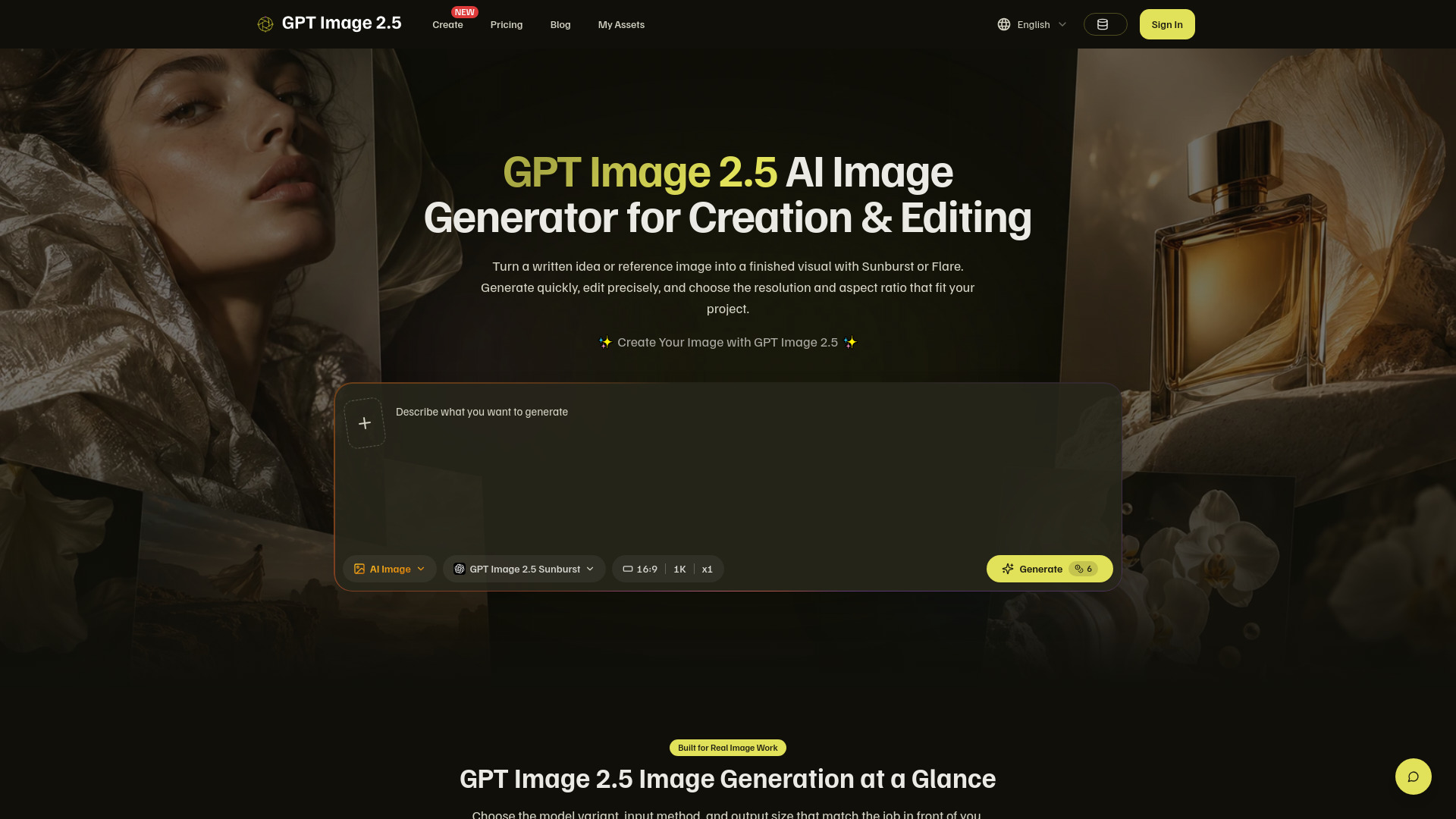
GPT Image 2.5 is an independent AI image generator that creates and edits images from text prompts or reference images. It offers two model variants: Sunburst for precise editing and Flare for fast everyday generation. The tool supports output resolutions up to 4K and various aspect ratios, making it suitable for social media, product pages, presentations, and banners. It is not affiliated with OpenAI.
GPT Image 2.5 offers four subscription plans, billed annually with a 50% discount:
All plans are currently marked as "coming soon."
What is the GPT Image 2.5 AI image generator?
It is an independent web workspace for creating and editing images with Sunburst or Flare. Enter a prompt, optionally add reference images, choose a variant and output size, then generate.
Which GPT Image 2.5 model should I choose?
Choose Sunburst when editing precision matters most. Choose Flare when you want fast, high-quality image generation for everyday creative tasks.
Can the AI image generator create from text?
Yes. Start with a text prompt, select GPT Image 2.5 Sunburst or Flare, choose an aspect ratio and resolution, and submit the generation.
Can GPT Image 2.5 edit a reference image?
Yes. Upload one or more reference images and explain what should change. Sunburst is the strongest fit when precise editing is the main goal.
What image files can I upload?
The generator accepts JPEG, PNG, and WebP reference images, with individual uploads limited to the size shown in the workspace.
Which GPT Image 2.5 resolutions are available?
The workspace offers 1K, 2K, and 4K output choices. Higher resolutions use more credits, so choose the size that matches your intended placement.
Does the GPT Image 2.5 generator support different aspect ratios?
Yes. You can choose common square, portrait, landscape, and wide formats before generating, including layouts suited to posts, covers, and banners.
Do I need design experience to use this image tool?
No specialist software knowledge is required. Describe the subject, composition, style, lighting, and constraints in plain language, then refine your prompt or references after reviewing the result.
How are GPT Image 2.5 generations priced?
Each generation uses credits based on the selected resolution. Check the live pricing page and the credit estimate in the generator before submitting a task.
Is this GPT Image 2.5 website operated by OpenAI?
No. GPT Image 2.5 is an independent product and is not affiliated with, endorsed by, or officially connected to OpenAI. OpenAI and GPT are trademarks of their respective owner.