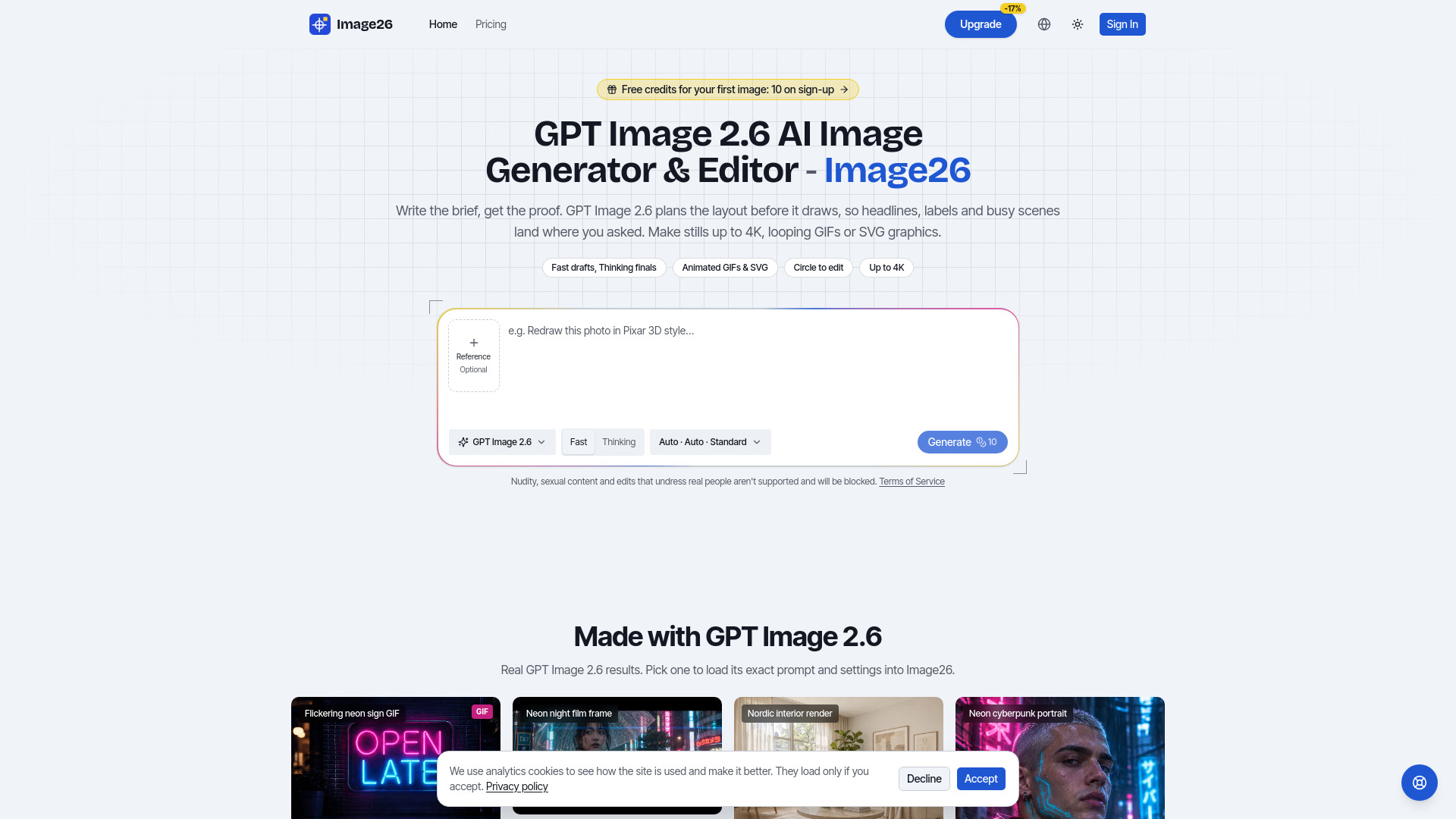
What is GPT Image 2.6 ai
GPT Image 2.6 is OpenAI's image model released in November 2026, the one behind ChatGPT Images 2.6. It comes in two variants: Flare, built for speed (up to 50% faster than 2.5), and Sunburst, for fine detail and consistent edits. On Image26, these are called Fast and Thinking. New in 2.6 are looping GIFs, SVG graphics, and circle-to-edit markup. Image26 is an online image generator and photo editor running on GPT Image 2.6. You can write a description to create a new image, or upload a photo and describe the change you want. Image26 is run independently and has no affiliation with OpenAI.
How to use GPT Image 2.6 ai
- Write the brief for GPT Image 2.6: Describe what you need in everyday language, or drop in a photo to change. Extra reference images help with try-ons, product shots, and keeping a look consistent.
- Choose speed or depth: Select Fast for a quick look or Thinking for the final. Set quality and size; the credit cost is shown on the button before you generate.
- Refine the proof: If the result is close but not there, circle the spot on your photo and say what to change, or attach the result again. Everything you make is kept in your library.
Features of GPT Image 2.6 ai
- Fast and Thinking modes: Fast turns ideas around in seconds (up to 50% faster than 2.5); Thinking plans harder for dense layouts and careful edits. Both cost the same.
- Type that reads right: Headlines, menus, labels, and price tags are set legibly and spelled correctly.
- Animated GIFs and SVG outputs: Create short looping GIFs of simple motions (e.g., steam rising, sign flickering) and SVG graphics for logos, icons, and badges.
- Circle to edit: Mark up a specific area on a photo to indicate changes.
- Up to 4K resolution: Supports fifteen aspect ratios from 3:1 panoramas to 1:3 tall strips, at 1K, 2K, or 4K.
- Multiple reference images: Combine several photos in one request, such as a model plus a jacket for a try-on.
- Commercial license: Paid plans include a commercial license for created content.
Use Cases of GPT Image 2.6 ai
- Poster and banner design: Provide offer, date, and tone to get a print or social layout with headline, price, and fine print.
- AI logo and brand identity: Start with a name and mood to get a mark, wordmark, and palette as an SVG, then see them on mockups.
- Thumbnail and cover maker: Create YouTube thumbnails, carousel covers, and story frames with large, high-contrast titles.
- Infographic generator: Hand over steps or numbers to get a tidy chart with icons and labels.
- Sticker pack maker: Keep a character on-model across a sheet, or make it wave in a looping GIF.
- Comic and storyboard maker: Lay out scenes panel by panel with consistent characters and readable speech bubbles.
- Photo editing: Restore old photos, change backgrounds, redesign rooms, try on outfits, turn pets into clay figurines, convert sketches to photoreal, change seasons, turn selfies into headshots or anime.
Pricing
Image26 offers free credits for new accounts to generate a first image. After that, you use credits from a plan or a pack. Every image shows its cost before you generate. Paid plans come with a commercial license. Pricing ranges from $0 to $499, with up to 17% savings with yearly billing. GPT Image 2.5 costs fewer credits at the Low and Standard tiers, while GIFs and SVGs require 2.6 (GIF costs the same as a still, SVG a few credits more).
FAQ
What can I do with Image26? Image26 is an online image generator and photo editor running on GPT Image 2.6. Write a description to create a new image, or upload a photo and describe the change you want.
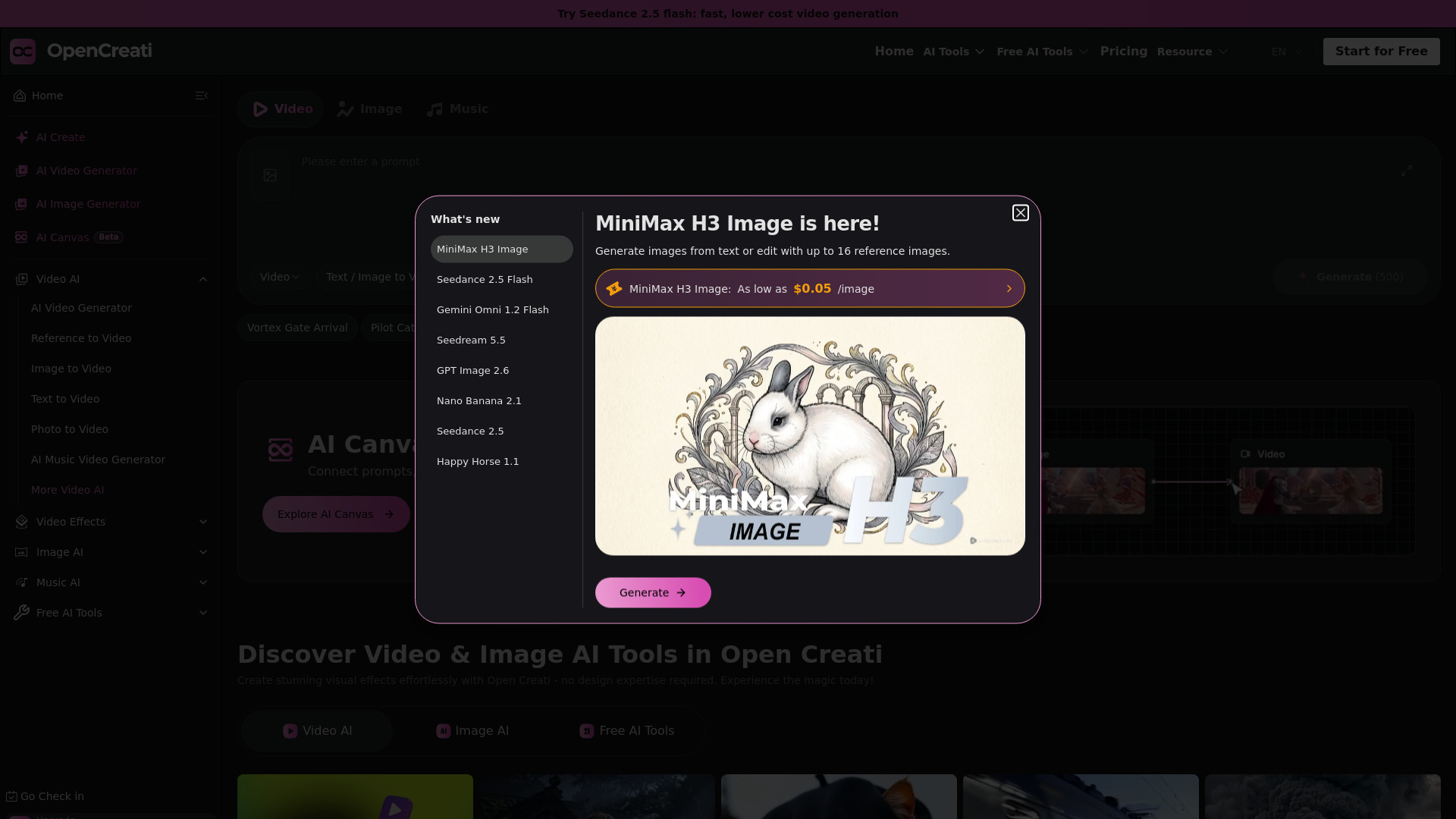
What is GPT Image 2.6? GPT Image 2.6 is OpenAI's image model released in November 2026, the one behind ChatGPT Images 2.6. It comes as Flare, built for speed (up to 50% faster than 2.5), and Sunburst, for fine detail and edits that stay consistent. On Image26 they are Fast and Thinking. New in 2.6: looping GIFs, SVG graphics, and circle-to-edit markup.
Should I use GPT Image 2.6 Fast or Thinking? Use Fast to explore ideas and for everyday images; it comes back quickly. Switch to Thinking for crowded layouts, small details, and edits that must be exact. Both cost the same, and you can change mode at any time.
What are GPT Image 2.6 GIF and SVG outputs good for? SVG works best for logos, icons, badges, and other simple flat graphics: clean shapes, a few colors, and little or no text. It stays sharp at any size, but detailed illustrations and long lettering often come out distorted, so use a normal image for those. A GIF is a short loop of one simple motion, such as steam rising, a sign flickering, or a mascot waving, with the camera held still. Both are made from a prompt only and need GPT Image 2.6; a GIF costs the same as a still, an SVG a few credits more.
Can I still use GPT Image 2.5? Yes. GPT Image 2.6 is the default, and GPT Image 2.5 stays in the model menu in Fast and Thinking. It costs fewer credits at the Low and Standard tiers, so it suits quick drafts and large batches. GIFs, SVGs, and circle edits need 2.6.
Can I try GPT Image 2.6 on Image26 for free? Yes. New accounts receive free credits for a first image. After that you use credits from a plan or a pack, and every image shows its cost before you generate.
How well does GPT Image 2.6 handle text on posters, menus, and logos? Very good for headlines and short labels. Put the exact words in quotes in your prompt, and proofread the result before it goes to print.
Can GPT Image 2.6 combine several reference photos in one image? Yes. Add multiple images to a single request, such as a model plus a jacket for a try-on, or a handful of photos that set the style.
How do I write prompts for GPT Image 2.6? Describe the subject, the setting, the style, and any text you want, in plain words and in any language. Put exact wording in quotes. To adjust a result, attach it as a reference in Image26 and describe what to change.
Which sizes and resolutions does GPT Image 2.6 support? Fifteen aspect ratios, from 3:1 panoramas through square to 1:3 tall strips, at 1K, 2K, or 4K. Leave size and ratio on Auto and the model picks what fits the prompt.
Can I use GPT Image 2.6 images commercially? Yes, paid plans come with a commercial license for what you create. For large-scale publishing, also review OpenAI's usage policies.
Is Image26 made by OpenAI? No. Image26 is run independently and has no affiliation with, endorsement from, or sponsorship by OpenAI. It accesses OpenAI's GPT Image 2.6 through third-party model platforms. GPT and GPT Image are OpenAI trademarks.