What is Happy Horse 1.0
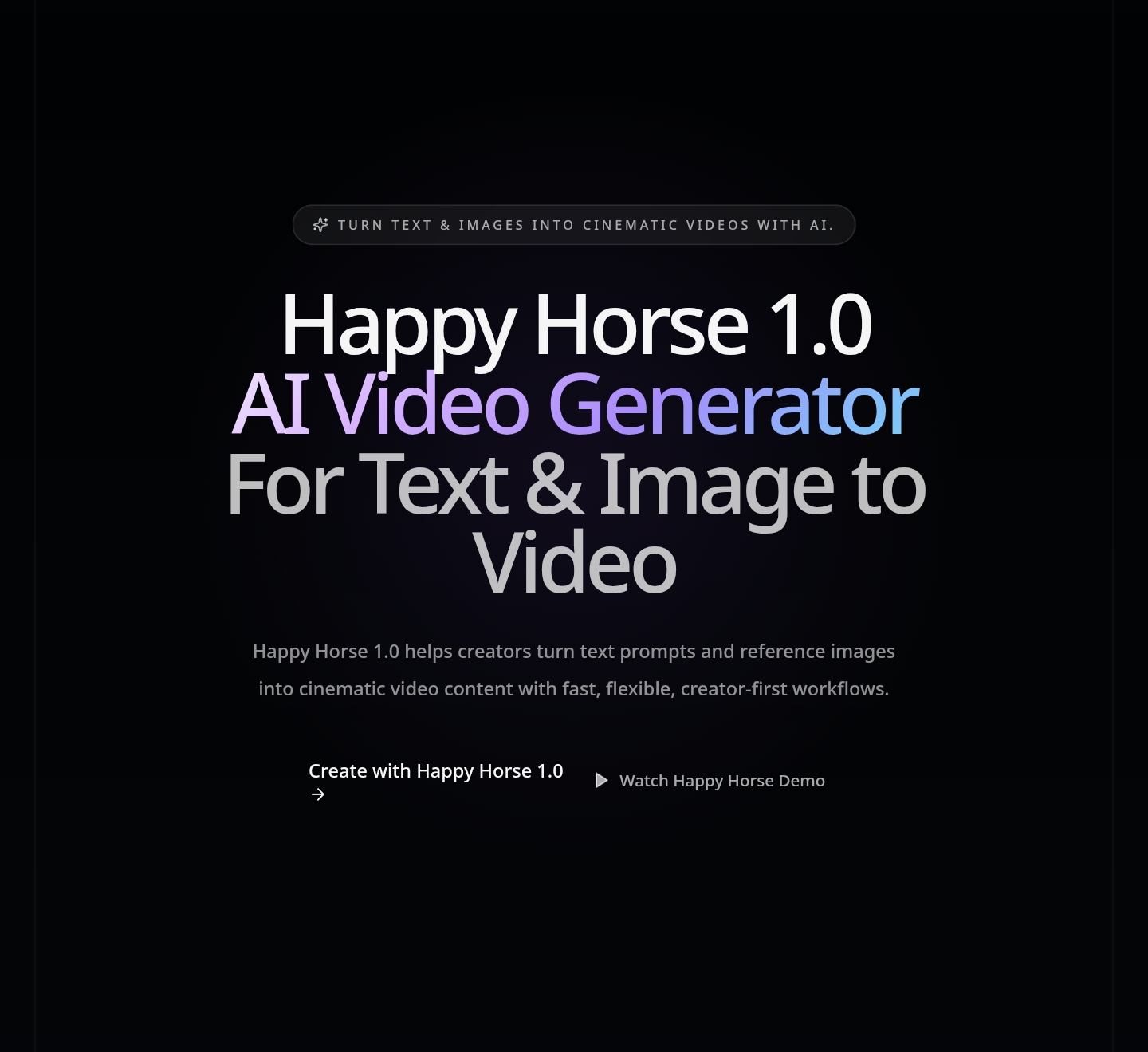
Happy Horse 1.0 is an AI video generator designed for creating cinematic videos from text prompts and reference images. It offers a platform for fast text-to-video and image-to-video creation, enabling users to generate video content efficiently.
How to use Happy Horse 1.0
- Describe your idea: Enter a prompt detailing the subject, action, setting, mood, shot type, lighting, and pacing.
- Choose your format: Select text-to-video or image-to-video, and match the aspect ratio and output style.
- Refine your result: Adjust pacing, framing, motion intensity, and creative direction using simple language.
- Export: Download your generated video for various uses.
Features of Happy Horse 1.0
- Text-to-Video Generation: Create videos from text descriptions.
- Image-to-Video Generation: Animate still images into video content.
- Prompt Alignment: Follows detailed prompts for subject, motion, mood, style, camera direction, and scene details.
- Fast Iteration: Quickly generate, review, and refine video concepts.
- Multiformat Output: Supports vertical, horizontal, and social-friendly video formats.
- Creative Flexibility: Suitable for marketing campaigns, social media content, product demos, and experimental concepts.
- Simplified Workflow: Reduces the need for complex editing software and traditional production overhead.
Use Cases of Happy Horse 1.0
- Marketing: Create campaign videos, product launch messaging, and brand hooks.
- Social Media: Generate short-form video content.
- E-commerce: Produce videos for product benefits and visual storytelling.
- Content Creation: Develop explainers, mood pieces, tutorials, and demo scenes.
- Creative Exploration: Test ideas and iterate rapidly on visual concepts.
FAQ
- What is this platform? Happy Horse 1.0 is a modern AI video generator for fast text-to-video and image-to-video creation.
- How does it work? Users describe their idea via a prompt or upload an image, select format options, refine the output, and then export the video.
- Is it good for image-to-video workflows? Yes, it supports image-to-video animation by adding motion and depth to still images.
- What makes it different from other AI video generators? It combines creator-friendly controls with fast AI video generation, supporting both prompt-based and image-based workflows.
- Can I use it for commercial projects? Review every result before publishing, client delivery, or commercial use. (Note: Specific commercial use terms are not detailed).
- Why do users search for related AI video terms? Users search for related terms to find tools that offer efficient video creation, prompt control, and flexible output formats.
- How can I get better results? Be specific in prompts regarding the scene, camera language, mood, lighting, and end-use. Refine prompts with clearer motion, framing, and subject details.