What is Heyclicky
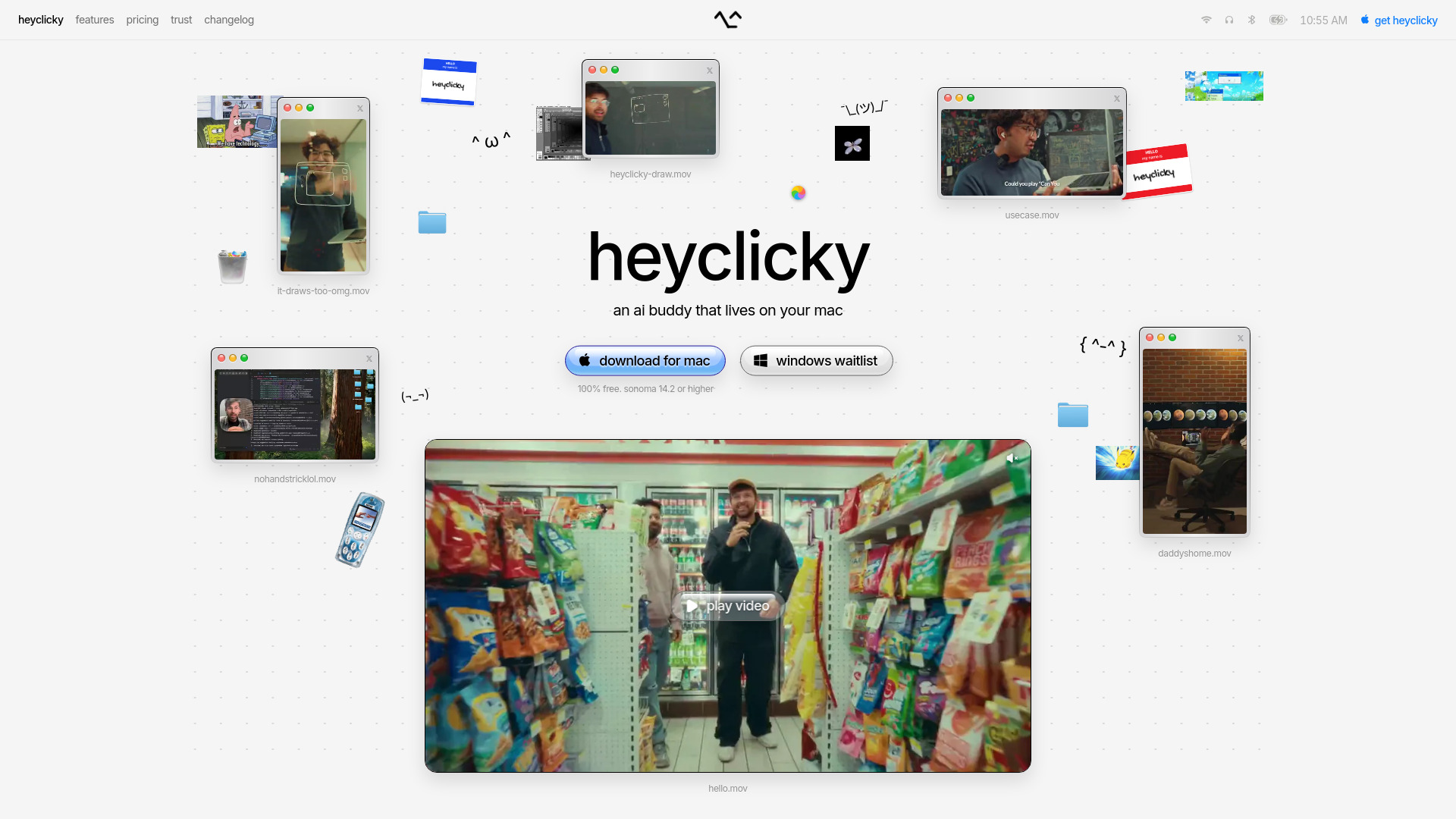
Heyclicky is an AI buddy that lives on your Mac. It is a screen-aware assistant that can see what you see when you press a hotkey, allowing you to ask questions out loud and get guidance, learn new tools, or have it perform tasks for you via agents.
How to use Heyclicky
- Download and install Heyclicky on your Mac (requires macOS Sonoma 14.2 or higher).
- Press the hotkey to activate Heyclicky – it will then see your screen.
- Ask anything out loud, and Heyclicky will walk you through what you're working on.
- To have it perform tasks, say "heyclicky agent" and it will go do the task for you.
Features of Heyclicky
- Screen awareness: Sees your screen only when you press the hotkey; screenshots are never stored.
- Voice interaction: Ask questions out loud and get spoken guidance.
- Guided learning: Teaches you any tool or app on your screen.
- On-screen drawing: Draws directly on your screen to point the way.
- Agent automation: Runs agents to complete tasks for you while you're away.
- Privacy: Only sees your screen when activated; no continuous monitoring.
Use Cases of Heyclicky
- Learning new software like DaVinci Resolve.
- Getting step-by-step guidance when stuck on any task.
- Automating repetitive tasks with agents.
- Receiving visual instructions with on-screen annotations.
Pricing
Heyclicky offers three plans:
- Free: $0/month – includes 25 talk messages, plenty of dictation, and 25 agent messages per month.
- Pro: $20/month – unlimited talk, unlimited dictation, and 150 agent messages per month.
- Max: $100/month – unlimited talk, unlimited dictation, and 1,000 agent messages per month.
All plans are month-to-month and cancel anytime. A maker discount is available for creators (50% off first month on Pro).
FAQ
Is my data private? Yes. Heyclicky only sees your screen when you press the hotkey, and screenshots are never stored. Basic text summaries are kept for context, and you can delete your account and data in settings.
Is Heyclicky watching my screen all the time? No. It never looks at your screen unless you press the hotkey.
What can Heyclicky actually do? It teaches you any tool, walks you through what you're stuck on, draws on your screen to point the way, and runs agents to do tasks for you.
What's the difference between talk and agents? Talk is the conversation – ask anything out loud. Agents are Heyclicky actually doing tasks for you, counted per month on each plan.
Which apps does it work with? Anything on your screen. If you can see it, Heyclicky can see it – no plugins or integrations needed.
Do I need a Mac? For now, yes. Heyclicky is Mac-only (Sonoma 14.2 or higher). Windows is coming, with a waitlist available.
Is it free? You can start for free. Pro is $20/month and Max is $100/month. Cancel anytime.
What happens if I hit my agent limit? Talk keeps working always. Agent messages pause until the next cycle, or you can upgrade to Max for 1,000 per month.
Can I cancel anytime? Yes. Everything is month-to-month, no lock-in. Cancel in one click and keep access through the end of your cycle.