Newsletter
Join the Community
Subscribe to our newsletter for the latest news and updates

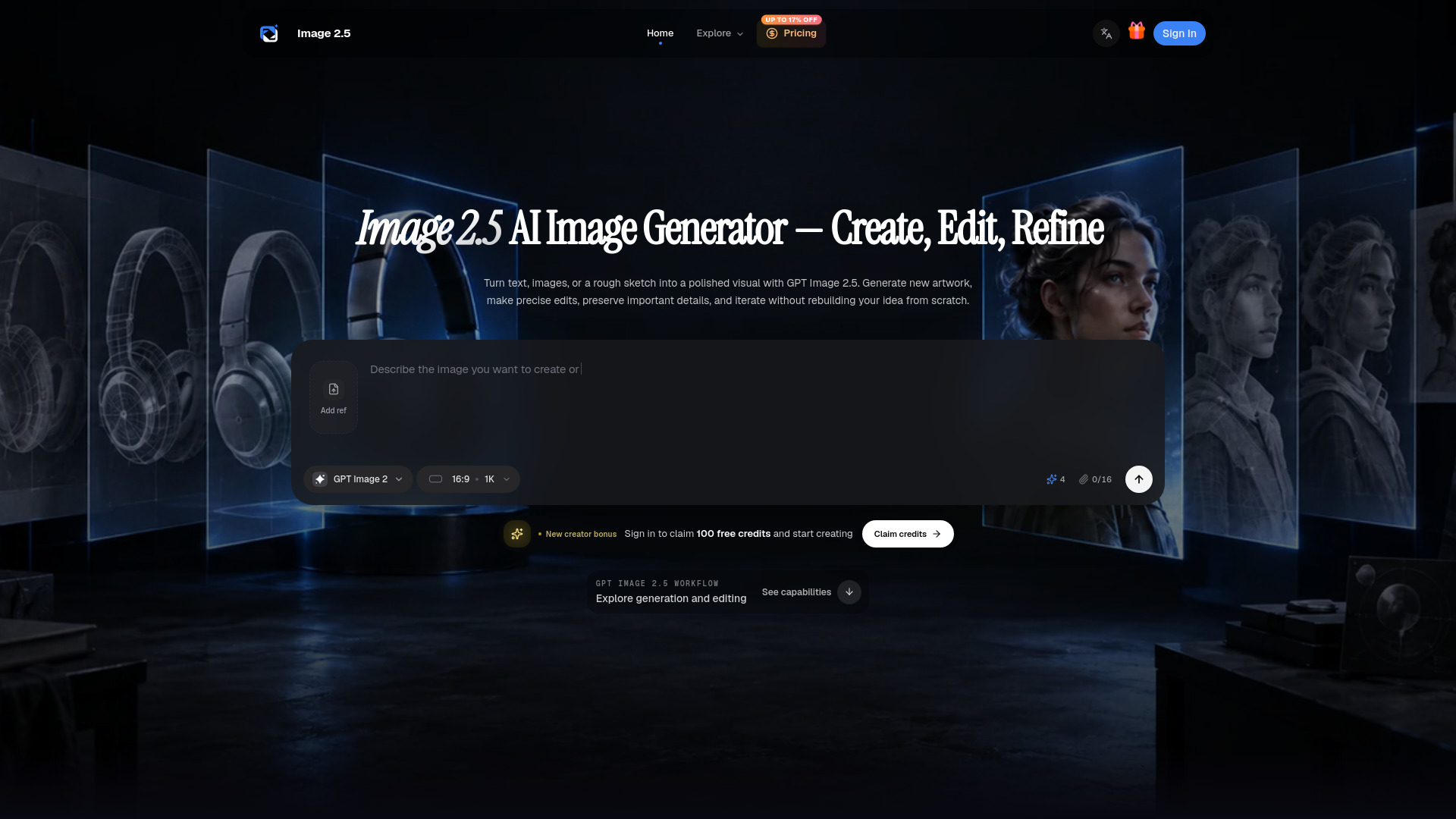
AI image generator and editor for creating and refining visuals
Image 2.5 is an AI image generator and editor that brings the capabilities of GPT Image 2.5 into a focused browser workflow. It allows users to create new images from text prompts, edit existing images, use multiple reference images, and refine visuals through multi-turn conversations. The tool offers two models: Sunburst, which prioritizes editing precision and image quality, and Flare, which is optimized for speed and high-quality everyday generation. It supports custom sizes up to 4K, multiple output formats (PNG, JPEG, WebP), and transparent backgrounds for PNG and WebP.
Image 2.5 offers monthly and annual credit plans, as well as one-time credit packs. The yearly plan provides up to 17% savings. Credits can also be used with other models in the workspace, and the exact cost is shown before each generation. Paid plans and credit packs support personal and commercial projects, subject to terms of service.
What is GPT Image 2.5? GPT Image 2.5 is OpenAI's image-generation and editing family released on September 8, 2026. It accepts text and image inputs and produces images through two variants: Sunburst and Flare.
What is the difference between Sunburst and Flare? Sunburst is the quality-first model for workflows where editing precision matters most. Flare is the fastest GPT Image 2.5 model for high-quality everyday generation.
Can Image 2.5 generate and edit images? Yes. Create a new image from a prompt, edit an existing image, use multiple images as references, or guide a targeted change with a mask. Multi-turn workflows let you continue refining the same visual direction.
Which sizes and formats does GPT Image 2.5 support? It supports recommended square, landscape, and portrait sizes plus custom dimensions up to 4K within documented limits. Output can be PNG, JPEG, or WebP, with transparent backgrounds available for PNG and WebP.
Which quality settings are available? GPT Image 2.5 supports low, medium, high, xhigh, max, and auto quality. Use lower quality for quick drafts and compare higher settings for final detail, latency, and cost.
How do I keep a character or product consistent? Use clear reference images, name the features that must stay recognizable, and keep each revision focused. GPT Image 2.5 improves detail retention during edits, though every result should still be reviewed.
How fast is GPT Image 2.5? Flare is optimized for speed, while Sunburst prioritizes editing precision and image quality. Complex prompts can still take up to two minutes, and partial-image streaming can provide progress previews.
Can I use generated images for commercial projects? Paid plans and credit packs support personal and commercial projects, subject to the terms of service and your rights to any uploaded source material. Review every output before publishing or delivery.