Newsletter
Join the Community
Subscribe to our newsletter for the latest news and updates

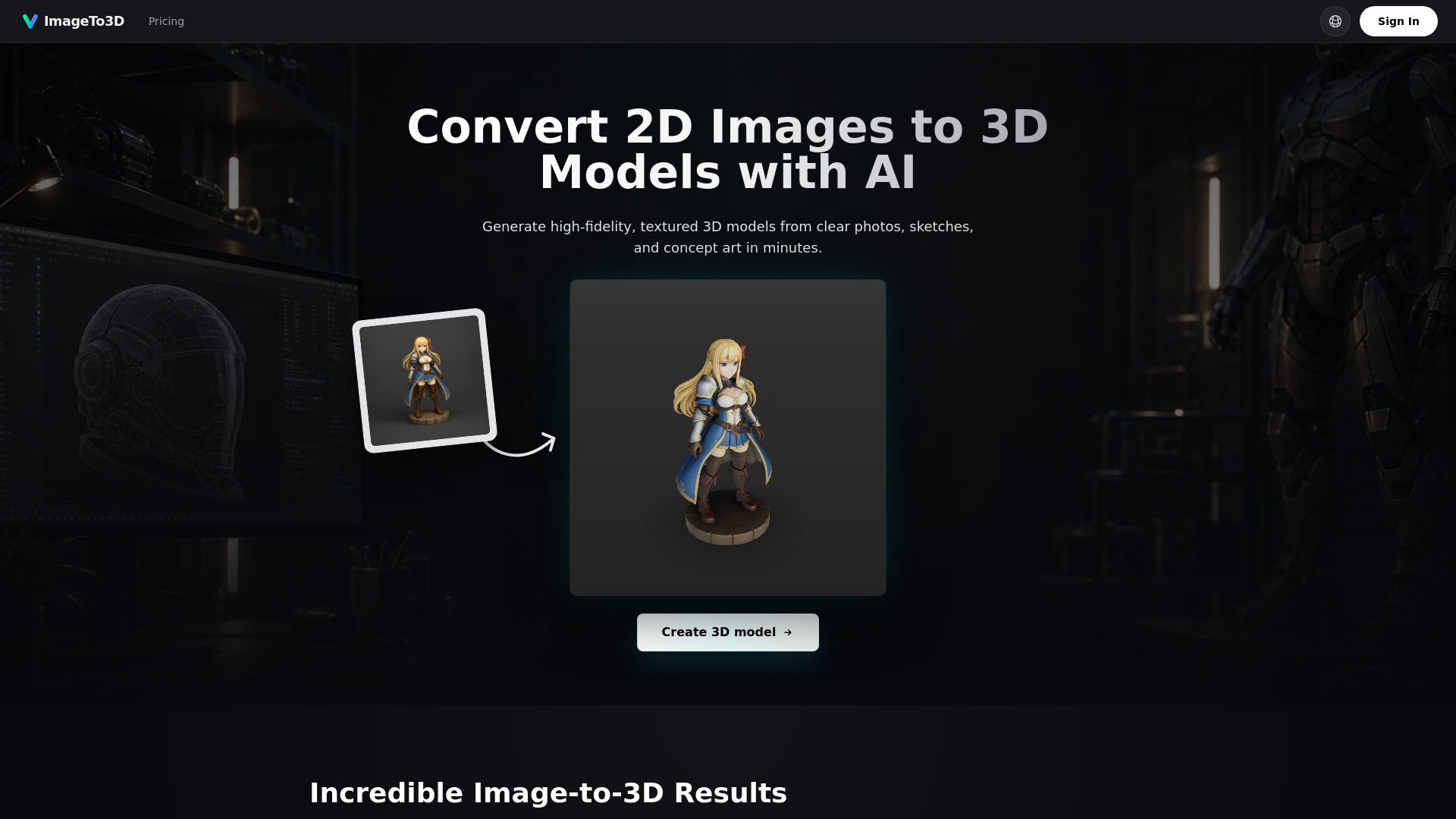
Convert images into textured 3D models with AI.
ImageTo3D is an AI-powered tool that converts 2D images into high-quality textured 3D models. It uses modern 3D generative pipelines to reconstruct detailed 3D assets from clear image references, such as photos, sketches, or concept art. The tool generates 3D models in various formats, including GLB, STL, PLY, and USDZ, suitable for workflows in Blender, Unity, Unreal Engine, and 3D printing.
ImageTo3D offers credit packs and subscription plans (monthly and yearly). The pricing plans include:
All plans include credits valid for up to 1 year, commercial license, access to all AI models, and no subscription required. The Pro Standard and Max Value plans also include priority customer support. Yearly plans offer a 29% discount.
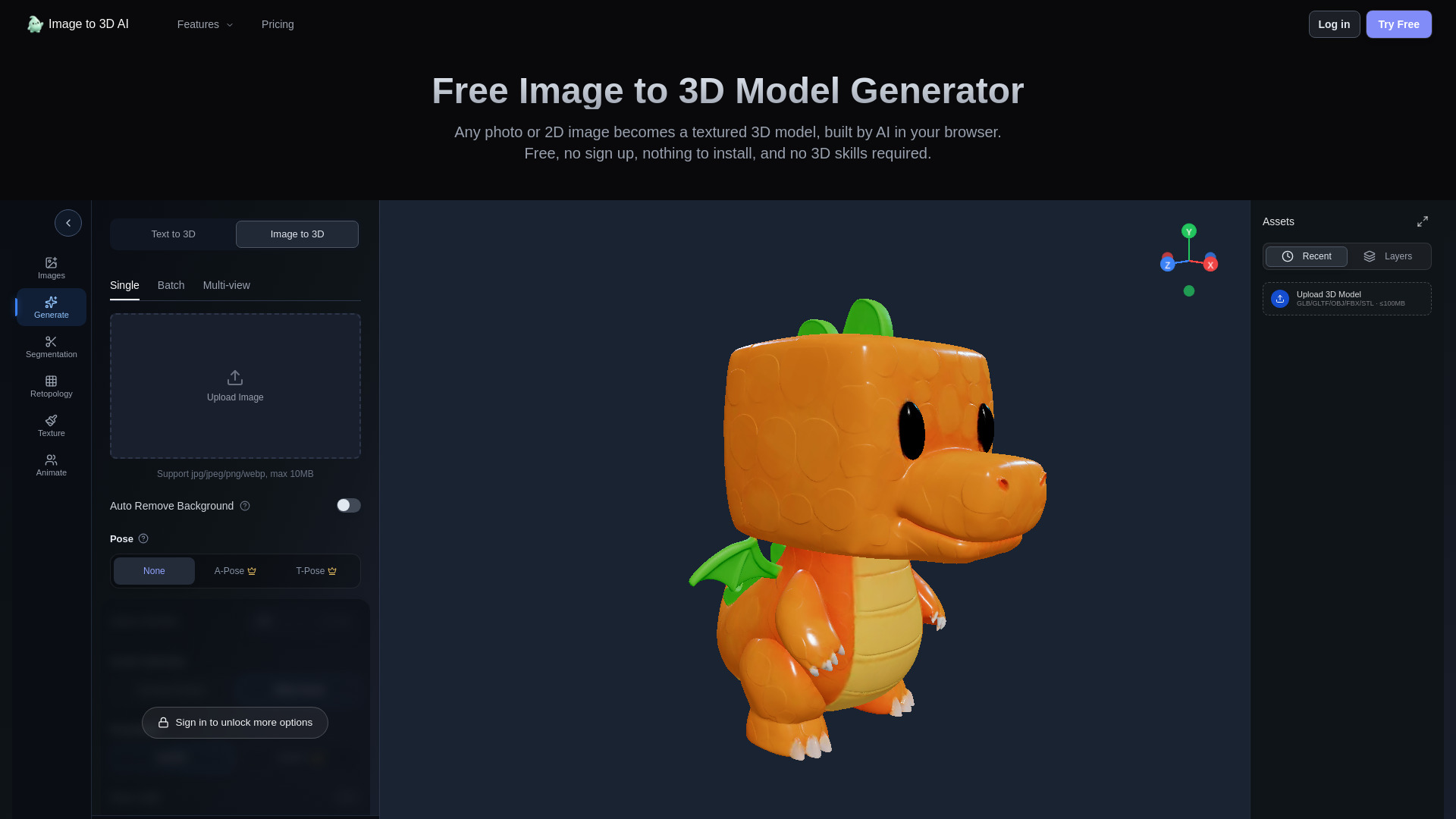
What is the best image to 3D model AI? ImageTo3D is an advanced AI image-to-3D converter. It uses modern 3D generative pipelines to reconstruct detailed 3D assets with textured surfaces from clear image references.
Do I need a paid plan to convert a 2D image to a 3D model? Yes, generating high-quality 3D models with AI is computationally intensive. Paid credit packs and subscription plans help cover the GPU resources needed for reliable generation workflows.
What types of images work best for image to 3D conversion? For the best 2D image to 3D model conversion, use clear photos or concept art with a plain background. Single objects or characters with good lighting produce the highest quality textured GLB model files.
How long does it take for the AI to turn an image into a 3D model? Our image to 3D AI generator is extremely fast. Most images are converted into fully textured 3D models within 30 to 90 seconds.
Is this tool good for image to 3D print workflows? Yes. Once your 2D image is converted to 3D, you can export an STL file for slicing software such as Cura, PrusaSlicer, or Bambu Studio. As with most AI-generated meshes, complex results may still need scale checks, support setup, or cleanup before printing.
Can I use the generated 3D models commercially? Yes, all 3D models generated from images using our paid tier can be used for commercial projects, including games, animations, product visualizations, and marketing materials.
What 3D file formats can I export? ImageTo3D supports multiple export formats. GLB is the default and includes full textures. You can also export to STL for 3D printing, PLY for point cloud workflows, and USDZ for Apple AR Quick Look experiences.
Can I convert a sketch or drawing to a 3D model? Yes. Sketches, concept art, and digital illustrations can be used as input. The AI interprets the visual structure of the drawing to generate a 3D mesh. Clean line art with clear shapes and shading tends to produce the best results.
Do I need 3D modeling experience to use this tool? No. ImageTo3D is designed for users at all skill levels. You upload an image, the AI generates the 3D model, and you download the result. For advanced users, the exported files are fully compatible with professional tools like Blender, Maya, and ZBrush for further refinement.
How is AI image to 3D different from photogrammetry? Photogrammetry requires dozens or hundreds of photos taken from multiple angles to reconstruct a 3D scene. AI image to 3D works from a single image, using deep learning to predict the full 3D shape. It is faster and more accessible, though photogrammetry may capture finer surface detail for large-scale or archival projects.