Newsletter
Join the Community
Subscribe to our newsletter for the latest news and updates
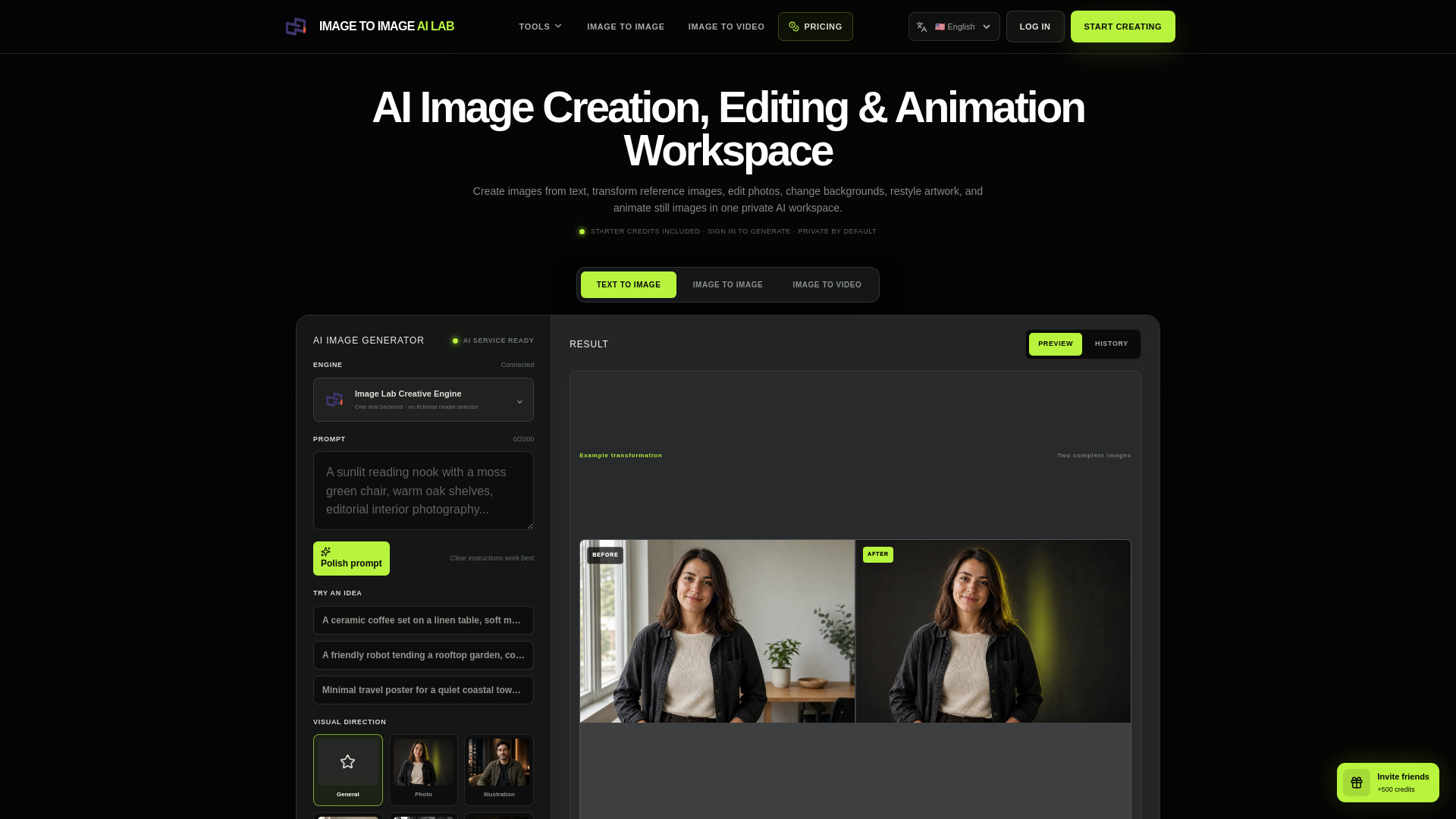
Generate, transform, and edit images in virtually any visual style—from photorealistic and cinematic to anime, watercolor, oil painting, 3D, pixel art, vintage, fantasy, and more—then bring still images to life with AI video.
Image to Image AI Lab is an AI creative studio that provides 100% creative freedom for generating, editing, restyling, and animating images. It offers a private workspace where users can control subject, composition, lighting, palette, style, and format across text-to-image, image-to-image, image-to-video, and other tools.
New accounts receive starter credits (550 credits total: 200 for AI Image Generator, 350 for Image to Video). Each generation shows its current cost before submission. Credits are used across all tools. Additional credits can be purchased via pricing plans.
What does 100% creative freedom mean here? It means you can direct the subject, composition, aspect ratio, lighting, palette, and visual medium in your own words, then refine or transform the result across connected tools. Lawful-use rules and safety protections still apply.
Are my creations shown publicly? No. This site does not publish a community feed. Your projects stay in your private account history unless you download and share them yourself.
Do I need design experience? No. Start with one sentence, then use prompt polish or an idea chip to add useful visual detail.
Can I edit photos of people? Yes, when you own the photo or have permission to edit it. Use a precise prompt that names both the intended change and the identity details that should remain consistent.
Can I turn a finished image into a video? Yes. Open Image to Video, upload the still image and describe one coherent subject action, environmental movement and camera direction.