
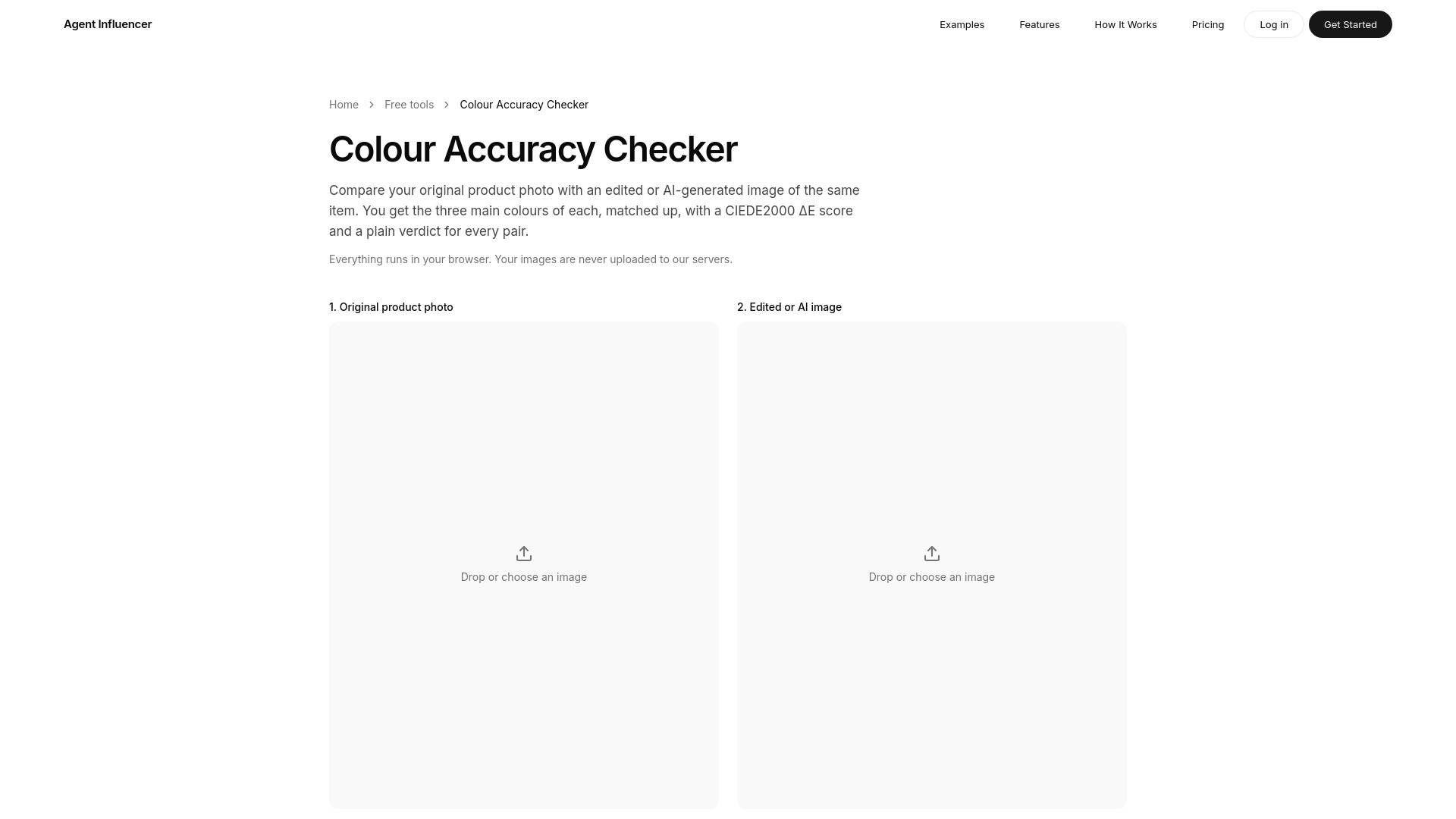

Colour Accuracy Checker by Agent Influencer
AI Product Photography
Check whether an edited or AI product photo still matches your real product’s colour.
Check pricingVisit site

AI Photo Editor
Free AI toolkit for generating, editing, and enhancing images
Explore other tools in related categories.
AI Product Photography
Check whether an edited or AI product photo still matches your real product’s colour.

AI Photo Editor
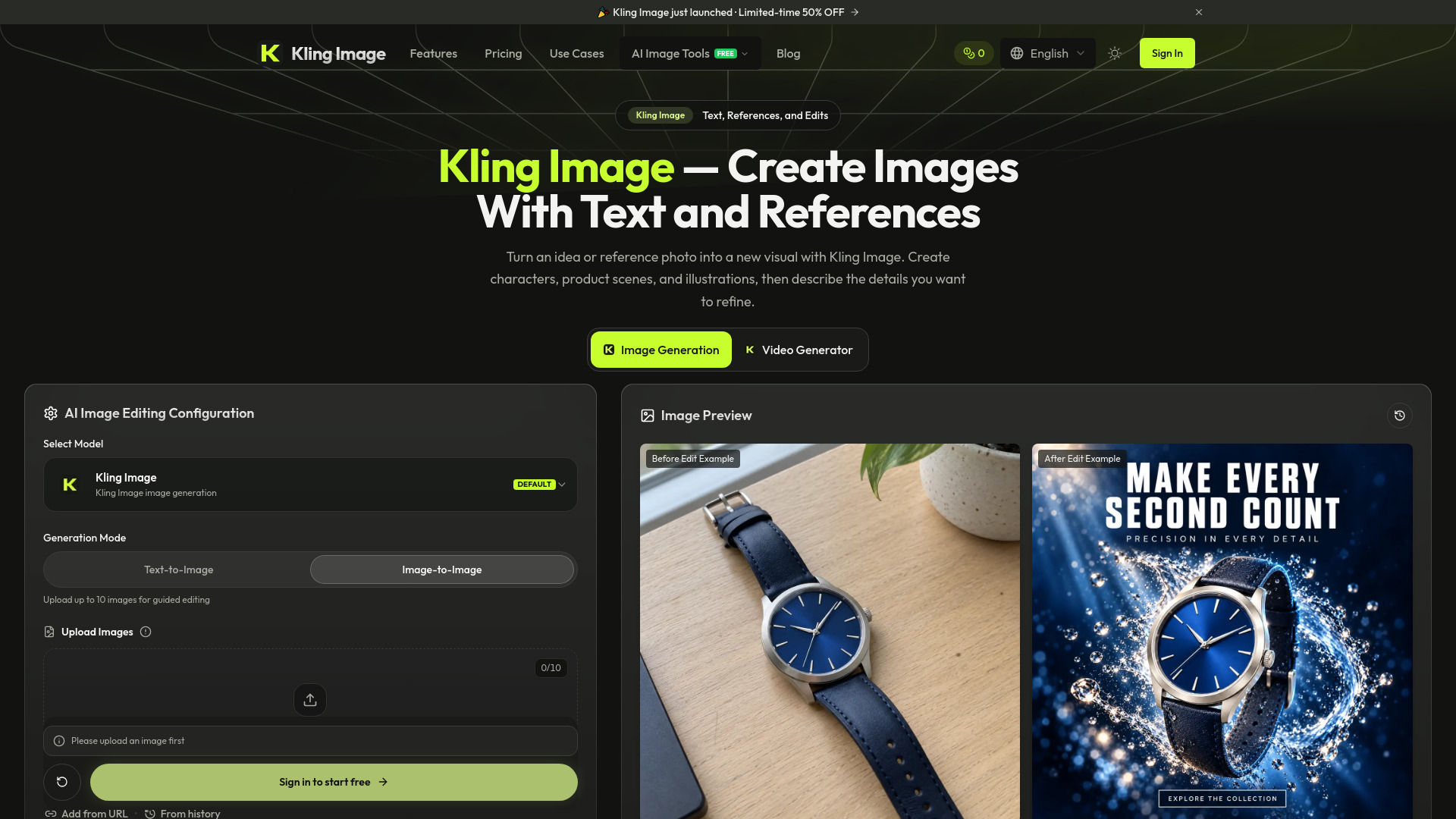
AI image generator and editor using text prompts and reference photos

AI UGC Video Generator
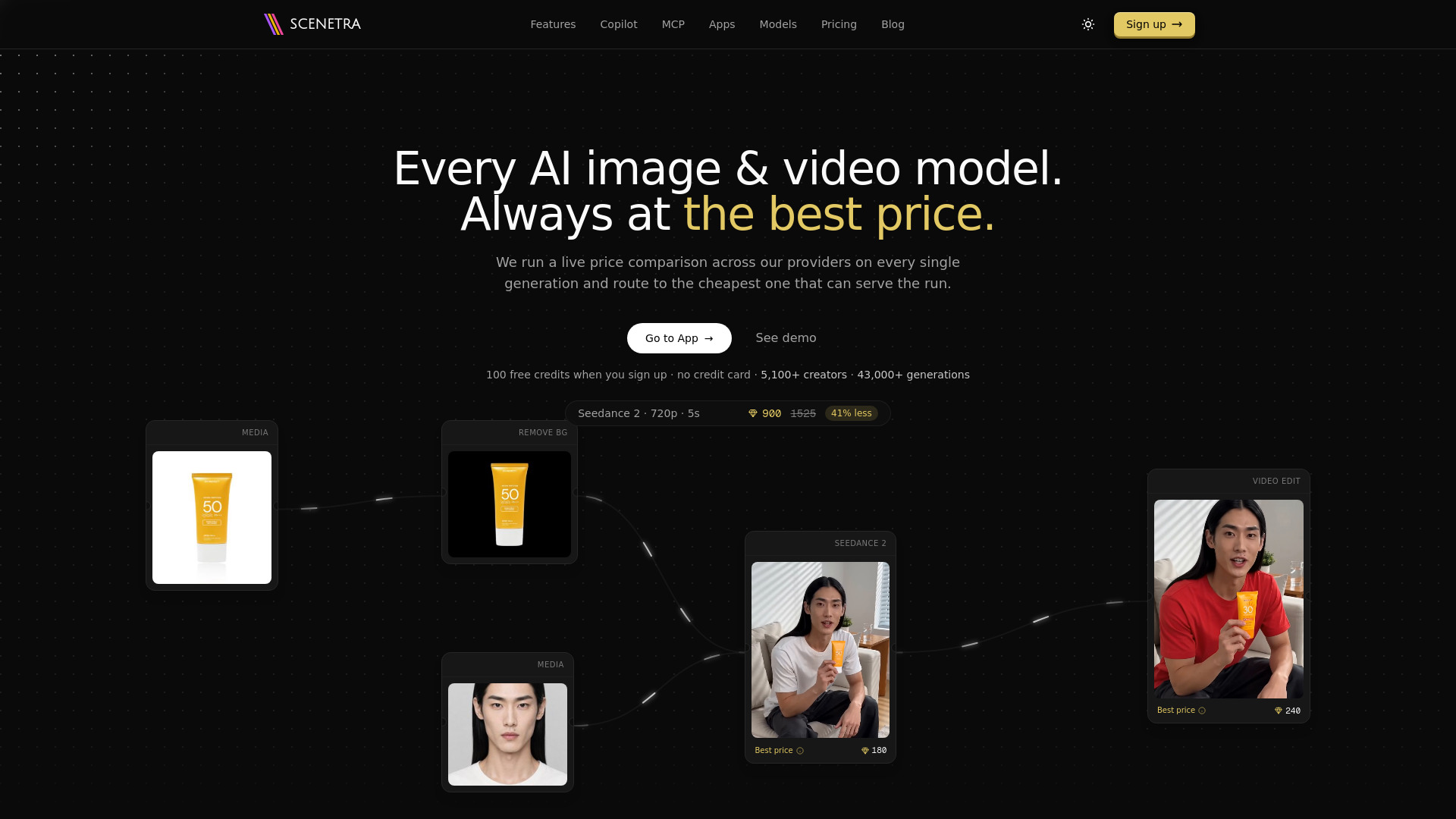
AI image and video generation at the best price: 50+ models in one visual workspace, billed at provider cost with 0% markup.
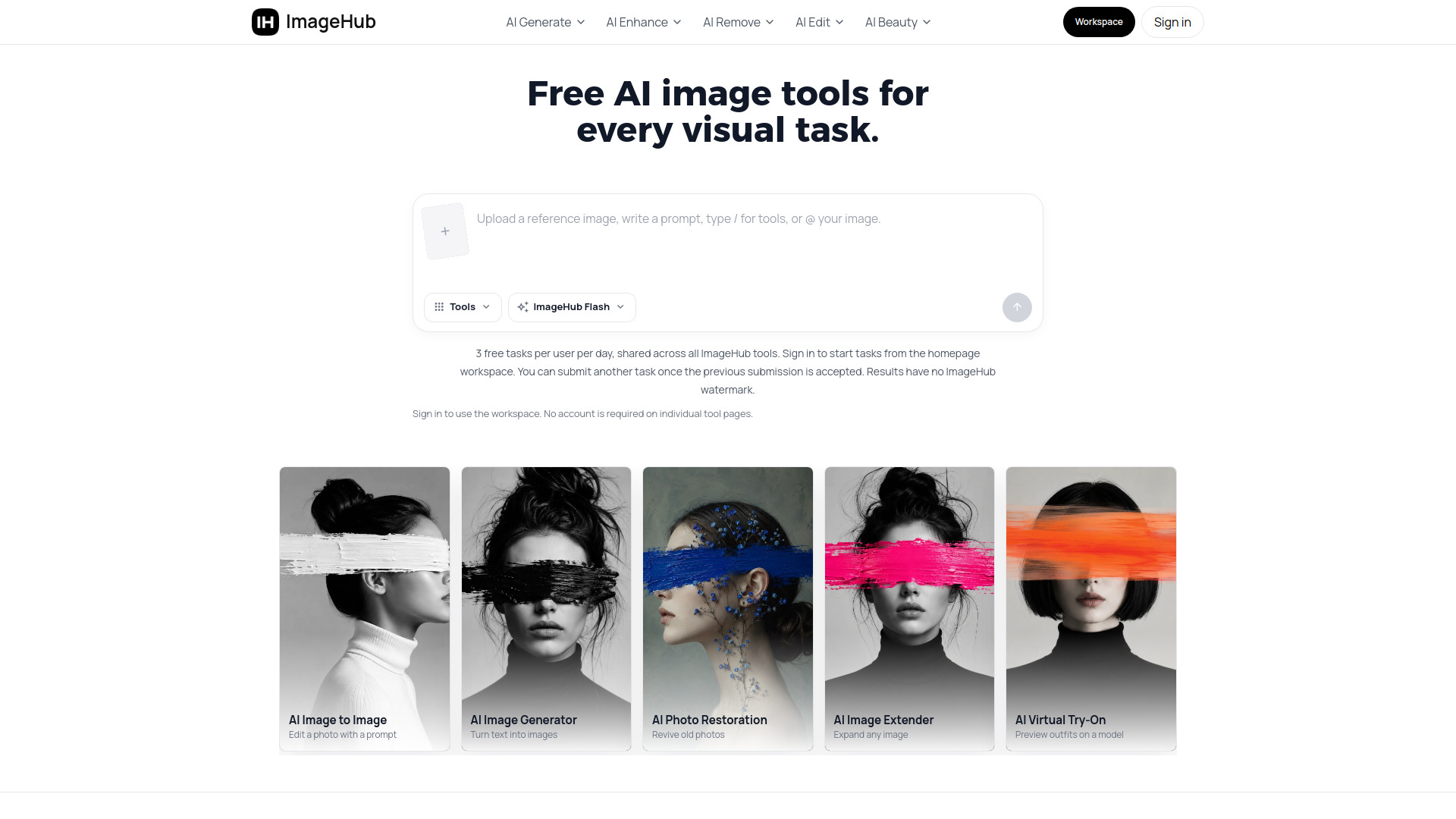
ImageHub is a free AI toolkit for generating, editing, and enhancing images. It offers a collection of web-based tools that allow users to create images from text prompts, transform existing images, remove backgrounds and objects, upscale photos, restore old pictures, and try on outfits online. All tools are accessible directly in the browser without installation.
ImageHub is free to use. Every tool is free, and you can get results without paying anything. There is a limit of 3 free tasks per user per day, shared across all ImageHub tools. No watermark is added to downloads, and you can use the results commercially.
Is ImageHub free to use? Yes — every tool here is free to use. Start with the AI image generator or the background remover and get a result back without paying anything.
Do I need an account or to log in? You do not need an account when you use a tool from its individual tool page. Tasks started from the all-in-one workspace on the ImageHub homepage require you to sign in.
Is there a limit on how many images I can make? 3 free tasks per user per day, shared across all ImageHub tools.
Do the images have a watermark, and can I use them commercially? No watermark — your download comes back clean. And you're free to use the results commercially, so a generated visual or a white-background product shot is ready for your store, ads, or client work.
Do I need to install or download anything? No — every tool works in your web browser, so there's nothing to install or keep updated. Pick a job from the tool map and it opens right on the page.
Can I use the same image across several tools? Yes — that's the point of the toolkit. Remove the background, drop the cutout into the background changer, then upscale the final frame. Each tool hands its result to the next.
Does it work on low-quality or blurry photos? It depends on your source image. AI tools build from what's in the upload, so a small or heavily compressed photo gives the model less to work with — run it through the AI image upscaler first, then try again for a cleaner result.